CPU Upgrade Toowoomba: 2026 Guide to a Faster PC

Last week, a local resident in Newtown sat staring at a frozen screen while their computer struggled to process a simple Windows update. It’s a common frustration in 2026, as modern software demands more power than many older systems can provide. You might feel your PC is reaching its limit, yet the thought of a CPU upgrade Toowoomba feels daunting because of confusing jargon or the fear of bending delicate processor pins. It’s completely normal to feel anxious about complex hardware changes when all you really want is a computer that responds instantly to your commands.

We agree that you shouldn’t have to be an IT expert to enjoy a fast, reliable machine. This guide will show you how a professional hardware refresh can revitalise your system’s speed and prepare you for the latest software demands. You’ll discover the specific components needed for 2026, such as the Intel LGA1851 or AMD AM5 platforms, and learn why local expert installation is the safest path to a better PC. We’ll walk through the latest processor trends and how to achieve snappy performance in Windows 11 or 12 without the DIY stress.

Key Takeaways

  • Identify performance bottlenecks like micro-stuttering and high CPU usage that signal it’s time for a hardware refresh.
  • Navigate the complexities of a CPU upgrade Toowoomba by understanding motherboard socket compatibility for the latest 2026 processor generations.
  • Compare the current Intel and AMD offerings to find the ideal balance of speed and efficiency for your specific home or business goals.
  • Learn the essential safety steps for installation, from managing thermal paste to protecting delicate components from static damage.
  • Explore the benefits of professional local support to ensure your system is correctly configured and fully optimised for Windows 11 or 12.

Signs You Need a CPU Upgrade in 2026

Identifying a slow computer is usually easy, but pinpointing the cause requires a closer look under the hood. If you notice micro-stuttering or brief freezes when switching between professional applications, your Central Processing Unit (CPU) might be the culprit. You can verify this by opening the Task Manager with Ctrl+Shift+Esc. If the CPU usage graph consistently sits above 90% while you perform standard tasks, you have found a hardware bottleneck. For residents considering a CPU upgrade Toowoomba, this data provides the evidence needed to move forward with a hardware refresh.

The software environment in 2026 has changed significantly. Modern applications now use AI-enhanced features for everything from noise cancellation in video calls to real-time data analysis in spreadsheets. These features place a heavy burden on older silicon. While a professional Windows tune-up from our Newtown office can often clear out software clutter, it cannot add physical processing cores. If your hardware is more than four or five years old, it may simply lack the raw power required for today’s digital workload.

We see many clients in the Darling Downs region who feel frustrated by a computer that was fast only a few years ago. Our team at Aspire Computing takes a diagnostic-first approach to ensure an upgrade is actually the right path for you. We provide a “No Fix, No Fee” reassurance, so you can feel confident that we are focused on real performance results rather than just selling parts. Whether you are working from a home office in Middle Ridge or running a business in Wilsonton, your hardware should support your productivity, not hinder it.

Performance Bottlenecks in Modern Apps

Outdated processors struggle with the high-resolution demands of 2026. If 4K video conferencing feels choppy or your creative suite takes minutes to load, the CPU is likely struggling to keep up. This “choppy” feeling often persists even if you have plenty of RAM because the processor cannot move data fast enough. Large spreadsheets with complex formulas also rely heavily on single-core speed, which has improved drastically in the latest processor generations.

Software and Operating System Requirements

Security is a major driver for hardware changes this year. Newer versions of Windows require specific hardware-based encryption and privacy features to keep your data safe from modern threats. Upgrading your processor ensures you stay compatible with the latest security patches and operating system updates. Modern software applications often require specific hardware instructions like AVX-512 or dedicated AI acceleration blocks that older processors simply do not possess.

The Compatibility Checklist: Sockets, Chipsets, and Power

A successful CPU upgrade Toowoomba residents can rely on starts with a single word: compatibility. It isn’t enough to buy the fastest chip on the shelf. The processor must physically fit your motherboard’s socket and be supported by its chipset. For instance, Intel’s latest Core Ultra series uses the LGA1851 socket, while AMD has committed to the AM5 platform through at least 2027. If your current board uses an older socket like LGA1200 or AM4, you’ll likely need a new motherboard to move forward.

Your Power Supply Unit (PSU) also plays a critical role in this process. High-performance processors in 2026 often require more wattage than older models. If your PSU is underpowered, you might experience random shutdowns or system instability when the computer is working hard. We always check your power overhead before recommending a specific chip to ensure your system remains stable and safe. It’s about building a balanced system where every part supports the other.

Understanding Socket and Chipset Limits

You don’t need to open your computer case to find your motherboard model. Simply type ‘System Information’ into your Windows search bar and look for ‘BaseBoard Product’. This tells us exactly what we’re working with. Sometimes, a socket will physically match a new CPU, but the motherboard requires a BIOS update to recognise the new hardware. This is a delicate software process. If the socket doesn’t match at all, we can help you transition to a new board that supports modern features like DDR5 memory and faster storage.

  • Check Socket Type: Ensure the physical pins match (e.g., AM5 or LGA1851).
  • Verify Chipset: Confirm the motherboard software supports the specific CPU generation.
  • BIOS Preparation: Update the system firmware before removing the old processor.

Thermal and Cooling Requirements

Faster chips generate more heat, and Toowoomba’s summer temperatures can push a cooling system to its limit. Many entry-level processors come with ‘stock’ coolers, but high-performance models usually require a dedicated air cooler or liquid cooling loop. We often find that older PCs suffer from dried-out thermal paste, which stops heat from moving efficiently away from the chip. Replacing this paste is a standard part of our hardware upgrade service to ensure your new processor stays cool and performs at its peak. Proper airflow through your case is also essential to prevent heat buildup that can slow down your new, faster CPU.

Choosing the Right Processor for Your Goals

Selecting a new processor is the most critical decision in your hardware journey. In 2026, the rivalry between Intel and AMD is tighter than ever. Intel’s Core Ultra 200S series focuses on efficiency and integrated AI, while AMD’s Ryzen 9000 series offers incredible raw speed and platform longevity. If you are planning a CPU upgrade Toowoomba, our team helps you weigh these options based on your specific daily tasks. For many users, modern integrated graphics have become so advanced that a separate video card is no longer a strict requirement for basic photo editing or 4K streaming.

Future-proofing is another essential consideration. AMD has committed to supporting the AM5 socket through at least 2027, which provides a clear path for future improvements without replacing your entire system. Intel’s hybrid architecture, which mixes performance and efficiency cores, is ideal for users who want a quiet, power-efficient machine that can still handle heavy workloads when needed. We’ll help you navigate these technical choices to find the perfect fit for your Newtown home office or business.

Productivity vs Gaming Performance

For a reliable home office ‘daily driver’, a mid-range chip like the Ryzen 5 9600X or an Intel Core Ultra 5 provides seamless multitasking. These processors handle dozens of browser tabs and video calls without breaking a sweat. If your goals involve 3D rendering or professional video editing, you’ll need the high thread counts found in a Ryzen 9 9950X or Core Ultra 9. These ‘heavy lifters’ reduce export times from hours to minutes. Balancing your budget means buying enough power for your most demanding task without overspending on performance you’ll never use.

  • Home Office: Focus on 6 to 8 cores for smooth multitasking and web browsing.
  • Gaming: Prioritise high clock speeds and cache, such as the Ryzen 7 9800X3D.
  • Creative Work: Seek high thread counts (16+) to speed up rendering and encoding tasks.

The Rise of the AI PC

The biggest shift in 2026 is the inclusion of a Neural Processing Unit (NPU) in modern CPUs. An NPU is a specialised part of the chip designed specifically for artificial intelligence tasks. It handles background blur in video calls, real-time noise cancellation, and local AI assistants without draining your main processor’s power. Buying an ‘AI-ready’ CPU is no longer just for enthusiasts; it’s becoming the standard for anyone who wants their computer to remain relevant. Choosing a processor without an NPU today might leave your system struggling with essential software updates by next year.

CPU Upgrade Toowoomba: 2026 Guide to a Faster PC

How to Upgrade Your CPU: A Step-by-Step Overview

A successful installation begins long before you touch the hardware. You need a clean, well-lit workspace and a set of precision tools. Static electricity is a silent threat to modern electronics, so we recommend using an anti-static wrist strap or frequently touching a grounded metal object. For a professional CPU upgrade Toowoomba residents often prefer the peace of mind that comes with our expert service, but understanding the process helps you appreciate the care required for these delicate components. Having a small container of 99% isopropyl alcohol and lint-free wipes ready is essential for cleaning the old thermal interface material.

Our team at Aspire Computing follows a methodical approach to ensure every system we touch remains stable and reliable. We’ve served the Darling Downs for over 25 years, and we’ve seen how a single mistake during installation can lead to a costly repair. Whether you are in Wilsonton or Middle Ridge, we treat every hardware swap with the same personal accountability. If you ever feel unsure about the physical risks, we can handle the CPU upgrade Toowoomba service for you at our Newtown workshop.

Physical Installation Safety

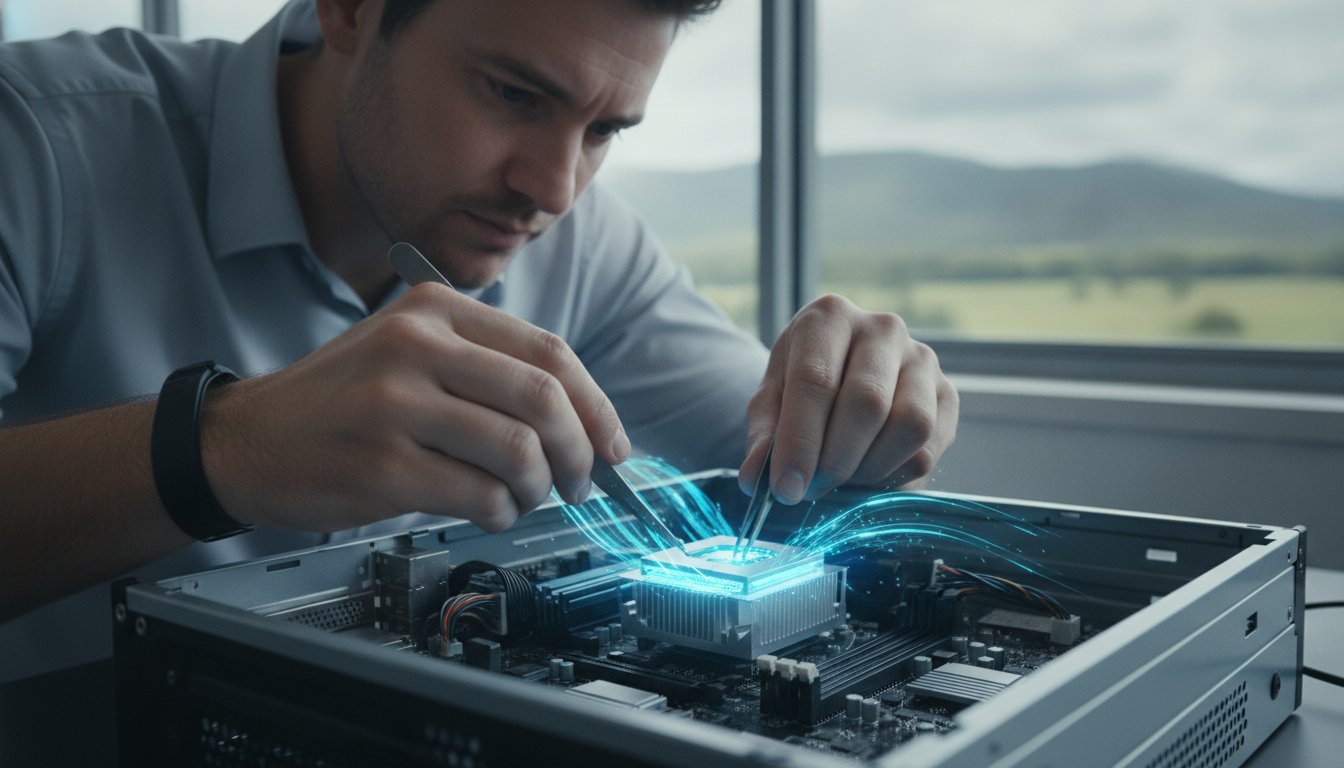
Handling a processor requires a steady hand and focus. Always hold the chip by its plastic edges and never touch the gold contacts or the delicate pins on the underside. Once you’ve removed the old processor, you must clean the base of your cooler thoroughly to ensure no old paste remains. Applying the ‘perfect’ amount of thermal paste is a skill; a small pea-sized drop in the centre is usually sufficient to provide optimal cooling without overflowing onto the motherboard. Forcing a CPU into a slot is the #1 cause of hardware failure. The chip should drop into place with zero resistance if it is aligned correctly with the socket markers.

Post-Installation Software Setup

The job isn’t finished once the case is closed. You will likely need to update your BIOS to ensure the motherboard fully recognises the new processor’s features and instruction sets. After the first successful boot, we recommend monitoring your system temperatures while running a stress test. This confirms that your cooling solution is seated correctly and can handle the heat output of a faster chip. You can read more about balancing your system components in our guide on PC Hardware Upgrades. Ensuring your drivers are current is the final step to achieving the snappy performance you expect from a 2026 machine.

Professional CPU Upgrade Services in Toowoomba

While the steps for a processor swap might seem straightforward on paper, the physical reality is often high-pressure. One slipped screwdriver or a tiny discharge of static can turn a simple hardware refresh into a total system failure. Choosing a professional CPU upgrade Toowoomba service means you aren’t just paying for the installation. You are investing in decades of experience and the safety of your valuable data. Since 1999, we’ve helped thousands of residents navigate technical transitions with confidence and ease. We take the stress out of the process so you can focus on your work or hobbies.

We understand the anxiety that comes with opening a computer. Our diagnostic-first approach ensures that we don’t just swap parts; we verify that the new processor is the exact right fit for your motherboard and power supply. This methodical process eliminates the guesswork and technical frustration often found in DIY attempts. Whether you are running a small business from a home office or need a faster machine for creative projects, we provide the reliable local support you deserve. It’s about getting it right the first time.

Local Expertise You Can Trust

Our workshop is located at 46 Brigalow St, Newtown, making it easy for you to drop in for a fast hardware assessment. We take personal accountability for every machine we service. This isn’t a distant corporate call centre; it’s a local business that has served the Darling Downs for over 25 years. We provide on-site support for those who can’t easily transport their systems, covering areas from Highfields to Glenvale and everywhere in between. Our ‘No Fix, No Fee’ promise gives you total reassurance that we are focused on delivering a working solution for your specific needs.

Beyond the Processor: A Full System Health Check

A faster CPU is only one part of the performance puzzle. During every installation, we perform a specialised health check on your RAM and SSD to ensure there are no hidden bottlenecks. We also take the time to optimise your Windows settings to match your new hardware’s capabilities. This holistic view ensures you get the full value from your investment. If you are worried that an upgrade might put your personal files at risk, we can also discuss our Data Recovery Services to ensure your photos and documents are backed up safely before we begin. We aim to make your CPU upgrade Toowoomba experience as smooth and stress-free as possible.

Take the Next Step Toward a Faster PC

Upgrading your processor is the most effective way to extend your computer’s life and meet the demands of 2026 software. By identifying performance bottlenecks and carefully matching your motherboard socket to modern chips like the AMD AM5 or Intel LGA1851 series, you can achieve the snappy performance you deserve. Whether you are seeking better productivity for your home office or a seamless gaming experience, the right hardware choices make all the difference.

You don’t have to tackle these technical challenges alone. Aspire Computing has served the local community since 1999, providing expert hardware diagnostics and reliable on-site or remote IT support. Our team ensures your CPU upgrade Toowoomba is handled with personal accountability and professional care. We’ll verify your system health and optimise every setting to give your PC a fresh start.

Book Your Professional CPU Upgrade in Toowoomba today and rediscover what your computer can really do. We look forward to helping you get back up to speed.

Frequently Asked Questions

Do I need a new motherboard for a CPU upgrade?

You will need a new motherboard if your chosen processor uses a different physical socket than your current one. For example, moving to the latest Intel LGA1851 or AMD AM5 platforms usually requires a board swap for older systems. If the socket does match, a BIOS update is often necessary to ensure the hardware is recognised. We can assess your current components at our Newtown office to determine the most cost-effective path forward.

Will a new CPU make my internet faster in Toowoomba?

A new CPU won’t increase your raw NBN connection speed, but it will make your browsing experience feel much faster. Modern web pages and streaming services require significant processing power to render content. While your local connection might be capable of high speeds, an outdated processor can create a bottleneck that makes the internet feel sluggish. Upgrading ensures your hardware can actually keep up with your available bandwidth and browser demands.

Can I upgrade the processor in my laptop?

Most modern laptops have processors that are soldered directly onto the motherboard, making a CPU upgrade impossible. This is a standard design choice to keep devices thin and light. If your laptop is feeling slow, we usually recommend looking at RAM or SSD improvements instead. For desktop users, a CPU upgrade Toowoomba is a much more straightforward process because the components are designed to be modular and easily replaceable by a professional.

What is a ‘bottleneck’ and how do I know if I have one?

A bottleneck occurs when one component, such as an old CPU, limits the performance of the rest of your system. You can identify this by opening the Windows Task Manager while running your most demanding applications. If your CPU usage is constantly at 90% or higher while your graphics card or RAM stays low, you have a processing bottleneck. This imbalance prevents you from getting the full value out of your other modern hardware.

Is it better to buy a new PC or just upgrade the CPU?

Upgrading is often the better choice if your current motherboard supports a significantly faster processor. This saves you the cost of a full system replacement and the hassle of moving all your data. However, if your PC is more than five years old, you might need a new motherboard and RAM to support a modern chip. In those cases, a new build might offer better long-term value and improved operational stability.

How long does a professional CPU installation take?

A professional installation typically takes between two and four hours at our Newtown workshop. This timeframe includes the physical hardware swap, cleaning and applying new thermal paste, and performing a BIOS update. We also conduct stability stress tests to ensure the system handles heat correctly under load. We aim for a rapid turnaround so you can get back to work or gaming with minimal disruption to your daily schedule.

Will upgrading my CPU void my computer’s warranty?

Upgrading the CPU in a pre-built system from a major manufacturer will often void the overall system warranty. However, if you have a custom-built PC, your individual component warranties usually remain valid as long as the parts aren’t physically damaged during the process. We recommend checking your specific documentation before proceeding. Our professional installation service provides an extra layer of safety to ensure your hardware is handled with expert care and accountability.

What happens if I bend a pin on the CPU during installation?

Bending a pin is a serious issue that can cause permanent hardware failure or prevent your computer from booting. While some pins can be carefully straightened with specialised tools, there is a high risk of the pin snapping off entirely. This is the main reason many residents choose a professional CPU upgrade Toowoomba service. We have the correct tools and experience to seat the processor safely without risking your expensive investment.

Small Business Data Backup Solutions: A 2026 Guide to Protecting Your Local Business

Did you know that 75% of small business owners now rank cyberattacks as their top concern, even ahead of inflation? It is a startling shift for 2026, but it makes sense when you consider that 60% of small companies that suffer a major data loss close their doors within six months. You have likely felt that same knot in your stomach when thinking about ransomware or a sudden server failure. Finding the right small business data backup solutions shouldn’t be a source of constant stress, yet the process is often complicated by slow NBN upload speeds and confusing software options.

I understand that you want your technology to just work. You deserve a set and forget system that offers quick recovery after a crash and the peace of mind that comes from having a local expert watching over your files. This guide explores how to secure your business data with a strategy that actually works. We will cover how to protect against AI-powered threats, the evolution of the 3-2-1-1 backup rule, and how to build a recovery plan that ensures you never lose a single client file to hardware failure or cybercrime.

Key Takeaways

  • Understand why modern threats like AI-driven ransomware make reliable data protection a survival requirement for small businesses in 2026.
  • Learn how to apply the 3-2-1 backup rule to create multiple layers of security that protect against both physical disasters and digital theft.
  • Compare the pros and cons of cloud, local, and hybrid small business data backup solutions to find the perfect fit for your office’s internet speed and data volume.
  • Follow a step-by-step process to audit your mission-critical files and set up a recovery system that you can actually trust when things go wrong.
  • Discover the benefits of working with a local Toowoomba expert to ensure your systems are monitored and managed with personal accountability.

Why Small Business Data Backup is Non-Negotiable in 2026

Losing your business data feels like a punch to the gut. In 2026, the stakes are higher than ever. Research shows that 75% of small business owners now rank cyberattacks as their primary threat, even above inflation. While the technical definition of a data backup is simply a copy of data used to restore the original after a loss, the reality for a local shop or office is far more personal. If you lose your client records or financial history, you aren’t just losing files. You’re losing the reputation you spent years building in the Toowoomba community.

Implementing reliable small business data backup solutions is no longer a luxury for the tech-savvy. It’s a survival requirement. Many owners assume “the cloud” is a magic bullet that handles everything automatically. However, without a clear strategy, cloud storage can become a disorganized mess that fails when you need it most. Professional backup systems are designed to be proactive. It’s always more affordable to invest in a solid defense than to face the staggering costs and uncertain outcomes of reactive data recovery after a total system collapse.

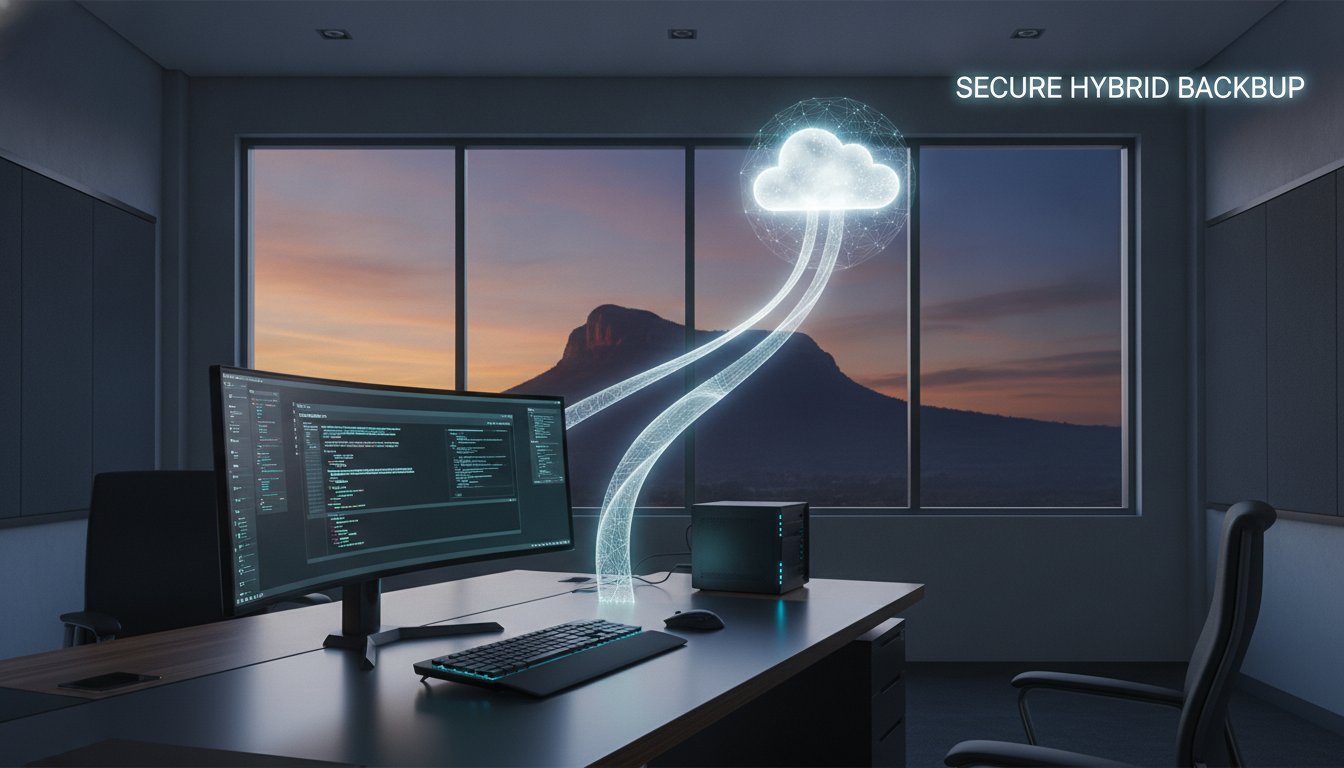
To better understand how these systems work together to protect your hardware, watch this helpful video:

The Hidden Risks of “DIY” Backup Methods

Relying on a single USB drive tucked in a desk drawer is a recipe for disaster. These drives are fragile and easy to lose. If a summer storm rolls across the Darling Downs and causes a major power surge, that plugged-in drive could die right along with your computer. Manual backups also rely on you remembering to do them. In a busy office, it’s easy to skip a day, then a week, and suddenly you realize your last save was months ago. This “hope for the best” approach leaves you vulnerable to hardware failure and simple human error.

Ransomware: A Growing Threat for Toowoomba Businesses

Modern malware has become incredibly sophisticated, often using AI to find the weakest entry points in small business networks. Ransomware is a type of cyberattack where criminals lock your digital files and demand a fee for the key, often causing a total halt to your business operations. To fight this, we now use “immutable” backups. These are copies of your data that cannot be changed or deleted by anyone, including a hacker. At Aspire Computing, we focus on these robust small business data backup solutions to ensure that even if a breach occurs, your files remain safe and recoverable.

The 3-2-1 Backup Rule: Your Gold Standard for Data Safety

You might wonder why a strategy from the year 2000 still matters in 2026. The 3-2-1 rule is a simple but powerful framework that has protected businesses for decades. It stands for having three copies of your data, stored on two different types of media, with one of those copies kept off-site. While technology changes fast, this logic remains the gold standard because it addresses every major risk factor. It is the foundation of effective small business data backup solutions. If your main computer fails, you have a local copy. If your office is damaged by a fire or flood, you have a remote copy.

Applying this to a modern home office or a retail shop in Toowoomba is easier than it sounds. You don’t need a massive server room to achieve professional-grade safety. By combining a physical drive on your desk with an automated remote service, you create a safety net that works even when you are busy running your business. Even in the age of remote work, “off-site” is critical. It ensures that your data exists in a completely different physical location, protecting you from local disasters that could affect your entire building or suburb.

Local Backups: For Speed and Immediate Access

Local backups involve saving your data to hardware physically located in your office, such as an External Hard Drive or Network Attached Storage (NAS). The biggest advantage here is speed. If you need to recover a massive file, pulling it from a local drive is almost instant. This is particularly important for Toowoomba businesses handling high-volume data like video production or CAD drawings. However, local hardware is vulnerable to the same physical risks as your main computer. If a power surge hits or a theft occurs, both your computer and your local backup could be lost at once. That is why local storage is only one part of the puzzle.

Cloud Backups: Your Safety Net Against Local Disasters

Cloud backup is your “off-site” insurance policy. It is important to distinguish this from “sync” services like Dropbox or OneDrive. While sync services are great for collaboration, they often mirror mistakes. If you accidentally delete a file or a virus encrypts your data, that change is often synced immediately to the cloud. A true backup service keeps historical versions of your files, allowing you to roll back to a time before the error occurred.

These small business data backup solutions use end-to-end encryption to keep your data private and secure. Most importantly, they are automated. You don’t have to remember to click save or swap out tapes. The software works quietly in the background. If you are unsure which software fits your specific needs, you can always ask a local expert for a recommendation to ensure your setup is truly robust.

Comparing Backup Solutions: Cloud, Local, or Hybrid?

Every business in Toowoomba has a unique digital footprint. A retail shop managing daily transaction logs has different needs than a tradesperson storing thousands of high-resolution project photos. When you look at small business data backup solutions, you generally choose between three models. Cloud-only setups are great for small teams that don’t generate massive files and have reliable internet. Local-only systems offer the fastest recovery speeds for high-volume data, but they carry a high physical risk. If your office is damaged, your data goes with it.

For most local businesses, we recommend a hybrid approach. This model gives you the “best of both worlds” by keeping a fast copy on-site and a secure copy in the cloud. It is particularly effective for industries like medical or legal services where data compliance and quick access are equally important. By using a hybrid strategy, you ensure that a simple hardware failure doesn’t stop your workday, while a larger disaster doesn’t end your business.

NBN Considerations for Toowoomba Businesses

Your NBN connection is the engine room of your cloud strategy. While many people focus on download speeds, your upload speed is what actually determines your backup success. If your upload speed is slow, a large backup might not finish overnight. This can lead to your systems slowing down during the day as the backup competes with your emails and video calls. We also see businesses run into unexpected data caps on certain plans. It’s vital to have a local IT expert audit your connection before you commit to a cloud-heavy strategy. This ensures your internet plan can actually support your data volume without causing frustration.

Choosing Between Managed and Unmanaged Solutions

An unmanaged solution is essentially a DIY approach. You buy the software, set it up, and hope it works every night. The risk here is that these systems can fail silently. You might not realize there is a problem until the day you actually need to recover a file. A managed solution provides a much higher level of security. With a managed service, an expert monitors your backup dashboard daily. If a session fails, we step in to fix it immediately. For a business without a dedicated IT staff, the peace of mind that comes from professional monitoring is often far more valuable than the software itself. It’s about having personal accountability and knowing a local expert is watching over your systems.

Small Business Data Backup Solutions: A 2026 Guide to Protecting Your Local Business

How to Implement and Test Your Backup Strategy

This model of dedicated oversight is common in many essential services; for example, in the disability sector, providers like WithCare Support Services help families explore Supported Independent Living (SIL) to ensure their loved ones have the same level of professional, round-the-clock support in their daily environments.

A great backup plan is more than just a piece of software. It is a methodical approach to protecting what matters most. Before you install any small business data backup solutions, you must start with a data audit. Not every file on your computer is equally important. Separate your mission-critical data, such as accounting records, client databases, and current project files, from “nice to have” items like old marketing drafts or archived emails. This allows you to prioritize your most vital assets and ensure they are protected with the highest frequency.

Setting your backup frequency depends on how much data you can afford to lose. For a busy office, we often recommend hourly or even real-time backups for critical databases. For static files, a daily sweep is usually sufficient. However, the most important part of implementation is the recovery test. A backup is essentially useless if you cannot restore it when a crisis hits. You need to prove the system works before you actually need it.

Step-by-Step Setup for a Small Office

The setup process begins by installing agent software on every device, including laptops that often leave the office. These mobile devices are frequently at the highest risk for theft or physical damage. During installation, you will configure your encryption keys. These keys ensure that only you can read your data, but you must store them in a secure, physical location. If these keys are lost, the data is unrecoverable. Finally, set up automated email alerts. You shouldn’t have to log in every day to check the status; the system should proactively tell you if a job has failed.

The Monthly Recovery Drill

We recommend performing a “test restore” at least once a month. This simple drill involves picking a random folder and restoring it to a temporary location. Once restored, open the files to verify their integrity and ensure they haven’t been corrupted. This process only takes a few minutes but provides immense peace of mind. Document these steps in a simple guide kept in your office. If an emergency occurs while you are away, your staff should be able to follow the instructions to recover files quickly. If you want a professional to handle this monitoring and testing for you, contact Aspire Computing for managed data backup services today.

Protect Your Business with Aspire Computing Toowoomba

Since 1999, Aspire Computing has been the trusted face of IT support across Toowoomba and the Darling Downs. We believe that technology should serve your business, not complicate it. When you choose us, you aren’t just buying a software license. You’re partnering with a local expert who understands the unique challenges of running a business in our region. This personal accountability is what sets us apart from anonymous providers. We offer managed IT support that takes the technical burden off your shoulders, allowing you to focus on your clients while we monitor your small business data backup solutions in the background.

Even the best backup strategy can face extreme challenges. If a drive is physically crushed or a system is severely compromised, you need more than just a download link. We provide specialized data recovery services as the ultimate safety net for your most critical information. While we always aim for proactive protection, our extensive experience in reactive recovery means we know exactly how to get your files back if the unthinkable happens. This dual expertise ensures your business continuity is always our top priority, giving you the confidence to operate without fear of data loss.

Why a Local Partner Beats a Global Call Centre

When your server goes down or your files disappear, the last thing you want is to wait on hold for an overseas call centre. Global providers often rely on generic scripts that don’t account for local variables like NBN limitations or Toowoomba’s specific infrastructure. We offer on-site assistance when you need it most, arriving at your place of business to solve problems directly. We can look at your hardware and provide a solution that fits your specific workflow. Our help is professional and reassuring. We speak your language, not technical jargon, so you always know exactly what is happening with your systems.

Get a Professional IT Health Check

Prevention is always better than a cure. We offer a comprehensive IT health check to audit your current systems for hidden vulnerabilities before they become expensive problems. This audit looks at your hardware age, your current backup success rates, and your overall security posture. Part of this strategy includes a robust virus and malware removal plan to keep your network clean. By securing your endpoints, we prevent data loss before it even starts. Contact us today to set up a tailored strategy for your small business data backup solutions and gain the peace of mind that comes from professional, local care.

Take Control of Your Digital Security

Protecting your livelihood shouldn’t feel like a constant battle against technology. By implementing the 3-2-1 backup rule and choosing a hybrid model that fits your local NBN speeds, you build a resilient foundation for your company. These small business data backup solutions ensure that whether you face a hardware crash or a cyberattack, your data remains safe and your doors stay open. Regular testing and professional monitoring turn a complex technical task into a reliable safety net that works quietly in the background.

Aspire Computing has been part of the Toowoomba community since 1999. As local experts in both proactive protection and reactive data recovery, we understand the accountability that comes with helping a neighbor. You don’t have to manage these risks alone. Contact Aspire Computing for a local IT health check and backup audit to ensure your systems are ready for whatever 2026 brings. It’s time to replace your technical anxiety with the peace of mind that comes from professional, on-site support. Your business is too valuable to leave to chance.

Frequently Asked Questions

What is the best backup solution for a very small business?

A hybrid model is the most effective choice for a small office. This setup combines a local external drive for near-instant file recovery with an automated cloud service for off-site protection. By using both methods, you cover your business against common hardware failures and physical disasters like fire or theft. For micro-businesses in Toowoomba, this provides high-level security without the need for complex server infrastructure or expensive maintenance.

How often should a small business back up its data?

You should back up your business data at least once every 24 hours. For shops or offices with high transaction volumes, hourly or even real-time backups are a much safer choice. The right frequency depends on how much data you can afford to lose. Setting up automated small business data backup solutions ensures these saves happen consistently every day without relying on your memory or manual effort. Once your automated systems are handling the heavy lifting for your records, you can learn more about Tax Falcon to see how they provide a similarly streamlined approach for Australians lodging their tax returns.

Yes, professional cloud backup is highly secure when configured with end-to-end encryption. This process scrambles your files before they leave your computer, meaning they can only be unlocked with your private key. In 2026, reputable providers use AES-256 bit encryption, which is the same standard used by banks and government agencies. It is significantly safer than leaving unencrypted client data on a portable USB drive that could be lost or stolen.

What is the difference between data backup and data recovery?

Data backup is the proactive process of making copies of your files to prevent loss. Data recovery is the reactive process of retrieving those files after a system failure, accidental deletion, or cyberattack. Think of the backup as your insurance policy and recovery as the claim process. You need both to ensure business continuity. If your backups fail, you may need specialist data recovery services to reconstruct lost information from damaged hardware.

How much does a professional backup solution cost for a small business?

The cost of small business data backup solutions depends on your total data volume and the number of devices you need to protect. While industry software subscriptions often start with modest annual fees for basic storage, managed services provide additional monitoring and support. The investment is almost always much lower than the thousands of dollars lost during even a single day of total business downtime or the high cost of emergency recovery.

Can I use a free cloud service like Google Drive for my business backup?

Free services like Google Drive or OneDrive are synchronization tools rather than true backup solutions. If a file is deleted or infected by ransomware on your computer, the change is instantly synced to the cloud, which could destroy your only copy. Professional backup software keeps multiple point-in-time versions of your files. This allows you to roll back to a clean version from yesterday or last week if something goes wrong today.

What happens if my backup fails and I lose my data?

If your backup fails and you lose data, you should immediately stop using the affected computer to prevent overwriting any remaining file fragments. This is when you need to contact professional data recovery specialists. We use advanced tools to scan damaged drives and extract files that are no longer accessible through your operating system. Acting quickly and seeking expert help gives you the best chance of getting your important business documents back.

Do I need an IT department to manage my backups?

You don’t need a dedicated in-house IT department to manage your backups effectively. Many small businesses in the Darling Downs partner with a local managed service provider like Aspire Computing. We act as your external IT team, monitoring your backup status every day and fixing errors before you even notice them. This gives you professional-grade protection and personal accountability without the overhead cost of hiring full-time technical staff for your office.

Printer Repair Toowoomba: Reliable Solutions for Home & Small Business

Imagine you have just spent a small fortune on fresh toner, only for your machine to flash a cryptic error code minutes before a major deadline. It’s a frustrating scenario many local professionals face, and it often leads to the same stressful question: is it time to give up, or is there a way to save your investment? Finding reliable printer repair Toowoomba doesn’t have to be a gamble, especially when you need a fast turnaround to keep your home office or small business running smoothly.

We agree that your time and money are too valuable to waste on “throwaway” technology that isn’t actually broken. This guide promises to demystify those stubborn wireless issues and provide the honest “repair versus replace” advice you need to make a smart decision. You’ll learn about common troubleshooting fixes, the long term benefits of maintaining laser printers, and how personalized service from a local expert like Chaim Lee can get your equipment back in top shape without the usual retail headache.

Key Takeaways

  • Discover how Toowoomba’s local humidity affects paper storage and learn simple ways to prevent persistent paper jams.
  • Master a 5-step troubleshooting checklist to resolve wireless connectivity issues and software errors before calling for help.
  • Apply the “50% Rule” and ink cost analysis to decide whether repairing or replacing your printer is the better financial choice.
  • Access professional printer repair Toowoomba services for fast on-site business support and preventative maintenance.
  • Understand how over 25 years of local technical experience ensures you receive honest, expert advice tailored to your needs.

Common Printer Problems Toowoomba Residents Face

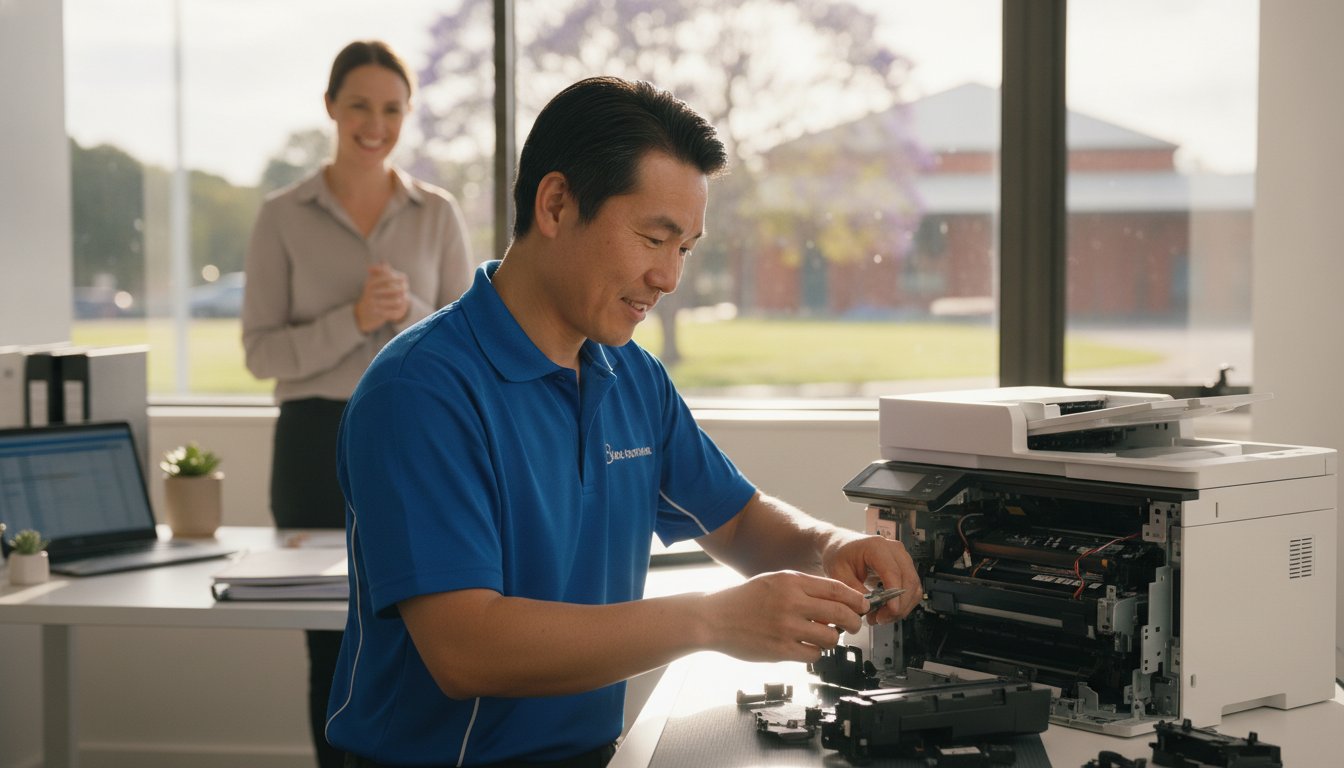
When your printer stops working, it’s rarely at a convenient time. In our region, we see a specific set of issues that often stem from local climate factors and typical wear. If you are searching for printer repair Toowoomba, you’ve likely encountered one of these four common headaches. Persistent paper jams are a frequent complaint; Toowoomba’s humidity can cause paper to absorb moisture, making it swell and stick together. This leads to the rollers grabbing multiple sheets at once, causing a backup in the paper path.

To better understand how these mechanical issues look in practice, watch this helpful video:

Faded or streaky prints usually signal clogged print heads, especially in older inkjet models that sit idle for too long between jobs. Then there is the “offline” nightmare where your computer suddenly can’t find the device. This is often a breakdown in the wireless handshake or a print spooler error in Windows. We see this frequently after a router change or a major system update. Finally, pay attention to strange noises. Grinding or clicking sounds are early warnings that gears or rollers are failing and need professional attention before the machine stops entirely.

Environmental Impacts on Printing in the Darling Downs

Managing printer repair Toowoomba needs often involves addressing the unique environmental challenges of the Darling Downs. Fine dust from the surrounding areas can settle on laser printer drums, creating repetitive spots or lines on every page. Humidity doesn’t just affect paper; it can also cause toner powder to clump inside the cartridge. To protect your investment, follow these simple storage tips:

  • Keep paper in its original wrapper or a sealed container until you’re ready to load it.
  • Store ink and toner in a cool, dark cupboard to prevent the liquid from drying or the powder from clumping.
  • Always use a high-quality surge protector, as local power surges during storm season can easily damage sensitive printer circuit boards.

While protecting your hardware from electrical issues is vital, don’t forget that the physical safety of your workspace is just as important during the local storm season; specialists like Hop To It Roof Repairs can help ensure your roof remains leak-free and secure against the elements.

Brand-Specific Issues: Canon, Epson, and HP

Different brands have their own quirks that require specific expertise. Canon and HP models in 2026 often display specific error codes that can be confusing for home users, such as “B200” or various “0x” hardware faults. While it’s tempting to hit “update” on every prompt, firmware updates can sometimes cause more harm than good by introducing connectivity bugs or rejecting third-party cartridges. For those using Epson eco-tank models, the most common mechanical failure involves air bubbles or dried ink blockages forming within the long internal supply tubes. If you need help diagnosing these specific faults, Aspire Computing offers expert local support to get you back online quickly.

5 Steps to Troubleshoot Your Printer Before Calling a Pro

Before you commit to a professional service call, there are several reliable steps you can take to rule out simple software glitches or minor blockages. These methods often resolve the most common frustrations without needing a toolkit. If you find these steps don’t solve the problem, reaching out for expert printer repair Toowoomba ensures you aren’t stuck offline for long.

1. The Power Cycle Plus: This is more than just turning it off and on. You should turn off the printer, unplug it from the wall, and wait at least 30 seconds. This duration allows the internal capacitors to drain completely, which clears the temporary memory and resets the internal logic board. It’s a simple way to fix “frozen” screens or unresponsive buttons.

2. Clearing the Print Spooler: If you are using Windows 11 or 12, your computer might have a “stuck” print job blocking the queue. Open the “Services” app, find “Print Spooler,” right-click it, and select “Restart.” This often clears the digital logjam that prevents new documents from printing.

3. Wireless Reset: Modern Wi-Fi 6 routers provide incredible speeds, but they sometimes struggle to maintain a handshake with older printer hardware. Try re-joining your Wi-Fi network directly from the printer’s control panel. This forces the router and printer to establish a fresh connection.

4. Physical Inspection: Use a bright flashlight to look inside the paper trays and access doors. Even a tiny scrap of paper or a stray staple can trip a sensor. Gently remove any debris you find, but avoid using sharp objects that could scratch the delicate rollers.

5. Driver Refresh: Ensure your printer software matches your current operating system. Manufacturers frequently release updates to fix bugs. Downloading the latest 2026 driver from the official brand website can resolve many “Printer Not Found” errors.

Fixing Connectivity and “Printer Offline” Errors

To prevent your printer from disappearing on your network, try assigning it a static IP address through your router settings. This ensures the computer always knows exactly where to find the device. For remote workers using cloud print services, check that your account is still authenticated. If wireless troubleshooting fails, connecting a USB cable is the best diagnostic tool left. It tells you immediately if the hardware is functional or if the issue is strictly network-related. If you’re still hitting a wall, Aspire Computing can help diagnose these complex connectivity issues remotely or on-site.

Mechanical Quick Fixes for Paper Jams

When clearing a jam, always pull the paper in the direction of the natural paper path. Pulling it backwards can tear the sheet or misalign the internal sensors. If your machine frequently misfeeds, you can safely clean the pick-up rollers using a lint-free cloth lightly dampened with water or a tiny amount of isopropyl alcohol. This removes the “paper dust” that makes rollers slippery. If the printer reports a jam but you can’t find any paper, it’s likely a sensor failure or a broken gear that requires a professional eye.

Repair or Replace? Making the Right Choice for Your Printer

Deciding whether to book a printer repair Toowoomba service or head to the shops for a new machine is a common dilemma. Many residents feel pressured to replace their hardware at the first sign of trouble, but this isn’t always the most cost-effective move. A smart way to decide is by using the “50% Rule.” If the cost of a professional repair approaches half the price of a comparable new unit, replacement might be the logical path. However, this rule only works if you look at the total cost of ownership, not just the sticker price of a new box.

The trap many fall into involves “cheap” inkjet printers. These units are often sold at a loss, with manufacturers making their profit on expensive proprietary ink cartridges. When you factor in that a budget printer might cost twice as much to run per page as a mid-range laser model, repairing your existing high-quality machine becomes much more attractive. Sustainability is also a growing concern in 2026. Australia generates over 521,000 tonnes of e-waste annually, which is roughly 20.4kg per person. Choosing to maintain your current device directly reduces the environmental impact on our local Toowoomba landfill sites.

Evaluating the Age and Usage of Your Device

Lifespan varies significantly between technology types. A standard home inkjet printer typically lasts around three years under regular use, while a business-class laser printer can easily serve an office for five to ten years. Every printer has a “duty cycle,” which is the maximum number of pages it can reliably print per month. If your machine is reaching this limit, internal components like fuser units and transfer belts may begin to fail. Chaim Lee often recommends repairing older business-grade hardware because these machines were built with sturdier parts than modern, entry-level consumer models. A simple roller replacement can often give a robust older machine another three years of life.

The Hidden Costs of New Printers

Don’t be fooled by the low price tag on a new machine. Most new printers come with “starter cartridges” that contain only a fraction of the ink found in a standard replacement. You might find yourself spending another $100 on ink just weeks after your purchase. Additionally, many modern brands push subscription-based ink models that charge you a monthly fee just to keep your printer functional. If you prefer to own your supplies and avoid recurring costs, keeping your current machine running is usually the better financial move. For an honest, professional assessment of your hardware, you can contact Aspire Computing to see if a repair is viable for your specific model.

Printer Repair Toowoomba: Reliable Solutions for Home & Small Business

Professional Printer Service for Toowoomba Small Businesses

Small businesses in the Darling Downs often rely on a few high-performance desktop printers rather than massive floor-standing photocopiers. When these machines fail, your entire workflow can grind to a halt. Professional printer repair Toowoomba services for small businesses provide a bridge between basic DIY fixes and expensive enterprise contracts. We offer both on-site and remote support to get your office back to work without the need for you to travel or wait days for a technician.

Regular maintenance is the best way to prevent unexpected downtime. A professional “tune-up” includes cleaning internal sensors, lubricating moving parts, and checking for firmware stability. It’s also a critical time to review your supply solutions. We help you source the right ink and toner locally, ensuring you don’t end up with incompatible or low-quality third-party supplies that could damage your machine’s delicate print heads.

Security is another vital factor that many small business owners overlook. A networked printer is a computer in its own right. If it isn’t secured, it can become a backdoor for malware to enter your office network. We ensure your printer’s security settings are configured correctly to protect your client data and internal documents from unauthorized access.

Managed Print Solutions for Small Teams

For offices with multiple users, tracking printing costs can be difficult. We implement simple solutions to monitor usage and reduce waste across your team. You can also set up secure “Follow Me” printing, which ensures a document only prints when the user is physically at the machine. This is a great way to handle sensitive information in shared office spaces. For a complete look at optimizing your workplace technology, check out our guide on IT support for business for full office integration.

Emergency Printer Repair in Toowoomba

Deadlines don’t wait for hardware failures. We offer priority service for local businesses facing critical projects. If a specific part needs to be ordered, we can often discuss temporary loaner options to keep your team productive while your main unit is being serviced. This level of personal care is why local expertise beats waiting for a national chain technician who might be traveling from hours away. Dealing directly with Chaim Lee means you get a technician who understands your history and your specific business needs. Ready to secure your office hardware? Contact Aspire Computing for a professional maintenance check today.

Why Aspire Computing is Toowoomba’s Trusted Printer Specialist

Choosing a technician for printer repair Toowoomba requires more than just technical skill; it requires trust. Aspire Computing has served our local community for over 25 years. When you call for assistance, you deal directly with the owner, Chaim Lee. You won’t be redirected to a distant call centre or forced to navigate an automated phone menu. This personal accountability ensures that every piece of advice you receive is honest, professional, and tailored specifically to your home or small business needs.

Our deep expertise spans major brands including Canon, Epson, and Samsung. We understand the specific mechanical quirks and software requirements of these machines. This knowledge allows us to provide a rapid turnaround and reliable solutions. We maintain a strict commitment to transparent pricing and dependable advice. You’ll always receive a clear explanation of the fault and a professional recommendation on whether a repair is the most economical choice. This straightforward approach has built a strong sense of stability and expertise across the Darling Downs since we first established our presence.

Serving Newtown and the Surrounding Suburbs

We’ve been a permanent fixture in the Newtown community since 1999. Our mobile service coverage is extensive, reaching from the heights of Highfields down to the Lockyer Valley and across the various suburbs of Toowoomba. Choosing a local technician means you benefit from someone who understands the specific environmental challenges of our region. We know how local dust and humidity levels can impact your hardware because we live and work here too. This hyper-local focus distinguishes our service from anonymous national providers who lack a personal connection to the community.

More Than Just Printer Repairs

A printer problem is often just one piece of a larger technical puzzle. What looks like a mechanical failure could actually be a networking conflict or an outdated driver issue. We provide a holistic approach by integrating your printer service with professional computer repairs and network troubleshooting. This ensures your entire office ecosystem functions as it should, preventing future downtime.

We also help protect your home office through expert virus and malware removal. If a malicious program has compromised your system or redirected your print jobs, we can clean your device and restore your security. Booking a local service call today with Aspire Computing gives you the peace of mind that comes from dealing with an established expert who stands by his work. Whether you need a quick fix or a complete system overhaul, we are here to help.

Get Your Printer Back Online with Confidence

Your printer is a vital part of your daily workflow, and a sudden failure shouldn’t derail your entire week. We have explored how local conditions impact your hardware and provided a framework for deciding whether to fix or replace your machine. When troubleshooting steps fail, professional printer repair Toowoomba becomes the most efficient way to restore your productivity without the risk of further damaging your device through trial and error.

Choosing a local specialist means you benefit from over two decades of technical experience. Aspire Computing has been serving the community since 1999, offering a level of personal accountability that national call centres simply cannot provide. Dealing directly with Chaim Lee for your printer repair Toowoomba ensures you receive honest, transparent advice tailored to the unique needs of your home office or small business. We understand the value of your time and the importance of a machine that works when you need it most.

Don’t let technical glitches slow you down any longer. Contact Chaim at Aspire Computing for Expert printer repair Toowoomba and get your equipment running smoothly again. We are here to help you get back to work with minimal stress and total peace of mind.

Frequently Asked Questions

How much does printer repair typically cost in Toowoomba?

Costs for a professional service vary based on the complexity of the fault and the specific parts needed for the fix. While common software resets or minor mechanical adjustments might involve a standard fee, hardware failures requiring new components will be quoted individually. We focus on transparent communication, so you’ll always know the expected investment before we proceed. This ensures you can make an informed decision on whether the repair is the right financial choice.

Is it better to repair a laser printer or buy a new inkjet?

Repairing a laser printer is usually the smarter choice because these machines are built for longevity and offer a much lower cost per page. Many budget inkjet printers are designed for short lifespans, and their high ink costs can quickly exceed the price of the machine itself. If you have a sturdy laser model, a professional service can keep it running for many more years, saving you money on both hardware and supplies.

Do you offer on-site printer repair for home offices in Highfields?

Yes, we offer on-site service calls for home offices and small businesses in Highfields and across the Toowoomba region. We bring the tools and expertise to your location to save you the hassle of transporting your equipment. This mobile support is a key part of our printer repair Toowoomba service, ensuring that residents in surrounding suburbs get the same high-quality technical assistance as those in the city centre.

Can you fix a printer that is no longer under warranty?

We can definitely repair printers that are no longer covered by a manufacturer’s warranty. In fact, many of the machines we service are older, business-grade models that are well worth maintaining due to their robust construction. Whether your machine is three years old or ten, we can often find the necessary parts and provide the technical expertise to keep it functioning perfectly, helping you avoid the cost of a brand-new unit.

Why does my printer keep saying it is out of ink when I just replaced it?

This error typically happens when the printer fails to recognize the cartridge’s electronic chip or if the internal sensors are dirty. You can often fix this by carefully cleaning the contacts on both the cartridge and the printer with a dry, lint-free cloth. If the problem persists after a hardware reset, it might indicate a sensor fault or a firmware conflict that requires a professional to bypass or recalibrate for proper operation.

Do you supply genuine toner for Canon and Brother printers?

We supply a wide range of genuine toner and ink for brands like Canon and Brother to ensure your machine operates at peak performance. Using original supplies helps protect your print heads and ensures the highest possible print quality for your business documents. If you’re looking for ways to reduce costs, we can also advise on reliable compatible options that won’t compromise the safety or operational stability of your specific printer model.

Can a printer be repaired if it has a “Fatal Error” code?

Many “Fatal Error” messages are actually caused by minor mechanical issues like a paper scrap blocking a sensor or a carriage being unable to move freely. While the name sounds final, these codes are often just the printer’s way of stopping before further damage occurs. We can diagnose the root cause of the error and, in many cases, perform a manual reset or adjustment that brings the machine back to life.

How long does a typical printer service take at Aspire Computing?

The duration of a service depends on the nature of the problem, but we always aim for a rapid turnaround to minimize your downtime. Most common repairs are completed within two to four business days, provided that any necessary replacement parts are readily available. We understand that printer repair Toowoomba services need to be efficient for local businesses, so we keep you updated on our progress throughout the entire diagnostic and repair process.

RAM Upgrade Guide 2026: The Fastest Way to Boost Your PC Performance

What if the reason your computer feels like it’s wading through treacle isn’t a virus or a dying processor, but simply a lack of “thinking space” for modern AI and web apps? It’s a common frustration for many of my clients here in Toowoomba. You’re trying to work, but every new tab causes a lag, and startup feels like it takes an eternity. You might even hesitate to fix it yourself, fearing that one wrong move inside the case could break everything.

I understand that anxiety completely. The good news is that a professional ram upgrade is often the fastest and most affordable way to restore that “new computer” feel to your current PC or laptop. By giving your system the memory it needs to handle 2026 software demands, you can eliminate those irritating pauses and get back to a smooth, lag-free experience.

In this guide, I’ll explain how to tell if your device is a candidate for more memory and help you understand the technical shift from DDR4 to DDR5. We will also look at why having a local expert handle the hardware installation can save you time and prevent costly mistakes, ensuring your machine stays stable and secure.

Key Takeaways

  • Understand the “desk analogy” to see why more memory directly translates to faster multitasking and smoother app performance.
  • Identify the specific warning signs that your computer is starving for memory rather than suffering from a virus or malware.
  • Learn how to check compatibility between DDR4 and DDR5 modules to ensure you purchase the correct hardware for your specific PC or laptop.
  • Discover why a professional ram upgrade is the safest way to avoid static electricity damage and ensure your new hardware is configured correctly.
  • Find out how local experts in Toowoomba and the Darling Downs provide convenient, on-site installation to get your system running at peak speed.

What is a RAM Upgrade and Why Does Your Computer Need It?

Random Access Memory, or RAM, is your computer’s high-speed workspace. It holds the data your processor needs to access immediately. Imagine your computer is a home office. Your RAM is the size of the desk you’re sitting at, while your hard drive is the filing cabinet in the corner. If you have a tiny desk, you can only work on one document at a time. Every time you need to look at something else, you have to put the first document back in the cabinet and fetch a new one. This constant back-and-forth is what makes your computer feel sluggish. A ram upgrade simply gives you a much larger desk. You can have your email, twenty browser tabs, and your accounting software all spread out and ready to use at the same moment.

It’s helpful to distinguish this from other hardware upgrades. While a new SSD makes your “filing cabinet” faster to open, adding memory ensures you don’t have to visit that cabinet nearly as often. For many of the systems I see in Toowoomba, the bottleneck isn’t the storage speed; it’s the fact that the “desk” is simply too small for modern work.

The Role of RAM in 2026 Computing

By 2026, the demands on our hardware have shifted. Modern operating systems now integrate local AI features that run in the background to help with everything from search to image editing. These tools are incredibly useful, but they’re also memory-hungry. Browser “bloat” is another factor. Every website you visit today is more complex than it was five years ago. If you’re the type of person who keeps multiple tabs open while you work, your system is likely gasping for air. In the current climate, 8GB of memory has become the new “unusable” for professional use. I now recommend 16GB as the absolute minimum, with 32GB being the sweet spot for anyone doing more than just basic typing.

Benefits of Increasing Your Memory

The benefits of adding memory go beyond just speed. You’ll notice an immediate reduction in system freezes and the “spinning blue wheel of death” that occurs when your PC runs out of room to think. Multitasking becomes seamless. You can jump from a heavy Excel spreadsheet to a video call without the computer stuttering. For many of my clients, the biggest win is the financial one. A professional ram upgrade can delay the need for a A$1,500 laptop replacement by several years. It’s a sustainable way to keep your existing hardware fast, reliable, and capable of handling whatever software comes next.

Signs Your PC or Laptop is Starving for More Memory

It’s a frustrating feeling when your computer stops keeping up with your thoughts. You click a button and wait. You type a sentence and watch the letters trickle onto the screen seconds later. These performance hiccups often lead people to fear the worst. Many of my clients in Toowoomba initially worry their machine has been infected with a virus. While keeping your security software up to date is vital, these specific slowdowns are frequently caused by a simple hardware limitation. A professional diagnosis from Aspire Computing can provide peace of mind by identifying whether you need a deep malware cleanup or a ram upgrade to handle your daily workload.

Common Symptoms of Low RAM

Your computer will usually tell you when it’s struggling. You just need to know what to look for. One of the most telling signs is “delayed typing.” This happens when the communication between your keyboard and the processor gets stuck in a queue because the memory is full. Another classic symptom is the need for frequent restarts. If your PC feels fast at 9:00 AM but becomes unusable by lunchtime, it’s likely that your open apps have consumed all the available “workspace” we discussed earlier. You might also notice that switching between programs, like moving from a web browser to a Word document, takes several seconds of waiting while the screen flickers or stays white.

Using Task Manager to Diagnose the Bottleneck

You don’t need to be a technician to see how your memory is performing. Windows provides a built-in tool that shows you exactly what’s happening under the hood. To access it, press Ctrl+Shift+Esc on your keyboard. Once the window opens, click on the Performance tab and select Memory. This screen displays a graph of your usage in real time.

  • In Use: This is the amount of memory currently occupied by your open apps and the Windows operating system.
  • Available: This is your remaining headroom. If this number is consistently below 1GB or 2GB, your system is starving.
  • Compressed: You might see a value here if Windows is trying to “shrink” data to fit it into your limited RAM. This is a clear sign that your hardware is working overtime just to stay functional.

If you see that your memory usage is constantly sitting above 80%, your productivity is being held back. In these cases, a ram upgrade is the most effective way to eliminate those annoying pauses. If you’re unsure about what these numbers mean for your specific device, feel free to reach out for a quick hardware health check to see if your memory is truly the bottleneck.

Understanding RAM Compatibility: DDR4, DDR5, and Beyond

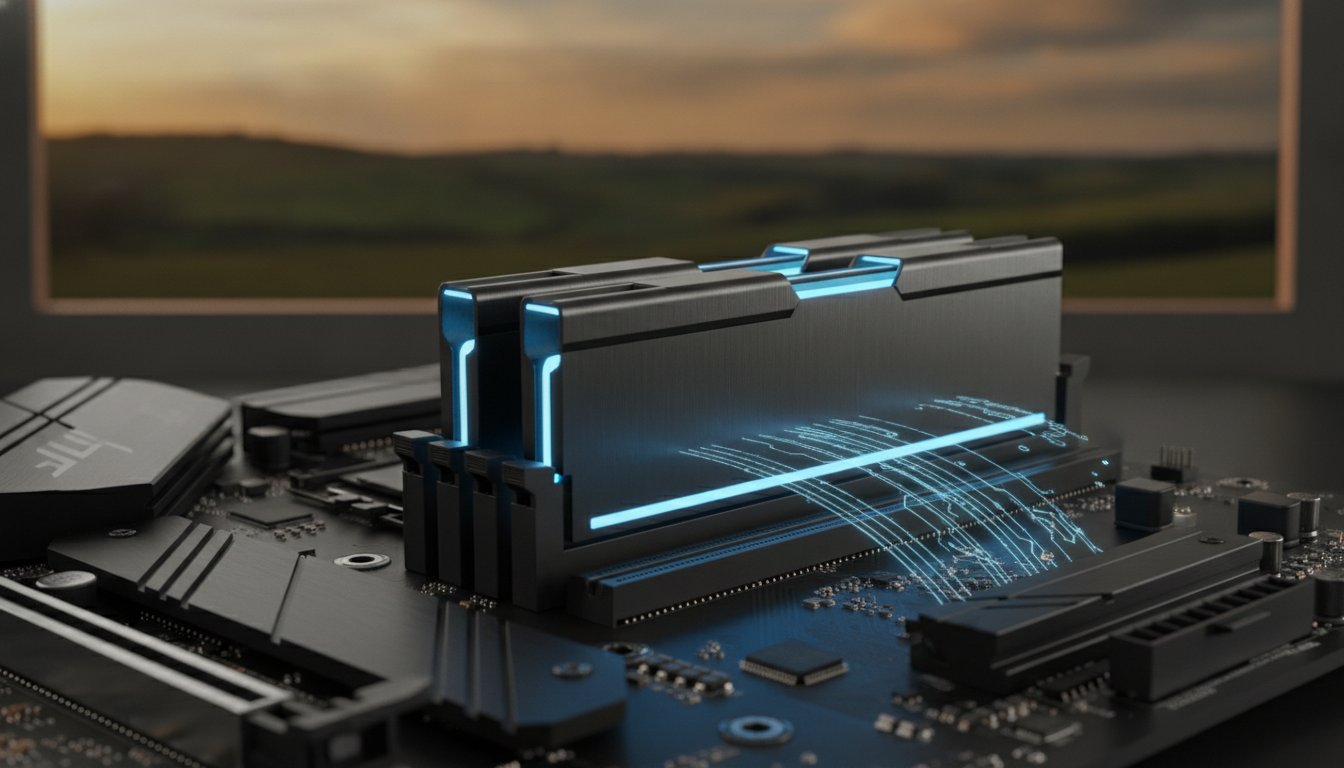
Choosing the right parts for your ram upgrade can feel like solving a puzzle where the pieces all look identical but don’t actually fit together. Memory is not a one-size-fits-all component. Your computer’s motherboard dictates exactly what type of memory it can accept. If you buy a module that isn’t compatible, it physically won’t fit into the slot, or worse, it could cause your system to fail to boot. Beyond the generation of the memory, we also have to consider voltage and latency. These terms simply refer to how much power the stick draws and how quickly it responds to requests. While these details are vital for stability, the most important thing to know is that your hardware must be a perfect match for your system’s specifications.

DDR5 is the 2026 standard for high-speed data transfer. Most new computers sold in Australia today utilize this technology to handle the heavy data loads required by modern software. However, many reliable machines built just a few years ago still rely on DDR4. Knowing which one you have is the first step in any successful performance boost.

DDR4 vs. DDR5: Can You Mix Them?

The short answer is no. You cannot mix different generations of memory in the same computer. Each stick of RAM has a small physical “notch” on the bottom edge. The position of this notch changes with every generation. This design feature prevents you from accidentally forcing a DDR4 stick into a DDR5 slot, which would cause electrical damage. Your motherboard is designed for one specific type. For a standard home office in Toowoomba, DDR4 is often still quite capable. However, if you are building a new system or looking for the best possible future-proofing, DDR5 offers a significant performance gap that justifies its place in modern setups.

Laptop vs. Desktop Upgrades

The physical size of the memory stick depends on the type of computer you own. Desktop towers use DIMM sticks, which are long and slender. Laptops use SO-DIMM sticks, which are much shorter to fit into compact cases. Be aware that some modern “ultra-thin” laptops have moved away from removable sticks entirely. In these devices, the memory is soldered directly to the motherboard, meaning a ram upgrade is unfortunately impossible.

For systems that can be upgraded, I always recommend using “matching pairs.” This means installing two identical sticks of the same capacity and speed. Most modern processors use a feature called dual-channel memory. When you use matching pairs, the computer can talk to both sticks at once, effectively doubling the speed at which data moves. This small detail can make a noticeable difference in how snappy your computer feels during a busy workday.

RAM Upgrade Guide 2026: The Fastest Way to Boost Your PC Performance

The RAM Upgrade Process: DIY vs. Professional Installation

Opening your computer case for the first time is often a daunting experience. You might fear touching the wrong thing or snapping a delicate component. While online tutorials make a ram upgrade look like a five-minute task, modern hardware is often quite fragile. Choosing between a DIY approach and professional installation comes down to your comfort level and the value of your time.

How a Professional Installs RAM

When I handle an installation at Aspire Computing, it’s never just about popping in a new stick of memory. Every service includes a comprehensive computer repair health check to ensure your entire system is running at its peak. I want you to leave with a machine that feels completely refreshed, not just slightly faster.

I start by performing a complete system backup. While memory upgrades are generally safe, protecting your personal data and photos is always my top priority. It’s a safety net that many home users forget to set up before they begin tinkering with internal parts.

The next step involves a thorough internal dust cleaning. Over time, fans and heat sinks in Toowoomba homes can collect significant debris. This causes overheating and can shorten the life of your new hardware. By clearing this out, I help your computer stay cool and quiet.

Once the RAM is seated, I verify the BIOS settings. This technical step ensures the computer recognizes the new capacity and is running it at the correct speed. Without this check, you might not even be getting the full performance you paid for.

Why DIY Can Be Risky for Modern Devices

Modern laptops in 2026 are thinner and more complex than ever. Many manufacturers now use hidden adhesive or very tight plastic clips instead of standard screws. If you aren’t careful, you can easily crack the chassis or snap a ribbon cable. These small mistakes can turn a simple boost into a very expensive repair bill.

Another hidden danger is Electrostatic Discharge (ESD). You might not even feel the spark, but a tiny bit of static from your carpet can permanently fry a motherboard. I use specialized anti-static mats and wrist straps to keep your hardware safe from these invisible threats. It’s a level of protection that’s hard to replicate at a kitchen table.

Finally, consider your warranty. Some brands will void your protection if they see evidence of an unauthorized entry. If you’d rather have the peace of mind that comes with 25 years of industry experience, you can book a professional hardware upgrade to ensure the job is done right the first time.

Professional Hardware Upgrades in Toowoomba

When your computer starts failing, it’s easy to feel a sense of panic. You might worry about losing your work or the high cost of a brand-new machine. At Aspire Computing, I’ve spent over 25 years providing a calm, professional alternative to that stress. Since 1999, I’ve been the local face of technical support for residents and business owners throughout Toowoomba. Whether you need a simple performance boost or a complex ram upgrade, my goal is to provide a service that is both competent and convenient. You don’t have to navigate a distant corporate helpdesk. Instead, you can speak directly with an expert who understands the local community and takes personal accountability for every job.

On-Site Service for Toowoomba Small Businesses

For many small businesses in the region, taking a computer “into the shop” simply isn’t an option. Downtime means lost revenue. I provide on-site hardware services that bring the solution directly to your office or home. I regularly serve a wide range of locations, including:

  • Newtown and all inner Toowoomba suburbs
  • The Darling Downs regional area
  • The Lockyer Valley and surrounding townships

Often, a ram upgrade is just one part of a wider IT support session. While I’m there, I can perform a Windows tune-up, check your security settings, and ensure your backup systems are functional. This methodical approach ensures your technology serves your business goals rather than hindering them. My “No Panic” philosophy means I focus on finding the most efficient, cost-effective path to getting your system back to peak performance.

The Aspire Computing Guarantee

When you choose Aspire Computing, you’re getting a personal commitment to quality. I, Cam, lead every service and personally handle your hardware. I only supply memory modules from trusted, industry-standard brands to ensure your machine remains stable for years to come. My mission is to provide a dual focus on security and functional utility. This means that during any upgrade, your data safety is my primary concern. I follow strict protocols to protect your files and personal information while the case is open. It’s this blend of technical specificity and approachable, local service that has made me a trusted partner for Toowoomba’s computing needs for over two decades. You can expect a rapid turnaround and a process designed to get you back to work without the headache.

Ready for a Faster, More Reliable Computer?

A simple ram upgrade is often the difference between a frustratingly slow machine and a system that keeps up with your busiest work days. By expanding your digital workspace, you can handle the heavy demands of 2026 software and background AI features without the constant lag. We’ve seen how identifying the right hardware and ensuring compatibility is the first step toward a stable, long-lasting device. Whether you are using a reliable older desktop or a newer laptop, professional installation takes the guesswork and the physical risk out of the equation.

I’ve been helping the Toowoomba community with dependable hardware solutions since 1999. At Aspire Computing, I provide the personal expert service you need to ensure your data is safe and your hardware is configured perfectly. Whether you prefer on-site assistance at your home or office or remote support, I’m here to help you get the most out of your technology. My focus is always on providing a smooth, stress-free experience that gets you back to work quickly.

Don’t let a slow PC hold you back any longer. Contact Aspire Computing for a Fast Hardware Upgrade today. Let’s get your computer running like new again.

Frequently Asked Questions

How much RAM do I really need for Windows 11 in 2026?

You should aim for at least 16GB of memory for a smooth experience with Windows 11 today. While 8GB was once the standard, modern background features and web browser demands now consume most of that space before you even open your own apps. If you handle large spreadsheets or use creative software, 32GB is the ideal sweet spot to ensure your system remains snappy and responsive for years to come.

Will a RAM upgrade fix a computer that is freezing?

Yes, it will fix the issue if the freezing is caused by your system running out of “thinking space.” When your PC hits its memory limit, it starts swapping data to the much slower hard drive, which causes those frustrating pauses and hangs. If your computer freezes specifically when you have multiple tabs or programs open, a memory boost is likely the solution. I can run a quick diagnostic to confirm this before we proceed.

Can I add more RAM to my laptop myself?

You can certainly try, but modern laptops are increasingly difficult to open without specialized tools. Many newer models use hidden plastic clips or adhesive that can snap if handled incorrectly. There is also the risk of static electricity damaging the delicate internal circuitry. For most people, having a professional handle the installation is a safer way to protect their investment. Experienced providers like Flashy Bee Computers also advocate for professional handling to ensure the new hardware is recognized correctly by the system without risking permanent damage.

What is the difference between RAM and a Hard Drive?

RAM is your computer’s short-term workspace, while a hard drive or SSD is the long-term storage for your files. Think of RAM as the surface of your desk where you keep things you’re currently working on. The hard drive is the filing cabinet where you store things away. A ram upgrade makes your “desk” larger so you can have more documents open at once without having to constantly go back to the cabinet.

How much does a professional RAM upgrade cost in Toowoomba?

The total cost depends entirely on the type of memory your computer requires and the current market price for those specific modules. Different machines use different generations of technology, such as DDR4 or DDR5, which vary in price. I provide a transparent quote that includes the high-quality hardware and my professional installation service. Contact me directly with your computer’s model number, and I can give you an accurate price for your specific device.

Will adding more RAM delete my files?

No, adding memory will not affect your photos, documents, or personal data in any way. RAM is temporary storage that clears itself every time you turn the computer off. Your permanent files live on your hard drive or SSD, which remains untouched during the physical installation process. It’s a hardware improvement that changes how fast your computer thinks, not what it remembers long-term, though I always perform a safety backup as part of my professional service.

How do I know if my computer is compatible with DDR5?

You can check this by looking at your system information or opening the Windows Task Manager. Most computers manufactured before 2022 use the older DDR4 standard. DDR5 is a newer, faster technology that requires a specific type of motherboard. Because the two types are physically different and have notches in different places, they aren’t interchangeable. If you aren’t sure which one your machine needs, I can quickly identify the correct parts for you.

Is it better to upgrade RAM or buy a new computer?

It is often much more cost-effective to perform a ram upgrade if your current processor is still performing well. If your only complaint is that the computer feels sluggish during multitasking, a memory boost can extend your machine’s life by several years. This saves you the significant expense of a new A$1,500 laptop and the hassle of moving all your data to a new system. I always give honest advice on whether an upgrade is a smart investment for your specific PC.

DNS Web Content Filter: A Small Business Guide to Safer Internet in 2026

If a stranger walked into your Toowoomba office and started browsing through your private filing cabinets, you would stop them immediately. But how do you stop the digital equivalent when it’s hidden behind a simple, accidental mouse click? Implementing a DNS web content filter is often the missing piece for local businesses that want to block these threats before they even touch their hardware.

It’s common to worry that adding security layers will only slow down your connection or frustrate your team. You need a way to keep employees focused and your data secure without making the technology harder to use. This solution acts as a silent guardian, blocking malicious sites and inappropriate content before they ever reach your network. You get the peace of mind that comes with a “set and forget” security layer that protects both your office PCs and remote staff laptops.

In this guide, we’ll break down exactly how DNS filtering works to keep your Toowoomba business safe in 2026. You’ll learn how to gain better visibility into your network usage and why this simple step is the most effective first line of defence against modern cyber threats.

Key Takeaways

  • Understand why DNS filtering is your first line of defence against ransomware and malware by blocking threats before they reach your network hardware.
  • Learn how a DNS web content filter boosts office productivity by managing access to non-work sites without impacting your internet speed.
  • Discover how 2026-era AI technology identifies and stops “zero-day” phishing sites before your team has a chance to click.
  • Find out how to choose the right setup for your office, whether you need network-wide protection or security for remote staff laptops.
  • See how local IT expertise in Toowoomba can help you implement a “set and forget” security layer to prevent costly emergency computer repairs.

What is a DNS Web Content Filter?

Think of the internet as a massive, sprawling city. To find any specific building, you need its exact coordinates. Since humans aren’t great at remembering long strings of numbers like 142.250.190.46, we use a digital “phonebook” called the Domain Name System. A DNS web content filter acts as a security guard for this phonebook. It checks every address you try to visit against a constantly updated list of known dangerous or inappropriate locations.

Many Toowoomba business owners confuse this technology with a traditional firewall. While a firewall acts like an x-ray machine scanning every package that enters your building, a DNS filter simply prevents you from visiting the “bad neighbourhood” in the first place. It is the fastest way to block a threat because the connection to the malicious site is never actually established. You might worry that this extra step will slow down your NBN connection. In reality, high-quality cloud-based filters are often faster than the default servers provided by your internet service provider.

The Role of the Domain Name System (DNS)

DNS is the invisible backbone of your daily browsing. When you type a website name into your browser, your computer sends a “lookup” request to a DNS server. That server finds the matching IP address and sends it back so your browser can load the page. This process usually happens in the blink of an eye. However, DNS is inherently vulnerable to spoofing, where attackers redirect your request to a fraudulent site without you ever knowing the difference. By using a filtered service, you ensure that every lookup is verified against a database of safe, legitimate addresses.

DNS Filtering vs. Traditional Web Filtering

Traditional web filtering usually involves software installed on every individual computer to scan the actual text and images on a page. This can be “heavy” and often causes the very slowdowns people fear. DNS filtering is much more lightweight because it makes a simple “yes or no” decision before the page even begins to download. It’s far easier to manage for a small office than complex hardware-based solutions. Cloud-based filtering is particularly effective for the modern workplace. It provides a consistent layer of security that protects your team whether they are working from a desk in Toowoomba or using a laptop at a remote site.

How DNS Filtering Protects Your Business Network

A reliable DNS web content filter does more than just look up addresses; it actively vets them against global threat intelligence. Most malicious websites are known to security researchers long before they reach your inbox. These systems use massive blocklists to identify and stop connections to these “bad actors” instantly. It’s a proactive approach that stops an attack before it can even begin to download onto your office hardware.

As we move through 2026, the speed of cybercrime has increased. Static lists are no longer enough to keep a business safe. Modern filtering now utilizes AI to identify “zero-day” phishing sites. These are fraudulent pages that may have only been live for a few minutes. The AI analyzes the domain’s behaviour and characteristics in real time, providing a shield against brand-new threats that haven’t been added to traditional databases yet.

We often find that the “human element” is the biggest variable in any security plan. Even the most diligent employee in Toowoomba can have a busy day and click a link they shouldn’t. This filter acts as a vital safety net. It also provides a critical second line of defence against ransomware. If a device is infected, the filter can block the “phone-home” commands that the malware needs to receive encryption keys from its control server, potentially saving your data from being locked away.

Blocking Phishing and Malware at the Source

The filter identifies suspicious domains the moment a request is made. By using live threat intelligence feeds, the system stays updated with millions of new entries every day. This isn’t just about stopping you from visiting a site. It also prevents malware already on a device from communicating with its “command and control” server. If you’re concerned about your current level of protection, the team at Aspire Computing can help you implement these layers to stop threats before they escalate.

Protecting Remote and Mobile Workers

Small businesses in the Darling Downs often have staff working from home or local cafes. Traditional office firewalls can’t protect a laptop once it leaves your building. A DNS web content filter solves this by using “roamer clients.” These are small, lightweight pieces of software that ensure the same security policies apply whether your staff are in the office or on the road. This consistency is essential for maintaining a secure perimeter in a hybrid work environment. It ensures that a laptop used at a Toowoomba coffee shop has the same level of protection as a desktop PC sitting in your main office.

Security vs. Productivity: The Dual Benefits

Implementing a DNS web content filter provides a dual advantage that many small business owners overlook. While the shield against malicious domains and botnets is the primary goal, the secondary benefits for productivity and compliance are just as valuable. Botnets are networks of hijacked computers used for massive cyberattacks. A filter stops your office PCs from being recruited into these networks by cutting off their communication with the attacker. For businesses in regulated sectors like healthcare or finance, having a documented filtering policy is often a legal requirement to protect sensitive client data. It also helps manage “shadow IT,” which occurs when staff use unauthorised apps that could leak company information.

For local providers in the disability or health sectors, aligning your network security with a strong, compliant digital presence is essential; you can discover CareCREATIVE to learn how specialised marketing consultancy can help your organisation grow.

Enhancing Office Productivity

Not every department has the same needs for internet access. You can set specific policies that allow your marketing team to access social media for work while restricting it for other departments. This granular control ensures that digital tools are available to those who need them without becoming a distraction for everyone else. Many local managers choose to schedule their filters, allowing access to personal sites only during lunch breaks or after hours. This approach also helps manage your office bandwidth. By blocking high-bandwidth streaming sites during peak hours, you ensure that critical business applications always have the speed they need to function. This is particularly important for local offices relying on standard NBN plans where upload speeds might be limited during busy periods.

Reducing IT Support Costs

The most cost-effective way to handle technical issues is to prevent them from happening in the first place. By stopping threats at the network level, you significantly reduce the frequency of virus and malware removal sessions. Keeping your system clean also extends the lifespan of your equipment, delaying the need for major hardware upgrades. When your computers aren’t bogged down by background malicious processes, they run faster and last longer. Fewer infections lead to less downtime for small businesses, allowing your team to stay productive and focused on serving your customers. This proactive stance transforms your IT from a reactive expense into a stable, predictable part of your business operations. It provides a “set and forget” layer of security that works silently in the background while you focus on growing your business.

DNS Web Content Filter: A Small Business Guide to Safer Internet in 2026

Implementing a DNS Filter in Your Small Office

Setting up a DNS web content filter doesn’t have to be a daunting technical hurdle. It is a methodical process that begins with understanding how your team uses the internet. Start by auditing your current network to identify which users or departments handle the most sensitive data. For example, your accounts team might need stricter blocks than your sales staff. Once you have a clear picture, follow these five steps to secure your office:

  • Step 1: Audit your network and identify “vulnerable” users who might be prone to clicking phishing links.
  • Step 2: Decide whether to apply the filter to your entire office router or install individual software on each device.
  • Step 3: Update your DNS settings to point towards your chosen secure provider’s IP addresses.
  • Step 4: Customise your block and allow lists to match your specific business requirements and local culture.
  • Step 5: Review your weekly reports to spot any blocked threats or attempts to access high-risk sites.

This “set and forget” approach works best when it’s tailored to your unique workflow. If you aren’t sure which settings are right for your team, our experts at Aspire Computing can handle the entire setup for you, ensuring your business is protected from day one.

Network-Wide vs. Device-Level Filtering

Changing the DNS settings on your office router is the fastest way to protect every phone, tablet, and PC in the building. It’s a blanket of security that covers everyone at once. However, this doesn’t protect a staff member’s laptop once they leave the office. For mobile workers, installing a lightweight “agent” on their device is a better choice. This ensures consistent protection whether they’re in Toowoomba or working remotely. Integrating these filters into your broader IT support for business strategy provides much clearer visibility into potential network risks before they become actual breaches.

Common Configuration Mistakes to Avoid

The most common mistake we see is “over-blocking.” If your filter is too aggressive, it can stop staff from accessing legitimate research tools or industry news, leading to frustration and work delays. It’s also vital to password-protect your filter settings. Without this, a tech-savvy user could simply bypass the security layer. Finally, always run an internet speed test immediately after implementation. While a DNS web content filter shouldn’t slow you down, an incorrect configuration can sometimes cause latency issues. Verifying your speed ensures your security stays strong without hurting your team’s productivity.

How Aspire Computing Secures Toowoomba Businesses

At Aspire Computing, we believe cybersecurity should be personal. Large, anonymous providers often give you a one-size-fits-all solution that doesn’t account for how your business actually runs. Since 1999, we’ve provided specialised IT support to the Toowoomba region, focusing on the unique needs of small businesses and home offices. We’ve spent over 25 years building a reputation for trustworthiness and personal accountability. Implementing a DNS web content filter is a core part of this local approach. We don’t just set up software; we build a defence layer that understands your specific risks.

Our goal is to prevent problems before they start. By integrating advanced filtering into our broader computer repairs Toowoomba service, we help you avoid the stress of a sudden system failure. It’s a proactive mission that combines security with functional utility. When your network is clean and your employees are protected from malicious sites, your hardware lasts longer and performs better. You gain the stability of a managed system with the convenience of a local expert who is just a phone call away. We’re here to reduce the anxiety that comes with technical failures.

Personalised Security Audits

We start by looking at what you have. Every industry has different requirements. A medical clinic in Newtown has different privacy needs than a retail shop in Darling Heights. We visit your site in person to audit your current network and identify where a DNS web content filter can provide the most value. Whether you’re in Harristown, Mount Lofty, or the CBD, we tailor your blocklists to ensure they block the bad stuff without getting in the way of your daily work. This hands-on approach ensures that your security settings are practical and benefit-driven.

Ongoing Management and Support

Digital threats change every day. A setting that worked last month might not be enough to stop a new type of phishing attack tomorrow. We treat your security as an ongoing process, not a one-off task. Our team monitors for emerging threats and adjusts your protection in the background so you can stay focused on your business. It’s about providing a reliable, trustworthy service that gives you peace of mind. We pride ourselves on being a dependable partner for the Darling Downs community. Contact us at Aspire Computing for a security check-up today and let’s ensure your Toowoomba business is ready for the challenges of 2026.

Secure Your Toowoomba Business for the Future

Protecting your office network shouldn’t feel like a constant battle against invisible threats. By implementing a DNS web content filter, you stop malicious actors before they ever reach your hardware. This simple step secures your sensitive data and boosts your team’s productivity by managing non-work distractions and preserving your bandwidth. It’s a proactive layer of defence that works silently in the background, giving you one less thing to worry about.

Since 1999, we’ve helped Darling Downs businesses navigate the complexities of technology with calm, reliable expertise. We provide comprehensive cybersecurity audits and both on-site and remote IT support to ensure your systems stay stable and secure. You don’t have to manage these technical challenges alone when a local expert is just a phone call away. Taking small, smart steps today ensures a safer, more efficient workplace for your entire team.

Secure Your Business with Aspire Computing Today

Frequently Asked Questions

Is a DNS web content filter the same as an antivirus?

No, they perform different roles in your security plan. Antivirus software scans files already on your computer to find and remove threats. A DNS web content filter acts much earlier by preventing your browser from even connecting to a malicious site. Think of it as a gatekeeper that stops the threat at the door, while antivirus is the security guard checking the rooms inside.

Will a DNS filter slow down my internet speed?

It shouldn’t slow you down at all. High-quality cloud-based filters are often faster than the default servers used by your internet provider. Since the filter only checks the address once when you first click a link, it doesn’t add latency to your ongoing connection. Many local businesses actually notice a slight improvement in browsing speed after we optimise their settings.

Can DNS filtering block apps like TikTok or Facebook?

Yes, you can block specific applications or entire categories of websites. If you want to restrict TikTok, Facebook, or gambling sites during work hours, you can set these rules in the management console. This helps your team stay focused on their tasks. You can even schedule these blocks so your staff can access personal sites during their lunch breaks.

How much does it cost to set up DNS filtering for a small office?

Pricing for these services is typically based on the number of devices or users you need to protect. Most providers offer a subscription that scales with your business. While costs vary depending on the level of threat intelligence you choose, it remains one of the most affordable ways to add a professional security layer. We can provide a clear quote based on your specific Toowoomba office setup.

Do I need a DNS filter if I have a small team of only 3 people?

Cybercriminals don’t care about the size of your staff. A single accidental click on a ransomware link can be just as devastating for a team of three as it is for a large corporation. Small businesses are often targeted because they lack these basic security layers. Implementing a filter ensures your small office has the same professional protection used by much larger organisations.

What happens if a legitimate website is blocked by mistake?

You have full control over a “whitelist” to allow legitimate sites. If a site your team needs is blocked by a general category rule, it only takes a moment to add it to your allowed list. This flexibility ensures your security doesn’t get in the way of your actual work. We can help you fine-tune these settings during the initial setup to minimise any disruption to your daily operations.

Does DNS filtering protect my business from phishing emails?

It provides a vital safety net against phishing attacks. While it can’t stop the email from arriving in your inbox, it can stop the damage if someone clicks a malicious link inside that message. The filter will recognise the fraudulent domain and block the connection instantly. This prevents your staff from accidentally entering their passwords on a fake login page or downloading harmful malware. For those interested in exploring advanced threat detection strategies, you can learn more about AA Network Technologies.

Can I manage the filter myself or do I need an IT expert?

You can manage the basic settings yourself, but professional setup is recommended to avoid security gaps. An expert ensures that your router is configured correctly and that there are no “leaks” where traffic bypasses the filter. Ongoing monitoring also helps identify if a device on your network is repeatedly trying to contact a malicious site. This insight allows us to catch potential infections before they spread.

Small Business Firewall Guide: Protecting Your Toowoomba Company in 2026

Did you know that small businesses now account for 43% of all reported cybercrime in Australia? For many Toowoomba business owners, the fear of a ransomware attack shutting down operations is a constant weight. You might feel overwhelmed by technical terms like “Next-Gen” or “UTM,” and perhaps you’re worried that a proper small business firewall is an enterprise-level expense you simply can’t afford. It’s completely normal to feel this way when the digital world seems to be moving so fast.

I understand that your priority is keeping your local business running smoothly and safely. You want to know if your standard NBN router is enough, or if you’re leaving your digital front door unlocked. In this guide, you’ll learn how to choose and implement the right firewall to shield your company from the evolving threats of 2026. We’ll cut through the jargon to explain what a firewall actually does for your network. You will also find a clear decision-making framework for hardware and the peace of mind that comes from knowing your business data is secure against modern attacks.

Key Takeaways

  • Understand why antivirus alone isn’t enough in 2026 and how a dedicated firewall acts as your network’s first line of defense.
  • Discover the differences between hardware and software options to determine which small business firewall strategy best protects your office network.
  • Learn why standard NBN routers leave your data vulnerable and how business-grade “Deep Packet Inspection” provides the security you actually need.
  • Identify essential features like Unified Threat Management (UTM) and Next-Gen capabilities to ensure your security system stays relevant against AI-driven threats.
  • Gain a clear framework for implementing these tools with the help of local Toowoomba expertise to ensure your setup is professional and reliable.

Why Every Small Business Needs a Dedicated Firewall in 2026

Cyber threats across Australia have shifted significantly over the last few years. Hackers no longer just aim for big banks or government agencies; they target local shops and professional offices in Toowoomba because they often have weaker defenses. A small business firewall acts as a critical network security system that monitors and controls incoming and outgoing traffic based on predetermined rules. While many owners rely on antivirus software, that only handles threats once they’ve already landed on your devices. A firewall stops the intruder before they ever get inside your network.

The Rise of Ransomware and Small Business Targets

Small businesses are frequently viewed as “soft targets” by cybercriminals who use automated AI tools to find vulnerabilities. They know a local firm might not have a dedicated IT department. However, the impact of a breach is often much more devastating for a smaller team. Beyond the immediate technical failure, the hidden costs of downtime can paralyze your operations for weeks. According to research from April 2026, the average cost of a cybercrime incident for a small business in Australia is A$46,000. For many companies in the Darling Downs, this isn’t just a financial hurdle; it’s a threat to the business’s survival.

Compliance and Data Protection in Australia

Protecting your client information is a legal and ethical requirement under Australian privacy guidelines. As the Australian Cyber Security Centre (ACSC) evolves its frameworks into the new Essentials series, having a robust firewall is becoming a baseline expectation. It’s also a primary factor when applying for cyber insurance. Most Australian insurers now require specific hardware protections before they’ll offer coverage. By investing in proper security, you’re building a brand that Toowoomba locals can trust with their data. If you’re feeling overwhelmed, Aspire Computing provides the local expertise needed to set up these defenses properly without the corporate headache.

Hardware vs. Software: Which Firewall Strategy Fits Your Office?

Choosing between hardware and software can feel like technical overkill, but it’s really about where you place your guards. A hardware small business firewall is a physical appliance that sits between your internet connection and your local network. It filters every bit of data before it even touches your computers. In contrast, software firewalls are individual programs installed on each laptop or PC. While both serve a purpose, using a physical device takes the heavy lifting off your computers. This ensures your systems don’t slow down during intense security scans, preventing the frustration of technical lag while you’re trying to serve clients.

The Federal Communications Commission (FCC) highlights Cybersecurity for Small Businesses as a top priority, specifically recommending firewalls to protect sensitive data. For a local Toowoomba office, the most reliable strategy is often a hybrid approach. This combines the strength of a physical gatekeeper with the flexibility of software on mobile devices. It’s the gold standard for modern security because it covers your network from every possible angle.

Hardware Firewall Benefits for Small Offices

When Software Firewalls are Still Necessary

Even with a great hardware setup, software firewalls remain essential for remote work. If you or your staff take laptops home to the Darling Downs or work from a local cafe, that device is no longer behind the office’s physical shield. Software provides that portable protection. A small business firewall strategy that includes software also works hand-in-hand with virus and malware removal tools. This helps catch threats that might enter through a USB drive or a malicious email attachment. On Windows-based business machines, these firewalls are often built-in, but they need to be correctly configured to work with your hardware gatekeeper.

If you’re unsure which combination is right for your specific setup, a quick remote IT support session can help clarify your needs and ensure your business stays protected without unnecessary costs.

The Critical Difference: Standard Routers vs. Business-Grade Firewalls

Most Toowoomba business owners start with the “free” router provided by their NBN provider. It’s a convenient way to get online, but these devices are built for home use; not for protecting sensitive commercial data. A standard router acts like a simple gatekeeper that only checks the “address” on a digital envelope. If the address looks okay, it lets the data through. In contrast, a small business firewall performs what we call Deep Packet Inspection (DPI). This is like a security guard who doesn’t just look at the envelope, but actually opens it to read the letter and ensure there’s nothing harmful hidden inside.

There is a common myth that security is a “set and forget” task. Many people believe that plugging in a router means they’re protected forever. However, without professional configuration, even a high-quality device can leave gaps. Cyber threats evolve daily, and your hardware needs to be tuned to recognize these new patterns. A business-grade appliance is designed to handle multiple users and complex security rules simultaneously without slowing down your office’s internet speed.

Security Features You Won’t Find in a Home Router

One of the most vital tools in a dedicated small business firewall is an Intrusion Prevention System (IPS). Think of an IPS as a proactive alarm system that identifies and blocks suspicious behavior in real-time. If a hacker tries to “pick the lock” of your network, the IPS detects the pattern and shuts the door immediately. You also gain access to content filtering. This allows you to control which websites can be accessed on office time, which protects your staff from accidentally clicking on malicious links. Additionally, business firewalls provide secure VPN capabilities. This allows you or your staff to access office files safely from home or while traveling across the Darling Downs without exposing your network to the open internet.

Performance and Reliability for Busy Teams

When you have a team of ten people all using high-speed NBN, a basic router can quickly become a bottleneck. Business firewalls are built with more powerful processors to manage this traffic efficiently. They often include Quality of Service (QoS) settings. This feature prioritizes your most important data, such as a VoIP client call, over less urgent tasks like a background Windows update. This ensures your professional communications remain crystal clear even when the office is busy. If you want to learn more about keeping your office network stable, our IT support for business guide offers deeper insights into building a reliable technical foundation.

Small Business Firewall Guide: Protecting Your Toowoomba Company in 2026

5 Must-Have Features for Your Next Business Firewall

Choosing a small business firewall isn’t just about ticking a box for your insurance provider. It’s about finding a tool that adapts to your specific needs and grows with your company. Modern security appliances are far more capable than the models from even five years ago. They are designed to handle the sophisticated, AI-driven attacks that 51% of Australian organizations encountered in 2025. When you’re comparing options for your Toowoomba office, you should look for Unified Threat Management (UTM). This provides all-in-one simplicity by combining a firewall with antivirus, content filtering, and intrusion prevention in a single device.

Automated security updates are another non-negotiable feature. Cyber threats move quickly; your defense system needs to update its “threat library” daily without you having to lift a finger. You also want user-friendly reporting. A professional firewall should show you exactly where blocked threats came from and which devices on your network are most active. This visibility gives you the peace of mind that your investment is actually working. Finally, ensure the hardware is scalable. If your team expands from five people to fifteen, your firewall should be able to handle the extra traffic without requiring a complete hardware replacement.

Deep Packet Inspection (DPI)

Standard firewalls often miss malware because they only check the “headers” of data packets, essentially looking at the digital return address. Deep Packet Inspection is vital because it looks inside the data to find hidden malicious code. Imagine a mail inspector who doesn’t just check the name on the envelope, but opens every piece of mail to ensure there is no contraband hidden inside before it reaches your desk. This level of scrutiny is what stops modern ransomware from slipping through a seemingly “safe” connection. It ensures that even encrypted traffic is checked for threats, which is where many modern hackers hide their work.

Secure Remote Access (VPN)

With more Toowoomba staff working from home or on the road, secure remote access is essential. A business-grade firewall creates an encrypted “tunnel” between a staff member’s laptop and the office server. This protects your sensitive business data from being intercepted, especially if someone is using public Wi-Fi at a local cafe or airport. By using a hardware-based VPN, you reduce the risk of data theft and ensure that your remote team stays just as secure as those sitting in the office. It’s a simple way to maintain a professional security perimeter regardless of where your team is located.

If you’re ready to upgrade your office defenses with these essential features, you can contact Aspire Computing for a security audit to find the perfect fit for your network.

Implementing Local Cyber Security with Aspire Computing

Implementing a small business firewall shouldn’t feel like a daunting technical hurdle. While the global cyber landscape is complex, your local support doesn’t have to be. Choosing local Toowoomba expertise means you have a partner who can be on-site when it matters most. Since 1999, Aspire Computing has focused on providing a professional and approachable service that prioritizes your company’s uptime. I believe in personal accountability. When you call, you’re speaking to an expert who knows your name and your office setup. This direct relationship helps reduce the anxiety often associated with technical failures, moving your business toward long-term operational stability.

We don’t just ship you a device and leave you to figure it out. Our team handles the on-site setup and configuration to ensure your network is locked down correctly from day one. This local presence is a significant advantage over remote-only providers who can’t see the physical layout of your office or check your hardware connections in person. We make sure your small business firewall works perfectly with your existing printers and laptops.

Personalized Security Audits for Your Office

A secure network starts with a clear understanding of your current risks. We perform personalized security audits to identify vulnerabilities in your existing hardware and software. Whether you’re operating out of Newtown, the Toowoomba CBD, or across the Darling Downs, we come to you. We look at how your staff uses the internet and tailor a security solution that fits your specific business size. This ensures you aren’t paying for enterprise-level features you don’t need, while still receiving the robust protection required to stop modern hackers. We check everything from your workstations to your network printers to ensure there are no “unlocked doors” in your digital perimeter.

Ongoing Support and Peace of Mind

Cyber security isn’t a one-time task; it’s a continuous process. Our approach includes remote monitoring to catch suspicious activity before it can impact your business. If a threat is detected, we’re already working on the solution. We also schedule regular “tune-ups” for your security hardware. These checks ensure your firewall isn’t just secure, but also optimized for speed so it won’t slow down your team’s daily tasks. This ongoing care provides the peace of mind that your data is safe and your systems are reliable. You can contact Aspire Computing for a local security consultation today to start building a more resilient network for your Toowoomba company.

Securing Your Business Future in Toowoomba

Protecting your company in 2026 requires more than just luck or a basic home router. You now understand that a dedicated small business firewall is the essential first line of defence against sophisticated ransomware and data theft. By choosing a hardware solution with Deep Packet Inspection and UTM features, you’re not just following regulations; you’re actively safeguarding your reputation and your team’s hard work. A robust security strategy ensures that a single malicious click won’t derail your operations.

I’ve been serving the Toowoomba community since 1999, and I know that technical security should feel like a relief, not a burden. Whether you need an expert on-site setup or personalized support to navigate the new Australian cyber guidelines, I’m here to help. You don’t have to tackle these threats alone. My focus is on providing reliable, local assistance that gives you the stability you need to grow.

Secure your business today with a local IT health check from Aspire Computing. Let’s make sure your network is stable, fast, and fully protected so you can focus on what you do best. Your peace of mind is just a local phone call away.

Common Questions About Business Firewalls

Is a firewall different from antivirus software?

Yes, they perform two distinct roles in your security strategy. Antivirus software scans files on your specific computer to detect and remove existing infections. A small business firewall acts as a perimeter guard for your entire network, blocking malicious traffic before it ever reaches your devices. Think of the firewall as your office’s external security gate and the antivirus as the internal security system on each desk.

Can I just use the firewall built into Windows?

Windows includes a capable software firewall, but it only protects the individual machine it’s running on. It doesn’t secure other devices on your network like printers, VoIP phones, or guest Wi-Fi users. A dedicated hardware appliance provides a unified layer of protection for every connected device in your Toowoomba office. Relying only on Windows leaves your non-PC hardware vulnerable to lateral attacks within your local network.

Will a business firewall slow down my internet speed?

A high-quality small business firewall is designed to handle high-speed NBN connections without causing a bottleneck. While older models might have struggled with deep scans, modern hardware uses dedicated processors to inspect traffic in real-time. If you choose an appliance rated for your specific connection speed, your team won’t notice any lag. In many cases, it can actually improve performance by blocking “garbage” traffic that wastes your bandwidth.

How much does a small business firewall cost to set up?

The total cost depends on your network’s size and the features you require. Entry-level hardware firewalls in 2026 typically range from A$900 to A$1,700 for the physical unit and a year of security services. While this is an upfront investment, it’s a fraction of the average A$46,000 cost of a small business cyber incident. I can help you select a model that fits your budget while providing the specific protections your office needs.

Do I need a firewall if I store everything in the cloud?

Yes, because your local network is the gateway to your cloud data. Even if your files aren’t on a local server, your staff uses office computers to access those cloud accounts. If your network is compromised, hackers can capture login credentials or install “keyloggers” that give them full access to your cloud storage. A firewall ensures that the connection between your Toowoomba office and the cloud remains private and secure.

What happens if my firewall hardware fails?

Hardware failures are rare with business-grade equipment, but they can occasionally happen. Because I’m local to Toowoomba, I can provide rapid on-site support to troubleshoot the issue or install a temporary replacement. This is the benefit of working with a local expert rather than a distant corporation. We focus on getting your internet connection back up and running quickly to minimize any disruption to your daily operations.

How often do I need to update my firewall settings?

Security updates happen automatically on modern devices to protect against the latest threats. However, I recommend a professional “tune-up” of your settings at least once a year. This ensures your rules still match your business operations as you add new staff or devices. Periodic reviews also help identify if your hardware needs a firmware update to maintain peak performance and stay compliant with the latest Australian security standards.

Expert Computer Upgrade Toowoomba: A 2026 Guide to Faster PCs

Buying a brand new PC in 2026 might actually be the most expensive mistake you make this year. With hardware prices from major vendors climbing by up to 20 percent due to global component shortages, that shiny new box on the shelf comes with a heavy premium. It is incredibly frustrating when your current machine takes five minutes to boot or lags every time you open a simple spreadsheet. You likely feel like your technology is working against you, especially with the security risks of staying on Windows 10 now that official support has ended.

I understand the anxiety of trying to keep up with changing tech requirements while managing a household or business budget. That is why I want to help you discover how a strategic computer upgrade Toowoomba residents can rely on is the most sustainable way to get modern performance. You don’t need a whole new system to enjoy a fast, reliable machine for your home or office. This guide previews the specific hardware and software shifts, from the new 32GB RAM standard to Windows 11 version 25H2 compatibility, that will breathe fresh life into your existing setup.

Key Takeaways

  • Learn how to identify the specific signs that your PC needs a refresh and why upgrading is often more cost-effective than buying new in 2026.
  • Discover why a Solid State Drive remains the most impactful hardware change you can make to eliminate frustratingly slow boot times.
  • Understand the latest memory standards for 2026 and how 32GB of RAM has become the baseline for smooth, professional multitasking.
  • Get a clear roadmap for transitioning away from Windows 10 to ensure your device remains secure, supported, and compliant with modern standards.
  • Find out how a professional computer upgrade Toowoomba residents trust can be completed on-site at your home or office for maximum convenience.

Recognising the Signs Your PC Needs an Upgrade

Seeing the “spinning wheel” or “beachball” cursor is more than just a minor annoyance. It’s a clear signal that your hardware is struggling to keep up with the demands of modern computing. In 2026, web browsers and applications are heavier than ever. Many now integrate AI features that require significant processing power to function smoothly. If your machine takes several minutes to reach the desktop after you press the power button, it’s likely time to consider a professional computer upgrade Toowoomba residents can use to restore their productivity.

Common Performance Bottlenecks in Older Systems

Many older systems still rely on mechanical hard drives. These spinning disks are simply too slow for 2026 file sizes and the rapid data transfer required by the latest Windows 11 updates. Another major culprit is insufficient memory. While 16GB used to be plenty, 32GB of RAM is now the standard for smooth multitasking in a modern home office. Without enough memory, your PC spends too much time swapping data between the RAM and the hard drive. This causes those familiar lags. Your CPU also handles complex background security tasks and real-time encryption that older processors weren’t designed to manage efficiently.

When Slow Becomes Risky: Security and Stability

A slow computer is often more than a performance issue; it’s a security risk. Since Microsoft ended support for Windows 10 in October 2025, using older hardware that cannot run Windows 11 safely leaves you vulnerable to modern threats. Outdated components often lack the TPM 2.0 chips required for essential security features. Hardware fatigue is also a real concern for older machines in Toowoomba homes. As parts like capacitors or drive motors age, they become prone to sudden failure. This leads to catastrophic data loss. If your PC is frequently crashing or making unusual noises, these are warning signs of impending component failure.

Distinguishing between a software “tune-up” and a hardware bottleneck is essential for saving money. If your PC is fast generally but slow in one specific app, it might be a software conflict. However, if the entire system feels sluggish regardless of what you’re doing, the hardware is likely the bottleneck. At Aspire Computing, I help you identify exactly where the problem lies. A targeted computer upgrade Toowoomba service ensures your machine remains stable, fast, and secure without the cost of a full replacement.

The Most Effective Hardware Upgrades for Speed and Reliability

Upgrading a computer doesn’t always mean replacing every part. Often, swapping out just one or two components can provide a massive jump in performance. When you invest in a strategic computer upgrade Toowoomba residents can enjoy a machine that feels faster than the day they bought it. The key is knowing which parts offer the best value for your specific needs in 2026.

SSD Upgrades: The Biggest Performance Jump

A Solid State Drive (SSD) is a flash-storage replacement for mechanical drives that uses no moving parts. This single change is the most effective way to eliminate wait times. If your motherboard supports it, an NVMe drive offers significantly higher speeds than a traditional SATA SSD. However, even a standard SATA SSD will make an older laptop feel brand new. I use a professional cloning process to move your entire operating system and all your personal files to the new drive. This means you get the speed without the stress of losing your photos or documents.

Memory (RAM) in 2026: The New Baseline

Memory requirements have shifted significantly over the last few years. While 8GB of RAM was once sufficient, it is no longer enough for a smooth experience with Windows 11 version 25H2. Modern web browsers and office applications are memory-hungry. I now recommend 32GB of RAM as the standard for home office productivity to prevent the system from stuttering during multi-tasking. It is vital to check whether your system uses DDR4 or the newer DDR5 memory, as these are not interchangeable. Getting the right match is a core part of a reliable computer upgrade Toowoomba service.

Graphics, Power, and Cooling

If you work with video editing or use AI-enhanced software, a dedicated graphics card refresh might be necessary. The latest NVIDIA RTX 50 series cards provide incredible efficiency, but they often require more power. This is where a power supply unit upgrade becomes essential to keep the system stable. Increased performance also generates more heat. Ensuring your system has adequate cooling is critical for maintaining stability during a hot Toowoomba summer. Without proper airflow, your new components will slow down to protect themselves from damage. A balanced approach ensures your hardware remains reliable for years to come.

If you are upgrading your system specifically for gaming, I also recommend ensuring your hosting matches your hardware’s speed. Using a reliable Australian provider like Twisted Servers for game server hosting can significantly reduce latency and improve your overall experience.

Comparison: Is it Better to Upgrade or Replace Your PC in 2026?

Deciding whether to invest in your current machine or start fresh with a new one is a common dilemma for many of my clients. I often suggest a simple “Three-Year Rule” as a starting point. For laptops, if your device is over three years old and has physical damage like a cracked hinge or a failing screen, a replacement is often more practical. Desktops are different. Their modular nature means a well-timed computer upgrade Toowoomba residents choose can keep a desktop running smoothly for seven to ten years.

The Financial Breakdown: Upgrade vs. New Purchase

The math usually favours an upgrade. A new, high-quality mid-range computer in 2026 can easily cost between A$1,200 and A$1,800. In contrast, a professional kit of high-speed RAM and a modern SSD costs significantly less. You also need to consider the hidden costs of a new purchase. Setting up a new PC, transferring your data, and re-installing all your software takes time and often incurs extra service fees. By choosing targeted hardware upgrades, you can extend your device’s life by another three to five years. This is not only better for your wallet but also reduces the amount of e-waste ending up in our local landfills.

When to Say Goodbye: Identifying ‘Beyond Economic Repair’

There are times when I will honestly tell you that a machine is beyond economic repair. If your motherboard has failed or if your laptop uses proprietary parts that are no longer manufactured, an upgrade isn’t viable. Physical damage to the chassis or the high-resolution screens found on modern ultrabooks can also be prohibitively expensive to fix. Another critical factor in 2026 is the processor generation. If your CPU is so old that it cannot support modern security protocols or TPM 2.0, your data is at risk even if the machine feels fast. In these specific cases, moving to a new system is the smarter financial move. I always provide a clear assessment so you don’t spend money on a computer upgrade Toowoomba experts wouldn’t recommend for their own families.

Expert Computer Upgrade Toowoomba: A 2026 Guide to Faster PCs

Preparing for 2026: Windows Support and Tech Standards

Navigating the shift in software requirements is often the most confusing part of maintaining a PC. We are now firmly in the post-Windows 10 era. This means that hardware which worked perfectly a few years ago might now struggle with basic security protocols. Ensuring your system meets modern standards like TPM 2.0 is no longer optional for anyone who values their data privacy. A professional computer upgrade Toowoomba residents trust ensures your machine isn’t just fast, but also compliant with the latest industry protections.

The Windows 10 End-of-Life Crisis

Windows 10 reached end-of-support in late 2025. For Toowoomba businesses and home users, running this legacy operating system in 2026 presents a significant security risk. Without regular security patches from Microsoft, your system is an open target for new vulnerabilities. I help local clients determine if their current processor and motherboard can handle the transition to Windows 11 version 25H2. If your hardware is restricted, I can often find safe, professional ways to bypass certain limitations or suggest a targeted component swap that brings your PC up to date without the cost of a full replacement.

Optimising Your System for 2026 Software

Hardware power is only half the battle. To get the most out of your new SSD or RAM, the software environment must be lean. When I perform a computer upgrade Toowoomba service, I often recommend a “Clean Install” rather than a simple update. An in-place upgrade carries over years of registry errors and digital clutter. A clean install provides a fresh start, allowing your hardware to run at its theoretical maximum speed. We also take the time to check driver compatibility for your older printers or specialised peripherals to ensure everything still works perfectly.

Removing “bloatware” is another essential step. These are the pre-installed programs that run in the background and eat up your system resources. By streamlining your startup items and ensuring your virus and malware removal tools are current and efficient, your PC will stay responsive. If you are worried about your current system’s security or speed, contact me at Aspire Computing for a professional assessment of your hardware and software needs.

Expert Local Service: Why Choose Aspire Computing for Your Upgrade

Choosing where to get your tech fixed is a matter of trust. National chains often feel distant and impersonal. Since 1999, I have provided a personalised computer upgrade Toowoomba residents can rely on for honest, jargon-free advice. You aren’t just another ticket number here. You are a member of our local community who deserves a fast, secure, and reliable machine. My goal is to reduce the anxiety of technical failures by providing a calm, professional service that puts your needs first.

On-Site Convenience for Toowoomba Homes and Offices

I understand that your time is valuable. You don’t need to struggle with cables or fight for a parking spot at a busy computer shop in Toowoomba. I come directly to you. Whether you have a home office in Newtown or a small business network in the Lockyer Valley, I handle the technical work on-site. This allows me to see exactly how your peripherals and network interact with your upgraded PC. I also serve the wider Darling Downs region, ensuring expert help is never too far away for those who need a reliable system for work or home use.

The Aspire Computing Guarantee

Reliability depends on the quality of the components used. I only supply parts from trusted brands like Samsung, Canon, and Epson to ensure your system remains stable for the long term. My mission is to provide a dual focus on security and functional utility. With over 25 years of technical experience, I manage the entire process for you. This includes everything from the physical hardware installation to the critical task of data migration.

Moving your files safely is my top priority. You get a streamlined process that prioritises your data safety and operational stability. This level of care is what makes a computer upgrade Toowoomba service from Aspire Computing different from a standard retail experience. If you want an expert who takes personal accountability for your technology, Aspire Computing is here to help you get back to work quickly without the stress of dealing with an anonymous service provider.

Take Control of Your PC’s Performance Today

Your computer should be a tool that empowers you, not a source of daily frustration. We have explored how a strategic computer upgrade Toowoomba residents choose can bypass the high costs of new hardware while ensuring your system meets 2026 security standards. By focusing on essential components like high-speed SSDs and the new 32GB RAM baseline, you can enjoy a machine that feels responsive and reliable for years to come.

I have been serving the Toowoomba community since 1999. Whether you need on-site assistance in Newtown or remote support for your home office, I am here to help. My expertise covers everything from PC and laptop repairs to printer maintenance and data security. You don’t have to navigate the complexities of Windows 11 or hardware compatibility alone. I provide the professional, personal service you need to get back to work without the tech-induced stress.

Ready to breathe new life into your device? Book Your Local Toowoomba Computer Upgrade Today and experience the difference that 25+ years of local expertise makes. It’s time to stop waiting for your PC and start getting things done.

Frequently Asked Questions

Is it worth upgrading a 5-year-old laptop in 2026?

Yes, upgrading a laptop from 2021 is often a very smart investment if the physical condition is good. Most machines from that era have processors that are still quite capable for daily tasks. By refreshing the storage and memory, you can achieve performance levels similar to a new A$1,200 device for a fraction of the cost. It is a practical way to extend your technology’s lifespan.

How much RAM do I need for basic office work and web browsing?

You should aim for at least 16GB of RAM, though 32GB is the recommended standard for 2026. Modern web browsers and office suites now require more memory to run smoothly without stuttering. If you frequently keep multiple tabs open or use video conferencing tools like Zoom, having extra memory ensures your system stays responsive and prevents frustrating application lags during your workday.

Can any computer be upgraded to run the latest version of Windows?

Not every computer can run Windows 11 version 25H2 because Microsoft requires specific security features like TPM 2.0. Generally, most systems manufactured after 2018 meet these requirements. If your machine is older, I can assess the motherboard and processor to see if a cost-effective component swap can bring it up to standard. This ensures your system remains secure and continues to receive vital updates.

What is the difference between an SSD and a traditional hard drive?

An SSD uses flash memory with no moving parts, while traditional hard drives rely on spinning magnetic platters. This lack of mechanical movement makes an SSD significantly faster and more durable. In practical terms, an SSD can boot your computer in seconds rather than minutes. It also opens large files and applications almost instantly, providing the single most noticeable speed boost available for any older PC.

Will I lose my files if I upgrade my computer’s hardware?

You will not lose your files when the process is handled by a professional. I use specialised cloning software to create an exact replica of your existing data on the new hardware. This means your photos, documents, and even your desktop wallpaper remain exactly where you left them. I prioritise data integrity during every installation to ensure your transition to a faster system is completely stress-free.

How long does a typical computer hardware upgrade take?

Most hardware installations are completed within 24 to 48 hours. The timeframe depends largely on the volume of data that needs to be migrated to your new drive. I aim for a rapid turnaround to minimise the time you are without your machine. I will always provide a clear estimate after our initial assessment so you can plan your schedule accordingly without any surprises.

Do you provide on-site computer upgrades in the Darling Downs region?

I provide a convenient on-site computer upgrade Toowoomba residents can access across the Darling Downs and Lockyer Valley. I come to your home or office to handle the installation and ensure everything is working correctly with your local network and printers. This personalised service saves you the hassle of disconnecting your equipment and transporting it to a shop, providing a much more streamlined experience.

Can you upgrade a Mac, or do you only work on PCs?

I primarily specialise in hardware upgrades for Windows-based PCs and laptops. While some older Apple computers allow for memory or storage changes, many modern Mac devices have their components soldered to the main board, which prevents traditional upgrades. I can provide a professional assessment of your specific device to determine if an upgrade is possible or if a different solution would better suit your needs.

Slow Computer Fix Toowoomba: The 2026 Local Troubleshooting Guide

You’re sitting in your home office in Newtown, watching a loading circle spin while your deadline looms closer. It’s more than just a minor annoyance. It’s a drain on your productivity and a source of genuine anxiety when you start wondering if your hard drive is about to give up for good. If you’ve been searching for a reliable slow computer fix Toowoomba locals can trust, you aren’t alone. Many people feel overwhelmed by technical jargon or the sheer hassle of unplugging a heavy desktop just to get it looked at.

We understand how frustrating it is when your technology stops working for you. Since 1999, we’ve helped our community overcome these digital hurdles with personal, jargon-free support that puts you at ease. This guide will show you exactly why your PC is lagging and provide the best local solutions to get your machine running like new again. We’ll walk through simple troubleshooting steps, explain when a hardware upgrade makes sense, and show you how to get expert help right at your doorstep without the stress.

Key Takeaways

  • Learn how regional factors like Darling Downs dust and pollen impact your PC’s internal cooling and overall performance.
  • Discover why a professional slow computer fix Toowoomba service can save you time and stress by coming directly to your home or office.
  • Apply the “5-year rule” to decide if a cost-effective A$200 hardware upgrade is a smarter investment than a full A$1200 replacement.
  • Master simple DIY troubleshooting steps like the Cold Boot method to resolve minor software glitches before calling for expert help.
  • Understand the critical difference between system bloat and hardware failure to protect your data and restore your daily productivity.

Why Tech Troubles Hit Hard in Toowoomba: Local Factors

Toowoomba’s unique environment presents challenges that standard online troubleshooting guides often miss. Living on the edge of the Great Dividing Range means your PC faces specific regional stressors, from the fine red dust of the Darling Downs to the sudden voltage drops during a summer storm. Finding a permanent slow computer fix Toowoomba residents can rely on often requires looking at these regional factors first. Whether you’re working from a home office in Newtown or running a business in the CBD, local expertise is vital for on-site troubleshooting that accounts for our specific climate and infrastructure.

To better understand how these issues manifest, watch this helpful video:

Environmental Stress on Darling Downs Hardware

The fertile soil of our region is great for gardens but challenging for laptop fans. Dust and pollen from the Darling Downs accumulate inside your computer’s casing over time, creating a thick blanket over sensitive components. This leads to thermal throttling, where your processor intentionally slows down to prevent permanent damage. If your fan sounds like a jet engine during a humid Queensland afternoon, your system is likely struggling to breathe. To maintain what computer performance means for your specific setup, try keeping your desktop off the carpet and using a can of compressed air to clear vents every few months. This is especially vital in older, high-set homes where dust circulation is often higher.

Maintaining a healthy home environment in regional Queensland goes beyond just your electronics; for those relying on tanks or bore systems, it is also wise to visit AWARE Water Testing for professional laboratory analysis of your drinking water.

Connectivity Quirks in the Lockyer Valley

Slow performance isn’t always a hardware fault. Many residents in the Lockyer Valley and surrounding ridges experience NBN dropouts caused by aging copper lines or regional infrastructure limits. In many traditional Toowoomba brick houses, Wi-Fi signals struggle to penetrate thick walls, leading to lag that feels like a computer problem but is actually a networking issue. Before assuming your hard drive is failing, check if the slowness only happens while browsing the web. We often find that placing your router in a central, elevated position can resolve these symptoms without needing a full system rebuild. At Aspire Computing, we help locals distinguish between a genuine hardware failure and a simple connectivity quirk.

Identifying the ‘Big Five’ Causes of a Slow Computer

Identifying the root cause is the first step toward the permanent slow computer fix Toowoomba residents need to get back to work. It’s rarely just one issue. Often, your system is battling a combination of digital bloat and physical wear. Understanding these signs helps you decide whether you need a simple software tune-up or a more significant hardware intervention. If you’re seeing the Blue Screen of Death (BSOD), your system is sounding a serious alarm. These errors usually point to deep-seated driver conflicts or failing memory modules that require professional attention.

Startup times are another major indicator. If your PC takes several minutes to reach the desktop, you might be dealing with a bloated startup list or an aging hard drive that’s struggling to read data. While you can follow official Microsoft performance tips to manage which apps open at boot, persistent lag often suggests a hardware bottleneck. Physical warning signs like grinding noises or fans that spin constantly shouldn’t be ignored either. These sounds often precede a total component failure. For Toowoomba home offices, printer connectivity remains a common nightmare, usually caused by corrupted drivers or network handshake failures rather than the printer hardware itself.

Software Glitches vs. Physical Hardware Failure

A recent Windows update might be the culprit if your lag started overnight. These updates can sometimes clash with existing software, leading to sudden performance drops. Corrupted drivers are also a frequent cause of peripheral and Wi-Fi failures in regional setups. Hardware failure is the physical breakdown of components like the motherboard or SSD. If you aren’t sure whether your problem is digital or physical, an on-site diagnostic can save you hours of guesswork.

Cyber Security Threats for Toowoomba in 2026

In 2026, regional Queensland businesses and home professionals are frequent targets for sophisticated phishing and modern malware. These threats don’t just put your data at risk; they also consume massive amounts of system resources, making your machine feel incredibly sluggish. Basic antivirus is no longer enough for professionals who handle sensitive client information from home. You need a multi-layered defence to stay secure. For a deeper look at protecting your system, read our guide on Virus and Malware Removal: Your Complete Guide to a Secure PC.

Slow Performance vs. Total Failure: Should You Repair or Replace?

Deciding whether to invest in a slow computer fix Toowoomba service or replace your machine entirely is a common dilemma. We generally recommend the “5-year rule” as a starting point. If your laptop or desktop was purchased before 2021, its internal architecture might struggle with the heavy processing demands of 2026 software. However, age isn’t the only factor. We often see machines that are sluggish simply because of a single bottleneck. Before you spend A$1200 on a new unit, consider that a targeted A$200 upgrade can often deliver comparable speed for everyday tasks. Repairing your current device is also the more sustainable choice for the Toowoomba environment, as it keeps functional electronics out of regional landfills.

Sometimes, the priority shifts from the machine to the information inside it. If your computer won’t turn on at all, our focus moves toward data recovery to ensure your family photos or business records aren’t lost. Following expert troubleshooting tips for slow performance can help you identify if the issue is a simple software glitch or something more terminal. If the hardware is healthy but slow, a few strategic changes can give your PC a second life.

The Power of Strategic Hardware Upgrades

You don’t always need a new computer to get modern speeds. Replacing an old spinning hard drive with a Solid State Drive (SSD) is the single most effective way to boost performance. This change can make a 2020 laptop feel as responsive as a 2026 model. Additionally, increasing your RAM is essential for small business multitasking and smooth video conferencing. If you want to explore your options further, check out our guide on PC Hardware Upgrades: A Complete Guide to a Faster Computer. These professional improvements provide a high-speed experience without the high-end price tag of a new device.

Signs Your Computer is Beyond Economical Repair

There are times when a replacement is the only logical path. Motherboard failure is a major red flag; symptoms include a computer that fails to power on or frequent, random system crashes that software fixes can’t resolve. For laptops, a cracked screen or liquid damage can often result in repair costs that exceed the device’s remaining value. At Aspire Computing, we provide an honest assessment for local seniors and businesses. We won’t suggest an expensive repair if we believe your money is better spent on a new system. Our goal is to ensure you have a reliable, fast machine that meets your needs for years to come.

Slow Computer Fix Toowoomba: The 2026 Local Troubleshooting Guide

Quick DIY Troubleshooting Steps to Try Before You Call a Pro

Before reaching for the phone to book a professional slow computer fix Toowoomba residents can try a few safe DIY methods to resolve minor issues. The most effective starting point is a “Cold Boot”. Unlike a standard restart, which often saves the current state of the kernel to speed up the next boot, a cold boot clears the system memory entirely. Turn your machine off, unplug it from the wall for at least 30 seconds, and then power it back on. This simple act frequently resolves temporary software glitches and resets hardware controllers that may have stopped responding correctly.

Connectivity issues are another area where a quick check can save you hours of frustration. In our region, NBN dropouts or internal wiring faults in older Toowoomba homes can mimic the symptoms of a slow computer. If your lag only occurs while browsing the web or using cloud-based apps, check your physical cables first. A loose ethernet cord or a dusty wall socket can cause significant packet loss. If the slowness persists across all tasks, try booting into Safe Mode. This loads Windows with only essential drivers, allowing you to see if a recently installed program is the culprit. You can also use built-in Windows diagnostic tools like the Resource Monitor to identify which apps are hogging your CPU or disk usage.

Isolating the Performance Culprit

Start by disconnecting all non-essential peripherals. Printers, external drives, and even webcams can cause hardware conflicts if their drivers are outdated or corrupt. If your computer fails to boot, listen closely for startup beep codes. These pulses are specific diagnostic signals from your motherboard that indicate exactly which component is failing. For local home offices, stalled printer jobs are a frequent but hidden productivity killer. Clearing these “ghost” jobs from the print spooler can immediately free up system resources and restore your machine’s responsiveness.

The Golden Rule of Data Safety

Your personal data is far more valuable than the hardware it lives on. You should never run automated “PC Booster” or “Registry Cleaner” software without a current backup. These tools often delete critical system files or corrupt user profiles, leading to more severe instability. If you suspect your hard drive is physically failing, especially if you hear a clicking or grinding sound, shut the system down and do not turn it back on. Continued use can cause permanent platter damage, making professional retrieval impossible. If you have already lost access to important files, our Data Recovery Services: Your Complete Guide to Getting Lost Files Back explains the safest next steps to take.

If these DIY steps don’t resolve the lag, don’t risk your hardware or your data. Contact us for a professional on-site diagnostic and get your system running properly again.

Professional Computer Repairs in Toowoomba: The Aspire Advantage

When you need a slow computer fix Toowoomba residents can rely on, you deserve more than a ticket number at a big-box retail tech bar. Aspire Computing was established in 1999 to provide a more personal, professional alternative. For over 25 years, we’ve served the Darling Downs community with a focus on trust and accountability. Whether you’re a home user in Newtown or a local business owner, you’re dealing directly with an expert who values your time and security. This personal approach ensures that your specific concerns are heard and addressed without the distant feel of a corporate help desk.

Choosing between on-site and remote support depends on your specific situation. Remote support is excellent for quick software tune-ups or malware removals where a physical presence isn’t required. However, physical issues like failing hard drives or overheating require an on-site visit. Our process is methodical and user-friendly. We start with a detailed diagnostic to find the real culprit. Then, we provide a clear quote before any work begins. Once the repair is complete, we secure your system to ensure it stays functional and safe long after we leave.

Convenient On-Site Support for Home & Office

We know how inconvenient it is to unplug a heavy desktop and lug it across town. That’s why we bring the repair shop to you. Our on-site service covers Newtown and the wider Toowoomba region, allowing us to see your setup in its natural environment. This is the best way to handle complex network issues or printer connectivity nightmares that remote sessions can’t always solve. We offer flexible scheduling to ensure your daily productivity isn’t derailed by tech failures. You don’t have to worry about the hassle; just let us handle the technical details at your doorstep.

Trusted Local Expertise and Transparent Service

Experience matters when it comes to your digital life. With 25+ years in the industry, we’ve seen technology evolve from basic desktops to the complex systems used in 2026. This history allows us to provide jargon-free explanations that actually make sense to non-tech users. You won’t feel confused by technical terms or pressured into services you don’t need. We believe in transparent service where you know exactly what you’re paying for and why it’s necessary. If you’re looking for dependable assistance that puts your needs first, check out our dedicated page for Computer Repairs Toowoomba: Fast, Local Fixes for PC & Laptops. We’re here to help you get back to work with a machine that runs like new.

Restore Your Productivity and Speed

Since 1999, we’ve helped our community overcome technical hurdles with personal, owner-operated service. We provide convenient on-site and remote support for PCs, laptops, and printers, ensuring you never have to unplug your life just to fix your tech. Our goal is to provide jargon-free, dependable assistance that gets you back online quickly and securely.

Ready to stop the spinning circles? Get Your Slow Computer Fixed Fast – Contact Aspire Computing Toowoomba. Your computer can run like new again, and we’re here to make it happen.

Frequently Asked Questions

Why is my computer running so slowly all of a sudden?

Sudden slowness often results from a major Windows update, a background malware infection, or a failing hard drive. In our region, environmental factors like dust buildup from the Darling Downs can also cause overheating, which forces the processor to slow down. If the lag happened overnight, checking for recent software installations or hardware conflicts is the best first step to identifying the problem.

Can you fix a laptop screen in Toowoomba?

We provide expert laptop repair services, though we always recommend checking if the screen replacement is economically viable compared to the device’s age. For many modern laptops, the cost of the panel and labour makes repair a great way to extend the life of your machine. We can assess the damage on-site to help you decide on the most cost-effective path forward.

Is it worth repairing a 6-year-old computer?

It depends on the specific hardware and your daily needs. While a 6-year-old machine is past our recommended 5-year rule, a strategic hardware upgrade like an SSD can often make it feel new again. We provide an honest assessment for local seniors and businesses to ensure you don’t spend money on a machine that’s genuinely beyond economical repair.

Do you offer on-site computer repairs in Newtown?

Yes, we provide convenient on-site support across Newtown and all surrounding Toowoomba suburbs. This service is ideal because it saves you the hassle of unplugging your desktop or printer. We come directly to your home or office to provide a professional slow computer fix Toowoomba residents have trusted since 1999, ensuring your technology works exactly where you need it.

What should I do if I think I have a virus?

Disconnect your computer from the internet immediately to prevent the malware from spreading or communicating with a remote server. Avoid logging into bank accounts or sensitive websites until the system is professionally cleaned. We specialise in thorough virus and malware removal, ensuring your data is secure and your system’s performance is fully restored with a focus on long-term stability.

Can you recover files from a hard drive that won’t turn on?

We offer dedicated data recovery services for drives that have suffered logical or minor physical failures. If your hard drive is clicking or completely silent, it’s vital to stop using the device immediately to prevent further platter damage. We use specialist tools to retrieve your family photos and business records as safely as possible, even when the machine itself won’t boot.

Do you help with printer setup for small offices?

We provide comprehensive printer supply and repair services, including network integration for small businesses. Setting up a printer in a Toowoomba office can be tricky due to local connectivity quirks or driver conflicts. We ensure your devices are configured correctly so you can print reliably from any computer on your network, keeping your home or small office running smoothly.

How much does a typical computer repair cost in Toowoomba?

Costs vary significantly depending on whether the issue is a simple software glitch or a complex hardware failure. We follow a methodical process involving a diagnostic and a clear quote before any work begins. This transparency ensures you understand the value of the slow computer fix Toowoomba service you’re receiving without any hidden surprises or confusing technical jargon.

Essential Eight Guide for Toowoomba Small Businesses

Did you know the average cost of a data breach in Australia has climbed to a staggering $4.26 million? For a local shop here in Toowoomba, a hit like that isn’t just a minor setback; it’s often the end of the road. You’ve likely heard that the essential eight for small business is the gold standard for protection, but between the technical jargon and the government acronyms, it’s easy to feel overwhelmed. You want to protect your hard work without needing an enterprise-sized IT budget or a degree in cyber security.

It’s completely normal to feel frustrated by talk of “Maturity Levels” when you’re just trying to keep your systems running smoothly. This guide simplifies the Australian government’s framework into a clear, prioritized list of actions tailored for our local business community. I’ll show you exactly which security steps matter most for your specific setup and how to stay prepared as the framework evolves into the new “Essentials series.” You’ll walk away with the confidence that your business is shielded and a clear understanding of which protections actually fit your budget.

Key Takeaways

  • Understand how eight specific strategies work together to shield your business from the most common ransomware and malware attacks.
  • Learn to implement the essential eight for small business without needing a massive IT department or an enterprise-sized budget.
  • Identify the specific “Maturity Level” your business actually needs to stay safe without overspending on unnecessary technical tools.
  • Access a practical 5-step checklist that starts with a simple audit of your current office equipment and software.
  • Discover the peace of mind that comes from having a local expert handle your technical setup so you can focus on your customers.

What is the Essential Eight and Why Does Your Small Business Need It?

The Essential Eight is a prioritized list of cyber security strategies developed by the Australian Signals Directorate (ASD). Think of it as a survival kit for your digital operations. While it started as a guide for government agencies, it’s now the recognized gold standard for any organization in Australia and New Zealand. The core goal is simple but powerful: implementing these eight controls can protect your business against roughly 85% of common cyber threats. It’s about building a baseline of defense that makes it much harder for hackers to get inside your systems.

As we move through 2026, the Australian Cyber Security Centre has begun transitioning toward a new “Essentials series.” However, the essential eight for small business remains the foundational framework you need to master. The work you do now to secure your systems will directly translate into these new standards. For organizations looking for professional guidance through these changes, BA Tech offers strategic digital consulting and advisory services. For local business owners, this isn’t just a technical checklist anymore. It’s a vital part of staying operational and maintaining the trust of your customers.

The Threat Landscape for Toowoomba Businesses

It’s a common mistake to think that hackers only target big corporations in Brisbane or Sydney. In reality, regional areas like the Darling Downs are often viewed as “soft targets” because smaller teams might have less time to focus on IT security. We see a lot of Business Email Compromise (BEC) and sophisticated phishing scams targeting local industries. A breach isn’t just a technical glitch; it’s a massive financial blow. With the average cost of a data breach in Australia hitting $4.26 million, the downtime and data recovery expenses can be business-ending for a small family firm.

How the Essential Eight Saves You Money

Investing in prevention is always more affordable than paying for a cure. Implementing the essential eight for small business helps you avoid the high costs of emergency virus and malware removal or complex data recovery services. There’s also a direct financial benefit when it comes to your overheads. Many insurance providers now require proof of these security controls before they’ll even issue a policy. By showing you have these protections in place, you can often secure lower cyber insurance premiums. Most importantly, it ensures business continuity. When your systems are stable and secure, you don’t lose days of productivity to a preventable technical failure.

At Aspire Computing, I’ve helped Toowoomba businesses since 1999 to find that balance between high-end security and functional utility. You don’t need a massive budget to be safe; you just need to focus on the right priorities.

Breaking Down the 8 Strategies: Cyber Security in Plain English

Understanding the essential eight for small business starts with seeing these strategies as practical tools rather than just IT jargon. The framework consists of eight technical controls: Application Control, Patching Applications, Microsoft Office Macro Settings, User Application Hardening, Restricting Administrative Privileges, Patching Operating Systems, Multi-factor Authentication (MFA), and Regular Backups. These aren’t just boxes to tick. They are layers of defense that protect your livelihood every time you open an email, process a payment, or log into your cloud accounting software.

The official explanation of what is the Essential Eight categorizes these into three clear goals. First, you want to stop attacks from happening. Second, if an attacker does get in, you want to limit the damage they can do. Third, you must ensure you can recover quickly. You don’t need to reach the highest maturity level for every single item immediately to be significantly safer than you were yesterday. Most Toowoomba businesses find that a staged approach is much more sustainable for their budget and their daily operations.

The ‘Big Three’ for Immediate Protection

If you only have the time or budget to start with a few areas, focus on these three. Multi-factor Authentication (MFA) is your primary defense against account takeovers. By requiring a second code on your phone, you make it nearly impossible for a hacker to use a stolen password. Regular backups act as your ultimate insurance policy. If you face a ransomware demand, having a secure, off-site backup means you can restore your data without paying a cent. Finally, patching applications involves updating your software regularly to close “digital backdoors” before criminals can find them.

Managing Access and Office Security

Security also involves how your team interacts with their computers. Restricting administrative privileges ensures that staff don’t have “Full Control” over their systems by default. If a staff member accidentally clicks a malicious link, the damage is contained because the computer won’t allow unauthorized software to install itself. We also configure macro settings to block dangerous scripts hidden in Word or Excel files. Disabling unnecessary features through user application hardening further reduces the ways an attacker can exploit your web browser. If you’re unsure where your current setup stands, a quick cyber security review can reveal which of these areas needs the most attention first.

Maturity Levels Explained: What ‘Level One’ Means for You

The Australian Signals Directorate uses a specific scale to measure how well a business has implemented these security strategies. This scale ranges from Level 0 to Level 3. Level 0 indicates that a business has significant gaps in its defense, leaving it vulnerable to even simple attacks. On the other end, Level 3 is designed for organizations that are likely to be targeted by highly skilled, well-funded adversaries. For the vast majority of our local firms, the essential eight for small business focuses on reaching Maturity Level One. It provides a robust, professional baseline of defense without requiring a massive enterprise IT department.

You can review the full technical documentation for the Essential Eight Maturity Levels on the official government site. However, you don’t need to be a computer scientist to understand where your business stands. Think of it like home security. Level 0 is leaving your front door unlocked and the windows open. Level One is like having solid deadbolts, a basic alarm system, and a motion-sensor light. It’s a practical, effective way to make your business a much harder target for criminals looking for an easy win.

Is Maturity Level One Enough?

Most cyber criminals are looking for “low-hanging fruit.” They use automated tools to scan thousands of businesses at once, searching for known weaknesses they can exploit quickly. Maturity Level One focuses on the most common, automated attack methods used by cyber criminals. For a typical office here in Toowoomba, this level of protection is usually sufficient. You only need to consider moving to Level Two or Three if your business handles extremely sensitive government data or if you operate in a high-risk industry that attracts sophisticated, targeted attention.

Common Misconceptions About Maturity Models

A common myth I hear from local owners is that having a basic antivirus program means they are already at a safe level. This is simply not true. Antivirus is a helpful tool, but it’s only one small piece of a much larger puzzle. Another misconception is that implementing the essential eight for small business is a one-time project you can finish and forget about. In reality, it’s an ongoing process of maintenance and updates. Software changes, new threats emerge, and your team’s habits need to stay sharp. My approach is always to find the sweet spot where you are protected but your business still runs smoothly. We want to avoid the trap of “over-securing” your systems to the point where your staff can’t do their jobs efficiently.

Essential Eight Guide for Toowoomba Small Businesses

A 5-Step Implementation Checklist for Your Business

Moving from theory to practice doesn’t have to be daunting. If you’re ready to implement the essential eight for small business, follow this structured approach. It breaks down the technical requirements into manageable tasks you can tackle over a few weeks. By following a logical order, you ensure that the most critical gaps are closed first without disrupting your daily workflow.

  • Step 1: Audit your assets. Walk through your office and list every laptop, PC, and server. You can’t protect what you don’t know exists, so make sure you’ve identified every device connected to your network.
  • Step 2: Enable MFA. Turn on Multi-factor Authentication for your email, banking, and cloud storage. This is the single most effective barrier against remote hackers trying to use stolen passwords.
  • Step 3: Build a backup culture. Don’t just rely on one cloud drive. Ensure you have an on-site physical backup and a separate off-site copy that is disconnected from your main network to protect against ransomware.
  • Step 4: Restrict admin rights. Check your user accounts. Most staff should use a standard account for daily tasks like email and browsing. Use the administrative login only when you need to install new software or change system settings.
  • Step 5: Commit to ‘Patch Tuesday’. Set aside the second Tuesday of every month to check that all your apps and Windows systems are fully updated. This closes the digital backdoors that hackers love to exploit.

Prioritising Your Rollout

I always recommend starting with patching and backups. These two steps create a safety net that protects you while you work on more complex configurations like macro settings. When you begin these changes, talk to your team about why they matter. Explain that MFA and restricted rights are there to protect their work and the business’s reputation. The quickest wins come from enabling MFA and verifying your backups; these two actions provide the most protection for the least amount of technical effort.

Tools to Help You Manage the Framework

You don’t have to do everything manually. A reliable password manager makes it easy for your team to use long, unique passphrases without the frustration of forgetting them. You should also ensure that automated update schedules are active within Windows 10 and 11 settings. For more detailed advice on keeping your systems clean and safe, check out my Virus and Malware Removal Guide. If this checklist still feels like a lot to handle alone, I can provide personalized cyber security support to get your Toowoomba office up to standard quickly and efficiently.

How Aspire Computing Simplifies Your Cyber Journey

Implementing the essential eight for small business shouldn’t feel like a burden that stops you from doing your actual work. At Aspire Computing, I believe that security and functional utility must go hand in hand. My goal is to provide you with a system that’s both shielded from threats and easy to use every day. While big enterprise-focused firms might offer complex, expensive solutions, I focus on practical, local support that fits the reality of running a business here in Toowoomba.

Security is only one part of a healthy IT setup. I provide a holistic service that covers everything from hardware upgrades and printer repairs to virus removal and data recovery. This means your security measures are integrated directly into your hardware and daily routines. If your printer stops working or your laptop feels sluggish after an update, you have one point of contact who understands your entire system. This comprehensive approach ensures that your business stays stable, reliable, and secure without the need for multiple service providers.

Our Approach to Small Business Security

When you work with Aspire Computing, you’re not just another ticket in a national database. You deal directly with me, the owner. This personal accountability is the foundation of my business. I’ve been serving the Toowoomba and Darling Downs community since 1999, building a reputation for trustworthy and approachable service. I offer the convenience of on-site visits to your office or remote IT support for those times when you need a quick fix. To see how these security measures fit into a broader plan, you can read more in my guide on IT Support for Business.

Getting Started Today

The best way to begin your journey toward better security is with a simple IT Health Check. I’ll sit down with you, audit your current equipment, and identify the most critical gaps in your defense. I can help with the “hard stuff” that often causes frustration, such as application hardening and complex Microsoft Office macro configurations. We’ll work through the essential eight for small business at a pace that suits your budget and your team’s needs. Don’t wait for a technical failure to realize your systems are vulnerable. Contact Aspire Computing today to secure your Toowoomba business for 2026 and ensure your digital operations are as resilient as they are efficient.

While technical resilience is vital, your overall growth strategy also deserves professional attention. For comprehensive business advisory services featuring dedicated on-site support, SY Mathews can help you navigate the complexities of running a small business effectively.

Securing Your Toowoomba Business for the Future

Cyber security doesn’t have to be a source of constant stress or a drain on your budget. By focusing on the essential eight for small business, you’ve already taken the most important step toward protecting your livelihood. Reaching Maturity Level One is a practical, achievable goal that shields you from the most common automated threats. Whether it’s enabling MFA or establishing a reliable backup culture, these small changes create a powerful defense for your local operations.

You don’t have to navigate these technical updates alone. As a local Toowoomba expert serving the Darling Downs since 1999, I specialize in small business cyber security. I offer both on-site and remote support to ensure your systems remain stable and secure as the framework evolves into the new Essentials series. Taking a proactive approach today prevents the anxiety of a technical failure tomorrow.

Book Your Small Business IT Health Check with Aspire Computing Today. Let’s make sure your business is resilient, functional, and ready for whatever comes next.

Frequently Asked Questions

Is the Essential Eight mandatory for small businesses in Australia?

No, the framework isn’t currently a legal requirement for most private small businesses. However, it’s increasingly becoming a prerequisite for securing cyber insurance and winning government contracts. Even without a mandate, following these steps is the best way to ensure your business remains operational and protected from common digital threats.

How much does it cost to implement the Essential Eight?

The cost depends on your current technology, but many of the strategies involve configuring settings you already own in Windows or Microsoft 365. Prevention is always more affordable than the alternative. Investing in these basic defenses now is significantly cheaper than paying for emergency data recovery or lost productivity after a major security breach.

Can I implement the Essential Eight myself or do I need an IT professional?

You can certainly handle basic steps like turning on MFA or setting up a simple backup routine yourself. However, more technical areas like restricting administrative privileges or hardening applications can be tricky. A local professional can help you implement these changes correctly so you don’t accidentally block your staff from doing their daily work.

What is the difference between Maturity Level One and Maturity Level Two?

Maturity Level One focuses on stopping “opportunistic” attackers who use automated tools to find easy targets. Level Two is a step up, designed to protect against adversaries who are more persistent and have a higher level of technical skill. Most local firms find that reaching Level One provides excellent protection without being overly complex.

Does having an antivirus mean I’m already following the Essential Eight?

No, an antivirus program is just one tool in your kit and doesn’t cover the full framework. The essential eight for small business provides a much broader defense by addressing vulnerabilities that antivirus software can’t fix, such as outdated applications, weak login methods, and poorly managed user permissions.

What should I do if my business is already the victim of a cyber attack?

Immediately disconnect the infected computer from your internet and office network to stop the threat from spreading. Change your bank and email passwords from a different, clean device right away. Once the situation is contained, contact a local expert to assist with professional virus removal and to check if your backups are safe for data recovery.

How often should I review my Essential Eight compliance?

You should conduct a thorough review of your security at least once a year or whenever you hire new staff and buy new equipment. While a full audit is an annual task, some parts of the framework require more frequent attention. For example, you should be patching your software and checking your backups every single month.

Which of the eight strategies is the most important for a home-based business?

Multi-factor Authentication (MFA) and regular backups are the most vital for home-based setups. MFA stops hackers from accessing your business accounts even if they guess your password. Meanwhile, having a solid backup ensures that a simple hardware failure or a ransomware infection doesn’t lead to the permanent loss of your important business files.

Computer Repairs Toowoomba: The Complete 2026 Guide to PC & Laptop Fixes

Imagine you are finishing a critical business report or scrolling through photos of a family holiday when your screen suddenly goes black. That sinking feeling in your stomach isn’t just about the hardware. It’s the fear that years of memories or weeks of hard work have vanished in an instant. When you need reliable computer repairs in Toowoomba, the last thing you want is a generic service that treats you like a number or risks your private information.

We understand that a slow or broken PC is more than an inconvenience; it’s a barrier to your daily life. You deserve a fast, functional machine and the peace of mind that comes with expert care. This guide shows you how to get your tech back on track with local advice on repairs, hardware upgrades, and data security. Drawing on over 25 years of experience serving the community since 1999, we’ll explore the latest 2026 standards for Windows 11 performance, proven data recovery methods, and the steps you can take to keep your system running smoothly for years to come.

Key Takeaways

  • Understand why professional computer repairs are essential in 2026 to prevent permanent data loss and hardware damage from DIY mistakes.
  • Learn how to apply the “50% Rule” to decide whether repairing your current laptop or upgrading its hardware is the smartest financial choice.
  • Discover how to secure your digital identity and restore speed to your PC through professional malware removal and system tune-ups.
  • Identify the essential preparation steps, such as backing up your files and documenting symptoms, to ensure a smooth and efficient repair process.
  • Gain peace of mind by choosing a local Toowoomba expert with over 25 years of experience over anonymous, generic tech support.

Understanding Computer Repairs: Why Professional Help Matters in 2026

By 2026, the technology inside your home office or small business has become incredibly sophisticated. Traditional computer repairs used to involve simple part-swapping, but modern systems require a much deeper level of technical insight. Today’s devices are essentially tightly packed puzzles where a single mistake can lead to a total system failure. It’s easy to think a quick video tutorial can replace years of experience, but modern hardware is unforgiving. A professional computer repair technician brings the specialized diagnostic tools and anti-static environments necessary to handle these delicate components safely.

Choosing a local expert in Toowoomba provides a level of accountability you won’t find with anonymous online support. At Aspire Computing, we’ve seen the industry transform since we started in 1999. We know that for many Darling Downs residents, a computer isn’t just a tool; it’s a vault for family memories and a hub for business continuity. Attempting a DIY fix often leads to unintended consequences like static discharge, which can fry a motherboard instantly, or accidental data deletion during a botched operating system reload. Professional intervention ensures your warranty remains intact and your data stays secure.

The Evolution of PC and Laptop Repairs

The transition to Windows 11 as the primary standard in 2026 has shifted the focus of many repairs. Modern laptops often feature integrated CPUs and soldered memory, meaning hardware failures require precision work rather than just plugging in a new stick of RAM. We’ve also seen a massive shift from physical hardware failures to complex software conflicts. While “turning it off and on again” might clear a temporary glitch, it rarely solves the underlying registry errors or driver incompatibilities that plague modern high-speed SSDs and multi-core processors.

Hardware vs. Software: Identifying the Culprit

Determining whether your problem is physical or digital is the first step in any successful repair. Hardware issues often present with clear physical symptoms, while software issues tend to be more erratic. Consider these common signs:

  • Hardware Failure: You might hear grinding or clicking sounds; the machine might feel excessively hot to the touch; or you may experience the “Blue Screen of Death” during basic tasks.
  • Software Issues: These typically manifest as slow boot times, frequent pop-up windows, or specific applications that crash every time you open them.

A professional diagnostic report takes the guesswork out of the equation. Instead of spending money on parts you don’t need, an expert assessment identifies exactly what’s wrong, saving you time and frustration in the long run.

Common Computer Problems and Expert Solutions

Identifying a technical glitch is only half the battle. Knowing the most effective way to resolve it ensures your device remains reliable for years. In 2026, the most frequent complaint we hear in Toowoomba involves sluggish performance on Windows 11 systems. Many users assume their machine is simply “too old,” but a professional Windows Tune-up often reveals that background processes, registry errors, or outdated drivers are the true culprits. Professional computer repairs focus on stripping away these digital bottlenecks to restore that “out-of-the-box” speed.

Digital security has also become a primary concern for home users and small businesses alike. Malware in 2026 is no longer just about annoying pop-ups; it’s designed to silently compromise your digital identity and financial data. Our approach to virus and malware removal involves deep system cleaning and the implementation of robust security protocols. Under Australian Law, you have specific consumer guarantees for repairs that protect you when a service doesn’t meet professional standards, which is why choosing an established local expert is so vital for your peace of mind.

Laptops and office peripherals present their own unique challenges. We frequently assist clients with the following hardware and connectivity issues:

  • Laptop Screen Replacements: Modern high-resolution displays are fragile. Replacing a cracked panel is almost always more cost-effective than buying a new laptop.
  • Battery Health: If your laptop dies the moment you unplug it, a calibrated battery replacement can give your device a second life.
  • Printer Troubleshooting: Connection drops and driver conflicts are common in home offices. We specialize in getting your printer back online and synchronized with your network.

Boosting Speed with Hardware Upgrades

If software optimization isn’t enough, hardware upgrades provide a tangible performance leap. Upgrading from a traditional hard drive to a Solid State Drive (SSD) is the single most effective way to save an older PC from the scrap heap. Additionally, increasing your RAM to at least 16GB or 32GB is becoming essential for the resource-heavy applications used in 2026. Learn more about hardware upgrades to see which components will best serve your specific needs. If you’re unsure if your hardware is the bottleneck, we can provide a thorough assessment of your system at Aspire Computing.

Data Recovery: Saving Your Important Files

The moment you realize your files are missing or your drive has stopped spinning, the most important thing you can do is stop using the device. Continued attempts to “fix” a failing drive can cause permanent physical damage. Logic recovery involves fixing corrupted file systems, while physical drive repair requires specialized clean-room environments to address mechanical failures. Check out our guide to data recovery services for a step-by-step breakdown of how we retrieve your precious family photos and critical business documents.

Repair vs. Replace: Making the Smart Financial Choice

Facing a broken device often brings up a difficult question: should you spend money on computer repairs or just buy a new one? We recommend using the “50% Rule” as your primary benchmark. If the cost of the repair exceeds half the price of a comparable new machine, replacement might be the logical path. However, don’t just look at the sticker price of a budget laptop at the shops. A high-quality older machine with a professional repair often outperforms a “cheap” new model that lacks the build quality or processing power you’re used to.

The principle of investing in quality components to extend the life of high-value machinery is common across many sectors; for example, many businesses turn to Storm Parts Australia for specialized engine parts to keep their Volvo or Caterpillar construction equipment running efficiently.

Sustainability is another factor gaining importance in 2026. Extending the life of your hardware reduces e-waste and lessens the environmental impact of manufacturing new components. Before making a decision, it’s also wise to learn how to avoid tech support scams that might push you toward unnecessary replacements or overpriced “protection” plans. Genuine local advice ensures you only spend what is necessary to keep your digital life running without being “ripped off” by generic support services.

Assessing the Lifespan of Your Tech

In a busy Toowoomba business environment, laptops generally have a reliable lifespan of three to five years, while desktops can often stretch to seven. The shift to Windows 11 as the 2026 standard has created a strict hardware baseline, particularly regarding TPM 2.0 security requirements. Modern CPUs reach the point of obsolescence when their architecture can no longer execute the security instructions or multi-threaded tasks required by current operating system updates. If your machine can still run these updates safely, a repair is usually a sound investment.

Hidden Costs of Buying New

Buying a new computer isn’t just about the initial payment. You must consider the time cost of migrating your data and re-installing all your specialized software. You might also find that your older printer or other office peripherals aren’t compatible with the latest ports or drivers on a new machine. At Aspire Computing, we help you weigh these factors so you don’t end up with a “cheap” new laptop that is actually slower than your repaired one. Sometimes, the most efficient path is simply restoring the machine you already know and trust.

Computer Repairs Toowoomba: The Complete 2026 Guide to PC & Laptop Fixes

Preparing for Your Repair: Data Safety and Service Options

Handing over your device for computer repairs can feel like a leap of faith. You’re trusting a technician with your business files, personal photos, and sensitive login details. Since 1999, we’ve assisted over 8,500 local clients in Toowoomba, so we know that a structured approach helps reduce this anxiety. Before you book a service, taking a few simple steps ensures your data remains safe and the repair process stays efficient. Proper preparation doesn’t just protect your files; it also helps your technician get your machine back to you much faster.

We recommend following this straightforward four-step checklist before your technician arrives or you drop off your machine:

  • Step 1: Back up your data. If your computer still boots, copy your photos and documents to an external drive or a cloud service. While we always prioritize data integrity, hardware can be unpredictable during intensive repairs.
  • Step 2: Document the symptoms. Write down exactly what happens and when. Take a photo of any error messages or blue screens. Note any unusual sounds, like clicking or loud fans.
  • Step 3: Choose your service method. Decide whether you need an on-site visit for hardware and networking issues or if a remote session would be faster for software glitches.
  • Step 4: Verify credentials. Look for a provider with deep roots in the Toowoomba community. Local accountability is your best protection against being “ripped off” by generic support.

On-Site vs. Remote Support: Which is Right for You?

On-site support is the best choice for physical hardware fixes, printer setup, or Wi-Fi troubleshooting. It’s often easier for us to see your physical workspace to identify environmental factors like overheating or faulty cables. Remote support is a fast and convenient option for software issues, email configuration, or virus removal. At Aspire Computing, we offer both services to Toowoomba and Newtown residents, allowing us to resolve many software problems without you even leaving your desk.

Protecting Your Privacy During Repairs

Privacy is a primary concern when your device contains your digital life. This is why hiring a local, trusted expert is safer than using a random contractor from a national platform. When you deal with the owner of the business directly, you have a clear point of accountability. Always ask your technician about their data security protocols and how they handle sensitive business information. We treat your data with the same care we would our own, ensuring your private files remain exactly that; private.

If you’re ready to get your tech back on track with a team that values your privacy, you can book your Toowoomba computer repair here for expert, local assistance.

Aspire Computing: Toowoomba’s Local Tech Experts Since 1999

Trust is a hard-earned asset in the technology industry. Since 1999, Aspire Computing has been a steady presence for residents and businesses across the Darling Downs. We didn’t start as a large corporation; we began as a local service dedicated to solving technical frustrations one machine at a time. Based in Newtown, we’ve spent more than 25 years refining our approach to computer repairs, ensuring that every client receives the benefit of decades of hands-on experience. It’s a legacy of stability that national call centers simply can’t match.

When you contact us, you aren’t speaking to a script-reading operator in another city. You’re dealing directly with the owner and lead expert. This personal accountability is the cornerstone of our business. We understand the specific needs of the Toowoomba community, from the home offices in the Lockyer Valley to the small businesses operating in the heart of the city. We believe that professional tech support should be approachable and transparent, removing the “tech-speak” so you understand exactly what’s happening with your equipment.

Our commitment to the region goes beyond just fixing hardware. We specialize in supporting the unique workflows of small business owners who rely on their technology to stay competitive in 2026. Whether you’re dealing with a sudden system crash or planning a long-term strategy for business continuity, we provide the stability you need. We’re proud to be a local partner for our neighbors, offering the kind of dependable assistance that builds lifelong professional relationships.

Comprehensive IT Services for Toowoomba

Our service menu is designed to cover every digital need for the modern home and office. We handle everything from physical laptop screen replacements to complex small business networking and data backup solutions. As cyber security threats become more sophisticated, local businesses trust us to implement the robust protections necessary to safeguard their operations. If you’re looking for Computer Repairs Toowoomba, you can rely on us for rapid response times and expert diagnostics that get to the root of the problem quickly.

Contact Aspire Computing Today

Getting your technology back in order shouldn’t be a stressful process. We offer flexible on-site visits throughout Toowoomba and its surrounding suburbs, bringing the workshop directly to your door. We also provide remote support for software issues that require an immediate fix. Our “No Fix, No Fee” philosophy and transparent pricing mean you’ll never face unexpected costs or hidden charges. We’re here to help you regain your productivity and peace of mind. Get your computer fixed today by a local expert and experience the difference that 25 years of local experience makes.

Restore Your Digital Confidence with Local Expertise

Navigating technical failures doesn’t have to be a source of constant anxiety. By understanding the balance between repairing and replacing your hardware, you can make a financial choice that protects both your budget and the environment. It’s essential to remember that modern systems in 2026 require specialized tools and a dedicated focus on data integrity to ensure your private photos and business files stay secure. Whether you’re dealing with a slow Windows 11 system, a cracked laptop screen, or a frustrating printer glitch, professional intervention is the key to a long-lasting and reliable solution.

Aspire Computing has been a trusted name for computer repairs in Toowoomba since 1999. We take personal accountability for every job, offering convenient on-site service across the Darling Downs and expert fixes for PCs, laptops, and printers. You don’t have to struggle with tech issues alone when an experienced local expert is ready to help. Book Your Local Toowoomba Computer Repair Now and get your digital life back on track today. We look forward to helping you achieve a fast, functional, and secure computer setup.

Frequently Asked Questions

How much do computer repairs typically cost in Toowoomba?

The cost for technical support depends on the specific nature of the problem and whether replacement parts are required. We maintain a transparent approach to pricing and operate with a “No Fix, No Fee” philosophy to ensure you feel confident in the value of our service. A professional diagnostic assessment is the most reliable way to receive an accurate estimate tailored to your unique hardware or software situation.

How long does a standard laptop repair take?

Most standard repairs are completed within one to three business days, though this can vary based on the availability of specific components. Software troubleshooting and virus removals are often much faster and can frequently be resolved during an on-site visit or a remote session. We focus on a streamlined process to ensure you’re back to work or personal tasks with as little downtime as possible.

Can you fix my computer remotely if I am in the Lockyer Valley?

We provide remote IT support to clients throughout the Lockyer Valley and all surrounding regional areas. Provided you have a functional internet connection, we can securely log into your system to resolve email issues, software conflicts, or performance lags. This digital service offers a convenient and immediate solution for many common problems without the need for a physical appointment.

Will I lose my files if my hard drive is repaired?

Maintaining the safety of your data is our primary mission during all computer repairs and system maintenance. While we always suggest that clients back up their files whenever possible, we use careful protocols to protect your information throughout the repair process. If your drive has already suffered a failure, we utilize specialized data recovery techniques to retrieve your precious photos and critical business documents.

Do you repair Apple Macs as well as Windows PCs?

Our specialized expertise is centered on Windows-based PCs and laptops, which has been our core focus since 1999. This allows us to provide highly competent and efficient support for the latest Windows 11 environments and common business software. By specializing in the Windows ecosystem, we ensure that our diagnostic tools and repair strategies are perfectly tuned for the systems most frequently used by local small businesses.

Is it worth upgrading my old laptop or should I buy a new one?

Determining if an upgrade is worthwhile depends on the overall health of your current machine and its ability to run 2026 software standards. If your laptop has a high-quality build but feels sluggish, simple hardware upgrades like more RAM or a faster SSD can often extend its life for several years. We help you evaluate your current tech against the cost of a new machine to find the most sensible path.

What areas around Toowoomba do you provide on-site service to?

We deliver on-site computer repairs to a wide range of locations including Newtown, Wilsonton, Rangeville, and Highfields. Our service reach extends across the Darling Downs and the Lockyer Valley to ensure that home offices and small businesses have access to expert help. This hyper-local focus allows us to provide a level of personal accountability and community-minded service that larger, anonymous corporations cannot match.

Do you offer emergency computer repairs for small businesses?

We provide prioritized assistance for small businesses to help minimize the impact of sudden technical failures on your daily operations. Our services include business continuity and rapid remote support to address urgent issues as they arise. We recognize that functional technology is vital for your livelihood, so we work methodically to restore your systems and secure your data as quickly as our schedule allows.