Buying a brand new PC in 2026 might actually be the most expensive mistake you make this year. With hardware prices from major vendors climbing by up to 20 percent due to global component shortages, that shiny new box on the shelf comes with a heavy premium. It is incredibly frustrating when your current machine takes five minutes to boot or lags every time you open a simple spreadsheet. You likely feel like your technology is working against you, especially with the security risks of staying on Windows 10 now that official support has ended.
I understand the anxiety of trying to keep up with changing tech requirements while managing a household or business budget. That is why I want to help you discover how a strategic computer upgrade Toowoomba residents can rely on is the most sustainable way to get modern performance. You don’t need a whole new system to enjoy a fast, reliable machine for your home or office. This guide previews the specific hardware and software shifts, from the new 32GB RAM standard to Windows 11 version 25H2 compatibility, that will breathe fresh life into your existing setup.
Key Takeaways
- Learn how to identify the specific signs that your PC needs a refresh and why upgrading is often more cost-effective than buying new in 2026.
- Discover why a Solid State Drive remains the most impactful hardware change you can make to eliminate frustratingly slow boot times.
- Understand the latest memory standards for 2026 and how 32GB of RAM has become the baseline for smooth, professional multitasking.
- Get a clear roadmap for transitioning away from Windows 10 to ensure your device remains secure, supported, and compliant with modern standards.
- Find out how a professional computer upgrade Toowoomba residents trust can be completed on-site at your home or office for maximum convenience.
Recognising the Signs Your PC Needs an Upgrade
Seeing the “spinning wheel” or “beachball” cursor is more than just a minor annoyance. It’s a clear signal that your hardware is struggling to keep up with the demands of modern computing. In 2026, web browsers and applications are heavier than ever. Many now integrate AI features that require significant processing power to function smoothly. If your machine takes several minutes to reach the desktop after you press the power button, it’s likely time to consider a professional computer upgrade Toowoomba residents can use to restore their productivity.
Common Performance Bottlenecks in Older Systems
Many older systems still rely on mechanical hard drives. These spinning disks are simply too slow for 2026 file sizes and the rapid data transfer required by the latest Windows 11 updates. Another major culprit is insufficient memory. While 16GB used to be plenty, 32GB of RAM is now the standard for smooth multitasking in a modern home office. Without enough memory, your PC spends too much time swapping data between the RAM and the hard drive. This causes those familiar lags. Your CPU also handles complex background security tasks and real-time encryption that older processors weren’t designed to manage efficiently.
When Slow Becomes Risky: Security and Stability
A slow computer is often more than a performance issue; it’s a security risk. Since Microsoft ended support for Windows 10 in October 2025, using older hardware that cannot run Windows 11 safely leaves you vulnerable to modern threats. Outdated components often lack the TPM 2.0 chips required for essential security features. Hardware fatigue is also a real concern for older machines in Toowoomba homes. As parts like capacitors or drive motors age, they become prone to sudden failure. This leads to catastrophic data loss. If your PC is frequently crashing or making unusual noises, these are warning signs of impending component failure.
Distinguishing between a software “tune-up” and a hardware bottleneck is essential for saving money. If your PC is fast generally but slow in one specific app, it might be a software conflict. However, if the entire system feels sluggish regardless of what you’re doing, the hardware is likely the bottleneck. At Aspire Computing, I help you identify exactly where the problem lies. A targeted computer upgrade Toowoomba service ensures your machine remains stable, fast, and secure without the cost of a full replacement.
The Most Effective Hardware Upgrades for Speed and Reliability
Upgrading a computer doesn’t always mean replacing every part. Often, swapping out just one or two components can provide a massive jump in performance. When you invest in a strategic computer upgrade Toowoomba residents can enjoy a machine that feels faster than the day they bought it. The key is knowing which parts offer the best value for your specific needs in 2026.
SSD Upgrades: The Biggest Performance Jump
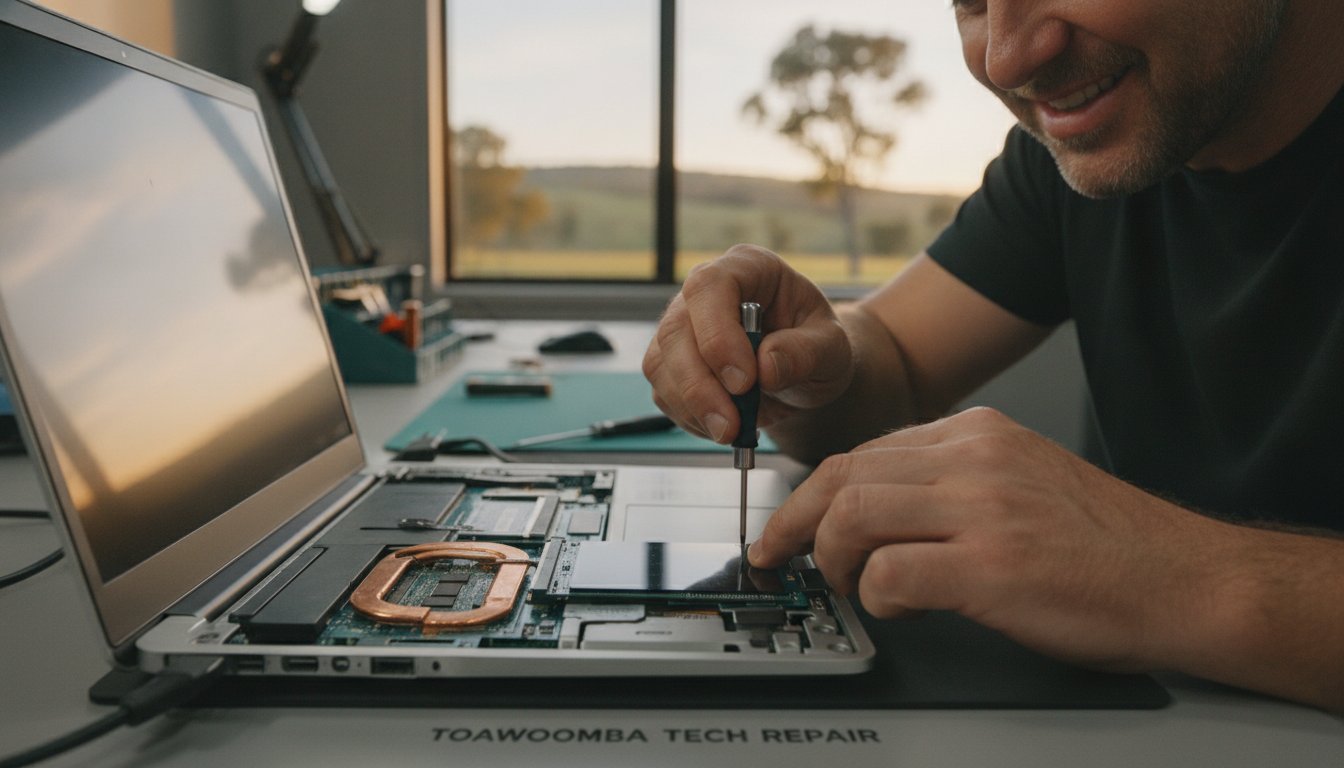
A Solid State Drive (SSD) is a flash-storage replacement for mechanical drives that uses no moving parts. This single change is the most effective way to eliminate wait times. If your motherboard supports it, an NVMe drive offers significantly higher speeds than a traditional SATA SSD. However, even a standard SATA SSD will make an older laptop feel brand new. I use a professional cloning process to move your entire operating system and all your personal files to the new drive. This means you get the speed without the stress of losing your photos or documents.
Memory (RAM) in 2026: The New Baseline
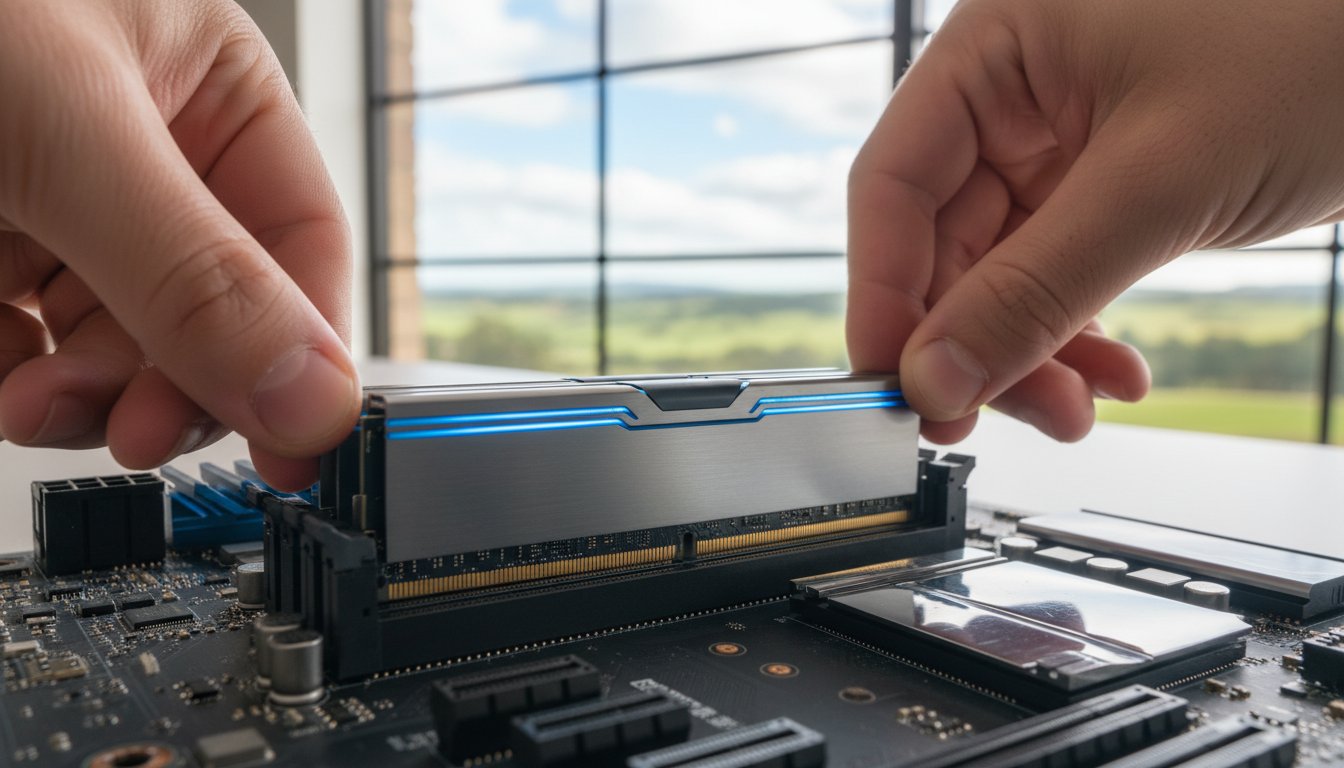
Memory requirements have shifted significantly over the last few years. While 8GB of RAM was once sufficient, it is no longer enough for a smooth experience with Windows 11 version 25H2. Modern web browsers and office applications are memory-hungry. I now recommend 32GB of RAM as the standard for home office productivity to prevent the system from stuttering during multi-tasking. It is vital to check whether your system uses DDR4 or the newer DDR5 memory, as these are not interchangeable. Getting the right match is a core part of a reliable computer upgrade Toowoomba service.
Graphics, Power, and Cooling
If you work with video editing or use AI-enhanced software, a dedicated graphics card refresh might be necessary. The latest NVIDIA RTX 50 series cards provide incredible efficiency, but they often require more power. This is where a power supply unit upgrade becomes essential to keep the system stable. Increased performance also generates more heat. Ensuring your system has adequate cooling is critical for maintaining stability during a hot Toowoomba summer. Without proper airflow, your new components will slow down to protect themselves from damage. A balanced approach ensures your hardware remains reliable for years to come.
If you are upgrading your system specifically for gaming, I also recommend ensuring your hosting matches your hardware’s speed. Using a reliable Australian provider like Twisted Servers for game server hosting can significantly reduce latency and improve your overall experience.
Comparison: Is it Better to Upgrade or Replace Your PC in 2026?
Deciding whether to invest in your current machine or start fresh with a new one is a common dilemma for many of my clients. I often suggest a simple “Three-Year Rule” as a starting point. For laptops, if your device is over three years old and has physical damage like a cracked hinge or a failing screen, a replacement is often more practical. Desktops are different. Their modular nature means a well-timed computer upgrade Toowoomba residents choose can keep a desktop running smoothly for seven to ten years.
The Financial Breakdown: Upgrade vs. New Purchase
The math usually favours an upgrade. A new, high-quality mid-range computer in 2026 can easily cost between A$1,200 and A$1,800. In contrast, a professional kit of high-speed RAM and a modern SSD costs significantly less. You also need to consider the hidden costs of a new purchase. Setting up a new PC, transferring your data, and re-installing all your software takes time and often incurs extra service fees. By choosing targeted hardware upgrades, you can extend your device’s life by another three to five years. This is not only better for your wallet but also reduces the amount of e-waste ending up in our local landfills.
When to Say Goodbye: Identifying ‘Beyond Economic Repair’
There are times when I will honestly tell you that a machine is beyond economic repair. If your motherboard has failed or if your laptop uses proprietary parts that are no longer manufactured, an upgrade isn’t viable. Physical damage to the chassis or the high-resolution screens found on modern ultrabooks can also be prohibitively expensive to fix. Another critical factor in 2026 is the processor generation. If your CPU is so old that it cannot support modern security protocols or TPM 2.0, your data is at risk even if the machine feels fast. In these specific cases, moving to a new system is the smarter financial move. I always provide a clear assessment so you don’t spend money on a computer upgrade Toowoomba experts wouldn’t recommend for their own families.

Preparing for 2026: Windows Support and Tech Standards
Navigating the shift in software requirements is often the most confusing part of maintaining a PC. We are now firmly in the post-Windows 10 era. This means that hardware which worked perfectly a few years ago might now struggle with basic security protocols. Ensuring your system meets modern standards like TPM 2.0 is no longer optional for anyone who values their data privacy. A professional computer upgrade Toowoomba residents trust ensures your machine isn’t just fast, but also compliant with the latest industry protections.
The Windows 10 End-of-Life Crisis
Windows 10 reached end-of-support in late 2025. For Toowoomba businesses and home users, running this legacy operating system in 2026 presents a significant security risk. Without regular security patches from Microsoft, your system is an open target for new vulnerabilities. I help local clients determine if their current processor and motherboard can handle the transition to Windows 11 version 25H2. If your hardware is restricted, I can often find safe, professional ways to bypass certain limitations or suggest a targeted component swap that brings your PC up to date without the cost of a full replacement.
Optimising Your System for 2026 Software
Hardware power is only half the battle. To get the most out of your new SSD or RAM, the software environment must be lean. When I perform a computer upgrade Toowoomba service, I often recommend a “Clean Install” rather than a simple update. An in-place upgrade carries over years of registry errors and digital clutter. A clean install provides a fresh start, allowing your hardware to run at its theoretical maximum speed. We also take the time to check driver compatibility for your older printers or specialised peripherals to ensure everything still works perfectly.
Removing “bloatware” is another essential step. These are the pre-installed programs that run in the background and eat up your system resources. By streamlining your startup items and ensuring your virus and malware removal tools are current and efficient, your PC will stay responsive. If you are worried about your current system’s security or speed, contact me at Aspire Computing for a professional assessment of your hardware and software needs.
Expert Local Service: Why Choose Aspire Computing for Your Upgrade
Choosing where to get your tech fixed is a matter of trust. National chains often feel distant and impersonal. Since 1999, I have provided a personalised computer upgrade Toowoomba residents can rely on for honest, jargon-free advice. You aren’t just another ticket number here. You are a member of our local community who deserves a fast, secure, and reliable machine. My goal is to reduce the anxiety of technical failures by providing a calm, professional service that puts your needs first.
On-Site Convenience for Toowoomba Homes and Offices
I understand that your time is valuable. You don’t need to struggle with cables or fight for a parking spot at a busy computer shop in Toowoomba. I come directly to you. Whether you have a home office in Newtown or a small business network in the Lockyer Valley, I handle the technical work on-site. This allows me to see exactly how your peripherals and network interact with your upgraded PC. I also serve the wider Darling Downs region, ensuring expert help is never too far away for those who need a reliable system for work or home use.
The Aspire Computing Guarantee
Reliability depends on the quality of the components used. I only supply parts from trusted brands like Samsung, Canon, and Epson to ensure your system remains stable for the long term. My mission is to provide a dual focus on security and functional utility. With over 25 years of technical experience, I manage the entire process for you. This includes everything from the physical hardware installation to the critical task of data migration.
Moving your files safely is my top priority. You get a streamlined process that prioritises your data safety and operational stability. This level of care is what makes a computer upgrade Toowoomba service from Aspire Computing different from a standard retail experience. If you want an expert who takes personal accountability for your technology, Aspire Computing is here to help you get back to work quickly without the stress of dealing with an anonymous service provider.
Take Control of Your PC’s Performance Today
Your computer should be a tool that empowers you, not a source of daily frustration. We have explored how a strategic computer upgrade Toowoomba residents choose can bypass the high costs of new hardware while ensuring your system meets 2026 security standards. By focusing on essential components like high-speed SSDs and the new 32GB RAM baseline, you can enjoy a machine that feels responsive and reliable for years to come.
I have been serving the Toowoomba community since 1999. Whether you need on-site assistance in Newtown or remote support for your home office, I am here to help. My expertise covers everything from PC and laptop repairs to printer maintenance and data security. You don’t have to navigate the complexities of Windows 11 or hardware compatibility alone. I provide the professional, personal service you need to get back to work without the tech-induced stress.
Ready to breathe new life into your device? Book Your Local Toowoomba Computer Upgrade Today and experience the difference that 25+ years of local expertise makes. It’s time to stop waiting for your PC and start getting things done.
Frequently Asked Questions
Is it worth upgrading a 5-year-old laptop in 2026?
Yes, upgrading a laptop from 2021 is often a very smart investment if the physical condition is good. Most machines from that era have processors that are still quite capable for daily tasks. By refreshing the storage and memory, you can achieve performance levels similar to a new A$1,200 device for a fraction of the cost. It is a practical way to extend your technology’s lifespan.
How much RAM do I need for basic office work and web browsing?
You should aim for at least 16GB of RAM, though 32GB is the recommended standard for 2026. Modern web browsers and office suites now require more memory to run smoothly without stuttering. If you frequently keep multiple tabs open or use video conferencing tools like Zoom, having extra memory ensures your system stays responsive and prevents frustrating application lags during your workday.
Can any computer be upgraded to run the latest version of Windows?
Not every computer can run Windows 11 version 25H2 because Microsoft requires specific security features like TPM 2.0. Generally, most systems manufactured after 2018 meet these requirements. If your machine is older, I can assess the motherboard and processor to see if a cost-effective component swap can bring it up to standard. This ensures your system remains secure and continues to receive vital updates.
What is the difference between an SSD and a traditional hard drive?
An SSD uses flash memory with no moving parts, while traditional hard drives rely on spinning magnetic platters. This lack of mechanical movement makes an SSD significantly faster and more durable. In practical terms, an SSD can boot your computer in seconds rather than minutes. It also opens large files and applications almost instantly, providing the single most noticeable speed boost available for any older PC.
Will I lose my files if I upgrade my computer’s hardware?
You will not lose your files when the process is handled by a professional. I use specialised cloning software to create an exact replica of your existing data on the new hardware. This means your photos, documents, and even your desktop wallpaper remain exactly where you left them. I prioritise data integrity during every installation to ensure your transition to a faster system is completely stress-free.
How long does a typical computer hardware upgrade take?
Most hardware installations are completed within 24 to 48 hours. The timeframe depends largely on the volume of data that needs to be migrated to your new drive. I aim for a rapid turnaround to minimise the time you are without your machine. I will always provide a clear estimate after our initial assessment so you can plan your schedule accordingly without any surprises.
Do you provide on-site computer upgrades in the Darling Downs region?
I provide a convenient on-site computer upgrade Toowoomba residents can access across the Darling Downs and Lockyer Valley. I come to your home or office to handle the installation and ensure everything is working correctly with your local network and printers. This personalised service saves you the hassle of disconnecting your equipment and transporting it to a shop, providing a much more streamlined experience.
Can you upgrade a Mac, or do you only work on PCs?
I primarily specialise in hardware upgrades for Windows-based PCs and laptops. While some older Apple computers allow for memory or storage changes, many modern Mac devices have their components soldered to the main board, which prevents traditional upgrades. I can provide a professional assessment of your specific device to determine if an upgrade is possible or if a different solution would better suit your needs.

B.App.Sc., Cert. Computer Engineering PC Service and Repair
As the owner of Aspire Computing founded in 1999, Chaim Lee has been working for over 20 years as the Leading Computer Technician.
He has a life long interest in electronics, computing, science and technology. He has completed studies and gained qualifications in Applied Science, Computer Repair and Service, Microsoft Installation and Maintenance, Technical Writing, Workplace Training, and Technical Sales Training.