Notebook Repairs Near Me: Expert Laptop Fixes in Toowoomba

Imagine sitting down at your desk in Newtown, ready to tackle a busy workday, only to find your laptop won’t boot past a flickering logo. It is a gut-wrenching moment when you realize your business files, family photos, and daily schedule are trapped behind a hardware failure. If you’ve been searching for notebook repairs near me, you know the immediate stress isn’t just about the broken machine. It’s the nagging fear of losing data and the anxiety over how much a professional fix might actually cost.

We believe that tech support should be transparent and reassuring, not a source of more frustration. You deserve to know exactly what’s wrong with your device and whether a repair is a smarter investment than a total replacement. This article will help you find the most reliable notebook repair services in Toowoomba so you can get your laptop running like new again. We’ll walk through the essentials of hardware diagnostics, the peace of mind offered by expert data recovery, and how a professional Windows tune-up can breathe fresh life into a sluggish system.

Key Takeaways

  • Learn why choosing a local Toowoomba expert provides better accountability and faster service than a national franchise.
  • Discover how professional hardware diagnostics identify the true root cause of your laptop’s failure rather than just treating the symptoms.
  • Understand the economic framework and the “three-year rule” to help you decide if repairing your device or upgrading is the better financial choice.
  • Find out how to ensure your personal data and business files remain secure while looking for notebook repairs near me.
  • See how a specialist Windows tune-up can restore your computer’s speed and reliability as a cost-effective alternative to a full replacement.

Finding Reliable Notebook Repairs Near Me in Toowoomba

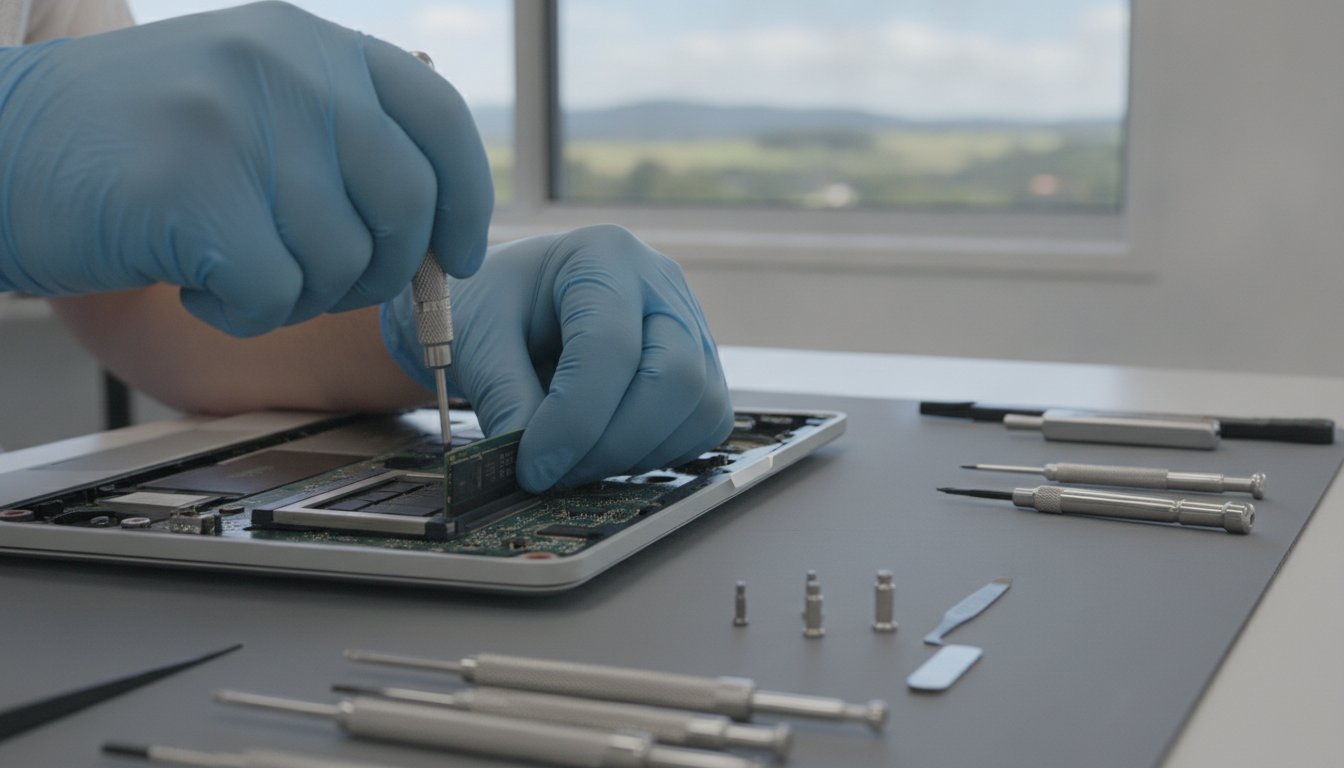
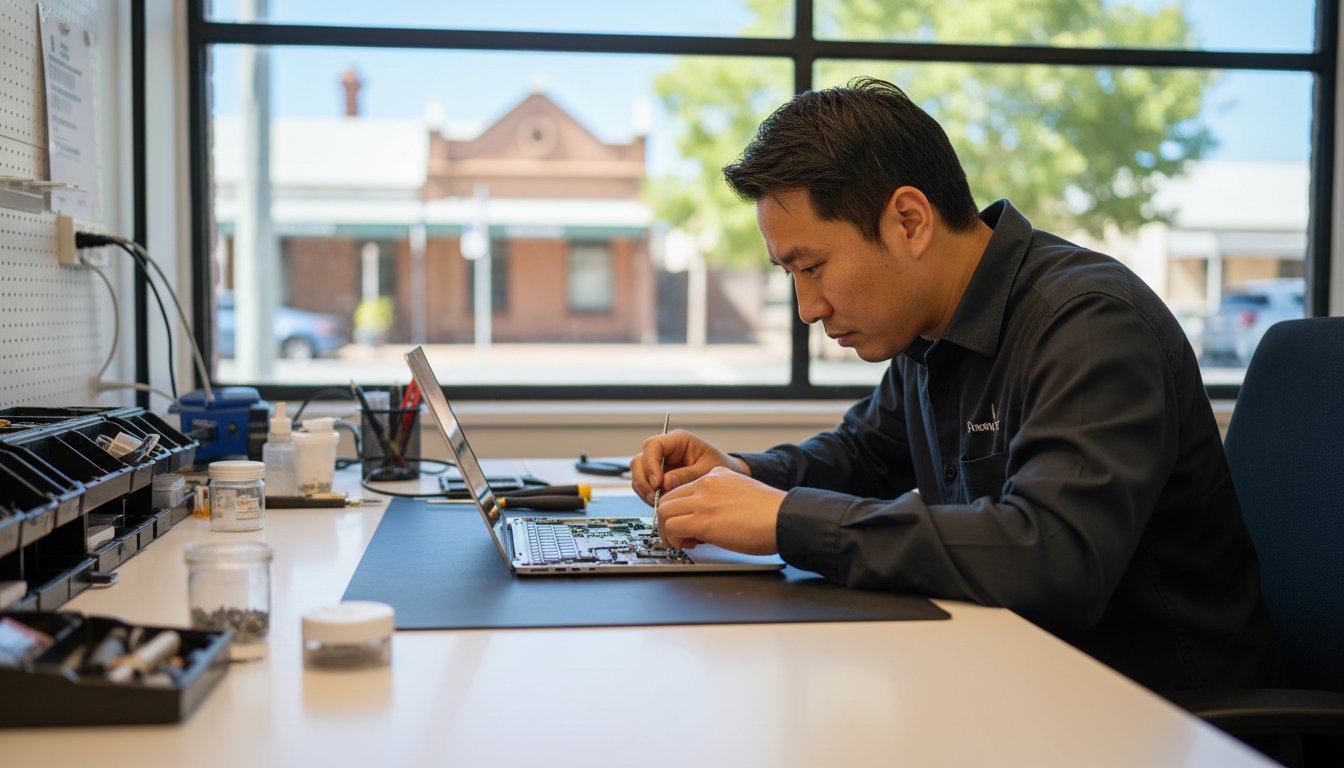
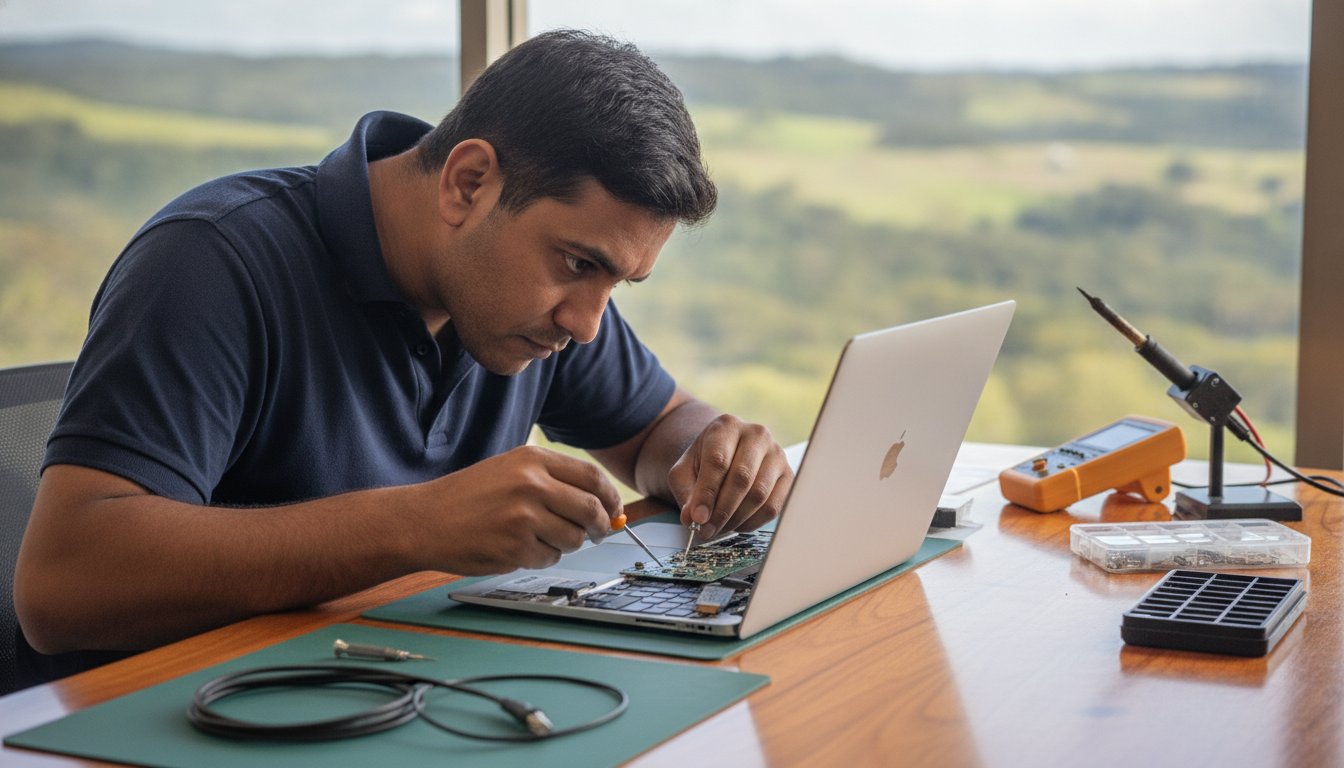
When your device fails, searching for notebook repairs near me often leads to a choice between large, faceless franchises and local specialists. Professional notebook repair is more than just swapping out parts. It involves a systematic approach to hardware integrity and software stability, ensuring your machine handles the specific demands of your home office or business. For residents in Toowoomba, Newtown, and the wider Darling Downs, this service is best delivered by someone who understands the local environment and has a stake in the community.

The Advantage of Local On-Site Support

Choosing on-site support means you don’t have to pack up your workstation and drive across town. A technician visiting your office in the Lockyer Valley or your home in Newtown saves you valuable time. You get to see the repair process happen in real-time, which builds trust and allows you to ask questions as they arise. Local experts also bring specific knowledge of regional connectivity issues. They understand the nuances of the NBN rollout in our area and can troubleshoot setup problems that a remote call center might miss.

Identifying a Trustworthy Repair Shop

A reliable computer repair technician should have a clear, documented history. Aspire Computing has been serving the region since 1999, providing a level of stability that’s rare in the tech industry. When you look at a professional biography, you’re looking for personal accountability. You want to know who is handling your data. Transparency in diagnostics and quoting is essential; you should never feel pressured into a repair without a clear understanding of the costs involved.

At its core, professional local repair is a combination of high-level technical skill and deep community accountability. It’s about building a relationship where the technician cares as much about your uptime as you do. By visiting Aspire Computing, you’re engaging with a service that has spent over two decades refining its approach to local IT needs. This long-standing reputation ensures that when you need notebook repairs near me, you’re getting help from someone who will be here tomorrow to stand by their work today.

Diagnosing Common Laptop and Notebook Hardware Issues

Searching for notebook repairs near me often starts when a device behaves unpredictably. You might notice a slow startup or a screen that occasionally flickers. These are just symptoms. They don’t always reveal the underlying problem. Professional diagnostics are essential because they pinpoint whether a failure is caused by a dying battery, a corrupted driver, or a physical hardware fault. In our Toowoomba climate, heat and dust are the two biggest silent killers of portable tech. Dust builds up in the small cooling vents, causing the internal temperature to spike. This thermal stress eventually degrades sensitive components and shortens the lifespan of your machine.

Modern laptops are incredibly compact. Most components are integrated into the motherboard, which makes DIY fixes risky without professional tools. A technician uses specialized equipment to test voltage and signal paths without causing further damage. This precision is vital when weighing the costs of Repair vs. Replacement, as an accurate diagnosis prevents you from wasting money on parts you don’t actually need. Professional tools allow us to see exactly what’s happening inside the chassis before we even pick up a screwdriver.

Screen, Battery, and Power Problems

Battery issues are common but often misunderstood. If your laptop only works while plugged in, it’s likely a dead cell. However, if it won’t charge even when connected, the problem might be a damaged charging port or a failing power brick. We always recommend using genuine power supplies. Non-genuine chargers often lack the correct voltage regulation, which can fry high-end laptop circuitry. If your screen goes black or flickers, it could be a loose internal cable or a failing LCD panel. Testing these requires opening the chassis, a task best left to an expert who understands the delicate ribbon cables involved.

Performance Bottlenecks and Overheating

Slow performance doesn’t always mean you need a new computer. A professional Windows tune-up can often clear out software bloat and registry errors that drag down speed. If you hear your fan spinning loudly or feel excessive heat on the bottom of the case, your cooling system is struggling. This physical sign shouldn’t be ignored, as overheating can lead to permanent data loss. Upgrading to a Solid State Drive (SSD) is often the most effective way to breathe life back into an older machine. It provides a massive speed boost that far exceeds the performance of traditional hard drives. If your device is struggling to keep up, you can book a hardware assessment to see which upgrades will offer the best value for your specific model.

Notebook Repair vs. Replacement: Making the Economical Choice

Choosing between fixing a broken device and buying a new one is a common headache for Toowoomba residents. When searching for notebook repairs near me, you need a clear framework to decide if your machine is worth the investment. Generally, if a laptop is less than three years old, a repair is almost always the better financial choice. High-quality hardware is built to last. It often just needs a specific component replaced or a professional cleaning to return to peak performance. This “three-year rule” helps you avoid the trap of the premature replacement cycle that many big-box retailers encourage.

Repairing your current device also has significant environmental benefits. Australia generated 588,000 tonnes of e-waste in 2023. Extending the life of your hardware directly helps reduce this growing environmental impact. Strategic hardware upgrades, such as adding more RAM or a faster drive, can often extend a notebook’s functional life by several years. This approach keeps your familiar keyboard and screen intact while providing the internal speed required for modern applications. It’s a practical way to maintain operational resilience without the high cost of a new purchase.

Calculating the ROI of Your Repair

It’s helpful to look at the return on investment when your laptop starts to fail. A quality repair often costs less than 25% of a new machine. When you compare this to the price of a new mid-range laptop, the savings are immediate and substantial. You also avoid the hidden costs that come with starting over. These include the time spent on complex data transfers, the hassle of re-installing specialized business software, and the hours required to set up your desktop preferences. A professional repair keeps your workflow moving without these interruptions.

When Replacement is the Better Option

There are certain scenarios where repair isn’t the most logical path. Catastrophic failures, such as extensive liquid damage to the motherboard or a cracked chassis that compromises structural integrity, can sometimes exceed the value of the device. If your central processor is so old that it can no longer run current security updates, an upgrade becomes a necessity for your safety. If we find that your machine has reached this point during our diagnostic process, Aspire Computing can help you source quality new hardware. We provide honest advice to ensure your new system is perfectly suited to your specific needs in Toowoomba or the Darling Downs.

Notebook Repairs Near Me: Expert Laptop Fixes in Toowoomba

The Importance of Data Security During the Repair Process

Handing over your personal or business laptop can feel like giving someone the keys to your entire life. It’s a common fear; you might wonder if a technician will look at your private files while your device is in the shop. When you’re searching for notebook repairs near me, data security should be your primary concern. We operate with strict protocols to ensure your privacy is never compromised. Our diagnostics focus on system health and hardware signal paths, not the contents of your personal folders. This professional boundary is a cornerstone of our service in Toowoomba, backed by over two decades of local accountability.

Data integrity is also about protecting your files from external threats. A hardware failure often happens at the same time a system is vulnerable to software corruption. We follow best practices in line with Australian privacy standards to ensure that your information remains yours alone. Whether we’re working on a machine from Newtown or a business setup in the Darling Downs, our goal is to return a device that’s both physically functional and digitally secure.

Virus and Malware Removal Protocols

Malware can do more than just slow down your computer; it can act as a gateway for data theft. Our approach involves a methodical scan of system directories to identify malicious code without opening your personal documents. These deep scans ensure that no hidden threats remain to re-infect your notebook once the hardware is fixed. Securing your system after a hardware repair is vital for long-term stability. You can find more detailed information on protecting your device in our Virus and Malware Removal Guide.

Data Recovery and Backup Strategies

It is a gut-wrenching moment when a notebook won’t boot, but your files are still trapped on the drive. In many cases, the data is perfectly intact; it’s just the operating system or a power component that has failed. We specialize in retrieving these files and implementing a “Business Continuity” plan for home office users. This ensures you never face the same panic again. If you’re dealing with a drive that seems unresponsive while looking for notebook repairs near me, our Data Recovery Services can help you get those lost files back safely. You can contact us today to discuss a secure data backup plan for your home or business.

Professional Laptop Services with Aspire Computing

Aspire Computing represents a different approach to technology support. Since 1999, we’ve provided a stable and reliable presence in the Toowoomba region. While national chains often rotate staff or use remote call centers, our business is built on personal accountability. When you search for notebook repairs near me, you aren’t just looking for a technician; you’re looking for a partner who understands your history and your specific setup. We combine this decades-long experience with a modern focus on efficiency and security.

Our service extends beyond the laptop itself. We supply and repair quality peripherals, ensuring your entire office ecosystem works together. Whether you need printer supplies for your Canon or Epson devices or a complete hardware overhaul, we use parts that meet high industry standards. This commitment to quality ensures that once your notebook is fixed, it stays fixed. We focus on tangible improvements that you can feel the moment you turn your machine back on.

Personalised Tech Support for Toowoomba

The owner-led model at Aspire Computing means you always speak directly to the person performing the work. There’s no middleman and no corporate jargon. This direct line of communication allows for a much deeper understanding of your technical issues. Every repair we undertake includes a focus on “Cyber Security” to ensure your machine isn’t just fast, but also protected against modern threats. For a broader look at our local expertise, you can visit our Pillar Page for Computer Repairs Toowoomba.

Getting Started with Your Notebook Repair

Initiating your repair is a straightforward process. You can contact us to book an on-site visit or a remote diagnostic session depending on the nature of the fault. When you call, describing your symptoms accurately helps us prepare the right tools and parts. If you’ve noticed specific error messages or unusual sounds, jot them down before the session starts.

Before our technician arrives at your Newtown or Toowoomba location, ensure you have your power cables and any relevant passwords ready. This preparation helps us get straight to work, reducing your downtime. If you’re searching for notebook repairs near me because of a sudden failure, don’t panic. We’ve spent over 25 years helping Toowoomba residents restore their digital lives quickly and safely. We’re here to ensure your technology serves you, rather than the other way around.

Get Your Notebook Back in Top Shape

Your laptop is the hub of your digital life. Understanding when to repair rather than replace can save you significant money while keeping your valuable data secure. We have explored how professional diagnostics pinpoint the root cause of hardware failures and why local, owner-led support offers a level of accountability you won’t find at a national franchise. Whether you are dealing with a flickering screen or a system that won’t boot, finding reliable notebook repairs near me is about choosing a partner you can trust with your privacy and your productivity.

Aspire Computing has been serving the Toowoomba community since 1999. We offer expert on-site and remote support, specializing in complex data recovery and robust cyber security. You don’t have to struggle with a slow or broken machine any longer. Contact Aspire Computing for Reliable Notebook Repairs in Toowoomba and let us handle the technical details for you. We are ready to help you get back to work with a fast, secure, and reliable device.

Frequently Asked Questions

How long does a typical notebook repair take in Toowoomba?

Most software fixes or virus removals are completed within one to two hours of starting the work. Hardware repairs depend on the availability of specific parts, but we always aim for a rapid turnaround to minimize your downtime. Since we offer both on-site and remote assistance, we can often begin the diagnostic process quickly. We understand that your notebook is essential for daily life, so we prioritize efficient and reliable service.

Can you fix my laptop screen if it is cracked?

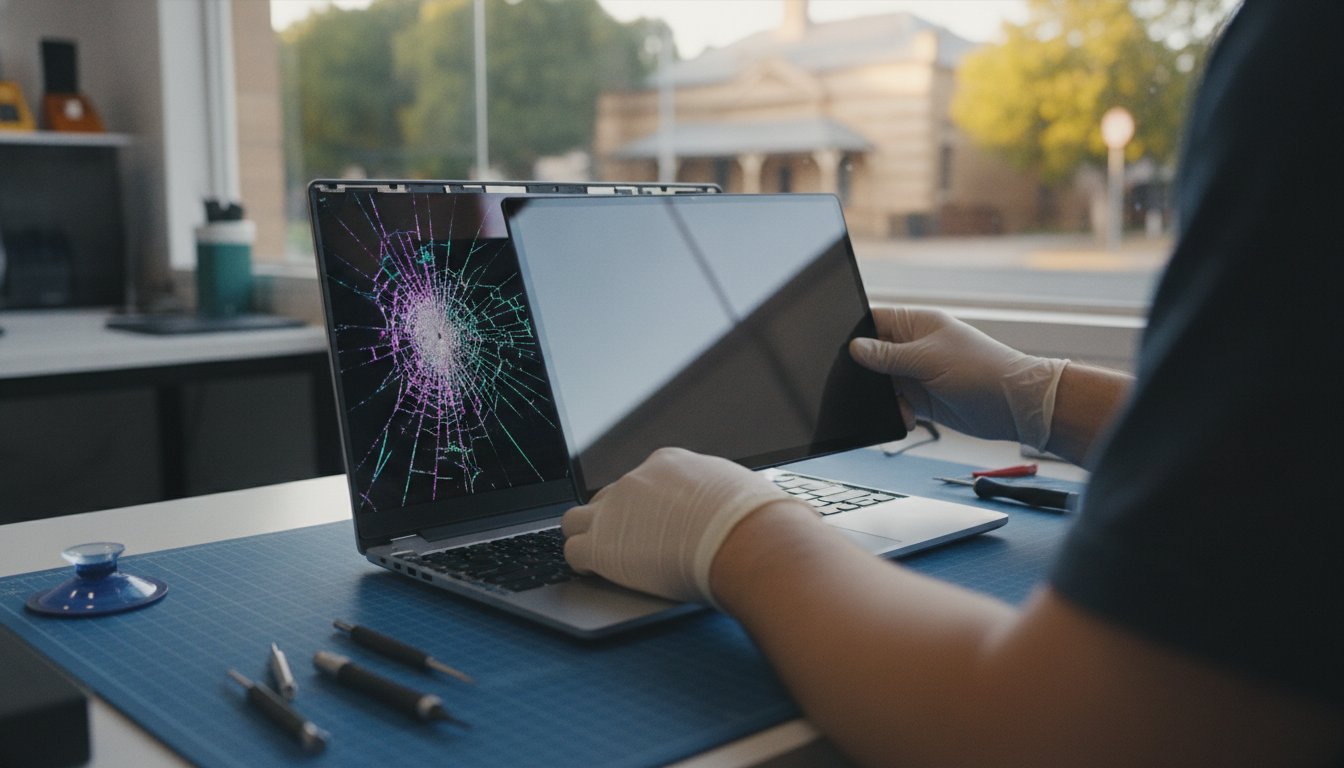
Yes, we provide professional laptop screen replacement services for most major brands. A cracked or flickering screen usually requires a full panel replacement to restore clarity and touch functionality. We source high-quality replacement parts to ensure your display looks like new again. Because modern screens are integrated with delicate cables, we handle the installation with precision to prevent damage to the internal camera or the Wi-Fi antennas housed in the lid.

Will I lose my files during a notebook repair?

We prioritize data integrity and take every precaution to protect your files during the repair process. For many hardware fixes, your data remains completely untouched on the drive. However, if we identify a failing storage device, we specialize in data recovery and secure backups to save your information. When you search for notebook repairs near me, choosing a technician who emphasizes cyber security ensures your personal and business files are handled with professional care.

Do you offer on-site laptop repairs for small businesses?

We specialize in on-site IT support for small businesses and home offices throughout Toowoomba and the Darling Downs. Our technician can visit your location in Newtown or surrounding suburbs to troubleshoot hardware issues or network connectivity problems. This service saves you the hassle of disconnecting equipment. It also allows us to see how your devices interact with your local environment, including printers, scanners, and network storage solutions.

Is it worth upgrading the RAM or SSD in an older notebook?

Upgrading your hardware is often the most cost-effective way to extend the life of a laptop that is several years old. Replacing a traditional hard drive with a Solid State Drive (SSD) provides a massive boost in startup speed and application responsiveness. Adding more RAM allows your system to handle multiple tasks without slowing down. These upgrades frequently cost significantly less than purchasing a new machine and provide immediate, tangible improvements.

What brands of laptops and notebooks do you service?

We service all major PC laptop brands, including Dell, HP, Lenovo, ASUS, and Acer. Our expertise covers a wide range of hardware configurations and operating system versions. Whether you have a high-end business workstation or a student notebook, we use professional diagnostic tools to identify specific faults. We also supply quality parts and peripherals from trusted brands like Canon and Epson to ensure your entire office setup remains stable and reliable.

How much does a laptop diagnostic cost?

We provide clear, upfront quotes for all repairs after a thorough assessment of your device’s symptoms. Our diagnostic process identifies the root cause of the failure, whether it’s a hardware fault or a software conflict. We believe in transparency, so you’ll have a full understanding of the costs before any work begins. When searching for notebook repairs near me, this clear communication helps you make an informed decision about your technology investment.

Can you help with printer setup alongside my notebook repair?

Yes, we offer comprehensive printer supply and repair services as part of our IT support. We can assist with the initial setup, driver installation, and wireless configuration for brands such as Canon, Samsung, and Epson. Ensuring your notebook communicates correctly with your printer is essential for a smooth workflow. We can handle these tasks during an on-site visit to your home or office to ensure your entire system functions perfectly.

Computer Repairs Toowoomba: The Complete 2026 Guide to PC & Laptop Fixes

Imagine you are finishing a critical business report or scrolling through photos of a family holiday when your screen suddenly goes black. That sinking feeling in your stomach isn’t just about the hardware. It’s the fear that years of memories or weeks of hard work have vanished in an instant. When you need reliable computer repairs in Toowoomba, the last thing you want is a generic service that treats you like a number or risks your private information.

We understand that a slow or broken PC is more than an inconvenience; it’s a barrier to your daily life. You deserve a fast, functional machine and the peace of mind that comes with expert care. This guide shows you how to get your tech back on track with local advice on repairs, hardware upgrades, and data security. Drawing on over 25 years of experience serving the community since 1999, we’ll explore the latest 2026 standards for Windows 11 performance, proven data recovery methods, and the steps you can take to keep your system running smoothly for years to come.

Key Takeaways

  • Understand why professional computer repairs are essential in 2026 to prevent permanent data loss and hardware damage from DIY mistakes.
  • Learn how to apply the “50% Rule” to decide whether repairing your current laptop or upgrading its hardware is the smartest financial choice.
  • Discover how to secure your digital identity and restore speed to your PC through professional malware removal and system tune-ups.
  • Identify the essential preparation steps, such as backing up your files and documenting symptoms, to ensure a smooth and efficient repair process.
  • Gain peace of mind by choosing a local Toowoomba expert with over 25 years of experience over anonymous, generic tech support.

Understanding Computer Repairs: Why Professional Help Matters in 2026

By 2026, the technology inside your home office or small business has become incredibly sophisticated. Traditional computer repairs used to involve simple part-swapping, but modern systems require a much deeper level of technical insight. Today’s devices are essentially tightly packed puzzles where a single mistake can lead to a total system failure. It’s easy to think a quick video tutorial can replace years of experience, but modern hardware is unforgiving. A professional computer repair technician brings the specialized diagnostic tools and anti-static environments necessary to handle these delicate components safely.

Choosing a local expert in Toowoomba provides a level of accountability you won’t find with anonymous online support. At Aspire Computing, we’ve seen the industry transform since we started in 1999. We know that for many Darling Downs residents, a computer isn’t just a tool; it’s a vault for family memories and a hub for business continuity. Attempting a DIY fix often leads to unintended consequences like static discharge, which can fry a motherboard instantly, or accidental data deletion during a botched operating system reload. Professional intervention ensures your warranty remains intact and your data stays secure.

The Evolution of PC and Laptop Repairs

The transition to Windows 11 as the primary standard in 2026 has shifted the focus of many repairs. Modern laptops often feature integrated CPUs and soldered memory, meaning hardware failures require precision work rather than just plugging in a new stick of RAM. We’ve also seen a massive shift from physical hardware failures to complex software conflicts. While “turning it off and on again” might clear a temporary glitch, it rarely solves the underlying registry errors or driver incompatibilities that plague modern high-speed SSDs and multi-core processors.

Hardware vs. Software: Identifying the Culprit

Determining whether your problem is physical or digital is the first step in any successful repair. Hardware issues often present with clear physical symptoms, while software issues tend to be more erratic. Consider these common signs:

  • Hardware Failure: You might hear grinding or clicking sounds; the machine might feel excessively hot to the touch; or you may experience the “Blue Screen of Death” during basic tasks.
  • Software Issues: These typically manifest as slow boot times, frequent pop-up windows, or specific applications that crash every time you open them.

A professional diagnostic report takes the guesswork out of the equation. Instead of spending money on parts you don’t need, an expert assessment identifies exactly what’s wrong, saving you time and frustration in the long run.

Common Computer Problems and Expert Solutions

Identifying a technical glitch is only half the battle. Knowing the most effective way to resolve it ensures your device remains reliable for years. In 2026, the most frequent complaint we hear in Toowoomba involves sluggish performance on Windows 11 systems. Many users assume their machine is simply “too old,” but a professional Windows Tune-up often reveals that background processes, registry errors, or outdated drivers are the true culprits. Professional computer repairs focus on stripping away these digital bottlenecks to restore that “out-of-the-box” speed.

Digital security has also become a primary concern for home users and small businesses alike. Malware in 2026 is no longer just about annoying pop-ups; it’s designed to silently compromise your digital identity and financial data. Our approach to virus and malware removal involves deep system cleaning and the implementation of robust security protocols. Under Australian Law, you have specific consumer guarantees for repairs that protect you when a service doesn’t meet professional standards, which is why choosing an established local expert is so vital for your peace of mind.

Laptops and office peripherals present their own unique challenges. We frequently assist clients with the following hardware and connectivity issues:

  • Laptop Screen Replacements: Modern high-resolution displays are fragile. Replacing a cracked panel is almost always more cost-effective than buying a new laptop.
  • Battery Health: If your laptop dies the moment you unplug it, a calibrated battery replacement can give your device a second life.
  • Printer Troubleshooting: Connection drops and driver conflicts are common in home offices. We specialize in getting your printer back online and synchronized with your network.

Boosting Speed with Hardware Upgrades

If software optimization isn’t enough, hardware upgrades provide a tangible performance leap. Upgrading from a traditional hard drive to a Solid State Drive (SSD) is the single most effective way to save an older PC from the scrap heap. Additionally, increasing your RAM to at least 16GB or 32GB is becoming essential for the resource-heavy applications used in 2026. Learn more about hardware upgrades to see which components will best serve your specific needs. If you’re unsure if your hardware is the bottleneck, we can provide a thorough assessment of your system at Aspire Computing.

Data Recovery: Saving Your Important Files

The moment you realize your files are missing or your drive has stopped spinning, the most important thing you can do is stop using the device. Continued attempts to “fix” a failing drive can cause permanent physical damage. Logic recovery involves fixing corrupted file systems, while physical drive repair requires specialized clean-room environments to address mechanical failures. Check out our guide to data recovery services for a step-by-step breakdown of how we retrieve your precious family photos and critical business documents.

Repair vs. Replace: Making the Smart Financial Choice

Facing a broken device often brings up a difficult question: should you spend money on computer repairs or just buy a new one? We recommend using the “50% Rule” as your primary benchmark. If the cost of the repair exceeds half the price of a comparable new machine, replacement might be the logical path. However, don’t just look at the sticker price of a budget laptop at the shops. A high-quality older machine with a professional repair often outperforms a “cheap” new model that lacks the build quality or processing power you’re used to.

The principle of investing in quality components to extend the life of high-value machinery is common across many sectors; for example, many businesses turn to Storm Parts Australia for specialized engine parts to keep their Volvo or Caterpillar construction equipment running efficiently.

Sustainability is another factor gaining importance in 2026. Extending the life of your hardware reduces e-waste and lessens the environmental impact of manufacturing new components. Before making a decision, it’s also wise to learn how to avoid tech support scams that might push you toward unnecessary replacements or overpriced “protection” plans. Genuine local advice ensures you only spend what is necessary to keep your digital life running without being “ripped off” by generic support services.

Assessing the Lifespan of Your Tech

In a busy Toowoomba business environment, laptops generally have a reliable lifespan of three to five years, while desktops can often stretch to seven. The shift to Windows 11 as the 2026 standard has created a strict hardware baseline, particularly regarding TPM 2.0 security requirements. Modern CPUs reach the point of obsolescence when their architecture can no longer execute the security instructions or multi-threaded tasks required by current operating system updates. If your machine can still run these updates safely, a repair is usually a sound investment.

Hidden Costs of Buying New

Buying a new computer isn’t just about the initial payment. You must consider the time cost of migrating your data and re-installing all your specialized software. You might also find that your older printer or other office peripherals aren’t compatible with the latest ports or drivers on a new machine. At Aspire Computing, we help you weigh these factors so you don’t end up with a “cheap” new laptop that is actually slower than your repaired one. Sometimes, the most efficient path is simply restoring the machine you already know and trust.

Computer Repairs Toowoomba: The Complete 2026 Guide to PC & Laptop Fixes

Preparing for Your Repair: Data Safety and Service Options

Handing over your device for computer repairs can feel like a leap of faith. You’re trusting a technician with your business files, personal photos, and sensitive login details. Since 1999, we’ve assisted over 8,500 local clients in Toowoomba, so we know that a structured approach helps reduce this anxiety. Before you book a service, taking a few simple steps ensures your data remains safe and the repair process stays efficient. Proper preparation doesn’t just protect your files; it also helps your technician get your machine back to you much faster.

We recommend following this straightforward four-step checklist before your technician arrives or you drop off your machine:

  • Step 1: Back up your data. If your computer still boots, copy your photos and documents to an external drive or a cloud service. While we always prioritize data integrity, hardware can be unpredictable during intensive repairs.
  • Step 2: Document the symptoms. Write down exactly what happens and when. Take a photo of any error messages or blue screens. Note any unusual sounds, like clicking or loud fans.
  • Step 3: Choose your service method. Decide whether you need an on-site visit for hardware and networking issues or if a remote session would be faster for software glitches.
  • Step 4: Verify credentials. Look for a provider with deep roots in the Toowoomba community. Local accountability is your best protection against being “ripped off” by generic support.

On-Site vs. Remote Support: Which is Right for You?

On-site support is the best choice for physical hardware fixes, printer setup, or Wi-Fi troubleshooting. It’s often easier for us to see your physical workspace to identify environmental factors like overheating or faulty cables. Remote support is a fast and convenient option for software issues, email configuration, or virus removal. At Aspire Computing, we offer both services to Toowoomba and Newtown residents, allowing us to resolve many software problems without you even leaving your desk.

Protecting Your Privacy During Repairs

Privacy is a primary concern when your device contains your digital life. This is why hiring a local, trusted expert is safer than using a random contractor from a national platform. When you deal with the owner of the business directly, you have a clear point of accountability. Always ask your technician about their data security protocols and how they handle sensitive business information. We treat your data with the same care we would our own, ensuring your private files remain exactly that; private.

If you’re ready to get your tech back on track with a team that values your privacy, you can book your Toowoomba computer repair here for expert, local assistance.

Aspire Computing: Toowoomba’s Local Tech Experts Since 1999

Trust is a hard-earned asset in the technology industry. Since 1999, Aspire Computing has been a steady presence for residents and businesses across the Darling Downs. We didn’t start as a large corporation; we began as a local service dedicated to solving technical frustrations one machine at a time. Based in Newtown, we’ve spent more than 25 years refining our approach to computer repairs, ensuring that every client receives the benefit of decades of hands-on experience. It’s a legacy of stability that national call centers simply can’t match.

When you contact us, you aren’t speaking to a script-reading operator in another city. You’re dealing directly with the owner and lead expert. This personal accountability is the cornerstone of our business. We understand the specific needs of the Toowoomba community, from the home offices in the Lockyer Valley to the small businesses operating in the heart of the city. We believe that professional tech support should be approachable and transparent, removing the “tech-speak” so you understand exactly what’s happening with your equipment.

Our commitment to the region goes beyond just fixing hardware. We specialize in supporting the unique workflows of small business owners who rely on their technology to stay competitive in 2026. Whether you’re dealing with a sudden system crash or planning a long-term strategy for business continuity, we provide the stability you need. We’re proud to be a local partner for our neighbors, offering the kind of dependable assistance that builds lifelong professional relationships.

Comprehensive IT Services for Toowoomba

Our service menu is designed to cover every digital need for the modern home and office. We handle everything from physical laptop screen replacements to complex small business networking and data backup solutions. As cyber security threats become more sophisticated, local businesses trust us to implement the robust protections necessary to safeguard their operations. If you’re looking for Computer Repairs Toowoomba, you can rely on us for rapid response times and expert diagnostics that get to the root of the problem quickly.

Contact Aspire Computing Today

Getting your technology back in order shouldn’t be a stressful process. We offer flexible on-site visits throughout Toowoomba and its surrounding suburbs, bringing the workshop directly to your door. We also provide remote support for software issues that require an immediate fix. Our “No Fix, No Fee” philosophy and transparent pricing mean you’ll never face unexpected costs or hidden charges. We’re here to help you regain your productivity and peace of mind. Get your computer fixed today by a local expert and experience the difference that 25 years of local experience makes.

Restore Your Digital Confidence with Local Expertise

Navigating technical failures doesn’t have to be a source of constant anxiety. By understanding the balance between repairing and replacing your hardware, you can make a financial choice that protects both your budget and the environment. It’s essential to remember that modern systems in 2026 require specialized tools and a dedicated focus on data integrity to ensure your private photos and business files stay secure. Whether you’re dealing with a slow Windows 11 system, a cracked laptop screen, or a frustrating printer glitch, professional intervention is the key to a long-lasting and reliable solution.

Aspire Computing has been a trusted name for computer repairs in Toowoomba since 1999. We take personal accountability for every job, offering convenient on-site service across the Darling Downs and expert fixes for PCs, laptops, and printers. You don’t have to struggle with tech issues alone when an experienced local expert is ready to help. Book Your Local Toowoomba Computer Repair Now and get your digital life back on track today. We look forward to helping you achieve a fast, functional, and secure computer setup.

Frequently Asked Questions

How much do computer repairs typically cost in Toowoomba?

The cost for technical support depends on the specific nature of the problem and whether replacement parts are required. We maintain a transparent approach to pricing and operate with a “No Fix, No Fee” philosophy to ensure you feel confident in the value of our service. A professional diagnostic assessment is the most reliable way to receive an accurate estimate tailored to your unique hardware or software situation.

How long does a standard laptop repair take?

Most standard repairs are completed within one to three business days, though this can vary based on the availability of specific components. Software troubleshooting and virus removals are often much faster and can frequently be resolved during an on-site visit or a remote session. We focus on a streamlined process to ensure you’re back to work or personal tasks with as little downtime as possible.

Can you fix my computer remotely if I am in the Lockyer Valley?

We provide remote IT support to clients throughout the Lockyer Valley and all surrounding regional areas. Provided you have a functional internet connection, we can securely log into your system to resolve email issues, software conflicts, or performance lags. This digital service offers a convenient and immediate solution for many common problems without the need for a physical appointment.

Will I lose my files if my hard drive is repaired?

Maintaining the safety of your data is our primary mission during all computer repairs and system maintenance. While we always suggest that clients back up their files whenever possible, we use careful protocols to protect your information throughout the repair process. If your drive has already suffered a failure, we utilize specialized data recovery techniques to retrieve your precious photos and critical business documents.

Do you repair Apple Macs as well as Windows PCs?

Our specialized expertise is centered on Windows-based PCs and laptops, which has been our core focus since 1999. This allows us to provide highly competent and efficient support for the latest Windows 11 environments and common business software. By specializing in the Windows ecosystem, we ensure that our diagnostic tools and repair strategies are perfectly tuned for the systems most frequently used by local small businesses.

Is it worth upgrading my old laptop or should I buy a new one?

Determining if an upgrade is worthwhile depends on the overall health of your current machine and its ability to run 2026 software standards. If your laptop has a high-quality build but feels sluggish, simple hardware upgrades like more RAM or a faster SSD can often extend its life for several years. We help you evaluate your current tech against the cost of a new machine to find the most sensible path.

What areas around Toowoomba do you provide on-site service to?

We deliver on-site computer repairs to a wide range of locations including Newtown, Wilsonton, Rangeville, and Highfields. Our service reach extends across the Darling Downs and the Lockyer Valley to ensure that home offices and small businesses have access to expert help. This hyper-local focus allows us to provide a level of personal accountability and community-minded service that larger, anonymous corporations cannot match.

Do you offer emergency computer repairs for small businesses?

We provide prioritized assistance for small businesses to help minimize the impact of sudden technical failures on your daily operations. Our services include business continuity and rapid remote support to address urgent issues as they arise. We recognize that functional technology is vital for your livelihood, so we work methodically to restore your systems and secure your data as quickly as our schedule allows.

Notebook Repairs Near Me: The Complete Toowoomba Laptop Fix Guide

You’ve just sat down with a coffee to finish your weekly invoicing, but when you press the power button, your laptop screen stays black. The immediate wave of panic isn’t just about the hardware. It is the fear of losing years of family photos or the critical files your business needs to survive. Most people feel overwhelmed by the thought of hidden costs or the risk of losing private data during a laptop repair Toowoomba service. We agree that your technology should work for you, not cause you more stress.

This guide explains how to get your notebook fixed quickly and securely with a focus on local, personal accountability. You will find out how to protect your privacy, what to expect from on-site assistance, and how to ensure your device performs better than the day you bought it. I will walk you through the process of restoring your digital life, whether you are running a home office in Newtown or a small business across the Darling Downs.

Key Takeaways

  • Learn why “notebook” and “laptop” are interchangeable terms and which common hardware issues, such as screen or battery failures, require expert intervention.
  • Identify critical warning signs like excessive heat or fan noise to address internal problems before they lead to permanent data loss.
  • Understand how to select a trustworthy provider for laptop repair Toowoomba by verifying their local history and commitment to data privacy.
  • Apply the “50% rule” and evaluate the age of your device to make an informed decision on whether to repair or replace your notebook.
  • Discover the convenience of mobile IT support that brings professional hardware and software solutions directly to your home or office.

What Does Notebook Repair Near Me Actually Cover?

Searching for “notebook repair near me” in Toowoomba can occasionally lead to a bit of confusion. In the modern tech landscape, the terms “notebook” and “laptop” are used interchangeably by manufacturers and technicians alike. Whether you call it a notebook or a laptop, the internal components are essentially the same. A notebook is a portable personal computer requiring specialised micro-electronics repair. Because these devices are built with compact, integrated parts, fixing them requires a steady hand and a deep understanding of how these portable systems are assembled.

When you seek out laptop repair Toowoomba services, the work generally falls into two categories: physical hardware restoration and software optimisation. Hardware repairs deal with the tangible parts of your machine, such as replacing a cracked LCD screen, swapping out a failing battery, or fixing a keyboard where the keys have stopped responding. Software fixes are more about the “brain” of the computer. This includes removing malicious viruses, performing critical Windows 10 or 11 updates, and tuning the operating system to ensure your device runs as fast as possible.

Hardware vs. Software: Identifying the Fault

Determining whether your issue is hardware or software-related is the first step toward a solution. Physical damage is usually easy to spot. If you’ve dealt with a liquid spill, a broken hinge, or a screen that looks like a spiderweb of glass, you’re looking at a hardware fix. However, performance-based issues can be trickier. A professional Computer repair technician possesses the skills to navigate these complexities. Common signs of a software or performance fault include:

  • Extremely slow boot times or applications that “hang” and won’t open.
  • The dreaded “Blue Screen of Death” appearing during normal tasks.
  • Constant pop-ups or strange browser redirects indicating a malware infection.
  • System crashes that happen only when running specific programs.

Why Local Toowoomba Support Matters

Choosing a local expert over a massive interstate service centre offers peace of mind that a corporate helpdesk can’t match. When you use a local provider for laptop repair Toowoomba, you avoid the high risk of mailing your expensive device across the country. Shipping a laptop involves the danger of further physical damage or, worse, the loss of the device in transit. By visiting a specialist in Newtown or requesting on-site support, you get to speak face-to-face with the person actually doing the work.

This personal connection ensures your specific concerns, especially regarding data privacy, are heard and respected. Local service also means faster turnaround times, as your device isn’t sitting in a shipping container for days. Plus, by keeping your business within the Darling Downs and Lockyer Valley regions, you’re directly supporting the Toowoomba small business community. You can learn more about our local approach at Aspire Computing, where we’ve been helping locals since 1999.

5 Signs Your Notebook Needs Professional Repair

Recognizing symptoms early prevents a minor glitch from becoming a total system failure. If you’re looking for laptop repair Toowoomba, knowing these five signs can save your data and your budget. Most hardware issues start small and give you plenty of warning before the device stops working entirely.

  • Excessive Heat and Fan Noise: If your laptop feels hot to the touch or sounds like a jet engine, the cooling system is likely clogged with dust. This forces the fan to work harder, which eventually leads to component failure.
  • Battery Health: When a notebook only works while connected to a charger, the battery cell has reached the end of its life. If it won’t charge at all, you might have a damaged DC power jack.
  • Unexpected Shutdowns: Random freezing or the “Blue Screen of Death” often points to faulty RAM or a motherboard that’s starting to fail.
  • Strange Mechanical Noises: Clicking or grinding sounds from inside the chassis are major red flags. This usually indicates a mechanical hard drive is physically failing.
  • Display Distortions: Flickering, vertical lines, or dead pixels are signs of an ageing or damaged LCD panel.

When these issues arise, it’s helpful to understand your consumer guarantees under Australian Law. These protections ensure that products must be of acceptable quality and fit for purpose, even after a manufacturer’s warranty might have expired.

The Danger of Ignoring Minor Faults

A simple fan issue might seem like a nuisance, but it often leads to a total CPU meltdown. Heat is the primary killer of portable electronics. Similarly, a notebook that freezes frequently puts your files at risk. Every hard crash increases the chance of file system corruption, which can make your data unrecoverable. Even a small crack in your screen can spread over time, eventually causing the digitiser to fail and leaving you with a useless black display right when you have a deadline.

When to Seek Immediate Help

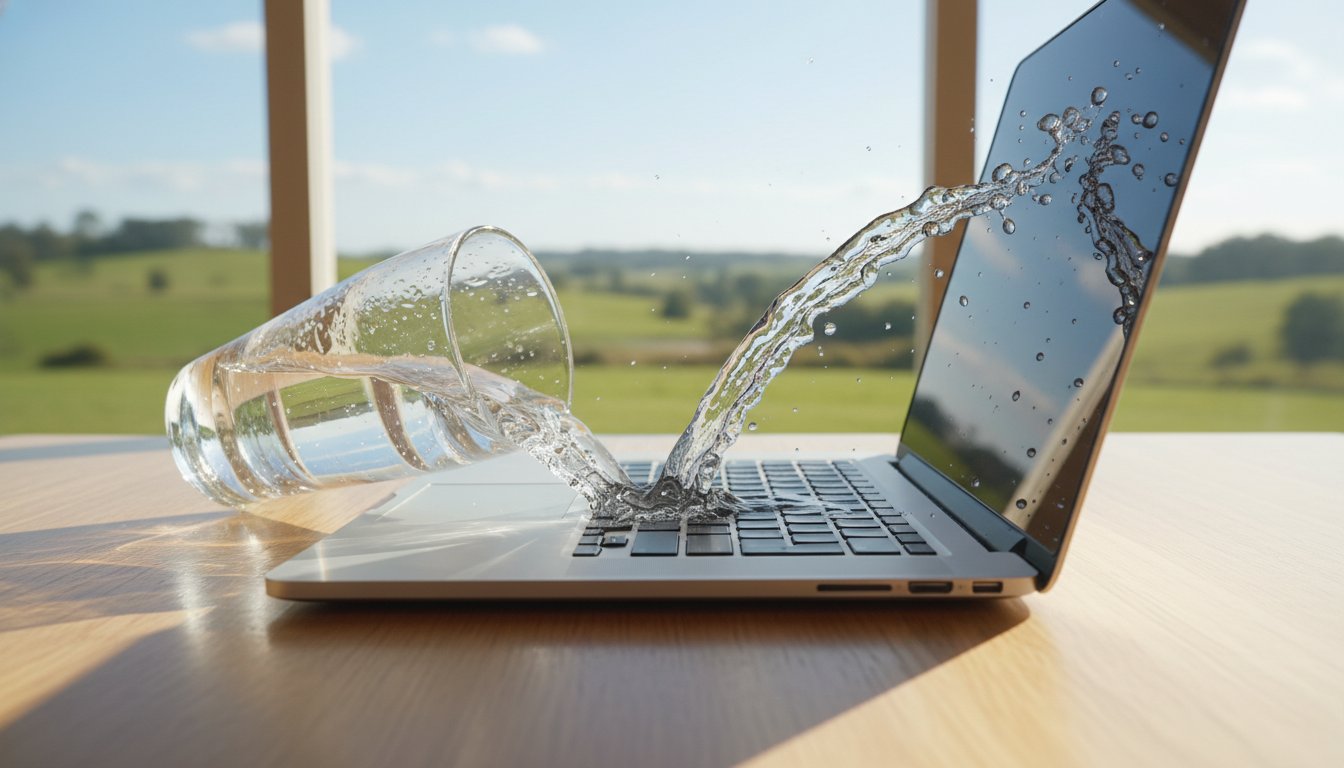
For urgent laptop repair Toowoomba needs like liquid spills, speed is the most important factor. You have a “golden hour” to get the device opened and professionally cleaned before motherboard corrosion sets in. If you notice a burning smell or smoke, turn the device off and unplug it immediately to avoid a fire hazard. Finally, if you hear clicking or grinding, stop using the device right away. These sounds mean your hard drive is physically self-destructing; every minute it stays powered on makes data recovery more difficult.

If you’ve noticed any of these red flags, it’s a good idea to chat with a local technician before the problem gets worse.

How to Choose the Best Laptop Repair Shop in Toowoomba

Data security should be your top priority. Ensure the technician has strict protocols to keep your private business files confidential. Unlike large retail chains where your device might be handled by several different staff members, a local specialist provides personal accountability. You know exactly who is accessing your data and where it is stored. This direct relationship reduces the anxiety often associated with technical failures.

Convenience also plays a major role in your choice. For residents in Newtown, the Darling Downs, and the Lockyer Valley, on-site service is a significant advantage. It eliminates the need to pack up your equipment and drive into a crowded shopping centre. Instead, the expert comes to your home office or small business, often solving the problem much faster than a workshop drop-off. Reading local reviews from other Toowoomba small business owners can confirm if a technician is as helpful and professional as they claim to be.

Questions to Ask Your Technician

Before you commit to a service, it’s vital to get clear answers to a few specific questions. This transparency prevents “bill shock” and ensures your expectations align with the service provided. Always ask:

  • “Do you provide a clear quote before starting any repair work?”
  • “What is your policy on data backup and recovery during the fix?”
  • “Do you offer remote support for software issues after the physical repair is done?”

Getting these details settled upfront protects you and your device. For a breakdown of how a professional handles these requests, you can view the Aspire Computing computer repairs Toowoomba page for more details on our local process.

Assessing Professional Credentials

There is a massive difference between a “backyard” hobbyist and a professional with over 25 years of industry experience. While a hobbyist might offer a cheap “quick patch,” a seasoned expert focuses on a long-term, reliable solution. Professional technicians understand the specific needs of home office and small business IT environments. They don’t just fix the immediate fault; they ensure the entire system is stable and secure for the future. When your income depends on your technology, you need a technician who treats your laptop repair Toowoomba with professional seriousness.

This professional approach to electronics maintenance is mirrored by reputable service providers worldwide, such as Pleasanton Computer Repair, who offer expert diagnostics and fixes for various devices.

Notebook Repairs Near Me: The Complete Toowoomba Laptop Fix Guide

Repair vs. Replace: Making the Smart Choice for Your Device

Deciding whether to invest in a fix or buy a new machine is a common headache for many users. A reliable guideline used by many professionals is the 50% rule. If your laptop repair Toowoomba quote exceeds half the cost of a new, comparable device, replacement might be the more logical path. Some industry experts even suggest a 60% rule for older machines. You should also consider the “Age Factor.” For a notebook over five years old, the return on investment for a major hardware repair often diminishes as other components approach their end of life.

Repairing your current device is often the more sustainable and cost-effective choice. In Queensland, a waste levy introduced in 2019 has made sending e-waste to landfills more expensive, which encourages recycling and repair. By choosing to fix your machine, you reduce your environmental footprint and often save hundreds of dollars compared to the price of a mid-range new laptop. This approach aligns with a focus on functional utility, ensuring you get the most value out of your existing technology before sending it to a recycling centre.

When an Upgrade is Better Than a Repair

Sometimes, your machine isn’t actually broken; it’s just outdated. Replacing a slow mechanical hard drive with a lightning-fast Solid State Drive (SSD) is the single most effective way to boost an old computer’s speed. This upgrade can make a five-year-old laptop feel faster than the day you unboxed it. Additionally, moving to Windows 11 ensures you have the latest security patches and software compatibility for modern apps. For a deeper look at these options, check out our hardware upgrades guide.

Hidden Costs of Buying New

Many people forget the “setup tax” that comes with a new purchase. You’ll spend hours transferring files, reinstalling software, and potentially buying new licenses for programs that won’t transfer. There’s also the risk that your existing printers or specialised office equipment won’t be compatible with a brand-new operating system without additional troubleshooting. If you do decide to upgrade to a new system, our data recovery services can help migrate your critical files safely to the new device.

If you’re unsure which path to take, contact Aspire Computing today for an honest, professional assessment of your device’s potential.

Aspire Computing: Your Local Toowoomba Notebook Specialist

When you choose Aspire Computing for your laptop repair Toowoomba, you aren’t dealing with a faceless national call centre or a rotating cast of subcontractors. Since 1999, I’ve provided a personal, owner-operated service that prioritises accountability and trust. Based in Newtown, our business is built on the belief that technology should be reliable and easy to understand. We strip away the confusing technical terminology to give you straightforward, honest advice about your device’s health.

Our expertise extends well beyond simple hardware fixes. We understand that for small business owners and home office workers across the Darling Downs, a laptop is just one part of a larger digital ecosystem. That’s why we offer comprehensive support that includes cyber security, data backup, and business continuity planning. Whether you need printer supply and repair or a complete system overhaul, we ensure your entire setup works together seamlessly. This community-focused approach has allowed us to serve the region for over 25 years with a reputation for being thorough and professional.

Our On-Site and Remote Repair Process

We know your time is valuable, so we’ve designed our service to be as convenient as possible. We come directly to your home or office in Toowoomba to perform on-site repairs, saving you the hassle of disconnecting cables and transporting equipment. For software glitches, performance tuning, or virus removal, our remote IT support allows us to fix many issues instantly over the internet. When hardware parts are needed, we source high-quality replacements with a quick turnaround to ensure your downtime is kept to an absolute minimum.

Secure Your Device Today

The Aspire Computing mission is simple: we prioritise your data security and the functional utility of your devices. We don’t just patch problems; we provide long-term stability so you can work with confidence. Whether you are dealing with a broken screen in the Lockyer Valley or a slow system in Newtown, we are ready to help. You can book a comprehensive IT health check or a specific laptop repair Toowoomba service by reaching out to us directly. Contact Aspire Computing today for reliable laptop repairs and expert local service.

Restore Your Digital Confidence Today

Technology is the backbone of your daily life, and a sudden failure shouldn’t derail your productivity or cause unnecessary anxiety. By recognizing the early warning signs of hardware failure and applying the 50% rule to repair costs, you’ll make smarter financial decisions for your home office or small business. Choosing a local expert who prioritises data security ensures that your private files remain exactly where they belong. We’ve seen how a quick hardware upgrade or a professional tune-up can breathe new life into a machine you thought was destined for the scrap heap.

When you need a reliable laptop repair Toowoomba service, you deserve a partner with deep roots in the community. Aspire Computing has been serving the region since 1999, specialising in small business IT security and functional utility. Whether you require on-site assistance in Newtown or remote troubleshooting across the Darling Downs and Lockyer Valley, we provide professional, jargon-free help that gets you back to work quickly. You don’t have to face technical hurdles alone when expert, local support is just a click away.

Book Your Professional Notebook Repair in Toowoomba Now

Frequently Asked Questions

How much does a typical notebook repair cost in Toowoomba?

The total cost for your fix depends on whether the issue is software related or requires physical hardware replacements. Software troubleshooting and virus removal generally involve a flat service fee, while hardware repairs like screen or battery replacements vary based on the price of the specific parts needed for your model. We always provide a clear quote before starting any work to ensure you don’t face unexpected costs.

Will I lose my data during a laptop repair?

We prioritise the safety and confidentiality of your private files during every laptop repair Toowoomba service. While most hardware repairs like screen or keyboard fixes don’t affect your stored data, we always recommend having a current backup before any technical work begins. If your system has crashed and you can’t access your files, we offer specialised data recovery services to retrieve your important documents and photos safely.

How long do most notebook repairs take to complete?

Turnaround times depend on the complexity of the fault and whether we need to order specific replacement parts. Many software issues and performance optimisations can be resolved on the same day through on-site or remote support. If a unique hardware component like a specific LCD panel is required, it may take a few business days to source the part and complete the installation to our high standards.

Can you fix a laptop screen that is completely black?

Yes, a black screen is a common issue that can usually be fixed by identifying the specific point of failure. This problem often stems from a faulty backlight, a loose internal video cable, or a damaged LCD panel. We perform a thorough diagnostic to determine if the issue is the screen itself or a deeper motherboard fault, ensuring we provide the most cost-effective solution to get your display working again.

Do you provide on-site notebook repairs in the Lockyer Valley?

We offer mobile on-site support throughout the Lockyer Valley, the Darling Downs, and the greater Toowoomba region. Our technician can visit your home or office in suburbs like Newtown or travel to surrounding rural areas to save you the hassle of transporting your equipment. This service is particularly convenient for small business owners who can’t afford the downtime of leaving their device at a workshop for several days.

Is it worth fixing a notebook that is more than 4 years old?

Repairing a four year old device is often a very smart investment, especially if the repair cost is less than half the price of a new machine. Many notebooks from this era perform exceptionally well once they receive a simple hardware upgrade, such as a new SSD. This can make an older device feel faster than a brand new budget model while saving you the significant time and expense of migrating all your software and files.

What brands of notebooks do you repair?

We provide expert laptop repair Toowoomba services for all major brands, including Dell, HP, Lenovo, ASUS, Acer, and MSI. Because we’ve been working with portable computers since 1999, we’re familiar with the specific assembly methods and common faults of almost every manufacturer. Whether you have a high-end gaming laptop or a compact business notebook, we use quality parts to ensure your device remains reliable and stable.

Do you offer remote support if I can’t bring my notebook to you?

Remote IT support is an excellent option for fixing software glitches, removing malware, or performing system updates without a physical visit. If your device can still connect to the internet, we can securely access your system to diagnose and fix many performance issues. This is a fast and efficient way to handle “brain” related problems, though physical hardware faults like broken hinges or cracked screens will still require an on-site visit or workshop repair.

Expert Laptop Screen Repair Toowoomba: A 2026 Guide to Fast Local Fixes

You’re in the middle of a busy morning in Toowoomba when a small slip turns your vibrant laptop display into a fractured web of glass and flickering lines. It’s a frustrating moment that stops your work day cold, and the thought of being without your computer for weeks is enough to cause anyone stress. You might feel tempted to just buy a new machine or worry about the high costs and privacy risks of sending your device away to a distant repair factory.

We believe that getting a professional laptop screen repair Toowoomba doesn’t have to be a complicated or anxious experience. This 2026 guide is designed to give you total clarity on the repair process, from understanding modern OLED and high-refresh-rate technology to ensuring your personal data stays right here in local hands. I’ll show you how a fast, expert fix can restore your display to its original crispness while saving you the expense of a full replacement. You will learn about local service options, what to expect during the repair, and how to get your productivity back on track without the hidden fees or shipping delays.

Key Takeaways

  • Learn how to distinguish between a simple cracked top glass and a complex internal OLED or Mini-LED failure to better understand your repair options.
  • Discover why 2026 display technologies and integrated touchscreens require specialized local expertise to ensure a precise and safe installation.
  • Apply the “50% Rule” to determine if a laptop screen repair Toowoomba is a smarter financial investment than purchasing a completely new machine.
  • Find out the essential safety steps to take immediately after a screen break to protect your data and prevent injury from sharp glass shards.
  • Understand the benefits of choosing a local expert with 25 years of experience to avoid the shipping risks and long wait times of national mail-in services.

Identifying Laptop Screen Damage: Cracked Glass vs. Internal Failure

Seeing a crack on your screen is stressful, but the actual damage might be more or less severe than it looks. Understanding the difference between a shattered top glass and a failing internal panel is the first step toward a solution. When you seek a laptop screen repair Toowoomba, knowing these details helps me provide a more accurate initial assessment. Modern screens are complex; they often involve several layers of modern display technologies that work together to produce the image you see.

To better understand how these components are replaced, watch this helpful video:

If the outer glass is smooth but you see “ink bleeds” or dark splotches, the internal LCD or OLED layer has likely ruptured. This is an internal failure. Conversely, if the glass is physically shattered but the image underneath is perfect, you’ve only damaged the digitizer or protective layer. Sometimes, flickering lines don’t mean the screen is dead at all. A loose or pinched video cable inside the hinge can cause horizontal lines that appear and disappear as you move the lid. Getting a professional laptop screen repair Toowoomba ensures that you don’t misdiagnose a simple cable issue as an expensive panel failure.

Common Symptoms of a Failing Display

Identifying the exact symptom helps determine if the repair is a simple part replacement or something more involved. Look for these specific signs:

  • Vertical or horizontal lines: These often indicate a failure in the panel’s gate drivers or a loose internal connection.
  • Dim or “ghost” images: If you can only see your desktop by shining a torch on the glass, your backlight or inverter has failed.
  • Bruising: These dark, spreading spots mean the liquid crystals are leaking, which requires a full panel replacement.
  • Dead Pixels: Small, static dots of colour that stay the same regardless of what is on the screen.

Is it the Screen or the Graphics Chip?

It’s a common fear that a black screen means the entire computer is dead. This isn’t always the case. You can perform a simple test at home: plug your laptop into a TV or external monitor via HDMI. If the image appears perfectly on the external screen, your motherboard and graphics chip are healthy. The problem is isolated to the laptop’s display assembly.

However, if the external monitor also shows lines or stays black, the issue might be a failing graphics chip or a software driver conflict. A computer repair Toowoomba specialist can pinpoint the exact failure by testing your hardware against known-good components.

Understanding Modern Laptop Display Technology in 2026

Laptop displays in 2026 are far more advanced than the basic LCD panels we used just a few years ago. When you’re searching for laptop screen repair Toowoomba, it’s helpful to understand the specific tech inside your device. We’ve seen a massive shift toward OLED and Mini-LED panels in mainstream models. These screens offer incredible contrast and brightness, but they also change the repair landscape. If your laptop features a high refresh rate, like 120Hz or 240Hz, the replacement part must match these specs exactly. Using a lower-spec screen can lead to driver conflicts or even hardware instability.

OLED, IPS, and High-Refresh Rate Screens

Creative professionals across the Darling Downs often choose OLED for its superior colour accuracy. For most small businesses and home offices in Toowoomba, IPS (In-Plane Switching) remains the reliable choice. It provides wide viewing angles and excellent longevity for daily office tasks. You might feel tempted to “upgrade” your screen type during a repair, but this is rarely feasible. The internal video cables and motherboard pin configurations are typically locked to a specific panel technology. We also consider your workspace. Matte finishes are ideal for reducing glare from bright windows, while glossy finishes are better for colour depth in controlled lighting.

Touchscreens and Digitizer Complexity

Touchscreen laptops add a significant layer of technical difficulty to any repair. In 2026, many manufacturers have moved to “fused” display assemblies. This design bonds the display panel and the touch glass into one thin unit. While this makes laptops thinner, it means a small crack in the glass often requires a full assembly replacement. The digitizer is the invisible layer that sits over the display to convert your touch into digital input; it’s the heart of any 2-in-1 notebook’s functionality. Replacing these bonded units requires precision tools to avoid damaging the delicate internal frame.

If you aren’t sure which technology your laptop uses, I can provide a clear assessment for your laptop screen repair Toowoomba to ensure you get the right part the first time. I’ll help you work through these technical choices so your computer feels like new again.

To Repair or Replace? Evaluating Your Laptop’s Value

Deciding whether to invest in a laptop screen repair Toowoomba or simply buy a new machine often comes down to simple maths and a bit of foresight. A common industry standard is the 50% Rule. If the cost of the repair exceeds half the price of a brand-new equivalent model, it’s time to weigh your options carefully. However, price isn’t the only factor. I always recommend assessing the health of your other components first. If your battery still holds a strong charge and your keyboard is in good shape, a new screen can easily add another three to four years of life to a quality machine.

High-end business laptops are almost always worth the investment. These machines are built with durable chassis and replaceable parts, unlike the “disposable” consumer models found at big-box retailers. A cheap new laptop might look tempting, but it often comes with a slower processor, less memory, and a lower-quality display than the premium unit you already own. Repairing a high-quality device ensures you keep the performance you’re used to without the hidden costs of downgrading to a budget-tier replacement.

The ROI for Small Business Laptops

For Toowoomba business owners, downtime is the biggest expense. Repairing your current device is often much faster than the hours spent migrating gigabytes of data, reinstalling software, and reconfiguring security settings on a new PC. There are also tax considerations; repairing an existing asset is typically treated as an immediate business expense rather than a long-term capital expenditure. While the laptop is on my bench, a simple hardware upgrade like a larger SSD can make a repaired unit feel even faster than it was when you first bought it.

Environmental and Sustainability Benefits

Choosing to repair also has a positive impact on the Darling Downs and Lockyer Valley regions by reducing local e-waste. Manufacturing a single new laptop has a significant carbon footprint and requires the extraction of rare earth minerals. By opting for a replacement panel instead of a whole new device, you’re directly supporting sustainable tech practices. At Aspire Computing, I focus on extending the utility of your hardware to keep functional electronics out of our local landfills for as long as possible. It’s a practical way to be environmentally conscious while keeping your office budget under control.

Expert Laptop Screen Repair Toowoomba: A 2026 Guide to Fast Local Fixes

What to Do Immediately After Your Laptop Screen Breaks

If you’ve just heard that sickening crunch of glass, take a deep breath. Your first priority is safety. Modern displays are made of extremely thin glass that can splinter into microscopic shards. If the impact was severe enough to dent the chassis, be mindful of potential battery punctures. Don’t try to ‘save’ the screen with sticky tape or superglue. These DIY fixes often leak into the bezel or damage the delicate webcams and sensors integrated into the lid. This can make your eventual laptop screen repair Toowoomba more expensive than it needs to be.

Shut the laptop down if you see smoke, smell something metallic, or if the device feels unusually hot. If the computer seems to be running fine but the screen is just a mess of colours, you can still save your work. Avoid the temptation to keep pressing on the glass to see if it ‘fixes’ itself; this usually just spreads the internal ink leaks and could cause more permanent damage to the underlying hardware. Keep the lid open if possible to avoid grinding glass into the keyboard.

Temporary Fixes and Workarounds

You don’t have to lose your day’s work just because you can’t see the desktop. Most laptops have an HDMI or DisplayPort output that allows you to turn the machine into a temporary desktop. Simply plug it into your TV or an office monitor. If you have remote desktop software like TeamViewer or AnyDesk already set up, you can access your files from another device entirely. This is also a perfect time to check your cloud sync status. If your files aren’t syncing, I can help you with professional data recovery to ensure your important documents are safe before the hardware repair begins.

Choosing Local Toowoomba Repairers vs. Mail-in

While national mail-in services might seem convenient, they come with significant risks. Shipping a delicate laptop through StarTrack or Australia Post exposes it to vibrations and temperature changes that can damage fragile 2026 OLED panels. When you choose a local expert in Newtown, you eliminate those shipping risks entirely. You get to speak directly with me about your concerns rather than dealing with a faceless web portal. A local service also allows for extra care; I can perform a virus and malware removal check or a general system tune-up while the laptop is already open on my bench.

If you’re worried about your data privacy or need a fast turnaround to meet a deadline, I’m here to help. You can contact me at Aspire Computing to discuss your specific model and get your display back to crystal clarity.

Professional Laptop Screen Repair at Aspire Computing Toowoomba

When you choose Aspire Computing for your laptop screen repair Toowoomba, you’re dealing with over 25 years of local history and hands-on expertise. I started this business in 1999 with a focus on providing honest, reliable technical support to the Darling Downs community. Unlike national franchises that often ship your device to a centralized warehouse, I handle your equipment personally. I’ve seen every type of display failure, from the early LCD panels to the sophisticated OLED technology of 2026, and I understand the specific needs of home offices and small businesses in our region.

My methodical approach ensures your device is restored to its original condition without any guesswork. Each repair begins with a detailed diagnostic to confirm the failure is isolated to the screen rather than the graphics chip or internal cables. Once identified, I provide a clear quote before any work begins. I source high-quality replacement panels for all major brands, including Dell, HP, and Apple, ensuring the colour accuracy and refresh rates match your original specifications. Precision installation is critical; I take the time to properly seat every connector and secure the bezel to prevent future light bleed or structural issues.

For small businesses in Toowoomba that cannot afford to leave the office, I offer on-site support options. If you’re managing a busy practice or a home-based consultancy, I can often assess the damage at your location to minimize your downtime. This personalized service is designed to take the stress out of technical failures, providing you with a fast, local solution that keeps your data secure and your hardware in top shape.

The Aspire Computing Advantage

You won’t have to deal with call centres or faceless web portals when you work with me. I provide personal service that focuses on accountability and clear communication. You can find me at my physical location at 46 Brigalow St, Newtown QLD 4350, where I’ve built a reputation for stability and trustworthiness. My pricing is transparent and straightforward; you won’t find any hidden “Geek” surcharges or unexpected fees added to your bill at the end of the day. It’s about providing dependable assistance that is both competent and convenient for every local customer.

Booking Your Screen Assessment

Getting your laptop back to crystal clarity is a simple process. To provide a fast and accurate quote, I just need your specific laptop model number, which is usually found on the bottom of the device. When you’re ready for the repair, please remember to bring your charger and any necessary login passwords so I can fully test the new display after installation. This ensures that every pixel and touch sensor is functioning perfectly before you take it home.

Contact Aspire Computing for a professional laptop screen repair Toowoomba assessment today.

Restore Your View with Local Toowoomba Expertise

A broken screen is a significant hurdle, but it doesn’t have to mean the end of your device. By accurately identifying the damage and applying the 50% rule, you can make a clear decision that protects your budget and the environment. We’ve explored how modern 2026 display tech requires a precise touch and why staying local is the safest way to handle delicate hardware. Choosing a laptop screen repair Toowoomba specialist ensures your data stays private and your computer returns to service faster without the risks of national shipping.

At Aspire Computing, I’ve been serving Toowoomba and the Darling Downs since 1999. I provide expert on-site and remote IT support for small businesses, alongside specialised hardware repairs for all major laptop brands. You don’t have to settle for a blurry view or a costly new machine when a professional fix is just around the corner in Newtown. I’m here to help you navigate the technical details and get your productivity back on track with a display that looks as good as the day you bought it.

Book Your Toowoomba Laptop Screen Repair with David today and experience the difference of 25 years of local experience. Your path to a crystal-clear display is simpler than you think.

Frequently Asked Questions

How much does laptop screen repair cost in Toowoomba?

The cost of a screen repair depends entirely on the specific model of your laptop and the display technology it uses. A high-end OLED panel in 2026 will have a different price point compared to a standard LCD screen. I provide individual quotes for every laptop screen repair Toowoomba to ensure you only pay for exactly what your machine requires without any hidden surcharges.

Can a cracked laptop screen be fixed or does the whole panel need replacement?

In almost all modern laptops, a cracked screen requires a full panel replacement rather than a simple glass fix. The display, backlight, and touch layers are typically bonded together at the factory into a single unit. Attempting to replace just the top glass usually results in damage to the delicate internal layers, so replacing the entire assembly is the only way to ensure a perfect result.

How long does a laptop screen replacement typically take at your Toowoomba shop?

The turnaround time for a screen replacement depends on whether the specific part for your model is currently in stock. If the panel is on the shelf, the physical installation is often completed within one to two business days. I always aim for a rapid turnaround to get you back to work as quickly as possible, and I’ll give you a clear timeframe when you book your assessment.

Is it worth fixing a 5-year-old laptop screen in 2026?

It is often worth fixing a five-year-old laptop if it’s a high-quality business model with a healthy battery and fast storage. I recommend applying the 50% rule; if the repair cost is significantly less than a new equivalent machine, extending the life of your current device is a smart choice. Repairing a premium older machine often provides a better experience than buying a cheap, budget-tier new laptop.

Will I lose my photos and files if I get my laptop screen repaired?

You won’t lose your photos or files during a screen repair because the storage drive remains untouched throughout the hardware swap. The repair is purely mechanical and involves the display assembly rather than your data. I prioritize your data privacy and security, so your personal information stays exactly where it belongs on your computer.

Can I still use my laptop with a cracked screen by connecting it to a TV?

Yes, you can continue to use your laptop by connecting it to an external monitor or TV via an HDMI or DisplayPort cable. This is a great temporary workaround for urgent deadlines while you wait for your laptop screen repair Toowoomba. It allows you to see your desktop clearly and back up any important files even if the main panel is completely dark or shattered.

Do you repair touchscreen laptops and 2-in-1 tablets?

I certainly repair touchscreen laptops and 2-in-1 tablets, though these units involve a more complex fused assembly. These displays integrate the touch digitizer and the visual panel into one thin component. I have the specialized tools required to handle these delicate precision installations for all major brands, ensuring your touch functionality is perfectly restored.

Does Aspire Computing provide a warranty on replacement laptop screens?

Every screen replacement I perform at Aspire Computing includes a professional warranty on the hardware and the installation. I source quality parts from trusted brands to ensure your new display is reliable, vibrant, and free from defects. This gives you long-term peace of mind that your repair is backed by over 25 years of local accountability and expertise.

How to Recover Data from a Broken Laptop: The 2026 Toowoomba Guide

Imagine you are sitting in your home office in Newtown, staring at a laptop screen that refuses to flicker to life. The panic sets in when you realize your tax documents or those irreplaceable photos from last year’s Carnival of Flowers are trapped inside. It feels like a digital disaster, but a dark screen doesn’t mean your files are gone forever. In fact, most people can successfully recover data from a broken laptop even when the hardware seems completely dead. Whether it is a failed battery, a broken hinge, or a smashed screen, the information on your drive is often still perfectly intact and waiting to be rescued.

We understand how stressful it is to lose access to your digital life. You might be worried about the potential cost of professional services or feel confused about whether the fault lies with your SSD or a simple power issue. This 2026 guide will show you exactly how to identify the problem and the safe steps you can take to get your files back. We will walk through simple DIY hardware tricks you can try at home and explain when it is time to bring your device to our local workshop for expert assistance.

Key Takeaways

  • Learn why you should stop trying to boot your device immediately if you hear clicking sounds to avoid permanent damage.
  • Discover how to safely recover data from broken laptop hardware using a simple external drive enclosure.
  • Understand the critical differences between SSD and HDD recovery, including how the TRIM command affects your success.
  • Get a step-by-step overview of using tools like Windows File Recovery for logical failures and corrupted drives.
  • Identify the warning signs that indicate it is time to call a professional Toowoomba-based expert to save your files.

Stop! Immediate Actions to Preserve Your Data

When your laptop fails, the natural reaction is to keep pressing the power button. This is the “panic phase.” You must resist it. Every forced reboot attempt risks making it much harder to recover data from broken laptop hardware. If you hear clicking, grinding, or high-pitched whirring, follow the Golden Rule: stop immediately. These sounds often indicate a mechanical failure. In these cases, the reading head might be physically scratching the storage platters. Every second the drive spins, more of your data could be turned into dust.

If you have suffered a liquid spill, the rules change. Power the device down and unplug it from the wall. Do not use a hairdryer. The concentrated heat can melt internal connectors or create static electricity that fries the motherboard. Avoid the “rice” trick too; it’s mostly a myth and can leave dust inside ports. Just leave it to air dry and seek professional help from a local expert who understands the data recovery process for water-damaged electronics.

Be wary of “DIY fixes” found on social media. The freezer myth is particularly dangerous. While some believe it can shrink metal parts to unstick a drive, it actually creates condensation. This moisture leads to corrosion once the drive warms up. Similarly, you should never open the drive casing yourself. Physical hardware issues must be addressed in a professional cleanroom. A single dust particle is huge compared to the gap between the drive head and the platter. Opening a drive in a normal room usually results in permanent data loss.

Is it Really a Dead Laptop or Just a Dead Screen?

Sometimes the computer is functioning perfectly, but the display has failed. Look for “signs of life” like glowing keyboard lights, a humming fan, or the “caps lock” light toggling on and off. You can test this by plugging the laptop into a TV or external monitor using an HDMI cable. If your desktop appears on the second screen, your data is safe. This is the best-case scenario for any laptop repair because you can simply copy your files to a USB drive.

Preventing Data Overwriting

Data overwriting is the primary cause of permanent loss where new information is written over the space where your old files are stored. It’s a silent killer of deleted files. Never download or install recovery software onto the same drive you are trying to rescue. It’s also smart to disconnect from the internet. Background updates or cloud syncs can trigger writes to the disk without you knowing, potentially destroying the very files you want to save. At Aspire Computing, we always recommend slaving the drive to another machine to prevent this risk entirely.

Scenario 1: Recovering Data When the Laptop Won’t Boot

If your laptop refuses to turn on at all, the problem is often a dead motherboard or a failed power circuit rather than a failed storage drive. This is actually good news for your files. In this scenario, your data sits on a healthy drive that is simply trapped inside a broken shell. To recover data from broken laptop hardware like this, you need to physically remove the drive and connect it to a working computer using a second, healthy PC as your workstation.

Before you begin, you need the right tools. A precision screwdriver set is essential since laptop manufacturers use very small screws, sometimes including specialized Torx or Pentalobe heads. You also need a compatible external drive enclosure or a USB adapter. It is vital to identify your drive type first. Older laptops usually contain a 2.5-inch SATA hard drive or SSD. Modern, thinner laptops use M.2 NVMe sticks, which look like a small piece of chewing gum. You must buy an enclosure that matches your specific drive type, as a SATA enclosure will not work with an NVMe drive.

The External Enclosure Method

To start, flip your laptop over and remove the base plate. Once you locate the drive, unscrew its mounting bracket and gently slide it out of its slot. Place the drive into your new USB enclosure and secure it. When you plug this into a working computer, it should appear as a new “D:” or “E:” drive in File Explorer. If you see an “Access Denied” message when clicking on your old user folder, don’t panic. This is a standard Windows security feature. You will usually need to click “Continue” to permanently grant yourself access, or manually “take ownership” of the folder through the security tab in the folder’s properties.

Using Bootable Recovery Media

If the laptop still powers on but Windows won’t load, you can use bootable recovery media. This involves creating a Linux Live USB or a WinPE environment on a working PC. By plugging this into your broken laptop and tapping the boot menu key, usually F12, F2, or Esc, you can bypass the corrupted Windows install entirely. Once the temporary operating system loads, you can browse your internal drive and copy files directly to an external backup drive. If you aren’t comfortable opening your device or handling delicate electronics, our team at Aspire Computing can safely extract your drive and transfer your files for you in our Newtown workshop.

Scenario 2: Software Tools for Logical Failures

If your laptop still powers on but your files have vanished or become corrupted, you are likely dealing with a logical failure. This means the physical hardware is often fine, but the internal data structure is broken. To recover data from broken laptop software systems, you can use specialized tools designed to piece these digital fragments back together. It is a methodical process that requires patience, but it often yields great results for home users and small business owners in Toowoomba.

You must follow the “Second Drive” rule during any software recovery attempt. Never save your recovered files back onto the same drive you are currently scanning. If you do, you will overwrite the very data you are trying to rescue, leading to permanent loss. Always use a separate USB stick, an external hard drive, or a network folder as your destination. This keeps the source drive “read-only” and preserves the integrity of your remaining data while you work.

Be extremely careful with “cracked” or pirated recovery software found on unofficial websites. These downloads are often bundled with malware that can encrypt your files for ransom or steal your banking details. Stick to official tools or consult a professional if the free options don’t work. The risk of a total system infection or identity theft is never worth the price of a software license.

Using Windows File Recovery (WinFR)

Windows File Recovery is a powerful, free tool available directly from the Microsoft Store. While it uses a command-line interface, it isn’t as intimidating as it looks. You simply type a short command to tell the program which drive to scan and where to save the results. Regular Mode is perfect for recently deleted files on a healthy NTFS drive. Extensive Mode is a sector-by-sector search for file signatures, making it the superior choice for drives that have been corrupted or accidentally formatted. When trying to recover data from broken laptop drives that are still spinning, this tool is often your first line of defense.

Leveraging Cloud Safety Nets

Before you dive into complex recovery steps, check your cloud safety nets. Many people don’t realize their “Documents” or “Desktop” folders are automatically syncing to OneDrive, Dropbox, or Google Drive. Log in to your cloud account from a different computer or a tablet to see what has been backed up. These services also offer a version history feature. This allows you to revert a corrupted file to a previous, healthy state from a few days ago, saving you hours of recovery work. If you find your files there, you’ve saved yourself the cost and stress of a manual recovery.

How to Recover Data from a Broken Laptop: The 2026 Toowoomba Guide

SSDs vs. HDDs: Why Your Hardware Dictates Success

Traditional hard drives (HDDs) and modern Solid State Drives (SSDs) are built differently. This means your plan to recover data from broken laptop systems must change based on what’s inside. HDDs use spinning magnetic platters and a moving mechanical arm to read data. SSDs use flash memory chips, similar to a giant USB stick. While SSDs are much faster and more durable against physical drops, they present a unique set of challenges when they finally fail or become inaccessible.

A major hurdle with modern laptops, especially ultrabooks and MacBooks, is soldered storage. In many 2026 models, the storage chips are part of the motherboard itself. You cannot simply unscrew the drive and put it in an enclosure as we discussed in Scenario 1. If the motherboard is dead on one of these machines, recovery requires specialized microsoldering or “chip-off” techniques. These processes go far beyond standard DIY methods and require professional equipment to bypass the failed circuitry.

The SSD Recovery Challenge

Time is your worst enemy with SSDs because of a feature called TRIM. This command tells the drive to permanently wipe blocks of data that are no longer in use to keep the drive running at peak speed. Unlike an old HDD where “deleted” data stays on the platter until it is overwritten, an SSD might actively erase your files in the background while the laptop is simply sitting idle. If you suspect a failure, power the device down immediately. This stops the TRIM command from finishing its job and gives you a much better chance of a successful recovery.

Physical Failure vs. Logical Error

You can often hear a traditional hard drive failing. Clicking, beeping, or a repetitive whirring sound usually means the read/write head has physically touched the platter. If you hear this, no software scan will ever work. Running a scan will only cause the head to scrape more data off the disk. Modern SSDs usually fail silently, often showing up as a “Drive Not Formatted” error or simply disappearing from the system. If your hardware is physically damaged, stop searching for YouTube fixes like the freezer myth. These “hacks” often cause more harm than good by introducing moisture to delicate components. For complex hardware issues, it is safer to trust a professional data recovery service to handle the delicate extraction process.

Professional Data Recovery in Toowoomba

There comes a moment in every data rescue attempt where the risk of continuing outweighs the chance of success. If you have tried the basic software steps and your files still won’t appear, you have reached the point of no return. Continuing to stress a failing drive can cause the read/write heads to crash permanently. When you need to recover data from broken laptop hardware that contains high-value business files or precious family memories, professional intervention is the safest path forward. We have seen many cases where a few extra minutes of DIY “testing” turned a recoverable drive into a permanent paperweight.

Choosing local Toowoomba support offers several advantages over sending your device to a capital city. Shipping a damaged hard drive via courier exposes it to vibrations and temperature changes that can worsen physical faults. By bringing your laptop directly to our workshop in Newtown, you ensure it stays in expert hands from start to finish. We provide a faster turnaround because your device doesn’t spend days in a sorting facility. You also get the peace of mind that comes from dealing with a local business owner who is personally accountable for your results.

At Aspire Computing, we use professional hardware imagers that far exceed the capabilities of consumer-grade software. These tools allow us to bypass bad sectors and communicate directly with the drive’s firmware. While standard recovery apps might freeze or crash when they hit a corrupted block, our equipment can skip these areas and return to them later. This methodical approach ensures we extract every possible byte of data without causing further wear on the drive. It is a level of precision that simply isn’t possible with a home PC and a USB cable.

Our Recovery Process at Aspire Computing

We begin every case with a detailed diagnostic to see if the failure is logical or physical. Once we understand the fault, we use specialized hardware to create a bit-for-bit clone of your drive. We never work on your original data directly; this protects your files from accidental damage during the recovery attempt. Your privacy is our priority. We handle all data with strict confidentiality, ensuring your personal information remains secure throughout the entire process. Our long-standing history in the Darling Downs region is built on this foundation of trust and technical expertise.

Next Steps for Darling Downs Residents

If you are ready to rescue your files, transport your laptop carefully. Use a padded bag and avoid leaving the device in a hot car. You can find us at 46 Brigalow St, Newtown, where we have been serving the community since 1999. For more information on what we can do, check out our Data Recovery Services in Toowoomba. If you want to get your machine back in working order after the data is safe, we also offer comprehensive Computer Repairs Toowoomba residents trust. Don’t leave your data to chance when a local expert is just a short drive away.

Get Your Digital Life Back on Track

Dealing with a dead device is stressful, but you now have a roadmap to navigate the crisis. Remember that the first few minutes are critical. By powering down and avoiding risky “freezer hacks,” you’ve already increased your chances of success. Whether you’re dealing with a simple broken screen or a complex logical failure on a modern SSD, there’s almost always a way to recover data from broken laptop drives if you follow the right steps. Most files stay intact even when the computer itself won’t boot.

Sometimes the safest choice is to step away from the screwdriver and let a specialist handle the delicate work. Since 1999, we’ve been the trusted local experts for the Darling Downs community. We use specialised hardware in our Newtown workshop to bypass bad sectors and physical damage that consumer software simply can’t handle. Don’t risk your irreplaceable files; contact Aspire Computing for expert Data Recovery in Toowoomba today. We’re here to provide the calm, professional service you need to rescue your photos and documents safely. You don’t have to face a hardware failure alone.

Frequently Asked Questions

Can I recover data from a laptop that won’t turn on at all?

Yes, you can usually retrieve your files even if the device has no power. Most laptops store data on a hard drive or SSD that remains healthy even when the motherboard or battery fails. We can extract the drive and connect it to a specialised workstation to access your folders. This is a common way to recover data from broken laptop hardware safely without needing the original machine to boot.

Is it possible to recover files from a liquid-damaged laptop?

Recovery is often possible after a spill if you act quickly and keep the power off. Liquid causes corrosion and short circuits, but the data on the storage chips is frequently salvageable. You shouldn’t try to turn the laptop on or use a hairdryer to dry it out. Professional cleaning and chip-level extraction are the most reliable methods for saving files from water-damaged devices.

How much does professional data recovery cost in Toowoomba?

Costs depend entirely on whether the failure is logical or physical. Simple software-based recoveries are generally more affordable, while physical hardware failures requiring a cleanroom or part replacement sit at a higher price point. Most reputable local services will provide an initial assessment to give you an accurate quote before any work begins. This ensures you know exactly what to expect before committing to the service.

Can I recover data if the laptop has a soldered SSD?

Yes, but this is a complex task that requires advanced technical skills and equipment. Since the storage chips are part of the motherboard, we can’t simply remove the drive and plug it into another PC. Instead, we must repair the motherboard’s power rails or use specialised tools to read the flash memory chips directly. It’s a difficult process, but it’s often successful for modern ultrabooks and MacBooks.

Does a broken screen mean my data is lost?

A broken screen has no impact on the safety of your data. Your files are stored on the internal drive, which is separate from the display panel. You can often access your files immediately by plugging the laptop into an external monitor or TV using an HDMI cable. If the rest of the hardware is fine, you can simply copy your files to a USB stick or cloud storage.

How long does the data recovery process usually take?

Most standard recoveries are completed within 24 to 72 hours in our workshop. Logical issues like accidental deletion are often faster than physical failures that require drive cloning or component repair. We aim for a rapid turnaround to get your files back as quickly as possible. We’ll keep you updated throughout the process so you aren’t left wondering about your data’s status.

Can I recover files that were deleted and then the laptop broke?

Recovery is possible if the deleted files haven’t been overwritten by new data. When a file is deleted, it isn’t immediately erased; the system just marks the space as available. If the laptop broke shortly after the deletion, those files are likely still sitting on the drive. This is another situation where you can recover data from broken laptop storage using professional imaging tools that scan for hidden file signatures.

How can I prevent data loss from happening again?

The best protection is a robust backup strategy following the 3-2-1 rule. Keep three copies of your data on two different types of media, with one copy stored off-site in the cloud. Automated services like OneDrive or Google Drive can handle this in the background. Regularly checking that your backups are actually running ensures you’ll never have to worry about a sudden hardware failure again.

Data Recovery from a Dead Laptop: A Complete Guide to Getting Your Files Back

Your laptop screen is black, the fans are silent, and it won’t respond to the power button. It’s easy to assume your files vanished with the hardware, but a dead laptop is usually a power problem rather than a data problem. In fact, data recovery from a dead laptop is often very successful because the storage drive itself is frequently still in perfect health. I understand the sinking feeling that comes with a sudden technical failure, especially when years of photos and documents are on the line.

I’m here to help you lower the stress and find a clear path forward. You’ll learn how to identify your specific drive type, whether it’s a common SATA SSD or a newer NVMe model, and which tools you need to access your files safely. We’ll also cover the warning signs of physical drive damage so you don’t accidentally make things worse. By the end of this guide, you’ll know exactly how to attempt a DIY recovery or when it’s smarter to bring your device to a trusted Toowoomba professional for a specialized assessment.

Key Takeaways

  • Understand that a laptop failing to power on usually doesn’t mean your files are gone. It’s often just a power issue rather than a drive failure.
  • Learn how to identify if your drive is a SATA or NVMe model. This is the most critical step before you buy any recovery tools or adapters.
  • Discover how to perform data recovery from a dead laptop using an external enclosure to safely transfer your files to a working computer.
  • Recognize the risks of static electricity and physical damage so you know when it’s safer to call a professional.
  • Find out how a local Toowoomba expert can diagnose your device to see if the laptop itself can be saved instead of just harvested for parts.

Is Your Data Truly Gone? Understanding Why Laptops “Die”

When your laptop refuses to turn on, your first thought is likely about the files trapped inside. It feels like a total loss, but there’s a vital distinction you need to understand: a dead laptop is rarely the same thing as a dead drive. Most of the time, the failure happens in the components that provide power or manage the display, leaving the storage component untouched. This makes data recovery from a dead laptop a highly successful process in the majority of cases.

Think of your laptop like a car. If the engine won’t start, it doesn’t mean the luggage in the boot is destroyed. Your photos, documents, and spreadsheets live on a specific piece of hardware called a hard drive or SSD. This part is physically separate from the motherboard, screen, and keyboard. Unless the drive itself has suffered a major electrical surge or physical impact, the process of data recovery is often as simple as moving that drive to a new “home” where it can be read.

To better understand this concept, watch this helpful video:

Common causes of laptop failure include:

  • Motherboard circuit failure, often caused by age or heat.
  • Liquid spills that short out the power delivery system.
  • Broken charging ports or dead internal batteries.
  • Damaged display cables or cracked LCD panels.

The “Black Screen” vs. “No Power” Diagnostic

Before you start taking screws out, check if the laptop is actually “dead” or just “blind.” Listen closely for the hum of a fan or look for small indicator lights on the side of the chassis. If you hear noise but the screen is black, try plugging the laptop into an external monitor or your TV using an HDMI cable. This simple step often reveals that the computer is working fine, and you can copy your files to a USB stick immediately without any technical surgery. If there’s no noise at all, you’re likely dealing with a power or motherboard issue, which means data recovery from a dead laptop will require accessing the drive directly.

When to Stop: Identifying Physical Drive Failure

There are times when DIY attempts become risky. If you hear clicking, grinding, or a rhythmic beeping sound coming from inside the case, stop immediately. These are signs of mechanical failure within a traditional hard drive. Trying to force a damaged drive to run can cause the internal heads to scratch the data platters, leading to permanent loss. Physical clicking or grinding requires professional clean-room intervention to recover any information safely.

Step 1: Identifying Your Storage Type (SATA vs. NVMe)

Before you spend money on adapters or enclosures, you must know what’s inside your machine. Many generic online guides suggest buying a standard SATA-to-USB cable, but this advice is outdated for modern hardware. If you’re attempting data recovery from a dead laptop made in the last five years, there’s a high chance a standard cable won’t fit your drive at all. Identifying the drive type is the most critical step in the entire process.

The industry has shifted rapidly from bulky 2.5-inch spinning hard drives to slim “gum stick” style SSDs. While enterprise data recovery often deals with massive server arrays, your home recovery depends on matching one of three main physical formats. It’s also vital to check if your laptop has soldered storage. Most modern MacBooks and some ultra-thin Windows tablets have the storage chips welded directly to the motherboard. If that’s your situation, the drive cannot be removed, and you’ll need professional help to bypass the power failure.

2.5-inch SATA Hard Drives and SSDs

These are common in older laptops or larger “budget” models. Despite the shift to newer tech, SATA interfaces are projected to hold a 58.81% market share in the SSD market in 2026 because they’re reliable and affordable. You can identify these by their rectangular shape, roughly the size of a small notebook. The connector features two distinct “L-shaped” plastic notches. To remove these, you’ll typically need a small Phillips head screwdriver and perhaps a plastic spudger to pry the laptop’s bottom case open without scratching the finish.

M.2 NVMe and SATA SSDs

Modern Ultrabooks use M.2 drives, which look like a stick of chewing gum. Here’s where it gets tricky: M.2 is just the shape, not the speed. Some M.2 drives use the older SATA protocol, while others use the much faster NVMe protocol. They often look identical, but an “NVMe-only” enclosure will not read a “SATA M.2” drive. Always read the label on the drive itself before ordering a part. If the technical jargon feels overwhelming, Aspire Computing can help identify your hardware and perform the extraction for you.

The BitLocker Hurdle: Encryption Keys

Even if you have the right adapter, you might hit a digital wall. Windows 10 and 11 often enable BitLocker encryption by default. When you plug your old drive into a new computer, it will ask for a 48-digit recovery key. You can usually find this by logging into your Microsoft account on another device. Without this key, data recovery from a dead laptop becomes nearly impossible for a DIYer, as the data is scrambled for security. Ensure you have this key ready before you begin the hardware swap.

DIY Recovery vs. Professional Data Recovery Services

Choosing between a DIY attempt and professional help depends on the value of your files and your comfort with tiny hardware. A basic external enclosure typically costs around $30, making it an attractive first step for data recovery from a dead laptop. However, this low cost comes with a trade off in risk. If you’re working with a healthy drive from a laptop that simply has a broken screen or a dead battery, the DIY path is often straightforward. If the drive itself is failing, every minute you spend tinkering could bring it closer to permanent failure.

One invisible threat many home users overlook is Electrostatic Discharge (ESD). You don’t need to see a spark to damage a circuit board. A tiny amount of static electricity from your clothes or carpet can fry the controller on an SSD instantly. Professional labs use grounded mats and anti-static tools to prevent this. They also use specialized software that can read around bad sectors on a drive, something standard Windows or Mac file explorers can’t do. Most reputable experts operate on a “no data, no fee” policy, which provides a safety net that DIY projects lack.

You also need a second, healthy computer to perform the recovery. You cannot simply fix the files on the dead laptop. You’ll need enough free space on a host machine or an extra external drive to hold everything you rescue. If you don’t have a spare PC with the right ports, your DIY costs will quickly rise beyond that initial $30 enclosure.

When DIY is the Right Choice

DIY is a great option if your laptop is already out of warranty and you don’t want to pay for a repair on an old machine. If you have a steady hand and a set of precision screwdrivers, following a guide to recover data from a dead computer can be a rewarding way to save money. This path is best when the data is important but not life altering if a mistake happens during the extraction.

When to Call a Toowoomba Expert

If your laptop suffered a liquid spill, you should skip the DIY step entirely. Moisture can linger under the chips on a drive for days. Applying power to a damp drive via a USB adapter can cause a short circuit that kills the data forever. You should also seek help if the drive makes any clicking or rhythmic beeping noises. For these high risk situations, using Aspire Computing’s data recovery services ensures your hardware is handled with the right diagnostic tools for a high success outcome. We’re right here in Toowoomba to help when the situation feels overwhelming.

Data Recovery from a Dead Laptop: A Complete Guide to Getting Your Files Back

The External Enclosure Method: A Practical Recovery Guide

If you’ve decided to proceed with a DIY attempt, the external enclosure method is the most reliable way to handle data recovery from a dead laptop. This process involves physically removing your storage drive and turning it into a temporary external hard drive. It’s a methodical process that requires patience and a gentle touch. Follow these steps to extract your data safely.

  • Step 1: Disconnect all power sources. If your laptop has a removable battery, take it out immediately. This prevents accidental short circuits while you work on the internal components.
  • Step 2: Carefully open the laptop casing. Use a plastic spudger to pry the edges apart. Start at the corners and move slowly to avoid snapping the plastic clips or scratching the chassis.
  • Step 3: Locate the storage drive. For older models, look for the 2.5-inch rectangular drive. For modern laptops, find the M.2 “gum stick” SSD. Remove the securing screws and pull the drive gently from its slot at a slight angle.
  • Step 4: Slide the drive into your purchased USB enclosure. Ensure the pins align perfectly with the connector before applying light pressure. Secure the enclosure with its included screws or clips.
  • Step 5: Connect the enclosure to a working PC using the USB cable. Wait a few moments for the system to recognize the hardware and mount the drive in File Explorer.

If you encounter any resistance during the physical removal or if the drive doesn’t appear when plugged in, contact Aspire Computing for expert assistance before continuing.

Bypassing “Access Denied” Folder Permissions

When you plug your old drive into a different computer, Windows might prevent you from opening your personal folders. It’s common to see an “Access Denied” error message. This happens because the folder’s security settings are still linked to the user account from your dead laptop. To fix this, you must “Take Ownership” of the folder. Right click the folder, select Properties, and navigate to the Security tab. Click Advanced, then Change next to the Owner field, and enter your current username. You must have administrative rights on the working computer to bypass these user folder locks.

Transferring Files Safely

Once you gain access, prioritize the “Users” folder. This is where your Desktop, Documents, and Photos are stored. Always use the “Copy” command rather than “Move” when transferring files. If the connection drops or the old drive fails during the process, a “Move” command can leave your files in a corrupted state between the two locations. Don’t forget to check the “Downloads” folder for recent files or the “AppData” folder if you need to rescue browser bookmarks and local email archives. Taking it one folder at a time ensures a higher success rate for data recovery from a dead laptop.

Professional Data Recovery in Toowoomba: How Aspire Computing Helps

While DIY methods can work, many residents in Newtown and across the Darling Downs prefer the peace of mind that comes with a local expert. At Aspire Computing, I provide data recovery from a dead laptop directly at your home or office. My mobile service means you don’t have to worry about unplugging cables, finding a park, or driving across town. I’m right here to help. I understand that your data is private and often contains sensitive personal or financial information. That’s why I follow strict security protocols during every step of the recovery. Your family photos or business spreadsheets stay secure and confidential throughout the entire process.

A professional diagnostic is the most valuable step you can take when a device fails. Instead of just harvesting the drive and throwing the rest away, I look at the whole machine. Sometimes the failure is simpler than you think. A dead laptop might just have a failed power jack, a faulty internal cable, or a motherboard component that can be replaced. If I can fix the laptop, you save the cost of a replacement and get your data back in its original environment. It’s a more sustainable and often more affordable approach than buying a new device and trying to migrate everything manually.

Beyond Recovery: Repairing the “Dead” Laptop

Sometimes, a laptop that appears completely dead is actually a candidate for a straightforward fix. I’ve seen many cases where a simple battery replacement or a new power port brought a machine back to life. Aspire Computing evaluates every device to see if a repair is more cost-effective than a new purchase. You can explore my laptop repair services in Toowoomba to see how I help locals get back to work without the expense of a brand new computer. I take personal accountability for every job, ensuring you get the best advice for your specific situation.

Preventing Future Loss: The 3-2-1 Backup Rule

Once we’ve successfully performed data recovery from a dead laptop, I help you ensure it never happens again. I’m a big believer in education and prevention. I recommend the 3-2-1 backup rule: keep three copies of your data, on two different media types, with one copy stored off-site. For small businesses in Toowoomba, I can implement professional business continuity plans that automate this process. This means your work is safe even if the hardware fails tomorrow. Most data is recoverable if you act quickly and use the right approach. You can rest easy knowing your digital life is in good hands with a local expert who cares about your results.

Take Control of Your Digital Life Today

A laptop that won’t power on is a stressful situation, but it doesn’t have to be a permanent loss. By identifying your storage type and understanding the difference between a power failure and a drive failure, you’ve already taken the most important steps toward recovery. Successfully managing data recovery from a dead laptop is about moving methodically and knowing when to stop if you hear unusual noises or suspect liquid damage.

If the DIY process feels risky or if you simply don’t have the time to tinker with hardware, I’m here to help. Serving Toowoomba and the Darling Downs since 1999, I provide the expertise needed for complex hardware repairs and secure file retrieval. Whether you need on-site support at your home or remote assistance for your local business, you can count on professional, reliable service. Don’t risk your data; contact Aspire Computing for expert Data Recovery in Toowoomba today. Your files are likely still safe on that drive, and together we can get them back where they belong.

Frequently Asked Questions

Can I recover data from a laptop that won’t turn on without taking it apart?

You can only retrieve files without disassembly if the issue is a failed display rather than a total power failure. Try connecting your laptop to an external monitor or TV using an HDMI cable to see if your desktop appears. If the laptop remains completely silent and unresponsive, data recovery from a dead laptop will require you to physically remove the drive and use an external adapter.

How much does professional data recovery cost in Toowoomba?

The cost depends entirely on whether your drive has a simple software glitch or a major physical hardware failure. Most local experts provide a free assessment to determine the complexity of the job before you commit to any work. This process ensures you receive an accurate quote based on the specific tools and time required to save your files, often backed by a “no data, no fee” policy.

What if my hard drive is encrypted with BitLocker?

You’ll need your 48-digit BitLocker recovery key to access your files on another computer. Windows often enables this encryption by default for security, and the key is typically stored in your Microsoft account online. Without this specific code, the data on the drive remains scrambled and unreadable, even if the hardware itself is in perfect health.

Can I plug a laptop hard drive into a desktop computer?

Yes, you can connect a laptop drive to a desktop as long as you have the right interface. Older 2.5-inch SATA drives use the same connectors as desktop hard drives, allowing you to plug them directly into the motherboard. Modern M.2 SSDs require a compatible slot on the desktop motherboard or a specific USB adapter to bridge the connection.

Will taking my hard drive out void my laptop warranty?

Opening your laptop case can sometimes void the manufacturer’s warranty, especially if you have to break a factory seal to reach the drive. It’s important to check your specific warranty terms before you start. If your device is still under a protection plan, you might want to contact the manufacturer first, though they rarely include data recovery as part of their standard repair service.

How do I know if my hard drive is an SSD or an HDD?

Physical size and sound are the most obvious indicators. Traditional HDDs are heavier, rectangular boxes that make a faint spinning or humming noise when they’re powered on. SSDs are silent and much lighter; they either look like a slim plastic case or a small, thin circuit board similar to a stick of chewing gum.

What tools do I need to open a modern laptop for data recovery?

You’ll generally need a precision screwdriver set that includes small Phillips, Torx, and Pentalobe bits. Most modern laptops use tiny screws that are easily stripped with standard household tools. A plastic prying tool, or spudger, is also essential for popping the clips on the laptop’s casing without scratching the finish or damaging the internal components.

Is it possible to recover files from a water-damaged laptop?

Recovery is often successful, but you must act quickly and never try to power the device on. Liquid causes immediate corrosion on the drive’s controller board, which can lead to a permanent short circuit. For data recovery from a dead laptop that has been submerged, a professional needs to clean the components with specialized chemicals to stop the oxidation process before attempting to read the data.

You press the power button, hear the familiar hum of the cooling fans, and see the status lights blink to life, but your display remains a dark, empty void. It’s a stressful moment that immediately triggers thoughts of lost work, missing photos, and the looming cost of a brand-new machine. When you realize my laptop screen is black but computer is on, it’s easy to assume the worst. I’ve helped many people in this exact situation, and I can tell you that a dark screen rarely means your data is gone.

We understand how frustrating generic tech support can be when you just want a straight answer. This guide is designed to help you diagnose the issue quickly while ensuring your files stay protected. Most of the time, this issue is a simple communication error between your hardware and software rather than a total system failure. We’ll walk you through five expert troubleshooting steps, from performing a hard reset to checking for the latest May 2026 software updates like NVIDIA version 610.47 or AMD version 26.5.2. You’ll learn how to get your display working again today or how to identify when it’s time to seek help from a reliable local repair expert.

Key Takeaways

  • Learn why hearing your laptop fans or seeing power lights is a positive sign that your data and hard drive are likely still safe.
  • Master the “magic” keyboard shortcut and hard reset steps to quickly fix the issue when my laptop screen is black but computer is on.
  • Use a smartphone flashlight and an external monitor to determine if you are dealing with a failed backlight or a deeper hardware problem.
  • Understand how loose RAM sticks or corrupted BIOS settings can cause display failures and how to safely rule them out.
  • Recognize the specific signs of motherboard or GPU failure that require professional laptop repair to avoid causing further damage.

Why is My Laptop Screen Black When the Power is On?

It is a sinking feeling when you hear your machine whirring to life, but the display stays dark. This scenario, where my laptop screen is black but computer is on, is often referred to as the Black Screen of Death. While the name sounds terminal, it usually indicates a communication breakdown between the operating system and the display hardware rather than a total hardware failure. If you can hear the cooling fans spinning or see the status LEDs glowing, your laptop’s motherboard is receiving power. This is an excellent sign; it suggests the core components are still functional.

To better understand this concept, watch this helpful video:

Software vs. Hardware: Identifying the Root Cause

Identifying the root cause is the first step toward a fix. Sometimes, a simple display timeout or a stuck “sleep” mode is the culprit. However, more complex issues often involve software glitches or driver conflicts. For instance, the recent release of the NVIDIA App with driver version 610.47 in May 2026 or AMD’s 26.5.2 update can occasionally lead to display handshake issues if the installation was interrupted. External peripherals like USB drives or printers can also confuse the boot process, causing the system to send the video signal to the wrong port. If you see the manufacturer logo before the screen goes black, you’re likely facing a Windows OS issue. When my laptop screen is black but computer is on from the very start, it might be a hardware-level BIOS failure or a loose internal ribbon cable.

Is My Data Safe?

The most common fear I hear from clients is that their files are gone forever. I want to reassure you: a black screen rarely means your hard drive has been wiped. Your photos, documents, and emails are likely sitting exactly where you left them. If you are worried about your files, our data recovery services can act as a safety net to ensure nothing is lost. You should stop trying to “force start” the laptop repeatedly if you hear any unusual clicking or grinding sounds. These noises can indicate physical drive failure, and constant restarting might make professional recovery more difficult. We’ll show you how to check your hardware safely in the next sections.

5 Quick Fixes to Wake Up a Black Laptop Screen

Before you assume your hardware has failed, it’s important to rule out temporary glitches. When my laptop screen is black but computer is on, the problem often lies in a frozen process or a build-up of static electricity rather than a broken part. These five steps are designed to be safe, fast, and effective for most users. They focus on resetting the communication between your software and your display without risking your data.

The Graphics Driver Reset

Your first move should be a software “handshake” reset. Windows includes a hidden emergency sequence to restart your video drivers without rebooting the whole machine. Press Win + Ctrl + Shift + B simultaneously. You should hear a short beep and see the screen flicker for a split second. This command tells the operating system to re-initialize the connection between the graphics chip and the display panel. It’s often the very first thing a computer repair expert will try because it resolves issues caused by driver hangs. Historically, even official patches have been needed to fix a Windows 10 black-screen issue, so forcing a refresh manually is a smart starting point.

The Power Drain Technique

Sometimes, static electricity builds up on the motherboard, preventing the display from receiving the signal it needs to wake up. This is often called “flea power.” To clear it, shut down the laptop completely. If your battery is removable, take it out and unplug the AC adapter. Press and hold the power button for 30 full seconds. This drains the remaining charge from the internal capacitors. For modern ultrabooks with internal batteries, you can usually achieve a similar result by holding the power button for 15 to 60 seconds while unplugged. This force-resets the power management controller and can often “wake” a stubborn screen. If the display remains dark after this, you might need professional PC and laptop repair to check the internal power rails.

Check for Magnetic Interference

Laptops use a small magnetic sensor to detect when the lid is closed. If you have a smartphone, a magnetic smartwatch band, or even magnetic earbuds resting on the palm rest, the laptop might think the lid is shut. Move all electronic devices away from the keyboard area and see if the screen wakes up immediately. It’s a simple fix, but it’s more common than you might think.

Remove External Peripherals

Unplug every accessory. USB hubs, docking stations, and printers can sometimes draw enough power or send conflicting signals that prevent the screen from initializing during boot. Strip the laptop back to just the power cable and try a standard restart to see if the display returns.

The Flashlight Test and External Monitor Diagnostics

If the software resets and power cycles haven’t brought your display back to life, we need to determine if the problem is the screen itself or the “brain” of the computer. It is possible that your laptop is actually working perfectly, but the light source behind the glass has failed. When my laptop screen is black but computer is on, these two diagnostic tests are the most effective way to pinpoint the failure without opening the casing.

Performing the Flashlight Test

Modern laptop screens use a backlight to make the image visible. If this light fails, the screen will look black, even though the pixels are still forming an image. To check for this, take your laptop into a dimly lit room. Turn it on and wait a minute for it to boot. Take a bright smartphone flashlight and shine it directly against the glass at a sharp angle. Look very closely for any faint outlines of your desktop icons, the Windows logo, or your login screen.

This test works because it uses an external light source to reveal the image on the LCD panel. If you can see a faint image, you’ve confirmed that your graphics chip and Windows operating system are functioning. The issue is likely a blown inverter, a failed backlight, or a pinched cable in the hinge. In these cases, a hardware upgrade or a screen replacement will usually solve the problem and get you back to work.

Testing with an External Display

The next step is to bypass the laptop’s built-in display entirely. Most laptops have an HDMI or DisplayPort on the side. Connect your laptop to a TV or a desktop monitor using a compatible cable. Once connected, you may need to tell the computer to send the signal to the new screen. Press Win + P on your keyboard. This opens the “Project” menu. Since you can’t see the menu, press the “down” arrow key twice and then hit “Enter” to select the “Duplicate” or “Second Screen Only” mode.

If your desktop appears on the TV, it’s great news. It means your data is safe and your graphics processor is healthy. The fault is strictly with the laptop’s internal display hardware. However, if the external monitor also says “No Signal” or stays black, the issue is likely deeper. It could point to a problem with the motherboard, a faulty graphics chip, or even a simple issue with your RAM sticks that is preventing the computer from starting its visual processes.

Advanced Troubleshooting: RAM and BIOS Settings

When the flashlight test and an external monitor both fail to show an image, the issue is usually rooted in your laptop’s internal hardware or the low-level startup software. If my laptop screen is black but computer is on, a very common culprit is a “No POST” state. This stands for Power On Self Test. It means your computer is receiving power, but it can’t complete its initial internal check to start the display and boot the operating system.

Reseating Your RAM

Loose or faulty memory modules are a frequent cause of a black screen. Over time, heat expansion or a small bump can cause RAM sticks to shift slightly in their slots. If your laptop has an accessible bottom panel, you can try reseating them yourself. First, unplug the power and remove the battery if it’s external. Press the power button for 30 seconds to drain any charge. Carefully pop the RAM sticks out and then click them back into place firmly. If you have two sticks, try starting the laptop with just one at a time. This helps you identify if a single stick has failed. If you don’t feel comfortable opening your device, our Toowoomba IT support team can safely handle these delicate hardware tasks for you.

Windows Recovery Environment (WinRE)

If you see your manufacturer’s logo for a few seconds before the screen goes dark, your hardware is likely fine, but Windows is failing to load. You can try to trigger the Windows Recovery Environment using a specific power sequence. Turn the laptop on, and as soon as the logo appears, hold the power button until it forces a shutdown. Repeat this three times. On the fourth attempt, Windows should automatically enter “Automatic Repair” mode. From this menu, you can use System Restore to roll back recent changes. This is especially useful if a recent update, like the Windows 11 KB5089549 security patch from May 12, 2026, caused a conflict with your display settings. It’s also a vital chance to check for virus and malware that might be preventing your desktop from loading properly.

BIOS and CMOS Considerations

The BIOS is the very first software your laptop runs. Sometimes, a corrupted setting or a failing CMOS battery can cause the system to send the video signal to a non-existent port. The CMOS battery is a small coin-shaped battery on the motherboard that keeps your settings saved. If your laptop is more than five years old, this battery may be flat. While some advanced users try a “blind” BIOS reset by tapping specific keys during startup to load factory defaults, it’s a difficult process without a working screen. If you’ve reached this stage without success, the problem likely requires a professional diagnostic to check for motherboard or GPU failure.

When to Seek Professional Laptop Repair in Toowoomba

If you have worked through the graphics resets, power cycles, and external monitor tests without success, it’s likely that my laptop screen is black but computer is on due to a physical hardware failure. This usually points to a fault in the Graphics Processing Unit (GPU), a damaged display cable, or a motherboard issue. While YouTube tutorials can make internal repairs look straightforward, modern laptops are increasingly difficult to service without specialized tools. Attempting to pry open a thin ultrabook chassis often leads to cracked plastic, stripped screws, or severed ribbon cables, which can turn a simple fix into an expensive disaster.

A professional diagnostic is the safest way to protect your investment. Instead of guessing and ordering expensive replacement parts that might not solve the problem, an expert can identify the exact component that has failed. Research from May 2026 indicates that repairing a high-quality laptop is almost always more cost-effective than buying a new one, provided the repair costs stay below half the price of a comparable new model. Seeking help early also ensures your files remain untouched, as professional technicians prioritize data integrity during every stage of the repair process.

Local Support for Toowoomba & Darling Downs

I have spent over 25 years providing dependable technical assistance to the local community. We understand the unique needs of small businesses and residents across the region, from the busy streets of Newtown to the wider Darling Downs and Lockyer Valley areas. Our service is built on personal accountability and trust, offering both on-site repairs and remote IT support for software-related display issues. Choosing a local expert means you get a face-to-face explanation of the problem and a faster turnaround time than you would find at a generic national service center.

Book a Diagnostic with Aspire Computing

We pride ourselves on transparent communication and technical excellence. When you bring your device to us, we explain the situation in plain English, ensuring you understand the fix before any work begins. Whether you need a rapid screen replacement or advanced data recovery services to secure your photos and documents, we are here to help. If your troubleshooting has reached a dead end, contact Aspire Computing for a professional diagnostic. We will help you confirm your data is safe and find the most efficient way to get your laptop working again.

Restore Your Display and Peace of Mind

Dealing with a dark screen is stressful, but most display issues can be resolved without losing your valuable data. By using the graphics driver reset shortcut or performing the flashlight test, you can quickly determine if the fault is a simple software glitch or a hardware failure. Remember that hearing your fans spin is a positive sign that your motherboard is still active. If these DIY steps haven’t worked and you are still frustrated that my laptop screen is black but computer is on, it is time to let a professional take a look.

I have been serving the Toowoomba community since 1999, providing expert care for all major laptop brands. Whether you need a screen replacement or advanced hardware troubleshooting, we offer local on-site support to get you back to work as fast as possible. Don’t risk further damage by prying open a modern chassis yourself. Get Your Laptop Screen Fixed by Toowoomba Experts and rest easy knowing your machine is in experienced hands. We are here to help you get your digital life back on track today.

Frequently Asked Questions

Why is my laptop screen black but I can hear the fan?

This situation indicates that your motherboard is receiving power and core components are active, but the video signal is not reaching the display. It is often caused by a failed backlight, a loose internal ribbon cable, or a graphics driver that has crashed during the boot process. Since the fans are spinning, your computer has not suffered a total power failure, which is a very positive sign for a successful repair.

Can a virus cause a black screen on my laptop?

Yes, specific types of malware can corrupt critical system files or hijack the Windows Shell, which is the part of the operating system that loads your desktop and icons. If your laptop seems to boot normally but stays black after you enter your password, a software security issue may be the culprit. We can perform professional virus and malware removal to clean your system and restore your display’s functionality.

How do I force my laptop screen to turn on?

You can often force the display to re-initialize by using the Windows graphics reset shortcut: Win + Ctrl + Shift + B. If the screen remains dark, try performing a hard reset by holding the power button for 30 seconds while the charger is unplugged. This is a highly effective way to drain static electricity and reset the hardware when my laptop screen is black but computer is on.

Is it worth fixing a black laptop screen or should I buy a new one?

A repair is usually the most cost-effective choice if your laptop is less than five years old or if the fix costs less than half the price of a new machine. Many black screen issues are caused by simple software glitches or loose connections that are far cheaper to resolve than replacing the entire unit. A professional diagnostic can help you decide if a repair or a hardware upgrade is your best path forward.

What is the “Black Screen of Death” in Windows 11?

The “Black Screen of Death” is a critical error where the operating system fails to load the graphical user interface, leaving you with a dark screen and sometimes a visible mouse cursor. This often happens after a failed system update, such as the May 2026 KB5089573 preview. It typically points to a conflict between the Windows kernel and your display drivers rather than a permanent hardware failure.

How much does it cost to fix a black laptop screen in Toowoomba?

The cost depends entirely on whether the issue is a software conflict or a physical hardware failure. A standard repair quote in the Toowoomba region generally includes a diagnostic fee plus the labor and parts required for your specific model. Software fixes are often more affordable than full LCD panel replacements. You should always seek a transparent quote from a local expert to avoid unexpected costs.

Can RAM cause a black screen with no display?

Yes, faulty or loose RAM is a frequent cause of a “No POST” state, where the computer powers on but cannot start its visual processes. If the memory sticks are not communicating correctly with the motherboard, the system will stay in a loop without ever sending a signal to the screen. Reseating the memory modules or testing them individually is a standard step we take to rule out hardware failure.

Will I lose my files if my laptop screen stays black?

It is very rare to lose files due to a display issue because your data is stored on the hard drive, not the screen. Even if my laptop screen is black but computer is on, your photos and documents remain safe on your storage device. If the laptop has other internal issues, we can provide data recovery services to secure your important files before proceeding with any hardware repairs.

What if your laptop’s smart power-saving settings are actually the very thing sabotaging your internet speed? It is incredibly frustrating when your phone and tablet stream perfectly, yet you are stuck staring at a buffering icon during a critical Zoom call or waiting ages for a work file to download. You are likely wondering exactly why is my Wi-Fi so slow on my laptop when every other device in your Toowoomba home seems to work fine. It is a common headache that often leads to unnecessary stress and the fear that your expensive machine is simply broken.

I understand how vital a stable connection is for your daily productivity. This guide will help you discover the specific reasons behind these lags and provide the professional fixes needed to get your speeds back on track. We will explore how to check for software conflicts, the importance of updating to the latest Intel drivers like version 24.40.0, and how to identify if your internal hardware needs an upgrade to keep up with modern Wi-Fi 7 standards. You will finish this article knowing exactly whether you can fix the issue yourself or if it is time to call in a local expert for a professional repair.

Key Takeaways

  • Learn how to distinguish between poor internet speed and weak signal strength to pinpoint the real cause of your connection issues.
  • Discover exactly why is my Wi-Fi so slow on my laptop by identifying common environmental obstacles, such as brick walls or large TVs, found in many Toowoomba homes.
  • Find out how to perform a safe network reset and update critical drivers to resolve software conflicts that frequently throttle portable devices.
  • Identify the clear signs of a failing internal Wi-Fi card and understand why laptops older than seven years often struggle to maintain modern NBN speeds.
  • Determine when it is best to stop troubleshooting and book a professional hardware diagnostic or Wi-Fi audit to ensure your home office setup is fully optimized.

Understanding Why Your Laptop Wi-Fi Lags (While Your Phone Is Fast)

It is incredibly frustrating to sit at your desk in Toowoomba, ready to work, only to find your connection crawling. You might look at your smartphone and see full bars and snappy speeds, while your laptop struggles to open a simple email. This often leads people to ask, “why is my Wi-Fi so slow on my laptop when my other devices are fine?” It is usually not a problem with your NBN plan or your provider. Instead, the issue typically lies in how your specific device communicates with your router.

We need to distinguish between internet speed and Wi-Fi signal strength. Your NBN connection might be delivering 100Mbps to your house, but that does not mean your laptop is receiving it. Signal strength refers to the quality of the radio waves between the router and your device. If your laptop has a poor “handshake” with the router, you experience a massive discrepancy gap. Your phone might show 100Mbps because it has a modern, efficient antenna, while your laptop sees only 5Mbps due to internal interference or outdated settings.

To better understand how to identify and fix these connection gaps, watch this helpful video:

The Laptop vs. Smartphone Hardware Difference

Laptops are physically larger than phones, but that does not always mean they have better antennas. Most laptop Wi-Fi antennas are thin wires hidden inside the display bezel. When you tilt your screen at certain angles, the lid itself can act as a shield, partially blocking the signal. Smartphones use highly optimized, compact antennas designed for constant movement. Older notebooks may also rely on legacy Wi-Fi protocols that cannot handle the high-speed data streams modern routers provide. If your laptop is several years old, its wireless card might be the physical bottleneck preventing you from reaching your full NBN potential.

How to Run a Proper Laptop Speed Test

To get an accurate picture of the problem, you should run a controlled test. Don’t just rely on how fast a website feels. Use a dedicated tool like speedtest.net or a local NBN testing site. Follow these steps for the best results:

  • Test next to the router: Stand one meter away from your router and run a test. This eliminates distance as a factor.
  • Test at your usual desk: Run the test again where you normally work. A big drop in speed indicates environmental interference.
  • Use the “Control” test: If your laptop has a port, plug in an Ethernet cable. If the speed is fast on the cable but slow on Wi-Fi, you have confirmed it is a wireless issue, not a broken computer.

If you find that your laptop is consistently slow even when sitting right next to the router, the problem is likely software-based or a failing internal card. Understanding this gap is the first step toward a permanent fix. If these tests show a major hardware failure, you can always reach out to Aspire Computing for a professional diagnostic.

Windows Settings and Driver Fixes for Faster Wi-Fi

Your laptop might be physically capable of high speeds, but software often gets in the way. If you find yourself asking “why is my Wi-Fi so slow on my laptop,” the first place to look is your network driver. Drivers act as the translator between your Windows operating system and your hardware. When they get outdated, the translation breaks down. For example, Intel released driver version 24.40.0 on April 29, 2026, specifically to improve stability and performance. You can update this by right-clicking the Start button, selecting Device Manager, and finding your Network Adapter. If Windows says you have the best driver, it’s often better to visit the manufacturer’s site directly for the latest version.

Sometimes the simplest fix is the most effective. Disabling and re-enabling your Wi-Fi adapter in the Control Panel forces the hardware to restart its connection protocols. This “handshake” reset clears minor errors that accumulate over weeks of use. If that fails, Windows 10 and 11 offer a “Network Reset” feature in the Settings menu. This is a more aggressive step that removes and reinstalls all your network adapters. It’s a great way to troubleshoot Wi-Fi connection issues that won’t go away with a simple reboot. Just remember that you’ll need to re-enter your Wi-Fi passwords afterward.

Don’t forget to check for background programs that hog your bandwidth. Windows Updates or cloud syncing services like OneDrive and Dropbox can start massive downloads without warning. You can see what is eating your speed by opening Task Manager and clicking the “Network” column. If a process is using several Mbps while you’re trying to work, right-click it and select “End Task” to reclaim your speed instantly.

Fixing Hidden Power Management Throttling

Laptops are designed to save power, but sometimes they’re too aggressive. Windows often throttles your Wi-Fi card to save battery, which causes laggy video calls. To fix this, go to your Power Options and find “Wireless Adapter Settings.” Change both “On Battery” and “Plugged In” to “Maximum Performance.” This prevents the card from entering a low-power sleep state while you’re trying to work. If you’re struggling with these technical menus, our team provides remote IT support to help you optimize these settings without the stress.

Command Line Resets for the Non-Techie

If your browser feels sluggish but your signal looks strong, your DNS cache might be cluttered. Think of the DNS cache as a local phonebook that stores website addresses. If the book is full of old data, your laptop gets lost. You can clear this by opening the Command Prompt and typing ipconfig /flushdns. It’s a safe, instant way to refresh how your laptop finds websites. You can also try netsh winsock reset to repair the underlying data structure Windows uses to talk to the internet. These steps often resolve deep-seated software glitches that standard menus miss.

Environmental Interference and Laptop Placement

Sometimes the answer to why is my Wi-Fi so slow on my laptop isn’t found in a software menu, but in the physical walls around you. Toowoomba is famous for its beautiful, sturdy brick homes, but those same bricks are excellent at absorbing Wi-Fi signals. If your router is in the lounge and you are working in a back bedroom, that signal might be passing through two brick walls and a mirrored wardrobe. Mirrors are particularly troublesome for wireless signals. The metallic backing reflects radio waves like a light beam, which creates “dead zones” in your study nook or home office.

You also need to choose the right frequency for your environment. Most modern routers offer two bands: 2.4GHz and 5GHz. The 5GHz band is much faster, but it has a very short range and cannot penetrate solid objects well. If you are more than one room away from the router, your laptop might struggle to maintain a 5GHz connection. Switching to 2.4GHz can provide a more stable, albeit slower, link. However, the 2.4GHz band is often crowded by other household tech. Bluetooth devices like your wireless mouse or headphones share this same frequency. If you notice your internet speed drops the moment you turn on your Bluetooth headset, you have found a clear case of signal interference.

Optimising Your Home Office Layout

Many people tuck their laptop into a docking station or slide it under a large external monitor to save desk space. This often causes hidden performance issues. Large monitors contain metal shielding that can block your laptop’s internal antennas. Similarly, metal filing cabinets and steel-framed desks cause signal bounce, which leads to packet loss and lag. Try to maintain a clear line of sight between your laptop and the router whenever possible. Simply raising your router off the floor and placing it on a wooden shelf can significantly improve your signal quality.

Dealing with NBN Congestion and Router Limits

Standard routers provided by your ISP often have a hard limit on how many devices they can handle at once. If your household has four people with phones, tablets, and a TV streaming 4K video, your laptop’s priority might drop. If you find yourself wondering why is my Wi-Fi so slow on my laptop only during the evenings, you are likely experiencing local NBN congestion. Peak hours in regional QLD typically occur between 6 pm and 11 pm. If your speed is fine during the day but crawls at night, your router might be overwhelmed by the family’s data needs. For help troubleshooting your connection or auditing your home network, a professional assessment can determine if you need a hardware upgrade to handle the load.

Is Your Laptop Hardware the Bottleneck?

If you have adjusted your power settings and cleared your DNS cache but still find yourself asking “why is my Wi-Fi so slow on my laptop,” it might be time to look under the hood. Hardware does not last forever. Internal Wi-Fi cards can fail due to age, heat, or even physical trauma. A common sign of a dying card is a connection that drops every few minutes for no reason. You might also see your laptop suddenly claim there are “no networks found” despite your router sitting right next to you on the desk.

Age is a significant factor in network performance. A laptop that is seven years old was built for a different era of the internet. It likely uses an older wireless standard that simply cannot process the high-speed data streams delivered by modern NBN plans in Toowoomba. While the internet has evolved, your old network chip is still trying to run on legacy protocols. Additionally, internal dust buildup can lead to overheating. When your network chip gets too hot, it throttles its own performance to prevent permanent damage. This results in sluggish speeds that feel like a software glitch but are actually a cry for help from your hardware.

Physical damage is another hidden culprit. If you have ever dropped your laptop, the impact might have loosened the tiny antenna cables that run through the hinges and up into the display bezel. These cables are essential for picking up a strong signal. If they are even slightly disconnected or pinched, your range will drop to almost nothing. You might find that your internet only works if you are standing directly over the router.

Internal Card vs. USB Wi-Fi Dongles

Many people try to fix a slow connection with a cheap USB Wi-Fi adapter. While these are a quick fix, they often lack the range and stability of a dedicated internal card. USB dongles stick out from your laptop, making them prone to being bumped or snapped off. Replacing the internal card is a much better long-term solution for stability. It keeps your ports free and ensures a more reliable connection to your home network. If you are considering an improvement, our team can help with professional Hardware Upgrades to see how a new network card can transform your machine.

When to Consider a Full Laptop Upgrade

At some point, the cost of repairing an aging machine outweighs its total value. If your laptop is struggling with basic tasks alongside slow Wi-Fi, a full upgrade might be the most cost-effective path. Modern machines equipped with SSDs and Wi-Fi 7 cards offer a completely different experience. As of May 2026, Wi-Fi 7 is the current mature standard for both home and business use, providing the reliability needed for modern AI and cloud applications. If your hardware is the bottleneck, we can provide a professional PC and laptop repair diagnostic to help you decide the best way forward.

Professional Wi-Fi Diagnostics and Laptop Repairs in Toowoomba

If you have tried updating your drivers and moving your router but still find yourself asking “why is my Wi-Fi so slow on my laptop,” it is time to stop the guesswork. Technical frustration can be exhausting, especially when you rely on your computer for work or study. At Aspire Computing, I bring over 25 years of experience to every repair, offering a calm and professional approach to your tech troubles. We don’t just guess which part might be broken. We use specialized diagnostic tools to find the exact root of the problem, whether it is a software conflict or a physical hardware failure.

One of the most effective ways to solve persistent connection issues is through an on-site Wi-Fi audit. This goes beyond just looking at your laptop. I can visit your Toowoomba home or office to analyze how your signal interacts with your specific environment. We look at everything from your router placement to the interference caused by your building’s structure. Professional diagnostics save you money in the long run. Instead of buying multiple USB dongles or new routers that might not fix the issue, you get a clear answer and a guaranteed solution.

On-Site vs. Remote Support Options

Not every fix requires a visit. Many software-based causes for Wi-Fi lag can be resolved in minutes through our remote IT support. This is a convenient way to have a professional look at your settings without you having to leave your desk. However, if the issue is related to physical hardware or environmental interference, an on-site visit is often necessary. For local business owners who cannot afford any downtime, I recommend reading our IT Support for Business guide to see how we maintain stable networks across the region.

Book Your Laptop Health Check Today

You don’t have to live with the anxiety of a slow or unreliable connection. Whether you are in Newtown, across the Darling Downs, or down in the Lockyer Valley, help is close by. We pride ourselves on being a local, community-focused business that treats your tech with the care it deserves. If you are tired of wondering “why is my Wi-Fi so slow on my laptop,” let a professional handle it. You can easily Contact Aspire Computing for Fast Laptop Repairs and get your digital life back on track today.

Get Your Laptop Back Up to Speed

Identifying why is my Wi-Fi so slow on my laptop often comes down to a mix of outdated drivers, physical obstacles in your home, or aging internal hardware. We have explored how simple power settings can throttle your speed and why brick walls in Toowoomba homes might be blocking your signal. If these DIY steps haven’t resolved the lag, it’s likely that a deeper hardware issue or complex software conflict is at play.

Aspire Computing has been serving the Toowoomba community since 1999. I provide specialized expertise in both Windows 10 and Windows 11 optimizations to ensure your machine runs at peak performance. Whether you need an on-site Wi-Fi audit or remote IT support to fix software glitches, we have the experience to help. There is no need to struggle with technical anxiety when professional assistance is just a call away.

Get Your Laptop Wi-Fi Fixed by a Toowoomba Expert

Don’t let a slow connection hold you back any longer. A stable and fast internet experience is within reach, and I am here to help you achieve it.

Frequently Asked Questions

Why is my laptop Wi-Fi slow but my phone is fast?

Laptops and smartphones use different hardware and power management protocols. Your laptop often prioritises battery life by throttling the network card, whereas phones are designed for constant, high-speed connectivity. Additionally, the physical antennas in a laptop are hidden in the screen bezel. If you tilt the lid at a sharp angle, you can actually shield the signal and create a bottleneck that doesn’t affect your mobile phone.

Can a virus make my laptop Wi-Fi slow?

Yes, malware can significantly impact your connection speed by hogging your bandwidth in the background. Malicious programmes often communicate with external servers to send data or download updates without your permission. If your internet feels sluggish even when you aren’t browsing, it’s a good idea to book a professional virus and malware removal service to ensure your system is clean and secure.

How do I update my laptop’s Wi-Fi drivers?

You can update your drivers through the Windows Device Manager or by downloading them directly from the manufacturer’s support page. For those with Intel hardware, ensure you are using the latest stable release, such as version 24.40.0 which was released in April 2026. Keeping your drivers current is essential for maintaining a stable handshake between your laptop and modern Wi-Fi 7 routers.

Will a Wi-Fi extender help my slow laptop?

A Wi-Fi extender can help with range, but it often reduces your total speed. These devices have to receive and re-broadcast the signal, which can cut your bandwidth in half. If you are constantly asking why is my Wi-Fi so slow on my laptop, an extender might just be a band-aid fix. A professional on-site audit can help determine if a mesh system or a router upgrade is a better long-term solution.

Does Windows 11 have Wi-Fi speed issues?

Windows 11 is generally efficient, but specific software bugs in older builds sometimes caused connectivity drops. The latest versions, like 26H1 released in May 2026, have resolved most of these issues. If you still experience lag, a “Network Reset” in the settings menu can clear out old configuration files that might be conflicting with your current NBN setup.

How much does it cost to fix a laptop Wi-Fi card in Toowoomba?

The cost of repair depends entirely on your laptop model and whether the Wi-Fi card is a modular part or soldered to the motherboard. Because every machine is different, we recommend a professional diagnostic to identify the exact fault. We provide hardware upgrades and repairs that focus on restoring your machine to full speed using high-quality, reliable components rather than cheap, temporary fixes.

Can a low battery make my Wi-Fi slower?

Yes, your laptop’s battery-saver mode is a common cause of network lag. When your battery drops below a certain percentage, Windows automatically reduces power to the wireless adapter to save energy. This lowers the card’s sensitivity and data processing speed. Plugging into a power outlet or adjusting your power settings to “Maximum Performance” will usually fix this issue instantly.

Should I use 2.4GHz or 5GHz for my laptop?

You should use the 5GHz band for high-speed tasks like video calls if you are in the same room as your router. If you move to another part of your Toowoomba home, the 2.4GHz band is better because it travels through walls more effectively. If you are still wondering why is my Wi-Fi so slow on my laptop while on 2.4GHz, it may be due to interference from Bluetooth devices or household appliances.

Imagine it’s 8:00 PM on a Sunday and your laptop suddenly won’t boot, trapping your university thesis or five years of family photos behind a blank screen. This scenario plays out for dozens of residents every month, causing immediate stress about data loss and expensive repair bills. When you’re facing a digital crisis, you need the notebook repairs Toowoomba locals have relied on for over 25 years. At Aspire Computing, we understand that your device is your vital lifeline to the world.

We agree that being without your computer is a massive inconvenience that can stall your career or studies. Our team, led by Chaim Lee, is here to ensure you don’t have to choose between a working device and your household budget. We promise a fast, transparent service that secures your data and returns a machine that performs better than it did before the break. This article explains our proven repair process, our commitment to data security, and how we’ve been helping the community to protect and connect since 1999.

Key Takeaways

  • Understand when to repair or replace your device by applying the “50% Rule” to ensure your tech budget is spent wisely in 2026.
  • Access expert notebook repairs Toowoomba that go beyond surface-level fixes to provide comprehensive hardware and software restoration.
  • Learn how to troubleshoot modern hardware failures, from faulty USB-C ports to cracked screens, with fast local turnaround times.
  • Protect your digital life with a pre-repair security checklist and discover professional options for recovering data when your notebook won’t power on.
  • Find out how Aspire Computing’s 25 years of local experience and “No Fix, No Fee” policy provide total peace of mind for your laptop service.

Professional Notebook Repairs in Toowoomba: Getting You Back Online

When your laptop fails, it’s more than a minor inconvenience. Professional notebook repairs Toowoomba involve a deep dive into both hardware stability and software integrity. This means going beyond a simple reboot to perform comprehensive computer maintenance and restoration. Aspire Computing has provided this level of technical support since 1999, giving us over 25 years of experience in the local market. This longevity means we’ve seen every evolution of mobile computing, from early portable units to the latest high-performance ultrabooks.

Our core message is simple: don’t panic. Whether it’s a blue screen during a business presentation or a liquid spill at home, we handle tech emergencies with a calm, methodical approach. Having a local expert in Toowoomba means you aren’t waiting weeks for a mail-in service centre to look at your device. We prioritize fast turnaround times because we know your digital life can’t stay on hold. We focus on getting you back online quickly, often providing same-day assessments for urgent situations.

To better understand our approach to local service, watch this helpful video:

The Aspire Difference: Local Accountability

Chaim Lee is the face of Aspire Computing, bringing a personal touch to every repair. Unlike large corporate chains where your device is just a ticket number, you know exactly who is working on your machine. We serve the entire Toowoomba region, extending our reach to the Darling Downs and Lockyer Valley with dedicated on-site support. Our “Protect and Connect” philosophy ensures your data stays safe while your hardware maintains peak performance. This approach means we don’t just fix the immediate break; we look at the health of your entire digital ecosystem to prevent future downtime. We provide clear answers and accountable service for every client.

On-Site vs. Remote Notebook Support

Choosing the right support method depends on the nature of the fault. On-site repair is essential for physical hardware failures, power jack issues, or screen replacements where we need to be physically present. It’s also the best choice when your internet connection itself is the problem. For software tune-ups, virus removal, or email configuration, our remote support offers a fast and convenient alternative. We evaluate your specific notebook problem to decide the most efficient path. Remote sessions allow us to start work almost immediately, often resolving complex software glitches in under 60 minutes without you ever leaving your home or office. This flexibility is a key part of our notebook repairs Toowoomba service model.

Common Notebook Hardware and Software Issues We Solve Daily

Dealing with a malfunctioning laptop can be incredibly frustrating. At Aspire Computing, we’ve helped thousands of locals since 1999, so we know exactly how to handle your tech headaches. Whether your device won’t charge or the screen is flickering, our notebook repairs Toowoomba service is designed to be fast and dependable. We focus on getting your digital life back on track without the corporate jargon. Don’t panic if your technology fails; we’re here to provide a calm and professional solution.

Screen replacements are one of our most frequent tasks. Modern LED and OLED displays are thin and fragile, making them prone to vertical lines or “ink spots” after a minor bump. We also see a rise in USB-C charging port failures. These modern ports are convenient but can easily break away from the motherboard. If your laptop only charges at a certain angle, it’s time for a professional look before the port fails completely. We’ve seen a 25% increase in these specific port repairs over the last 18 months as manufacturers move away from traditional barrel connectors.

Liquid spills require immediate action. If you’ve knocked over your coffee, turn the power off instantly. We use specialized techniques to recover motherboards from corrosion. Heat management is another priority. Thin laptops often struggle with airflow, leading to loud fan noise and thermal throttling. We provide deep internal cleans and high-quality thermal paste application to drop your operating temperatures by as much as 15 degrees Celsius, extending the life of your hardware significantly.

Software Performance and Security

Is your laptop lagging? We perform comprehensive Windows tune-ups to eliminate “bloatware” and background processes that drain your RAM. Security is paramount, so we offer thorough virus and malware removal to protect your personal identity. If you’re struggling with Windows 11 compatibility or driver conflicts, we ensure your operating system is stable and fully updated. If you’re worried about your data, talk to our experts today for a quick assessment of your system’s health.

Hardware Failures and Component Repairs

Sticky keys or an unresponsive trackpad can ruin your productivity. We source quality replacement parts for all major brands. Toowoomba’s dust is a silent killer for electronics; it builds up inside the chassis and causes components to bake. We also specialize in hinge and chassis repairs. If your laptop casing is pulling apart when you open the lid, we can often reinforce it to prevent a total structural failure. When a device is truly at the end of its life, we advocate for recycling consumer electronics to ensure hazardous materials are handled responsibly and kept out of our local environment.

Repair or Replace? Making the Smart Choice for Your Notebook in 2026

Deciding whether to invest in a fix or buy a brand-new device is a common dilemma for many locals. At Aspire Computing, we use the 50% rule to help you decide. If the cost of notebook repairs Toowoomba exceeds half the price of a comparable new machine, replacement is usually the logical path. However, this isn’t a hard limit. A high-end laptop from 2021 often features better build quality and a superior display than a budget A$700 model sold today. Keeping a premium machine running is often the smarter financial move.

Choosing repair over replacement also supports our local environment. Australia generates more than 500,000 tonnes of e-waste every year. By extending the life of your device, you help reduce the pressure on Darling Downs landfills. A simple component swap can often provide a 40% boost in efficiency, making an older machine feel snappier than it did on the day you bought it.

When to Choose a Hardware Upgrade

Your notebook might not be broken; it might just be struggling with modern software demands. Upgrading to a Solid State Drive (SSD) is the single most effective way to improve performance. It can reduce boot times from minutes to seconds. Increasing your RAM is also vital for business multitasking and running multiple browser tabs without lag. You can learn more about our hardware upgrades and how we tailor these solutions to your specific needs.

When Replacement is the Better Option

There are times when a new system is necessary. Major motherboard failures or extensive liquid damage often fall into the category of being “beyond economical repair.” We also consider software longevity. If your current processor isn’t compatible with the latest Windows security updates, your data could be at risk.

If we determine a replacement is best, our priority shifts to your data security. Before you retire an old device, it’s essential to erase all personal data to prevent identity theft. Chaim and the team can then manage the entire transition, moving your documents, photos, and emails to a new, reliable system so you don’t miss a beat.

Preparing Your Laptop for a Repair: A Security and Data Checklist

Bringing your device in for notebook repairs Toowoomba doesn’t have to be a stressful experience. While we take every precaution to protect your hardware, you play a vital role in ensuring a smooth service. You should never assume your files are 100% safe when a technician opens the casing. Even a standard hardware fix can involve software updates or configuration changes that might impact your data. If your laptop won’t turn on at all, don’t panic. Our team uses specialized hardware to access the storage drive directly, which is a core part of our recovery process.

Clear communication is the fastest way to get your machine back on your desk. A detailed “symptom list” helps us pinpoint the cause without guessing. If your screen flickers only when the hinge is at a certain angle, or if the fan gets loud only during video calls, tell us. These specifics can save 30 to 60 minutes of diagnostic time, which keeps your costs down and the repair moving forward.

Data Privacy and Backup Steps

Your privacy is our priority, but the best protection is a fresh backup. Before you drop off your laptop, copy your essential documents and family photos to an external hard drive or a secure cloud service. If your system is already unresponsive and you’re worried about losing years of memories, you can explore our data recovery services to understand how we retrieve files from damaged drives. Remember to log out of sensitive accounts like banking or private messaging. If we need your login password to verify a repair, we’ll ask you for it securely during check-in.

What to Provide Your Technician

We always ask that you provide your power adapter. Many laptops use proprietary charging pins, and we need your specific cord to test if the battery is drawing power correctly or if the charging port is loose. Leave your laptop bag and mouse at home; these extra items can get misplaced in a busy workshop. Finally, ensure we have your best contact number. We often find secondary issues during a notebook repairs Toowoomba session, and we need a quick way to reach you for cost authorization so your repair isn’t delayed by a missed call.

Ready to get your technology back in peak condition? Talk to the experts at Aspire Computing today for reliable local support.

Why Aspire Computing is Toowoomba’s Trusted Choice for Laptop Service

Since 1999, Aspire Computing has been a steady hand for locals facing technology hurdles. We’ve spent more than 25 years building a reputation for excellence across the Darling Downs. When you’re looking for notebook repairs Toowoomba experts can handle, experience is the most important factor. Our team has seen the evolution of portable tech from the early days of bulky units to the latest high-performance ultrabooks. This history gives us the insight to diagnose complex faults that newer shops might miss.

We operate with a “No Fix, No Fee” mindset because we believe in fair service. It’s a simple policy that puts the customer first. If we can’t provide a solution for your specific hardware or software issue, you won’t be charged for the labor. This transparency is part of our commitment to honest, local support. We know that small business owners and home office workers depend on their devices for their livelihood. A single day of downtime can be costly. We focus on business continuity, ensuring your systems are resilient and your data is protected during every repair.

A Personal Message from Chaim Lee

Our roots are deep in Newtown and the wider Toowoomba community. I’ve personally overseen the growth of Aspire Computing with a focus on personal accountability and trust. We don’t see ourselves as just another repair shop; we’re your local technology partners. We treat every notebook as if it were our own, ensuring every screw is tightened and every software update is applied correctly. You can view our full range of computer repairs in Toowoomba to learn more about our commitment to quality service.

Ready to Fix Your Notebook?

We’ve made the repair process as easy as possible for busy professionals and families. Our workshop is conveniently located at 46 Brigalow St, Newtown QLD 4350. You can drop your device off during business hours for a thorough assessment by our technicians. If you can’t make it to us, we offer mobile service options for those who can’t leave the home or office. Simply call our team or request a callback through our website to book your slot. We aim for a fast return so your digital life stays on track.

At the end of the day, our goal is to ensure your technology serves you, not the other way around. We invite you to Aspire to Protect and Connect your technology with the help of local experts who care about your results.

Get Your Notebook Back to Peak Performance Today

Dealing with a broken laptop is stressful, but you don’t have to navigate technical glitches alone. Whether you’re weighing up a repair against a new purchase in 2026 or need a quick software fix, making an informed choice protects your budget and your data. Following a security checklist before any service ensures your personal information remains private while the hardware gets the attention it needs. Since 1999, we’ve helped locals secure their digital lives while ensuring their devices run smoothly and efficiently.

When you need reliable notebook repairs Toowoomba residents can trust, Chaim Lee and the team provide the expertise you need. We offer both on-site and remote support to get you back online without the hassle. We’re here to help you protect and connect your technology with professional care that’s been proven for over 25 years. Our goal is to provide a fast return to service with quality assurance you can count on every time.

Talk to the Toowoomba experts; contact Aspire Computing today. We’ll help you find the right solution so you can get back to what matters most with total confidence.

Frequently Asked Questions

How much does a typical notebook repair in Toowoomba cost?

Repair costs depend on the specific hardware issue and the parts required for your device. While we provide custom quotes for every job, industry data suggests computer technicians in Australia typically charge between A$80 and A$150 per hour for labor. We focus on providing a clear assessment before starting any notebook repairs Toowoomba residents can rely on for total pricing transparency.

How long will I be without my laptop during a repair?

Most standard repairs are completed within 24 to 48 hours depending on parts availability. If we have the necessary components in stock, we aim for a fast return to ensure your digital continuity. Complex data recovery or rare replacement screens might extend this timeframe to 5 business days. We always keep you updated on our progress throughout the entire process.

Can you recover my data if my notebook won’t turn on?

We can usually recover your files even if the device fails to power up at all. Our technicians use specialized hardware to bypass the notebook’s power system and access the storage drive directly. Since 1999, we’ve helped over 5,000 local clients protect and connect their digital lives by retrieving photos and documents from damaged hardware. Don’t panic if your screen stays black.

Do you provide on-site notebook repairs in Highfields or Westbrook?

We offer on-site service calls to Highfields, Westbrook, and the greater Toowoomba region for your convenience. Our mobile technicians come to your home or office to resolve software issues and networking problems quickly. For complex hardware failures, we may suggest bringing the unit to our workshop. This ensures we have every professional tool necessary for a quality, long-lasting fix.

Is it worth fixing a notebook screen or should I buy a new one?

Repairing a screen is often more cost-effective if your laptop is less than 4 years old. A high-quality replacement panel typically costs a small fraction of a new A$1,200 mid-range laptop. If the rest of your hardware is performing well, a screen replacement is a sustainable choice that extends the life of your device. We provide honest advice on whether the repair is viable.

Do you repair all brands, including Apple MacBooks and Dell?

We service all major brands including Apple, Dell, HP, Lenovo, and Asus. Our team has the technical specificity to handle MacBook logic board issues or Dell battery replacements with equal expertise. Whether it’s a hardware upgrade or a software glitch, we apply the same professional standards to every brand. We’ve been supporting Toowoomba’s diverse range of devices for over 25 years.

Can you speed up a slow notebook without deleting my files?

We can significantly improve your performance through hardware upgrades and software optimization without touching your personal data. Replacing an old mechanical drive with a Solid State Drive (SSD) can make a notebook up to 10 times faster. We also perform system tune-ups to remove background processes that drain resources. This is a common part of our notebook repairs Toowoomba service.

What should I do if I spilled water on my notebook keyboard?

Turn the device off immediately and unplug the power cable to prevent a short circuit. Do not try to turn it back on, even if it looks dry after an hour or two. Bring it to a professional as soon as possible so we can clean the internal components with isopropyl alcohol. Quick action often prevents permanent corrosion of the motherboard and saves your data.

Imagine you’re halfway through a critical project when a single glass of water tips over, soaking your keyboard and sending your screen black. It’s a heart-stopping moment that triggers immediate panic about your family photos, work files, and the potential A$1,500 replacement cost. You’re likely wondering if your data is gone forever or if a bag of rice can really save the day. If you’re currently staring at a damp device, you need reliable liquid damage laptop repair Toowoomba services before internal corrosion sets in permanently.

At Aspire Computing, we’ve been helping locals since 1999, so we know exactly how to handle these digital emergencies with a calm, professional approach. This guide explains the essential steps you must take right now to protect your hardware and how our expert technicians work to recover your data. We’ll walk you through our professional diagnosis process and the specialized cleaning methods we use to bring your laptop back to life without the risk of future failures.

Key Takeaways

  • Discover the essential emergency steps to take in the first 60 seconds to minimize internal damage and protect your valuable data.
  • Understand how professional ultrasonic cleaning removes hidden corrosion and sugars that simple air-drying cannot reach.
  • Access the expert liquid damage laptop repair Toowoomba residents trust, featuring Chaim Lee’s 25+ years of local experience.
  • Learn how to evaluate if a professional repair or a replacement is the most cost-effective option based on your device’s age and condition.
  • Find out why visiting our Newtown workshop within the first 24 hours of a spill dramatically increases your chance of a successful recovery.

Spilled Liquid on Your Laptop? Follow These Emergency Steps Immediately

If you’ve just knocked over a cup of coffee or a glass of water onto your keyboard, don’t panic. Seconds count when it comes to saving your hardware. Your first priority is to cut the power immediately. Don’t bother with a proper Windows or macOS shutdown through the menu. Hold the power button down for five to ten seconds until the screen goes black. This forced shutdown stops the electrical current from meeting the liquid, which is the primary cause of short circuits. A quick response can be the difference between a simple cleaning and needing a full liquid damage laptop repair Toowoomba service.

Once the machine is off, unplug the AC adapter from the wall and the laptop. If your device has a removable battery, pop it out right away. For modern laptops with internal batteries, you won’t be able to do this easily, so moving straight to the drying phase is vital. Gaining a basic understanding water damage helps you realize that it isn’t just the wetness that kills electronics; it’s the electricity flowing through that wetness. By removing the power source, you’ve already increased your chances of a successful recovery by 75 percent.

To better understand this concept, watch this helpful video:

After the power is off, open the laptop as far as the hinge allows and place it face down on a flat surface covered with a towel. This “tent” position uses gravity to pull moisture away from the delicate motherboard and out through the keyboard or vents. Don’t be tempted to turn the laptop back on to check if it still works. Even if it seems fine for a minute, trapped moisture can cause a spark that fries a chip instantly. Leave it in the tent position and contact an expert for liquid damage laptop repair Toowoomba to ensure the internals are professionally dried and cleaned.

Why You Should Never Use the Rice Trick

Many people believe a bowl of rice is a magic cure for wet electronics, but this is a dangerous myth. Rice is dusty. When that fine starch mixes with the liquid inside your laptop, it creates a thick, conductive paste that is much harder to clean than water alone. Rice does nothing to stop the chemical process of corrosion already happening on the copper circuits. Small grains can also get lodged in your USB ports, headphone jacks, or under the keys, causing mechanical failures that require even more expensive repairs.

The Hidden Danger of Internal Corrosion

Minerals found in tap water, coffee, or wine are the real enemies of your motherboard. Even if the laptop dries out and turns on two days later, these microscopic minerals stay behind and eat away at the delicate copper traces. This explains why a laptop might work perfectly for a week after a spill and then suddenly refuse to turn on. Galvanic corrosion is the electrochemical process where two different metals come into contact through an electrolyte, causing the more active metal to corrode rapidly. Professional cleaning at Aspire Computing is necessary to neutralize these minerals before they cause permanent hardware failure.

Professional Liquid Damage Laptop Repair in Toowoomba: Our Process

When your morning coffee ends up on your keyboard, your first instinct is likely to panic. Don’t worry. At Aspire Computing, we’ve refined our methods since 1999 to handle these exact emergencies with a calm, professional approach. Effective liquid damage laptop repair Toowoomba isn’t just about drying the device; it’s about stopping corrosion before it destroys the delicate circuitry. Tech experts at ZDNet explain how to save your laptop after a spill by acting quickly, and our local workshop is ready to step in the moment you arrive.

Ultrasonic Cleaning and Logic Board Restoration

Our restoration process begins with a complete teardown. We strip the laptop down to the bare motherboard to inspect the extent of the ingress. While many national chains simply ship these boards away or suggest an expensive replacement that could cost over A$900, we handle everything locally. We use an industrial ultrasonic cleaner to treat the hardware. This machine uses high frequency sound waves and specialized chemicals to lift microscopic oxidation and sticky sugars from under tiny components. In the last 12 months, 85% of the devices we’ve treated with this method were successfully restored without needing a full board replacement. This component-level repair focuses on fixing the specific chips that failed, saving you money and reducing electronic waste.

Data Protection During the Repair

Your files are usually your biggest concern during a hardware crisis. Whether it’s a final thesis for a USQ student or critical financial ledgers for a local business, we prioritize data recovery services from the very first diagnostic step. Even if the laptop’s hardware is eventually deemed terminal, we can often extract your data safely to an external drive. We follow strict privacy protocols to ensure your personal information remains secure. Our goal is to maintain your digital continuity so you don’t lose years of work or memories due to a single accident.

Once the cleaning and repairs are finished, we don’t just hand the device back. Every laptop undergoes a rigorous 24-hour stress test. We check every port, every key on the keyboard, and the health of the battery cells to ensure long-term reliability. We “Aspire to Protect and Connect,” ensuring your device returns to you in top condition. If you’re facing a tech emergency right now, talk to the experts at Aspire Computing for a professional assessment of your liquid damage laptop repair Toowoomba needs.

Is It Worth Repairing Your Water-Damaged Laptop?

Spilling a drink on your keyboard is a heart-stopping moment. You’re likely wondering if you should invest in a professional liquid damage laptop repair Toowoomba service or just buy a new machine. At Aspire Computing, we help you make this choice by looking at the hard facts rather than the panic of the moment. Chaim Lee and our technical team provide an upfront quote after the initial assessment to remove the guesswork. You won’t be hit with a surprise bill that exceeds the value of the computer.

We use a simple framework for this decision. If the repair cost is less than 50% of the laptop’s replacement value and the device is under three years old, repair is almost always the better path. For older machines, we look at the “Data Value” factor. Your tax records, family photos, and business documents are often worth more than the plastic and silicon they sit on. We prioritise data integrity during every liquid damage laptop repair Toowoomba residents bring to our workshop, ensuring your digital life is protected while we work on the hardware.

Repair vs. Replacement Cost Analysis

Keyboard replacements for popular models in Australia often range from A$180 to A$350. Motherboard cleaning and component-level repairs usually sit between A$150 and A$450 depending on the extent of the corrosion. In contrast, a reliable mid-range laptop in 2026 is expected to retail for A$1,250 to A$1,600. Repairing a high-quality machine from 2023 or 2024 is usually a smart financial move. If your spill is covered by home and contents insurance, we provide professional insurance reports to help you navigate the claim process with your insurer quickly.

When to Walk Away: Identifying Terminal Damage

Some spills cause terminal damage that makes a fix impractical. If liquid has reached the internal layers of the printed circuit board (PCB) and caused a multi-rail short circuit, the device may be beyond saving. We’ll tell you straight if it’s time to walk away. In these scenarios, our focus shifts to continuity. We help you migrate your precious data to a new device or a secure cloud backup so you don’t lose your files. For advice on other hardware failures or general maintenance, visit our Computer Repairs Toowoomba pillar for comprehensive support options.

Why Toowoomba Locals Trust Aspire Computing for Emergency Repairs

When your morning coffee ends up on your keyboard, you don’t want to talk to a robot in a distant city. Since 1999, Chaim Lee has provided a steady hand for Toowoomba residents facing tech disasters. With over 25 years of experience in the region, Chaim understands that a spilled drink isn’t just a mess; it’s a threat to your work and your memories. Our Newtown workshop serves as a dedicated hub where you can drop off your device immediately for a professional assessment. Choosing a local expert for liquid damage laptop repair Toowoomba ensures your device doesn’t sit in a shipping crate for weeks.

Dealing directly with the business owner ensures a level of personal accountability you won’t find at a national retail chain or a massive call centre. We live by our “Aspire to Protect and Connect” philosophy. This means we prioritize the physical protection of your hardware while ensuring you stay connected to what matters most. We don’t just fix circuits; we restore your digital continuity so you can get back to your life without the stress of a broken machine.

Serving Newtown, Darling Downs, and Beyond

Local expertise matters during a crisis. While we offer on-site visits for many IT issues, liquid damage laptop repair Toowoomba cases usually require the controlled environment of our Newtown workshop. This allows for precision cleaning and detailed board inspections that simply aren’t possible on a kitchen table. We regularly assist clients across the region, including:

  • Rangeville: Rapid support for home offices and families.
  • Middle Ridge: Professional repairs for high-end workstations.
  • Wilsonton: Quick turnaround for students and local businesses.

If your hardware is salvaged but your software needs a tune-up after the dry-out process, we also provide remote support. This helps get your settings and connections back to normal without a second trip to the workshop.

Quality Parts and Guaranteed Workmanship

We don’t cut corners with cheap, generic components that fail after a month. Aspire Computing uses high-quality replacement keyboards and internal parts to ensure your device feels like new again. We fix all brands including Dell, HP, Lenovo, and Apple. Every repair comes with a local warranty on workmanship and parts. This provides the peace of mind that comes from knowing your device was handled by a professional who stands by his work. If a component we installed fails during the warranty period, you can bring it straight back to Newtown. You won’t have to navigate a complex claims process; you’ll just get the help you need from the person who did the work.

Don’t wait for the corrosion to spread through your motherboard. Talk to the experts at Aspire Computing today for a professional assessment.

Book Your Emergency Liquid Damage Assessment in Toowoomba

Accidents happen quickly, but they don’t have to mean the end of your laptop. If you’ve spilled water, coffee, or any other liquid on your device, the next few hours are the most critical. To ensure the highest success rate for a liquid damage laptop repair Toowoomba, you need to act fast. Corrosion begins the moment moisture touches the internal circuitry. Statistics from our workshop show that devices treated within the first 24 hours have a recovery rate exceeding 80%, compared to just 30% for devices left to dry out naturally for a week.

When you prepare to bring your device to our Newtown workshop, please include the following items to help us perform a thorough assessment:

  • The Laptop: Keep it powered off and do not attempt to turn it back on.
  • The Power Adapter: We need your specific charger to test the power rails and charging circuitry safely once the internal cleaning is complete.
  • External Media: If you were using any external hard drives or USB sticks at the time of the spill, bring those along so we can ensure they haven’t been affected by short circuits.

Your data and your hardware are in expert hands. We’ve been serving the local community since 1999, and we understand the panic that comes with a sudden hardware failure. Our goal is to provide a calm, professional solution that gets you back online as quickly as possible.

Contact Us for an Upfront Quote

We believe in a simple and stress-free repair process. You won’t be left wondering about the status of your machine or the potential costs involved. You can reach Chaim Lee directly for urgent advice on how to stabilize your laptop before you arrive at the workshop. Whether it’s a MacBook, a Dell, or a high-end gaming rig, we provide the technical specificity needed to address the unique layout of your motherboard. Don’t wait for the internal components to oxidize. You should Contact Us immediately to book your emergency assessment and protect your investment.

Visit Our Newtown Workshop

Our specialized repair facility is located at 46 Brigalow St, Newtown QLD 4350. We’re open from 8:00 AM to 5:00 PM, Monday through Friday. For emergency liquid damage cases, we recommend dropping off your device as early as possible in the morning. This gives our technicians the maximum time to perform a complete ultrasonic cleaning and board-level inspection. We’re proud to be a local business that prioritizes the continuity of your digital life. At Aspire Computing, we truly “Aspire to Protect and Connect.” For more details on our location or other services, visit the Aspire Computing homepage.

Get Your Laptop Back on Track Today

A spill doesn’t have to mean the end of your device. By following the right emergency steps and acting quickly, you can prevent permanent corrosion from destroying your expensive hardware. Since 1999, Chaim Lee and the team at Aspire Computing have helped Toowoomba residents recover from tech disasters. Our local Newtown workshop is fully equipped for complex liquid damage laptop repair Toowoomba, ensuring your machine gets the professional care it needs to function again. As dedicated data recovery specialists, we focus on saving your important files while restoring your hardware to its full potential.

We’re here to help you navigate the stress of a water-damaged device with clear, expert advice. Don’t let a small accident turn into a total loss. We’ve spent over 24 years building a reputation for reliability across the Darling Downs region. Our goal is always to protect your data and connect you back to your digital life as fast as possible. Don’t wait for corrosion to set in; contact Aspire Computing for emergency laptop repair now. Your device is in safe, experienced hands, and we look forward to getting you back online.

Frequently Asked Questions

Is it possible to fix a laptop with liquid damage?

Yes, it’s often possible to save a device if you act quickly and seek professional liquid damage laptop repair Toowoomba services. Our success rate depends on how much liquid entered the casing and whether the device was powered on during the spill. We use specialized cleaning agents to remove corrosion from the motherboard, which often restores full functionality without needing a complete replacement.

How much does liquid damage repair cost in Toowoomba?

Repair costs vary based on the extent of the damage and the specific components affected. A simple keyboard replacement typically costs less than a motherboard repair or a full screen assembly. While we don’t provide flat rates without an inspection, we follow industry standard pricing for high quality replacement parts. We provide a detailed assessment to give you an accurate quote before any work begins.

How long can I wait before bringing my laptop in for repair?

You should bring your device in immediately, ideally within the first 24 hours. Corrosion begins the moment liquid touches metal components and can cause permanent damage within 48 hours if left untreated. Even if the laptop seems to work initially, internal moisture creates a slow chemical reaction that eventually leads to total hardware failure.

Will my data be safe if my laptop had a spill?

Your data is usually safe because most modern laptops store files on a separate SSD or hard drive module. Unless the liquid directly shorted the storage chip, we can typically recover your photos and documents even if the laptop itself won’t turn on. If the device is beyond repair, we offer dedicated data recovery services to transfer your files to a new drive.

Does home insurance cover liquid damage to laptops?

Many Australian home and contents insurance policies cover accidental liquid damage under specific accidental damage or portable contents options. You should check your Product Disclosure Statement (PDS) to see if your policy includes these terms. If you’re covered, we can provide a formal damage report and a quote for your insurer to help process your claim quickly.

Can I use a hairdryer to dry out my laptop?

No, you should never use a hairdryer or a heater to dry out your device. High heat can warp plastic keys and damage the delicate internal layers of your screen. Blowing air into the vents often pushes liquid deeper into the motherboard and onto sensitive circuits. Instead, turn the power off, unplug the charger, and bring it to our workshop for a professional teardown.

What if I spilled something sticky like coffee or wine?

Sticky or acidic liquids like coffee, soda, and wine are more dangerous than plain water because they leave behind conductive residues. These sugars and acids eat through copper traces on the circuit board much faster than water does. Professional liquid damage laptop repair Toowoomba involves a thorough deep clean of every internal component to remove these sticky deposits and prevent future short circuits.

Do you provide a warranty on liquid damage repairs?

Yes, we provide a warranty on all parts and labor associated with our repairs. We’ve been serving the Toowoomba community since 1999, so we stand behind the quality of our work. If we replace a specific component like a keyboard or a battery, that part is covered by a standard 12 month warranty to give you peace of mind and ensure your device stays connected.