Imagine the sinking feeling when you realize your most important business documents or irreplaceable family photos have simply vanished. You search every folder, but the drive remains silent or displays a cryptic error message. It’s an incredibly stressful experience, and your first instinct is likely to wonder if your files are gone forever. You have probably seen various companies claiming a near-perfect data recovery success rate, but you’re right to be skeptical about whether those figures apply to your specific disaster.
We understand the anxiety that comes with technical failures. This guide will help you discover the truth about data recovery chances, the specific factors that impact your situation, and how to maximize your chances of getting your files back. We’ll provide a realistic assessment of whether your data is recoverable and help you decide if a DIY software attempt is safe or if it’s time to call a professional. We will break down the differences between logical and physical drive failures so you can choose the best path forward to minimize business downtime and protect your digital life.
Key Takeaways
- Learn why a 100% data recovery success rate claim is a red flag and how to set realistic expectations for your unique situation.
- Understand the differences between logical and mechanical failures and how the cause of loss dictates the best recovery strategy.
- Identify the specific scenarios where DIY software is safe to use and when it poses a fatal risk to your irreplaceable files.
- Discover the immediate steps you must take to isolate your device and prevent further damage during the critical first hour of data loss.
- See how choosing a local Toowoomba expert with 25 years of experience provides a more secure and reliable path to getting your documents back.
Defining the Data Recovery Success Rate: Fact vs. Marketing
Many companies use a high data recovery success rate as a marketing tool, but these numbers can be misleading without context. Data recovery is the technical process of salvaging files from damaged or inaccessible media, and in the IT industry, a success rate typically refers to the percentage of cases where some data was retrieved. It is vital to distinguish between finding a file name and actually opening the file. A “successful” recovery in a marketing brochure might only mean a technician recovered 10% of a drive, which is cold comfort if your most important documents are in the other 90%.
If you see a 100% success rate claim, walk away. No honest technician can promise that because some physical damage is simply irreversible. If a drive platter is physically gouged or a memory chip is cracked, the data is gone forever. You need usable data, not just a list of corrupted file headers that won’t open. Real success means getting your specific, irreplaceable files back in a functional state.
To better understand this concept, watch this helpful video:
Why success rates vary by device type
Traditional Hard Disk Drives (HDDs) often allow for higher recovery chances in mechanical failure cases. This is because specialized equipment can sometimes read physical platters even if the drive’s motor or heads have failed. Modern Solid State Drives (SSDs) are different. When an SSD controller fails or the drive undergoes a “TRIM” command after a deletion, recovery becomes significantly harder. RAID arrays and NAS systems add another layer of complexity. While they offer redundancy, a controller failure or multiple drive crashes require rebuilding the entire logic of the array. Encryption also plays a role; if the encryption key is lost or the sector containing it is damaged, the data recovery success rate drops to near zero regardless of the hardware’s condition.
The “No Data, No Fee” guarantee explained
This business model is designed to give you peace of mind. It means you don’t pay the full recovery service fee if the technician can’t get your files back. It aligns our goals with yours. At Aspire Computing, we prioritize transparent assessments because we don’t want you paying for a failed attempt. When reviewing a service agreement, check if “success” is defined as recovering the specific files you actually need. A professional service should provide a file list for you to verify before you commit to the final cost. This keeps the process honest and ensures you only pay for tangible results that actually solve your problem.
Mechanical vs. Logical Failures: How the Cause Impacts Success
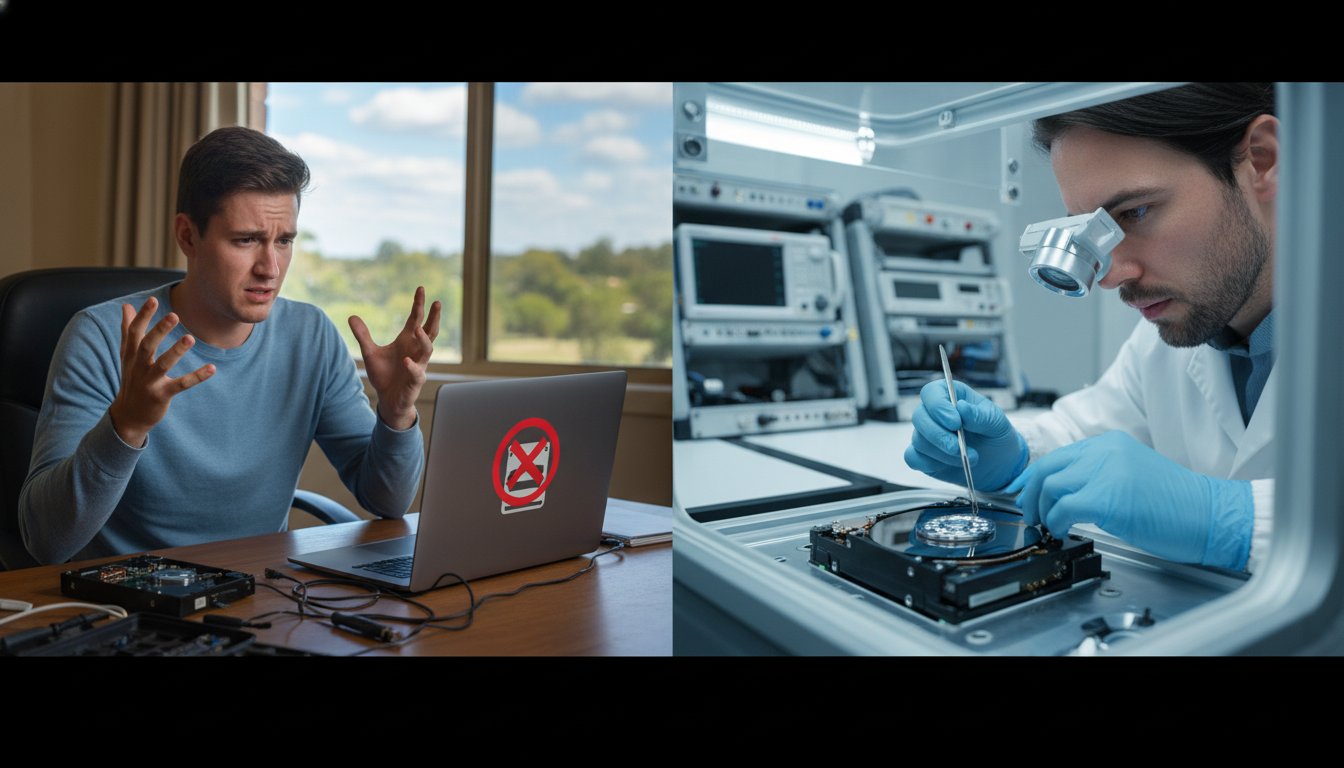
The reason your drive failed is the single most important factor in determining your chances of getting your files back. We categorize these failures into two distinct groups: logical and physical. While a logical error might take a few hours of scanning to resolve, a physical failure often requires surgical precision and donor parts. Understanding which one you are facing helps manage your expectations and prevents you from making a mistake that could lead to permanent loss.
Logical failures: High success with the right tools
Logical failures happen when the hardware is healthy, but the data is inaccessible due to software issues. This includes accidental deletions, virus attacks, or file system corruption. When you delete a file, your computer usually just marks that space as “available” rather than wiping the data. The information stays there until new files overwrite it. This is why the data recovery success rate for accidental deletion is often very high, provided you stop using the device immediately.
A “Quick Format” is also generally reversible because it only replaces the file directory. However, a “Deep Format” or “Full Format” overwrites sectors with zeros, making recovery almost impossible. If you have accidentally formatted a drive, our team at Aspire Computing can often reconstruct the file structure and save your data. Specialists use advanced tools to repair corrupted file systems that standard operating systems simply can’t read.
Physical failures: When the hardware gives up
Physical failures are far more serious. These involve broken components like a seized motor or a “head crash,” where the read/write head physically touches the spinning platter. If you hear clicking, grinding, or beeping, turn the power off immediately. Every second a damaged drive spins, the heads can physically scrape the magnetic coating off the platters. Once that coating is gone, your data literally turns into dust.
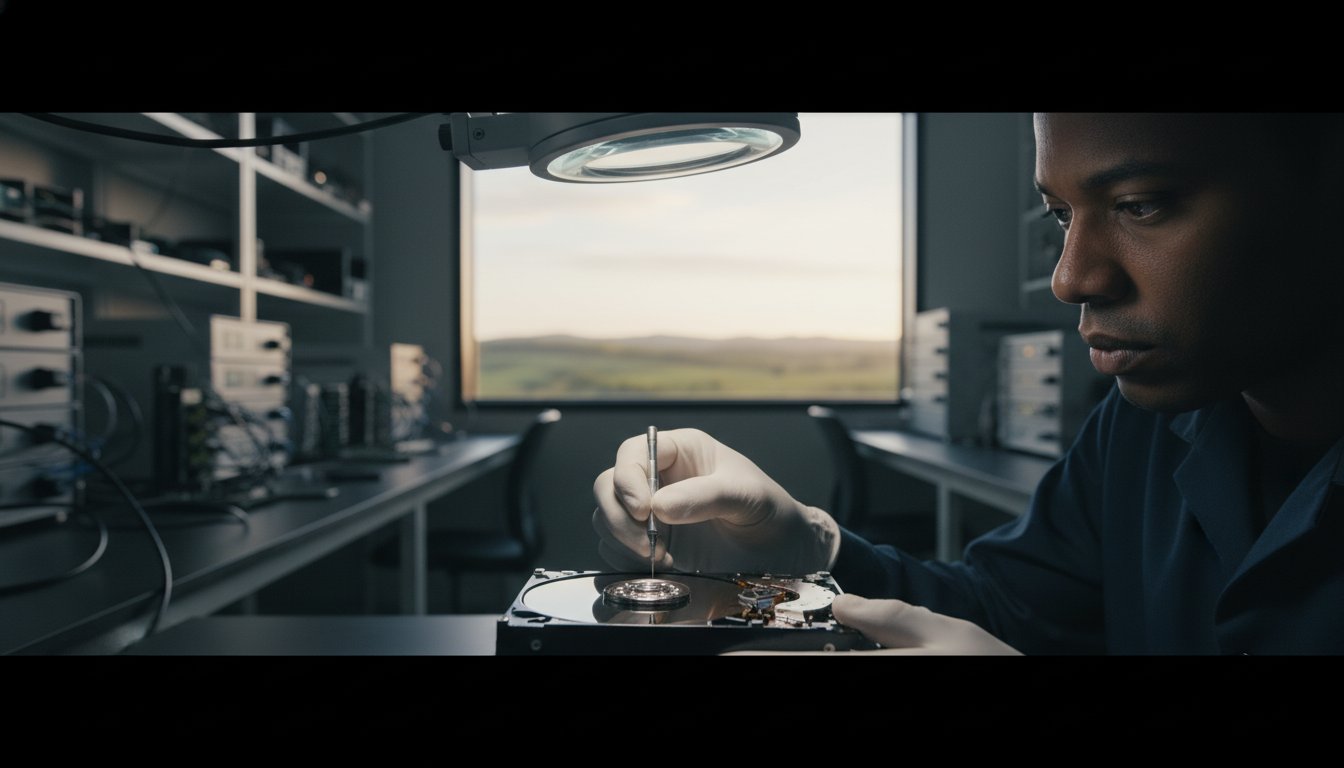
The data recovery success rate for physical issues depends heavily on the extent of the platter damage. To fix these, technicians must open the drive in a “Cleanroom.” This is a controlled environment that prevents microscopic dust from landing on the platters, which would cause further crashes. Swapping parts from a matching “donor” drive is a delicate process that requires specialized equipment. While professional data recovery success rates for hardware issues often range between 90% and 96.7% at top-tier labs, these figures depend on the drive being handled correctly from the moment it fails. Environmental factors like water or fire damage also lower the ceiling of what is possible, as extreme heat or corrosion can permanently destroy the storage medium.
DIY Software vs. Professional Recovery: Assessing the Risk
You might feel tempted to try a quick fix when you realize your files are missing. The allure of “free” or “cheap” data recovery software is strong, especially when you’re worried about costs. However, this is often where a simple problem turns into a permanent disaster. Think of your first recovery attempt as your best shot. In the industry, we call this the “One Shot” rule. Every time you run a scan on a failing drive, you’re putting it under immense stress. If the hardware is already weak, that DIY software could be the final blow that makes a professional data recovery success rate irrelevant because the drive has physically seized.
According to the 2024 State of the Backup report, only 42% of users manage to restore all their data following an incident. This statistic highlights that even with tools in place, recovery is never a guarantee. Consumer software is built for healthy drives with simple logical issues, like a file you accidentally sent to the bin. It doesn’t have the sophistication to handle failing firmware or mechanical instability. Using these tools on a drive that is clicking or beeping is like trying to tune an engine while it’s actively on fire.
The hidden costs of failed DIY attempts
One of the most dangerous mistakes is installing recovery software onto the same drive that lost the data. This action directly overwrites the sectors where your “deleted” files are sitting, destroying them forever. We also see many people following “YouTube fixes” like the freezer trick. Putting a hard drive in a freezer causes moisture to condense on the platters once it’s removed. When you power it back on, the heads hit those water droplets, causing a catastrophic head crash. These amateur methods don’t just fail; they actively lower your data recovery success rate by causing irreversible physical damage that no professional can fix.
What professional labs have that you don’t
Professional recovery is about more than just software. We use hardware-level imaging tools like DeepSpar or PC-3000. these systems allow us to interact with the drive’s firmware—the internal “operating system” of the hard drive itself. If the firmware is corrupted, your computer won’t even see the drive, making consumer software useless. We also maintain extensive donor libraries. If your drive needs a new head assembly or a motor swap, we likely have the exact matching parts in stock. This level of technical specificity, combined with micro-soldering skills for electronic repairs, is what separates a successful recovery from a permanent loss.
Critical Steps to Maximise Your Recovery Success Rate
The first five minutes after you notice a data loss event are the most critical. We call this the “Golden Hour” because the decisions you make right now will directly determine the ultimate data recovery success rate for your device. When a drive begins to fail, it enters a fragile state where every additional second of power can cause more damage. Your primary goal is stillness. By isolating the device and stopping all activity, you preserve the data in its current state and give a technician the best possible chance at a full recovery.
Step-by-step: Immediate response checklist
Follow these steps in order to prevent further corruption or mechanical degradation:
- Perform a hard shutdown: If your computer hangs or makes strange noises, don’t use the standard “Shut Down” menu. This process often involves writing log files to the drive. Instead, hold the power button down until the machine turns off completely.
- Disconnect all power: Unplug the computer from the wall. If you’re using an external hard drive or USB stick, remove it gently from the port.
- Document the symptoms: Write down exactly what happened. Did you hear a clicking sound? Was there a “Blue Screen of Death”? Knowing the symptoms helps your technician diagnose the failure without having to power the drive on and off multiple times.
- Identify priority files: Make a list of the most important folders or file types you need. This allows the recovery team to target those specific sectors first.
What NOT to do: Common success-killers
It’s tempting to try built-in repair tools, but these are often fatal for failing hardware. Never run “Chkdsk” on Windows or “First Aid” on a Mac if you suspect a physical failure. These utilities are designed to fix file system errors by moving data around. If the drive has bad sectors or a weak head, this intense activity will likely lead to a total crash. Likewise, never open the drive casing yourself. A single speck of dust is massive compared to the distance between a drive head and the platter. Opening a drive outside of a certified cleanroom will destroy your data recovery success rate instantly.
If your drive isn’t showing up, don’t try to “force mount” it or use software to “stress test” the connection. These actions only accelerate the wear on a dying component. Instead, trust a professional assessment to keep your files safe. If you’re in the middle of a data crisis right now, contact us for expert data recovery services to ensure your files are handled with the right equipment and care.
Local Expertise: Data Recovery in Toowoomba and the Darling Downs
Choosing a local expert is about more than just convenience. It is a vital step in protecting what remains of your hardware. When you ship a failing drive to a major city, you expose it to vibrations, temperature fluctuations, and rough handling during transit. For a drive that is already mechanically unstable, these physical shocks can lead to a catastrophic platter scratch. This risk can significantly lower your potential data recovery success rate before a technician even sees the device. By bringing your device to a local specialist, you eliminate the dangers of the postal system and keep your sensitive hardware in safe hands.
Aspire Computing has served the Toowoomba region for over 25 years. We understand the deep stress caused by data loss. Whether you are a small business owner in Newtown worried about lost documents or a resident in Highfields trying to save irreplaceable family photos, we provide a calm and professional environment. We handle every case with total confidentiality and personal accountability. You aren’t just another ticket number in a corporate queue. You are a member of our local community who needs a reliable, experienced hand to navigate a technical failure.
Personal service from a local expert
Our service area extends across Toowoomba, the Darling Downs, and the Lockyer Valley. This local focus allows us to provide on-site assessments for small businesses that need to minimize downtime. We know that every situation is unique, which is why we don’t rely on generic automated responses. We offer a personal touch that larger, anonymous providers simply cannot match. For more detailed information on our local capabilities, you can read our Data Recovery Toowoomba guide.
Your next steps to recovery
The path to getting your files back starts with an honest and transparent assessment. We don’t believe in inflated marketing claims. Instead, we examine your specific device to provide a realistic estimate of your data recovery success rate based on the actual condition of your media. Our diagnostic process is straightforward and methodical. We identify the failure type, explain the necessary recovery steps, and wait for your approval before we proceed with the work. This ensures you stay in control of the process from start to finish. If you’re ready to find out if your data can be saved, Contact Aspire Computing for a Data Recovery Assessment today. We are here to help you get your digital life back on track.
Take Control of Your Data Recovery Today
Data loss doesn’t have to be permanent. By understanding the difference between logical and physical failures, you can take the right steps to protect your files. Remember that your first attempt at retrieval is your best opportunity. Avoiding risky DIY software and turning off your device immediately are the most effective ways to maintain a high data recovery success rate. These simple actions prevent further mechanical wear and ensure that professional tools have the best possible environment to work in.
Since 1999, we’ve helped residents and businesses across Toowoomba and the Darling Downs recover their critical documents and cherished memories. Our local expertise means your hardware isn’t subjected to the risks of long-distance shipping. We stand by our work with a No Data, No Fee policy on most recovery jobs. This ensures you only pay for successful results that actually get your digital life back on track. We prioritize your privacy and handle every drive with total confidentiality.
Don’t let technical failure cause unnecessary stress. Reach out to a team that values your security and stability. Get a Professional Data Recovery Assessment in Toowoomba and let us help you find the best path forward. Your files are too important to leave to chance; we’re ready to help you recover what matters most.
Frequently Asked Questions
What is a realistic success rate for professional data recovery?
A realistic data recovery success rate for logical issues like accidental deletion often exceeds 90% when the drive is healthy. For physical hardware failures, the rate depends heavily on the condition of the internal platters or flash memory chips. While top-tier labs report high success, every case is unique. The most important factor is how quickly you stop using the device after the failure occurs.
Can data be recovered from a hard drive that is clicking?
Yes, data can often be recovered from a clicking drive, but it requires professional hardware repair. The clicking sound usually indicates that the read/write heads have failed and are struggling to find their position. You should never try to fix this with software. A technician must open the drive in a cleanroom to replace the damaged heads with matching parts from a donor drive before the data can be imaged.
Is the success rate for SSDs lower than for traditional hard drives?
Generally, the data recovery success rate for SSDs is lower than for traditional hard drives. SSDs use a process called TRIM that actively wipes deleted data to maintain speed. When an SSD controller fails, the data is often encrypted or scattered across multiple chips in a complex way. While recovery is still possible, it requires specialized equipment and deep knowledge of specific controller firmware to reconstruct the files.
How much does data recovery cost if it is successful?
The cost of a successful recovery depends on the failure type and the labor involved. Logical recoveries that only require specialized software are typically the most affordable. Physical recoveries that need cleanroom work, donor parts, and micro-soldering are more complex and carry a higher cost. We provide a clear assessment after our diagnostic process so you understand the requirements for your specific situation before any work begins.
Does formatting a drive permanently delete the data?
Formatting a drive doesn’t usually delete the data permanently, especially if you performed a “Quick Format.” This process only wipes the file directory, leaving the actual data on the sectors until it is overwritten by new files. However, a “Full Format” or “Secure Erase” is much more destructive because it overwrites the entire drive with zeros. If you’ve accidentally formatted a drive, stop using it immediately to prevent overwriting your files.
What happens if the data recovery attempt is unsuccessful?
If we can’t recover your data, our “No Data, No Fee” policy on most jobs ensures you don’t pay the full recovery service fee. We’ll explain why the recovery wasn’t possible, such as catastrophic platter damage or chip failure. At that point, you can choose to have your device returned to you or have us securely destroy the media to protect your privacy. Our goal is to ensure you never pay for a failed result.
Can I recover data from a water-damaged laptop or phone?
Data recovery from a water-damaged laptop is often successful if the storage drive hasn’t suffered a short circuit. We can remove the drive, clean any corrosion, and use specialized tools to extract the files. It is vital that you don’t try to power the device on while it is wet. While we specialize in laptop and PC recovery, you should consult a mobile specialist for phone-specific hardware repairs as we don’t offer mobile phone services.
How long does a typical data recovery process take?
Most data recovery jobs are completed within 3 to 10 business days. The initial diagnostic usually takes 24 to 48 hours to determine the failure type. Logical recoveries are often faster, while physical repairs can take longer if we need to source specific donor parts from our library. We always prioritize efficiency to minimize your downtime and keep you updated on the progress of your specific case throughout the process.

B.App.Sc., Cert. Computer Engineering PC Service and Repair
As the owner of Aspire Computing founded in 1999, Chaim Lee has been working for over 20 years as the Leading Computer Technician.
He has a life long interest in electronics, computing, science and technology. He has completed studies and gained qualifications in Applied Science, Computer Repair and Service, Microsoft Installation and Maintenance, Technical Writing, Workplace Training, and Technical Sales Training.