
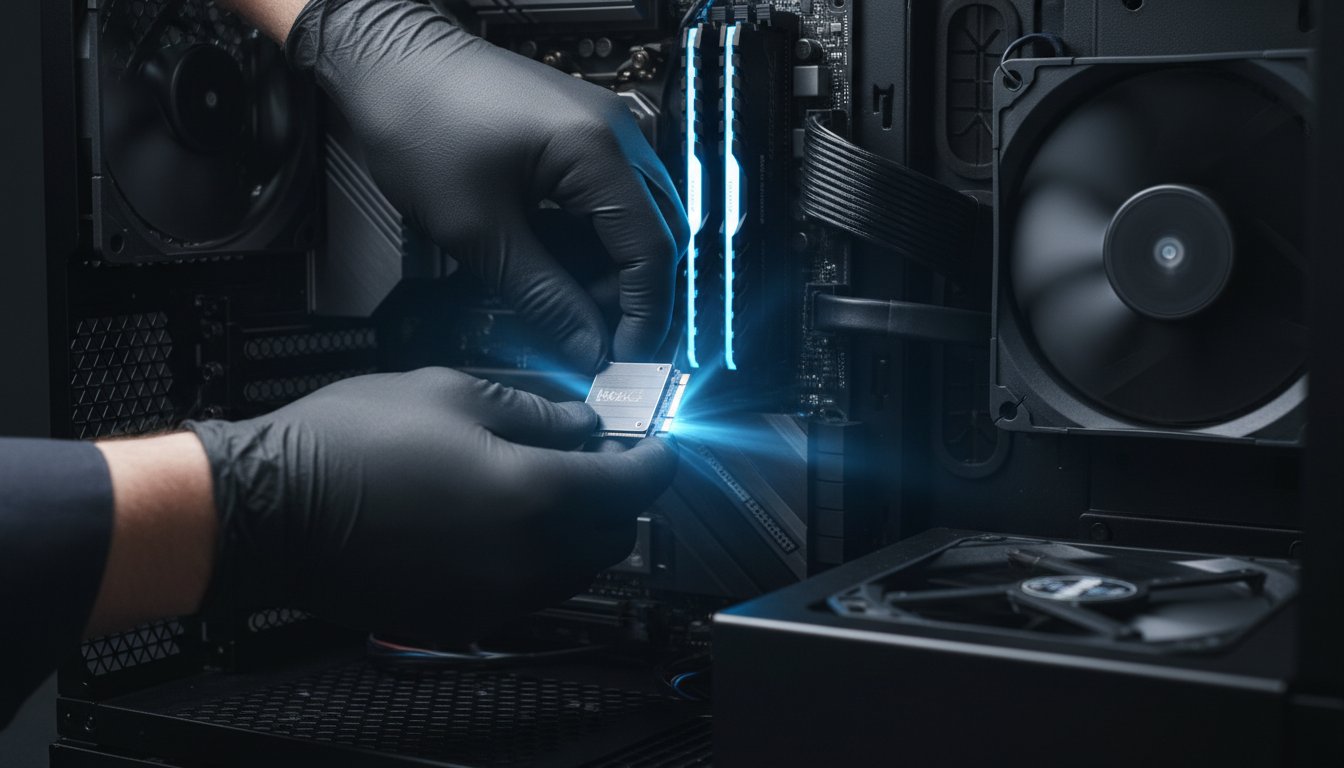
Is that spinning loading icon becoming a familiar, frustrating sight? When your once-speedy PC or laptop starts to lag, it can feel like you’re stuck in the digital slow lane. You know it needs a fix, but the world of computer components can be confusing. You might be wondering if it’s time for a costly new machine, or if a few smart hardware upgrades could bring it back to life. The good news is that a targeted upgrade is often the most cost-effective way to get a significant performance boost.
But where do you start? And how do you avoid buying an incompatible part? Don’t panic. In this complete guide, we’ll demystify the process. We’ll walk you through the most impactful upgrades-from speedy solid-state drives (SSDs) to extra RAM-that deliver the biggest bang for your buck. You will learn how to identify the real bottleneck in your system and make an informed, confident decision, revitalising your computer’s performance without the hefty price tag of a brand-new machine.
Key Takeaways
- Understand when it’s more cost-effective to upgrade your existing PC rather than buying a new one, potentially saving you hundreds of dollars.
- Identify the three key hardware upgrades that provide the most significant performance boost, solving common slowdown issues for most users.
- Recognise the signs that indicate you need more advanced upgrades and why supporting components are vital for long-term system stability.
- Learn how a professional assessment takes the guesswork out of upgrading, ensuring you get the right parts for your needs and budget in Toowoomba.
Is It Worth Upgrading Your Computer in 2026?
As your PC starts to feel sluggish, the big question arises: should you upgrade it or replace it entirely? For many people in Australia, targeted hardware upgrades are the most cost-effective way to get a significant performance boost. Instead of spending over A$1,000 on a new machine, a strategic A$200-$400 investment in the right component can make your old computer feel new again. The key is to identify the “bottleneck”-the specific piece of your computer hardware that is slowing everything else down. Think of it like a traffic jam; clearing the one blockage gets everything moving smoothly again.
To help you visualise the process, this video from PC Builder provides a great overview of common upgrades:
Key Signs It’s Time for an Upgrade
If your computer is showing its age, don’t panic! You may not need a whole new system. If you’re experiencing any of the following frustrations, a component upgrade is likely the most direct and affordable solution to improve performance.
- Slow startup and loading: Your computer takes several minutes to boot up, and applications open at a snail’s pace. This often points to an old hard drive.
- Difficulty multitasking: Switching between browser tabs, a document, and another app causes freezing or stuttering. This is a classic sign you need more RAM.
- Poor performance in demanding tasks: You notice low frame rates in modern games or long rendering times when editing videos, suggesting your graphics card or CPU is struggling.
- Running out of storage: You constantly see “low disk space” warnings and can’t install new programs. A larger, faster storage drive is an easy fix.
When Buying a New PC Makes More Sense
While strategic hardware upgrades offer great value, sometimes a fresh start is the more practical choice. A new machine is a smarter long-term investment if your situation matches one of these points:
- Your technology is obsolete: If your PC uses very old standards, like DDR2 or DDR3 RAM, finding compatible parts is difficult and not cost-effective. The performance gains will be minimal.
- The costs add up: If you need a new processor, motherboard, and RAM, the total cost could easily exceed A$800. At that point, a modern pre-built PC offers better value and a full warranty.
- You need modern features: Your current motherboard may lack support for faster storage (like NVMe SSDs), Wi-Fi 6, or the latest USB ports that you need for new peripherals.
- Repairs are too extensive: If the computer has multiple failing components, a faulty power supply, or significant physical damage, a full replacement is often safer and more reliable.
Once you’ve decided to replace your old machine, the next question is what to do with it. Proper disposal is crucial for both data security and environmental responsibility. For a comprehensive overview of how to handle old equipment, the guide on IT asset disposition at surplustechnologysolution.com offers valuable insights for businesses and individuals alike.
The 3 Most Impactful Hardware Upgrades for a Slow PC
If your computer is grinding to a halt, don’t panic. You often don’t need a brand-new machine. For most slow PCs, a targeted component replacement can make it feel fast and responsive again. These three hardware upgrades deliver the most noticeable performance boost, and chances are, one of them is the perfect solution for you.
Upgrade 1: Solid State Drive (SSD) – The Single Best Speed Boost
This is, without a doubt, the most effective upgrade for almost any slow computer. A traditional Hard Disk Drive (HDD) is like a record player, with a physical arm that moves to find your data. An SSD, on the other hand, is all-digital, like a bank of light switches, accessing data instantly. The real-world benefits are dramatic:
- Lightning-Fast Boot Times: Your PC will start up in seconds, not minutes.
- Instant Application Loading: Programs like your web browser, Microsoft Office, or photo software will open almost immediately.
Even a basic SATA SSD will transform your user experience. For newer systems, an even faster NVMe SSD can offer another leap in performance.
Upgrade 2: More RAM – For a Smooth Multitasking Experience
Think of RAM (Random Access Memory) as your computer’s desk space. The more RAM you have, the more programs and browser tabs you can have open at once without everything slowing down. If your PC struggles when you multitask, you’re likely running out of “desk space.” Here are some simple guidelines:
- 8GB: Suitable for light, everyday use like browsing and email.
- 16GB: The “sweet spot” for most people, allowing for smooth multitasking with many tabs and applications open.
- 32GB: Recommended for serious gamers, video editors, and professionals running memory-intensive software.
It’s crucial to ensure the new RAM is compatible with your computer’s motherboard.
Upgrade 3: Graphics Card (GPU) – Essential for Gaming and Creative Work
This upgrade isn’t for everyone. If you use your computer for web browsing, office tasks, and watching videos, your PC’s built-in graphics are likely sufficient. However, a dedicated Graphics Card (GPU) is a game-changer for:
- Gamers: A better GPU means smoother gameplay at higher resolutions and visual quality settings.
- Creative Professionals: Video editors, graphic designers, and 3D artists will experience much faster rendering and processing times.
Keep in mind that powerful GPUs can draw a lot of power, so this upgrade may also require a check of your Power Supply Unit (PSU).

Deeper Upgrades: When to Consider a New CPU or Motherboard
If you’ve already upgraded your RAM and storage but your PC still feels sluggish, it might be time for a deeper dive into its core components. Think of the Central Processing Unit (CPU) as the ‘brain’ and the motherboard as the ‘nervous system’ of your computer. They work hand-in-hand to manage every task you perform. Tackling these more advanced hardware upgrades provides a fundamental performance uplift that can make an old PC feel brand new. However, this is a significant step up in complexity from simpler installs, and they are often performed together.
Upgrading Your CPU (The Brain)
Your CPU is the engine of your PC, processing millions of calculations every second to run your operating system and applications. A faster, more powerful CPU means everything from opening programs to editing videos and browsing the web happens more quickly and smoothly. This upgrade is ideal when you feel a general slowness across your entire system, not just in one specific task. It’s important to know that a CPU upgrade is limited by your motherboard’s ‘socket type’-you can’t just fit any new processor into an older board. Navigating compatibility can be tricky, so if you’re unsure, it’s always best to get professional advice to ensure a worthwhile investment.
Upgrading Your Motherboard (The Foundation)
A motherboard upgrade is usually necessary to support a new generation of CPU, but its benefits go much further. As the foundation of your PC, a modern motherboard unlocks access to the latest technology, future-proofing your machine and improving overall system responsiveness. Key advantages include:
- Support for faster and more efficient RAM (e.g., DDR5)
- Newer connection standards for graphics cards and ultra-fast SSDs (e.g., PCIe 5.0)
- More high-speed USB ports and improved onboard Wi-Fi and audio.
Replacing a motherboard is one of the most involved hardware upgrades you can perform, as it requires a near-complete disassembly and rebuild of your computer. This complex task requires expert hands to ensure every component is compatible and correctly installed for stable, long-term performance.
Essential Supporting Upgrades: Power Supply and Cooling
When planning to speed up your PC, it’s easy to focus on the flashy components like a new processor or graphics card. However, the unsung heroes of any stable, high-performance computer are its power supply and cooling system. These crucial parts ensure your new investments run correctly and safely.
Ignoring them after major hardware upgrades can lead to frustrating instability, random crashes, and even permanent damage to your components. A small investment in a quality power supply and effective cooling is a smart move that protects your PC and guarantees its long-term reliability.
Power Supply Unit (PSU): The Heart of Your PC
The Power Supply Unit, or PSU, is the heart of your PC. It draws power from your wall outlet and delivers the precise voltage needed for every single component to function. When you install a more powerful graphics card or CPU, you also increase your system’s power demand.
An old or underpowered PSU can’t keep up, leading to system crashes, especially under heavy load. A quality PSU not only provides enough wattage but also delivers clean, stable power that protects your sensitive electronics from damaging fluctuations. If you’re unsure what your system needs, our experts can help you choose the right unit to power your machine safely.
Cooling Systems: Keeping Your Components from Overheating
High-performance parts generate more heat-it’s a simple fact. If that heat isn’t efficiently removed from the case, your components will automatically slow down (a process called “thermal throttling”) to protect themselves, which defeats the purpose of your upgrade. Proper cooling is crucial for maintaining peak performance.
Watch for these common signs of poor cooling:
- Your PC’s fans are constantly spinning loudly.
- The computer case feels unusually hot to the touch.
- Your system suddenly shuts down during intensive tasks like gaming.
- Performance seems to drop after the PC has been on for a while.
Solutions can be as simple as installing better case fans for improved airflow or upgrading to a more capable CPU cooler. These supporting hardware upgrades ensure your components run at their best, stay reliable, and last longer.
Our Professional Hardware Upgrade Process in Toowoomba
Understanding which components to upgrade is one thing, but installing them correctly is another. While a DIY approach can be tempting, professional hardware upgrades take the guesswork and risk out of the equation, guaranteeing compatibility and performance. At Aspire Computing, we’ve refined a straightforward process to give your PC the speed boost it needs with complete peace of mind, right here in Toowoomba.
Step 1: Diagnosis and Consultation
Every great upgrade starts with a clear understanding of the problem. We don’t just sell you parts; we find the right solution. Our process begins by listening to the issues you’re facing and what you want to achieve with your computer.
- Our experts perform a full diagnostic check to pinpoint the exact performance bottleneck.
- We assess your system’s architecture to determine which upgrades are possible and will be most effective.
- This ensures our recommendations are tailored to give you the best performance boost for your budget.
Step 2: Clear Recommendations and Quoting
We believe in total transparency. Once we’ve identified the ideal upgrade path, we explain our findings in simple, jargon-free language so you know exactly what’s needed and why. You’ll receive a detailed, no-obligation quote covering both quality parts and labour.
- We only recommend and source reliable components from trusted brands like Kingston, Samsung, and Western Digital.
- Your quote will be clear and transparent, with no hidden fees.
- The friendly team at Aspire Computing is always here to answer any questions you have.
Step 3: Professional Installation and Testing
This is where our experience makes all the difference. Our technicians handle the physical installation with meticulous care, ensuring every component is seated, connected, and configured correctly within your system. We treat your computer as if it were our own.
- All work is carried out by experienced technicians in a static-safe environment.
- After installation, we run a series of stress tests to ensure system stability and performance gains.
- You get your computer back faster, more reliable, and ready to handle your tasks with ease.
Don’t let a slow computer frustrate you. If you’re ready to unlock your PC’s true potential, talk to our Toowoomba experts for a professional hardware upgrade service you can trust.
Unlock Your PC’s True Potential with Expert Guidance
Breathing new life into a slow computer doesn’t always mean buying a brand new one. As we’ve explored, strategic upgrades can deliver a massive performance boost for a fraction of the cost. Focusing on high-impact components like a Solid-State Drive (SSD) and additional RAM can solve most common slowdowns, while more complex changes to your CPU and motherboard unlock even greater potential.
Navigating the world of PC hardware upgrades can feel complex, but you don’t have to do it alone. At Aspire Computing, our local, trusted Toowoomba technicians have been helping people speed up their computers since 1999. We take the guesswork out of the process, providing expert advice and professional installation, with both on-site and remote support available to ensure a seamless experience.
Ready to experience a faster, more responsive computer? Talk to our Toowoomba experts about a hardware upgrade today! Let us help you unlock the performance you deserve.
Hardware Upgrades: Your Questions Answered
How much do typical hardware upgrades cost?
The cost of hardware upgrades in Australia can vary depending on the component. For example, a RAM upgrade to improve multitasking might range from A$100 to A$250, including the part and our professional installation. Upgrading to a much faster Solid-State Drive (SSD) typically costs between A$150 and A$400. At Aspire Computing, we provide a clear, upfront quote to help you make an informed decision for your computer’s performance.
Can my laptop be upgraded, or just desktop PCs?
While desktop PCs offer the most flexibility, many laptops can also receive significant performance boosts. The most common and effective laptop upgrades are increasing the RAM (memory) and replacing an old hard drive with a modern Solid-State Drive (SSD). Components like the processor or graphics card are often permanent, but we can assess your specific model to see what quality improvements are possible to speed it up.
How long will a hardware upgrade take?
We pride ourselves on a fast and efficient service. A straightforward upgrade like installing new RAM can often be completed in under an hour. A more involved process, such as upgrading to an SSD which includes cloning your data, typically takes a few hours to complete thoroughly. Our goal is to ensure a smooth transition and get your improved computer back to you with minimal downtime.
Will upgrading void my computer’s warranty?
This is a common concern. Generally, under Australian Consumer Law, user-serviceable upgrades like adding RAM or a new storage drive should not void your entire warranty. However, any damage caused during the installation would not be covered. Using an experienced professional provides assurance that the job is done correctly, protecting your investment and minimising any risk to your warranty coverage.
Do I need to back up my data before an upgrade?
Absolutely, yes. While we take the utmost care with your device, backing up your data is a critical safety step before any hardware is changed. Think of it as essential insurance for your photos, documents, and important files. As part of our mission to “Aspire to Protect and Connect,” we can assist with a secure data backup as part of the upgrade service, giving you complete peace of mind.
What’s the difference between upgrading hardware and just tuning up my software?
A software tune-up optimises your current system by cleaning out unnecessary files and adjusting settings for better efficiency. In contrast, hardware upgrades involve physically replacing components like your RAM or hard drive with newer, faster parts. While a tune-up can help, a hardware upgrade provides a much more significant and lasting boost to your PC’s overall speed, power, and capability for modern tasks.

B.App.Sc., Cert. Computer Engineering PC Service and Repair
As the owner of Aspire Computing founded in 1999, Chaim Lee has been working for over 20 years as the Leading Computer Technician.
He has a life long interest in electronics, computing, science and technology. He has completed studies and gained qualifications in Applied Science, Computer Repair and Service, Microsoft Installation and Maintenance, Technical Writing, Workplace Training, and Technical Sales Training.
