Slow Computer Repair Toowoomba: Fast Fixes to Boost Your PC Speed

What if that frustratingly slow laptop isn’t actually ready for the scrap heap, but just needs a professional breath of fresh air? It’s a common dilemma for many locals; you’re stuck watching a spinning icon while a deadline looms, wondering if it’s finally time to drop significant money on a replacement. You likely feel the sting of lost productivity and the nagging worry that your important files might disappear if the system finally crashes. If you’re searching for reliable slow computer repair Toowoomba, you aren’t just looking for a technical fix. You’re looking for peace of mind and a machine that actually keeps up with your daily tasks.

I understand how disruptive a lagging PC can be for your home office or small business. In this guide, you’ll discover why your computer is struggling and how a professional local expert can restore its original performance without the high cost of a brand-new machine. We’ll break down the differences between hardware upgrades and software tune-ups, giving you clear advice on the most cost-effective path forward. From handling the latest Windows 11 26H2 updates to essential data security, you’ll learn how to get your technology running like new again with fast, local service you can trust.

Key Takeaways

  • Learn to distinguish between hardware failure and software bloat to target the real cause of your PC’s lag.
  • Apply the “50% Rule” to make a smart, cost-effective decision on whether to repair your old computer or invest in a new one.
  • Discover how professional slow computer repair Toowoomba can optimize your system settings and remove hidden “junk” to restore original speeds.
  • Understand the critical role of RAM and CPU health in maintaining a productive, freeze-free workspace.
  • See why working with a local Darling Downs expert provides a more reliable and personalized service than anonymous corporate repair chains.

Why Your Computer is Crawling: Identifying the Bottlenecks

A slow computer is essentially a mismatch between software demands and hardware capacity. Modern applications, even simple web browsers, require significantly more resources than they did just a few years ago. If your hardware hasn’t kept pace with these updates, you’ll experience frustrating lag. Seeking slow computer repair Toowoomba often starts with identifying which part of the system is falling behind and causing these delays.

Your Central Processing Unit (CPU) acts as the brain, processing every command, while Random Access Memory (RAM) serves as short-term storage for active tasks. When you multitask, these components can reach their limits quickly. Background processes are a major culprit. These often include pre-installed bloatware, manufacturer telemetry, and unnecessary startup items that drain resources before you even open a single program. I often find that users aren’t even aware these hidden tasks are running every time they log in.

Storage health is another critical factor. Whether it’s fragmented files on an older mechanical hard drive or a Solid State Drive (SSD) that’s nearly full, a lack of “breathing room” for the operating system will degrade computer performance significantly. SSDs need about 10 to 15 percent of free space to perform background maintenance like wear leveling. Without this space, the drive slows down as it struggles to find empty blocks to write new data.

The Hidden Cost of System Lag

For Toowoomba small business owners, system lag isn’t just a nuisance; it’s a drain on the bottom line. Every minute spent waiting for a file to open is a minute of lost billable time. At Aspire Computing, I focus on identifying these issues quickly to get you back to work. A bottleneck is a specific point of congestion in a system that stops the entire machine from operating at its maximum speed.

Signs Your Computer Needs Professional Help

How do you know when it’s time for professional slow computer repair Toowoomba? If your boot time exceeds three minutes, something is definitely wrong. Frequent application freezing suggests your system is struggling with its memory workload or corrupted files. You might also notice loud fan noise. This indicates overheating, leading to thermal throttling. This is a safety feature where the computer slows down to prevent permanent hardware damage from heat.

Software Bloat vs. Hardware Failure: What’s Really Slowing You Down?

Determining whether your PC is suffering from a digital logjam or a physical breakdown is essential for effective slow computer repair Toowoomba. Software bloat occurs when too many applications compete for your system’s attention. Unused programs, excessive browser extensions, and accumulated registry errors create a heavy load that drags down performance. Conversely, hardware failure is a physical issue. If you hear clicking noises, see frequent “blue screen of death” errors, or experience sudden shutdowns, a component is likely reaching the end of its life.

A sudden drop in speed is also a major security red flag. Malware and viruses frequently hide their activity by masquerading as legitimate system processes. These malicious programs use your CPU power to mine cryptocurrency, track your data, or send spam. This leaves very little processing power for your actual work. If your computer feels sluggish and behaves erratically, it’s often a sign that your digital security has been compromised.

Software Optimization and Virus Removal

Malware is designed to stay hidden. It often adopts names similar to standard Windows files to avoid detection in the Task Manager. Getting a professional virus and malware removal is the only way to ensure these threats are completely purged from your system. Beyond security, you can take steps to improve PC performance in Windows by disabling unnecessary startup apps and keeping your drivers updated. These small changes help maintain stability and ensure your software runs as intended.

Hardware Limitations in 2026

Hardware demands have shifted significantly. In 2026, 8GB of RAM is no longer sufficient for modern office software and multitasking. If your system still relies on an old mechanical Hard Disk Drive (HDD), failure isn’t a matter of if, but when. These drives use spinning platters that eventually wear out, leading to sluggishness and data loss. Another common issue is thermal paste degradation. This material sits between your processor and its cooler. When it dries out, your computer overheats and slows itself down to prevent permanent damage. If you’re unsure if your lag is software or hardware based, I can help you identify the root cause before a minor issue becomes a total system failure.

The Repair vs. Replace Dilemma: Making the Smart Choice

Deciding whether to fix a lagging PC or buy a new one is a common worry for many of my clients. I often advise people to follow the “50% Rule.” If the quote for a professional slow computer repair Toowoomba exceeds half the price of a comparable new machine, replacement might be the logical choice. However, most performance issues don’t reach that threshold. A five-year-old laptop often still has a capable processor that is simply held back by an old-fashioned hard drive or insufficient memory. Repairing your current machine also keeps functional electronics out of the landfill, offering a significant environmental benefit over contributing to the growing problem of e-waste.

When considering slow computer repair Toowoomba, I focus on solutions that offer long-term stability. Strategic improvements can often extend your computer’s lifespan by three or more years. This approach provides a much higher return on investment than purchasing a budget-friendly new laptop that might actually be slower than your upgraded older machine.

Upgrade Potential: The SSD Transformation

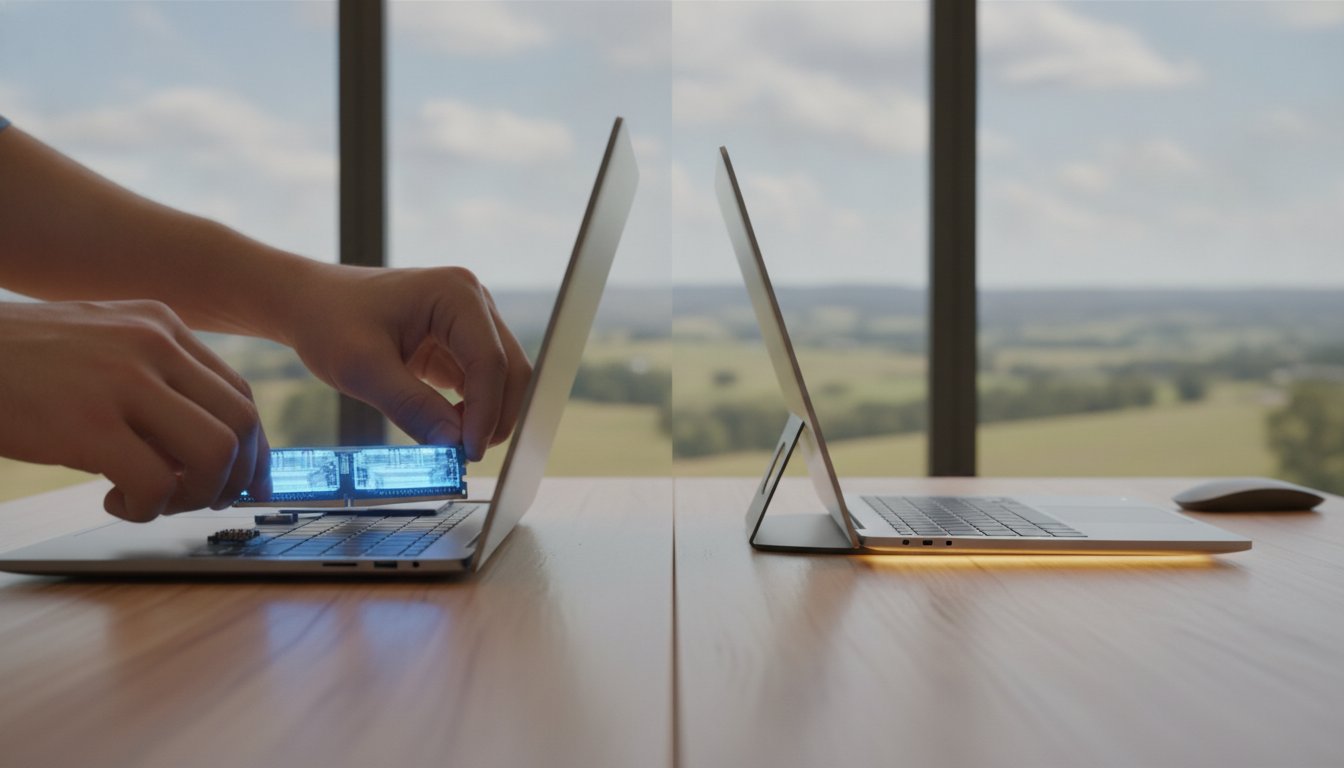
Traditional Hard Disk Drives (HDDs) rely on physical spinning platters, which are inherently slow and prone to mechanical failure. In contrast, Solid State Drives (SSDs) have no moving parts and can access data almost instantly. I’ve found that hardware upgrades like swapping an HDD for an SSD are the single best way to transform a sluggish PC. To make the process stress-free, I use professional data cloning techniques. This ensures your operating system, programs, and personal files are moved exactly as they are to the new drive, so you don’t have to spend hours reinstalling software or searching for lost passwords.

When It’s Time to Say Goodbye

There are times when repair isn’t the best path. If your motherboard is damaged or requires proprietary parts that are no longer in production, the cost often becomes prohibitive. Additionally, as we move through 2026, older machines may lack the hardware-level security features required by upcoming operating systems. Here are three signs your computer is officially obsolete:

  • It cannot run the latest security updates or the most recent Windows versions.
  • The cost of a single replacement part exceeds the total market value of the entire machine.
  • It lacks the physical ports, such as USB-C or modern display outputs, needed for your current work tools.

Slow Computer Repair Toowoomba: Fast Fixes to Boost Your PC Speed

Professional Windows Tune-Ups: What to Expect from an Expert

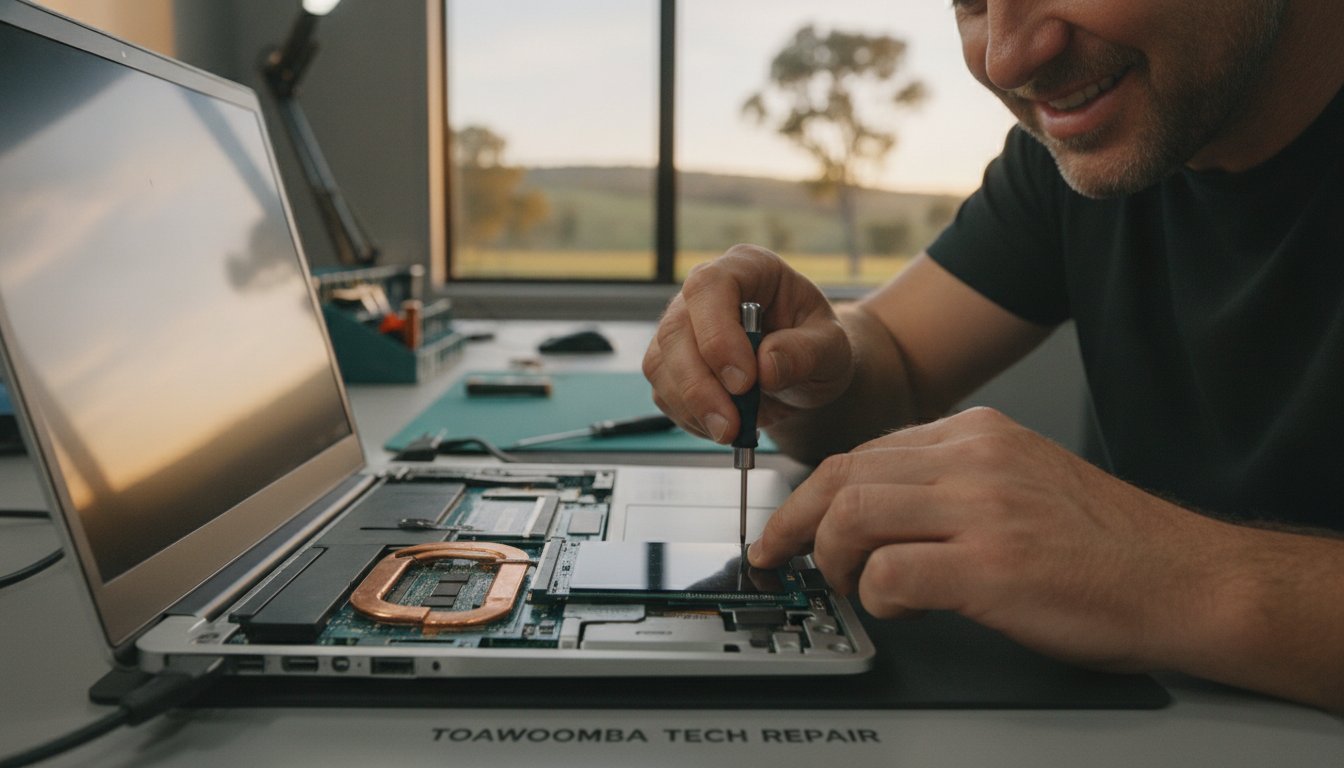
A professional tune-up is more than just clicking a “clean” button. It’s a methodical process designed to strip away the digital weight that accumulates over years of use. When you book a slow computer repair Toowoomba session, the first step is always a comprehensive diagnostic. I check your system logs and hardware health to ensure there aren’t underlying physical issues before moving to software fixes. This initial check ensures we don’t waste time trying to optimize a failing drive.

Next comes the deep cleaning. This involves purging temporary files, system cache, and registry junk that software installers often leave behind. I also target “bloatware”—those pre-installed programs that serve no purpose other than to take up space and system resources. Optimization follows, where I adjust your power settings for maximum performance and manage startup priorities. This ensures your PC only loads what you actually need when you turn it on. Finally, I perform stress testing to verify the speed improvements are stable before handing your device back to you.

The Aspire Computing Approach to Performance

I take a personal interest in how you use your technology. Every user has different needs; a small business owner processing invoices requires a different setup than a home user focused on web browsing. My service is designed around your convenience. I offer on-site support throughout Toowoomba and Newtown, saving you the hassle of disconnecting cables and lugging a heavy machine to a shop. For minor software glitches, I also provide remote IT support to get you moving again without a site visit. This personalized approach has been the core of my business since 1999.

Post-Repair Maintenance Tips

Keeping your PC fast requires a few simple habits. Restart your computer at least once a week to clear system memory and finish pending updates. Be cautious about installing “free” software that often bundles hidden junk. Most importantly, don’t wait for a total failure to seek help. Regular IT support for business acts like a regular car service, catching small errors before they turn into costly downtime. I recommend scheduling a yearly digital service to check for thermal paste health and software stability.

If your machine is lagging and you’re ready for a change, you can book a professional Windows tune-up today to get your productivity back on track.

Reliable Computer Repairs in Toowoomba: Get Your Speed Back Today

Since 1999, I’ve been helping residents and business owners across the Darling Downs overcome frustrating technical hurdles. Choosing a local owner-operator for your slow computer repair Toowoomba means you receive direct accountability and deep expertise. You aren’t dealing with a revolving door of entry-level technicians or a generic helpdesk in another city. Instead, you’re working with an expert who understands the specific needs of our community and takes personal pride in every successful repair.

One of the biggest frustrations with technology failure is the logistics of getting help. My on-site service eliminates the need to unplug a maze of cables or drive a heavy desktop across town to a workshop. I come directly to your door, providing a streamlined experience that saves you time and reduces the anxiety of a broken machine. Whether your PC is freezing during important tasks or simply needs a professional cleanup, the goal is to get your system back to peak performance with minimal disruption to your day.

Local Service for Toowoomba and Beyond

I provide comprehensive support across a wide geographic range. My service area includes Toowoomba, Newtown, and the Lockyer Valley, reaching out to many surrounding regions. I specialize in home office setups and small business environments where downtime directly impacts your bottom line. If you’re ready to fix the lag and restore your productivity, you can book your computer repair in Toowoomba through my simple engagement process. This ensures you get a professional diagnostic without the corporate run-around.

Why Trust Aspire Computing?

With over 25 years of experience in the local IT industry, I’ve seen every type of performance issue imaginable. My approach is built on transparent pricing and clear, jargon-free communication. I believe you should understand exactly what is happening with your hardware without feeling overwhelmed by technical terms. My mission is always a dual focus on security and functional utility. This means I don’t just make your computer faster; I ensure it is stable and safe for your most important data. I’m committed to providing dependable, experienced assistance that you can rely on year after year.

If you’re tired of waiting for your PC to catch up with your workload, contact me today for a fast diagnostic and quote. Let’s get your technology working for you again.

Take Control of Your Technology Today

A lagging computer doesn’t have to mean an expensive trip to the electronics store for a replacement. You’ve seen how identifying specific hardware bottlenecks and applying the “50% rule” can save you significant money. Whether you need a high-speed SSD upgrade or a professional Windows tune-up, most machines can be restored to peak performance with the right expertise. Getting a professional slow computer repair Toowoomba ensures your machine returns to its original speed without the stress of losing your important files.

I’ve provided reliable, personal service to the Toowoomba region since 1999. As an experienced owner-operator, I take full accountability for every repair, offering both on-site and remote support to suit your schedule. My focus remains on getting you back to work quickly while ensuring your digital security is never compromised. Don’t let a sluggish PC drain your productivity or increase your stress levels any longer. It’s time to enjoy a computer that actually keeps up with you.

Get Your Fast PC Back — Contact Aspire Computing Toowoomba Today

Frequently Asked Questions

Why is my computer so slow all of a sudden?

A sudden drop in performance usually indicates that your system resources are being diverted. This is often caused by a large Windows update installing in the background, a new piece of software that has added itself to your startup list, or a malware infection. In some cases, it can be a warning sign that your hard drive is beginning to fail physically. Identifying the specific cause quickly prevents further data loss or system instability.

Is it worth fixing a 5-year-old laptop in Toowoomba?

Fixing a five-year-old laptop is often a very smart investment. Most computers from that era still have capable processors that are simply bottlenecked by slow mechanical hard drives or outdated software settings. By choosing a professional slow computer repair Toowoomba service, you can breathe new life into your existing machine. This approach typically costs significantly less than buying a new laptop and prevents your current device from becoming unnecessary electronic waste.

How much does a professional computer tune-up cost?

The cost of a tune-up depends on the complexity of the issues found during the initial diagnostic. I provide transparent communication about the work required before any repairs begin. Whether your system needs a deep software cleaning or a more intensive hardware overhaul, I focus on delivering a cost-effective solution that provides the best return on your investment. This ensures you get a faster machine without any unexpected financial surprises.

Can an SSD upgrade really make my old PC fast again?

An SSD upgrade is the single most effective way to boost the speed of an older computer. Unlike traditional hard drives with spinning platters, an SSD has no moving parts and accesses data almost instantly. This change results in boot times dropping from minutes to seconds. You will also notice that programs open much faster and the overall system feels significantly more responsive during your daily multitasking and office work.

Do you provide on-site computer repairs in Newtown and surrounding suburbs?

I provide convenient on-site service to homes and small businesses across Toowoomba and Newtown. My office is located in Newtown at 46 Brigalow St, but I regularly travel to surrounding suburbs and regional areas like the Lockyer Valley. This on-site approach means you don’t have to worry about disconnecting your cables or transporting your equipment. I come directly to you to solve your technical issues efficiently and professionally at your own location.

Will I lose my photos and documents during a slow computer repair?

Data security is a fundamental part of my repair process. I take every precaution to ensure your photos, documents, and personal files remain untouched during a slow computer repair Toowoomba. If a hardware upgrade is required, I use professional cloning software to move your entire operating system and data to the new drive exactly as it was. This keeps your digital life safe while I focus on improving your machine’s performance.

How long does a typical computer speed-up service take?

Most speed-up services and tune-ups are completed within a few hours of the initial diagnostic. The exact duration depends on the specific issues identified and the amount of data that needs to be scanned or moved. I prioritize a rapid turnaround to ensure you can get back to work with minimal downtime. If a more complex hardware replacement is necessary, I will provide a clear timeline so you know exactly when to expect your machine.

Slow Computer Repair Toowoomba: The 2026 Guide to Hardware Upgrades

Dropping A$1,500 on a brand-new laptop in 2026 might actually be the most expensive mistake you make this year. With hardware prices from major vendors like Dell and HP climbing by up to 20% in the second half of 2026 due to AI-driven component shortages, buying new isn’t always the smartest move. If you are searching for slow computer repair Toowoomba, you’ve likely realized that your current machine just isn’t keeping up with your daily workload anymore.

It’s incredibly draining to start your morning staring at a loading circle while your productivity slips away. You shouldn’t have to worry about the high cost of a replacement or the anxiety of losing your precious data during a fix. At Aspire Computing, I’ve spent over 25 years helping locals transform frustratingly sluggish devices into snappy, responsive tools. This guide will show you how strategic hardware upgrades, like SSD installations and RAM boosts, offer a sustainable and cost-effective alternative to the “replace everything” cycle. You’ll learn exactly which components will give you the biggest performance jump so you can get back to work without the lag.

Key Takeaways

  • Identify how modern software demands create hardware bottlenecks that throttle your system’s daily performance.
  • Discover how professional slow computer repair Toowoomba can breathe new life into older machines through targeted SSD and RAM upgrades.
  • Apply the “50% Rule” to determine if a strategic hardware repair is a smarter financial choice than purchasing a new A$1,500 laptop.
  • Learn the essential steps for a smooth repair process, including how to secure your data and document specific lagging symptoms.
  • Leverage over 25 years of local expertise to find sustainable, eco-friendly hardware solutions that avoid unnecessary e-waste.

Why is My Computer So Slow? Understanding Technical Bottlenecks

It is a common frustration for many residents in the Darling Downs. You turn on your PC, expect to get straight to work, but instead, you are greeted by a spinning circle and a system that feels like it is wading through treacle. When looking for slow computer repair Toowoomba, it’s helpful to start by understanding computer performance and the concept of a hardware bottleneck. This happens when one aging component, like a mechanical hard drive, prevents your high-speed processor from working at its full potential. Even a high-end CPU will feel sluggish if it is constantly waiting for data from a slow storage drive.

By 2026, the software we use daily has become significantly more demanding. Applications like Microsoft Teams, Google Chrome, and Zoom now consume vast amounts of memory and processing power to handle AI-integrated features and complex background tasks. If your hardware hasn’t been updated recently, these modern apps will quickly overwhelm your system. Local conditions also play a role; the dust and heat common in Toowoomba can lead to thermal throttling. This is where your computer intentionally slows down its own processor to prevent physical damage from overheating.

To better understand this concept, watch this helpful video:

Software vs. Hardware: When a Clean-up Isn’t Enough

Sometimes, a simple Windows tune-up or virus removal is all you need to clear out digital clutter. If your PC only slows down when you open a specific program, it might be a software glitch. However, if you are seeing “Not Enough Memory” warnings or your system freezes during basic multitasking, you are likely facing a physical hardware limitation. When you seek professional slow computer repair Toowoomba, an expert can help you see that while software maintenance provides a temporary boost, only a physical hardware upgrade offers a permanent solution to a system outpaced by modern requirements.

The Impact of Aging Components on Daily Productivity

For a small business owner, a lagging computer is more than just an annoyance; it is a direct drain on your bottom line. Waiting just five minutes for your PC to boot and settle every morning adds up to nearly 20 hours of lost productivity over a year. The psychological toll of constant delays often leads to unnecessary tech-anxiety and frustration. In 2026, 8GB of RAM is no longer the standard for professional multitasking. Upgrading to 16GB or more ensures your machine feels snappy, allowing you to focus on your work rather than your hardware. If you need a hand assessing your system, Aspire Computing provides the local expertise to identify these productivity killers.

The Big Three: Hardware Upgrades That Actually Fix Slowness

Many people try software cleaning first, often following Microsoft’s official performance tips, but they often find the results are only temporary. For a permanent solution, we have to look at the physical components. This is the core of effective slow computer repair Toowoomba. Most performance issues stem from three key areas: storage, memory, and the processor. By addressing these physical bottlenecks, you can often double the usable life of your current machine.

SSD Upgrades: Replacing the “Spinning” Hard Drive

Traditional Hard Disk Drives (HDDs) use a physical arm to read data from a spinning platter. This mechanical process is the slowest part of any modern computer. Modern Solid State Drives (SSDs), especially NVMe versions, use flash memory with no moving parts. This upgrade can slash your boot times from two minutes down to less than twenty seconds. For mobile workers in the Darling Downs, SSDs also offer better durability. Because there are no moving parts, a small bump to your laptop won’t result in a catastrophic head crash or data loss. Transitioning to an SSD is the single most impactful repair you can perform on a computer older than three years.

RAM: The Secret to Smooth Multitasking

RAM is your computer’s short-term workspace. If you find your browser tabs crashing or your system lagging when switching between Outlook and Excel, you likely need more memory. While 8GB was once enough, 16GB or 32GB has become the new sweet spot for Toowoomba home offices in 2026. Modern apps like Microsoft Teams and high-resolution video calls quickly consume smaller memory pools, forcing the computer to use slower virtual memory. Before buying parts, it’s vital to check if your laptop has “slotted” memory that can be swapped, or “soldered” memory which is permanently attached to the motherboard. You can find more detail on this in our PC Hardware Upgrades: A Complete Guide to a Faster Computer.

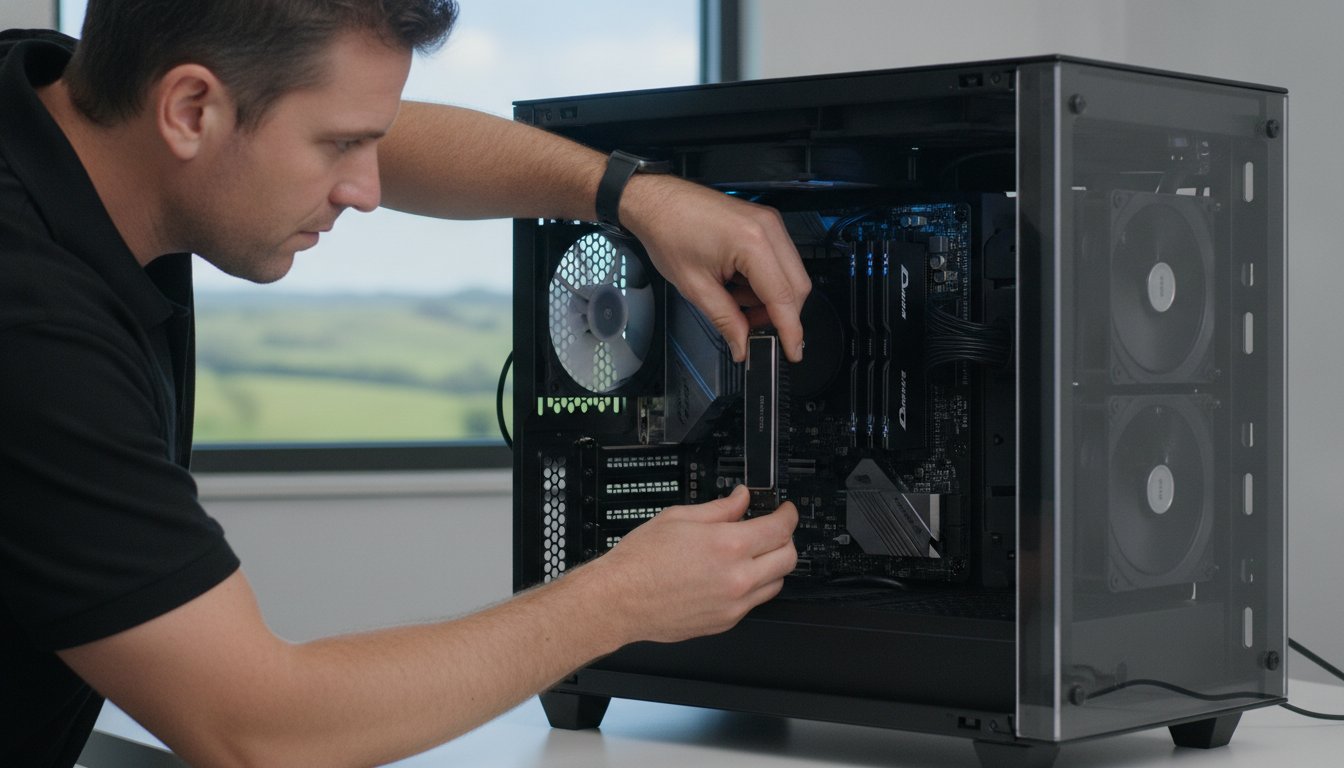
The CPU is the brain of your PC. While desktop processors can often be swapped for faster models, laptop CPUs are almost always permanently attached to the motherboard. If your processor is the bottleneck, an upgrade might involve a more complex component swap or a new motherboard. We always provide an honest assessment of whether an upgrade is possible or if it’s time for a different machine. If you’re unsure which path to take, getting a professional hardware assessment is the best way to avoid wasting money on the wrong parts. Choosing the right upgrade for slow computer repair Toowoomba ensures your machine stays productive for years to come.

Upgrade vs. Replace: Is Your Slow PC Worth Saving?

Deciding whether to invest in slow computer repair Toowoomba or buy a new machine is a common dilemma for many locals. Many people assume a lagging computer is “dead,” but often it just needs a specific component refreshed. We use the “50% Rule” to guide our customers. If the cost of the repair or upgrade exceeds 50% of the price of a comparable new machine, replacement might be the better financial path. In 2026, with new laptop prices rising by up to 20% due to global chip demands, that 50% threshold often makes a targeted upgrade the more attractive option.

Don’t forget the hidden costs of buying new. A A$1,200 laptop isn’t just A$1,200. You have to factor in data migration, re-installing specialised software, and the hours spent setting up your digital environment. For many small business owners in the Darling Downs, this “downtime cost” can add hundreds of dollars to the actual price of a new machine. Choosing to upgrade is also a win for our local environment. By extending the life of your hardware, you reduce e-waste and the carbon footprint associated with manufacturing new electronics. You can read more about this decision in our article on Is Repairing Your Computer Worth It?

When Upgrading is the Superior Financial Choice

High-quality, business-grade machines like Dell Latitudes or HP EliteBooks are built with durable chassis and premium cooling systems. These are excellent candidates for a refresh. If you have legacy software that is difficult to move to a fresh Windows 11 setup, a A$250 SSD and RAM boost is often far more efficient than a A$600 “budget” laptop. Those cheaper new models often feature low-end processors that will likely feel slow within twelve months anyway. A repaired premium machine will almost always outperform a brand-new budget one.

When it is Time to Retire Your Old Machine

There are times when slow computer repair Toowoomba isn’t the right answer. If your system lacks modern security hardware like TPM 2.0, it won’t be able to run the latest operating systems safely. Physical damage to the screen or a cracked chassis can also make repairs unfeasible if replacement parts are no longer manufactured. Generally, if your computer is over 7 or 8 years old, the motherboard architecture itself becomes a bottleneck that even a new SSD cannot fully overcome. In these cases, we’ll always provide an honest recommendation to help you find a reliable replacement.

Slow Computer Repair Toowoomba: The 2026 Guide to Hardware Upgrades

Preparing for Your Repair: A Step-by-Step Checklist

Organising slow computer repair Toowoomba is the first step toward a more productive day, but a small amount of preparation ensures the process is stress-free. Before a technician arrives at your home or office, or before you drop your machine off, taking these steps protects your information and helps us work more efficiently. Your data is your most valuable asset, so ensuring it is safe remains our top priority. A little groundwork now prevents headaches later.

  • Back up your data: Even though hardware upgrades are generally safe, it’s essential to have a fresh backup on an external drive or a cloud service like OneDrive or Google Drive.
  • Document your symptoms: Note exactly when the slowness occurs. Does it happen right at boot-up, or only after you’ve opened ten tabs in Chrome?
  • Check your warranty: If your computer is less than two years old, check if a third-party upgrade might affect your manufacturer’s warranty. Remember that Australian Consumer Law often provides protections regardless of brand policies.
  • Clear your workspace: If you’ve booked an on-site visit in the Darling Downs, having a clean, well-lit desk ready allows the technician to get straight to work.

The Risks of DIY Hardware Upgrades

It’s tempting to try a DIY fix after watching a quick video online. However, modern computers are incredibly sensitive. Static electricity, or Electrostatic Discharge (ESD), can “fry” a motherboard or RAM stick before you even turn the power on. You won’t see a spark, but the damage is permanent. Modern “thin and light” laptops are also notoriously difficult to open. They often use hidden plastic clips and fragile ribbons that are easily snapped if you don’t have the specific pry tools and experience. Often, installing new parts also requires a BIOS update to ensure the motherboard recognises the new hardware, which can be a risky process for the uninitiated.

Why Professional Installation is Safer

Choosing professional slow computer repair Toowoomba means your machine is handled with expert care. We don’t just “plug and play.” We focus on internal cable management and ensuring optimal airflow, which is vital given the dust and heat we experience in Toowoomba. After the physical installation, we perform professional stress-testing to confirm the new components are stable under load. This methodical approach gives you the peace of mind that comes with guaranteed workmanship. If you’re ready to stop the lag and start working faster, book your professional hardware upgrade today and let a local expert handle the heavy lifting.

Local Slow Computer Repair in Toowoomba: The Aspire Advantage

Aspire Computing has been a Toowoomba staple since 1999. This long-standing history means I’ve seen every type of technical failure and system slow-down imaginable over the last 25 years. When you search for slow computer repair Toowoomba, you aren’t just looking for a quick fix; you’re looking for someone who understands your specific setup and needs. Unlike larger franchises where you might deal with a rotating door of junior staff or an anonymous call centre, I provide a personalised, owner-operated service. You speak directly to the expert who will be working on your machine. This direct accountability builds the trust necessary for a long-term professional relationship.

My focus is on providing utility and security for home offices and small businesses. I understand that your computer is your livelihood. A system that lags or crashes isn’t just a nuisance; it’s a threat to your business continuity. By offering on-site convenience, I save you the trouble of disconnecting cables and lugging heavy hardware across town. Whether you’re located in Newtown, Wilsonton, or Middle Ridge, I bring the expertise to your door. This approach allows me to see your computer in its natural environment, often identifying local issues like poor ventilation or peripheral interference that a workshop repair might miss.

Serving the Darling Downs and Lockyer Valley

My service area extends well beyond the city centre. I regularly support clients in Highfields, Glenvale, and throughout the wider Lockyer Valley. With the rise of remote work, more people than ever rely on high-performing home offices to stay competitive. I provide rapid on-site responses to ensure these remote workers stay connected and productive without long periods of downtime. If you aren’t sure where your system’s bottleneck is, a professional assessment is the best place to start. You can Contact Aspire Computing for a Free IT Health Check to get a clear picture of your system’s current state and security.

Ready to Get Your Speed Back?

Choosing a professional hardware upgrade is a smart, sustainable way to reclaim your productivity without the massive price tag of a new 2026-model laptop. We have explored the benefits of SSDs, the necessity of modern RAM, and the financial logic of repairing over replacing. Now, it’s time to act. Booking an on-site consultation is the fastest way to stop the daily frustration of a lagging PC. I’m here to provide the reassuring and professional local support you need to get your machine running like new again. Don’t let a slow computer hold you back when a simple, expert intervention is just a phone call away.

Reclaim Your Productivity and Peace of Mind

A lagging PC doesn’t have to be the end of your machine’s useful life. We have explored how targeted upgrades like SSDs and RAM boosts can often double the speed of an older system for a fraction of the cost of a new A$1,500 laptop. By applying the 50% rule and preparing your data properly, you can make an informed choice that is both financially smart and environmentally sustainable. When you are ready for professional slow computer repair Toowoomba, you deserve a technician who understands the local landscape and your specific technical needs.

Since 1999, I’ve been helping residents and small businesses across the Darling Downs stay connected with reliable, owner-operated service. Whether you need on-site help in Highfields or remote assistance from your home office, you can count on expert advice that prioritises your security and system utility. Don’t let another morning slip away while you wait for your computer to catch up with your workload. Revive your slow computer today with Aspire Computing and get back to working with a machine that finally keeps pace with you.

Frequently Asked Questions

Is it better to upgrade my RAM or my SSD first for speed?

An SSD upgrade is usually the best first step for a dramatic speed increase. While RAM helps with multitasking, an SSD transforms how quickly Windows boots and how fast programs open. If you’re on a budget, replacing a mechanical hard drive with an SSD offers the best return on investment. Most users notice an immediate, significant difference in responsiveness after this single change.

Can any laptop be upgraded, or are some “locked”?

Not every laptop can be upgraded because some manufacturers solder components directly to the motherboard. This is common in very thin laptops or certain “budget” models where cost-saving measures are used. I can check your specific model to see if it has open slots for RAM or a replaceable storage drive. Knowing your hardware’s limits helps you decide if a repair or a replacement is the better path.

How long does a typical hardware upgrade take in Toowoomba?

Most professional hardware upgrades for slow computer repair Toowoomba are completed within 24 to 48 hours. The actual physical installation is quick, but cloning your data to a new drive takes time to ensure every file is moved safely. I aim for a rapid turnaround so you aren’t without your machine for long. Complex repairs might take more time if specific parts need to be ordered from Australian suppliers.

Will upgrading my hardware delete my files and photos?

Your files and photos are not deleted during a professional hardware upgrade. When I install a new SSD, I use specialised software to “clone” your old drive onto the new one. This means your desktop, icons, and personal files stay exactly where you left them. I always recommend a fresh backup before any work begins just to be completely safe with your data.

Can a hardware upgrade help with slow NBN internet speeds?

A hardware upgrade won’t increase the raw speed of your NBN connection, but it will make your computer handle web content much faster. Modern websites are heavy and require significant processing power to load. If your PC is slow, even a fast internet connection will feel sluggish. Upgrading your RAM or processor helps your browser render pages and stream video without the frustrating lag.

How do I know if my slow computer has a virus or needs new parts?

Identifying the difference between a virus and a hardware issue requires a methodical diagnostic. Viruses typically cause specific symptoms like unexpected pop-up windows, changed browser settings, or files that won’t open. Hardware bottlenecks usually cause a general, consistent slow-down across every task you perform. I can run a full system scan and hardware health check to identify the true culprit behind your computer’s performance issues.

Is it worth upgrading a computer that is 5 years old?

Upgrading a 5-year-old computer is often a very smart financial move. Most machines from that era still have capable processors but are held back by slow mechanical hard drives or limited RAM. By investing a small amount in new parts, you can often get another three to four years of productive life out of the machine. This is a much cheaper alternative than buying a brand-new laptop for A$1,500.

Do you provide on-site computer repair in Highfields and Westbrook?

I provide convenient on-site slow computer repair Toowoomba to Highfields, Westbrook, and all surrounding suburbs. You don’t have to worry about packing up your desktop or finding a parking spot in town. I come directly to your home or office to assess the system in its usual environment. This allows me to check your local network and peripherals while I’m there to ensure everything is working perfectly.

Repair vs Upgrade Computer Toowoomba: The 2026 Performance Guide

Spending A$1,500 on a brand-new laptop might actually be the slowest way to solve your tech frustrations in 2026. If you’re currently staring at a frozen screen or waiting minutes for Windows 11 to load, you aren’t alone. Many Toowoomba residents feel trapped between a sluggish computer and the high cost of new hardware. When weighing up a repair vs upgrade computer Toowoomba service, the smartest choice often involves revitalising the machine you already own. It’s frustrating when technical jargon like DDR5 or NVMe makes a simple decision feel like a complex engineering project.

I understand how vital a reliable computer is for your home office or small business. You deserve honest advice that focuses on value rather than just selling you the latest expensive model. In this guide, I’ll show you how a targeted hardware upgrade can deliver 90% of a new computer’s performance for a fraction of the price. You’ll learn how to navigate rising component costs, secure your data during the process, and finally achieve the speed you need to work without interruption. We’ll look at the latest 2026 performance benchmarks to help you make an informed, cost-effective decision.

Key Takeaways

  • Understand how a strategic repair vs upgrade computer Toowoomba plan can deliver modern performance for a fraction of the cost of a new device.
  • Learn why 32GB of RAM is the new standard for 2026 and how it prevents your system from freezing during critical tasks.
  • Master the “50% Rule” to quickly decide if your current hardware is worth fixing or if it’s time for a replacement.
  • Discover the speed benefits of NVMe SSDs and how they can make an older computer boot up in seconds.
  • Gain peace of mind by working with a local expert who prioritises your data security and provides honest, anti-inflation tech solutions.

The Great Tech Dilemma: Repair vs Upgrade Computer Toowoomba

Choosing between a repair vs upgrade computer Toowoomba service starts with understanding your specific goals. A repair focuses on fixing a fault, like a battery that won’t charge or a broken keyboard. An upgrade, however, is about boosting the machine’s capability, making it faster or more powerful than the day you bought it. In 2026, many locals are moving away from the “throwaway” culture. We’re seeing a shift in Toowoomba toward a repairability movement because it saves money and makes sense for our local environment.

Keeping your device longer directly reduces the e-waste ending up in Darling Downs landfills. This is a practical way to push back against Planned obsolescence, where manufacturers design tech to fail or become outdated quickly. Often, what feels like a dead computer is simply a single part that needs attention. A professional assessment is the first step to find out if your slow PC is suffering from a hardware failure or just needs a software tune-up to run like new again.

To better understand this concept, watch this helpful video:

When a Repair is the Only Logical Step

Some issues are clearly “critical failures” that stop you from working entirely. If you’ve had a liquid spill, a cracked screen, or a power supply that has given up, a repair is your only path forward. Professional laptop repairs can save a premium device from being junked prematurely. It’s often much smarter to replace a A$150 component than to spend A$1,500 on a brand-new machine that might not even offer a noticeable speed boost for your daily tasks.

The Power of the Strategic Upgrade

Upgrading is about future-proofing your existing investment. By 2026, AI-integrated software and newer versions of Windows demand more processing power than older systems can provide. You don’t always need a whole new computer to run these tools smoothly; often, just adding more memory or a faster drive is enough. The sweet spot for a strategic upgrade is usually a computer between 3 and 5 years old where the core processor is still strong but the memory and storage are lagging behind.

Why a RAM Upgrade is the Best Performance Boost in 2026

Think of RAM (Random Access Memory) as the physical workspace on your desk. The more space you have, the more documents you can keep open and work on at the same time. When you are weighing up a repair vs upgrade computer Toowoomba plan, increasing your RAM is often the most cost-effective way to eliminate lag. In 2026, many older systems struggle because their “workspace” is simply too small for modern software. Upgrading your memory conserves our natural resources by keeping your current machine out of the bin while giving it the power to handle today’s demanding applications.

Back in 2021, 8GB of RAM was plenty for most people. By 2026, it’s the absolute bare minimum. Modern web browsers and AI-enhanced tools consume huge amounts of memory. If your computer freezes when you have more than five tabs open, it’s likely a RAM bottleneck rather than a broken processor. Moving to DDR5, which is now the standard for performance, provides a massive jump in speed compared to older DDR4 modules. This upgrade can make your entire system feel snappier for a fraction of the cost of a new PC.

How Much RAM Do You Actually Need?

  • 8GB: This is barely enough for basic web browsing and email in 2026. You’ll likely experience slowdowns during multitasking.
  • 16GB: The sweet spot for students and home office users. It ensures Windows runs smoothly and handles multiple apps without a hitch.
  • 32GB+: Essential for Toowoomba’s small business owners, video editors, and gamers who need peak performance without interruptions.

The Risks of DIY Hardware Changes

It’s tempting to buy a stick of RAM online and try to install it yourself, but modern hardware is incredibly sensitive. A single spark of static discharge from your fingertips can permanently kill a motherboard. Many newer “thin and light” laptops are also notoriously difficult to open. Without the right tools, it’s easy to snap the tiny plastic clips that hold the casing together or tear delicate ribbon cables hidden inside.

Professional hardware upgrades provide more than just the part; they include a comprehensive system health check to ensure your new memory is fully compatible and running at its rated speed. If your machine is starting to feel its age, I can help you identify the exact memory kit needed to get you back up to speed safely. This professional touch ensures your data remains secure and your hardware stays protected throughout the process.

Beyond Memory: SSDs and Windows Tune-ups

If RAM is your workspace, then your storage drive is the filing cabinet where everything lives. Upgrading to a Solid State Drive (SSD) is the single most effective way to slash your boot times from minutes to seconds. Many people struggle to know when to upgrade your PC, but if you are still using a mechanical hard drive, the answer is almost always “now.” Modern NVMe drives are significantly faster than the older SATA models that were common just a few years ago.

However, fast hardware is only half the battle. When considering a repair vs upgrade computer Toowoomba service, it’s vital to pair new parts with a professional Windows tune-up. Over time, your operating system collects digital clutter, background apps, and registry errors that act like a weight on your processor. I make sure to optimize your software settings to match your new hardware, ensuring that bloatware doesn’t steal the performance you just paid for.

Is Your Hard Drive About to Fail?

Sometimes the decision is forced by a failing component. You should look out for these specific warning signs that your drive is on its last legs:

  • Strange clicking or grinding noises coming from the laptop or desktop case.
  • Files taking an unusually long time to open or save.
  • Frequent “Blue Screen of Death” errors or sudden system crashes.
  • Disappearing files or folders that were there yesterday.

An upgrade provides the perfect opportunity to secure your digital life. Before swapping drives, I prioritize a solid data recovery and backup plan. Professionally cloning your data ensures that your precious photos and important business documents move safely to the new, faster drive without anything getting lost in transition.

The Role of Thermal Maintenance

Toowoomba’s summer heat and dust are silent killers for electronics. When dust builds up inside your computer, it traps heat and forces the processor to slow down to protect itself. This is called thermal throttling. It can make a powerful computer feel like a 10-year-old machine because the hardware is literally gasping for air.

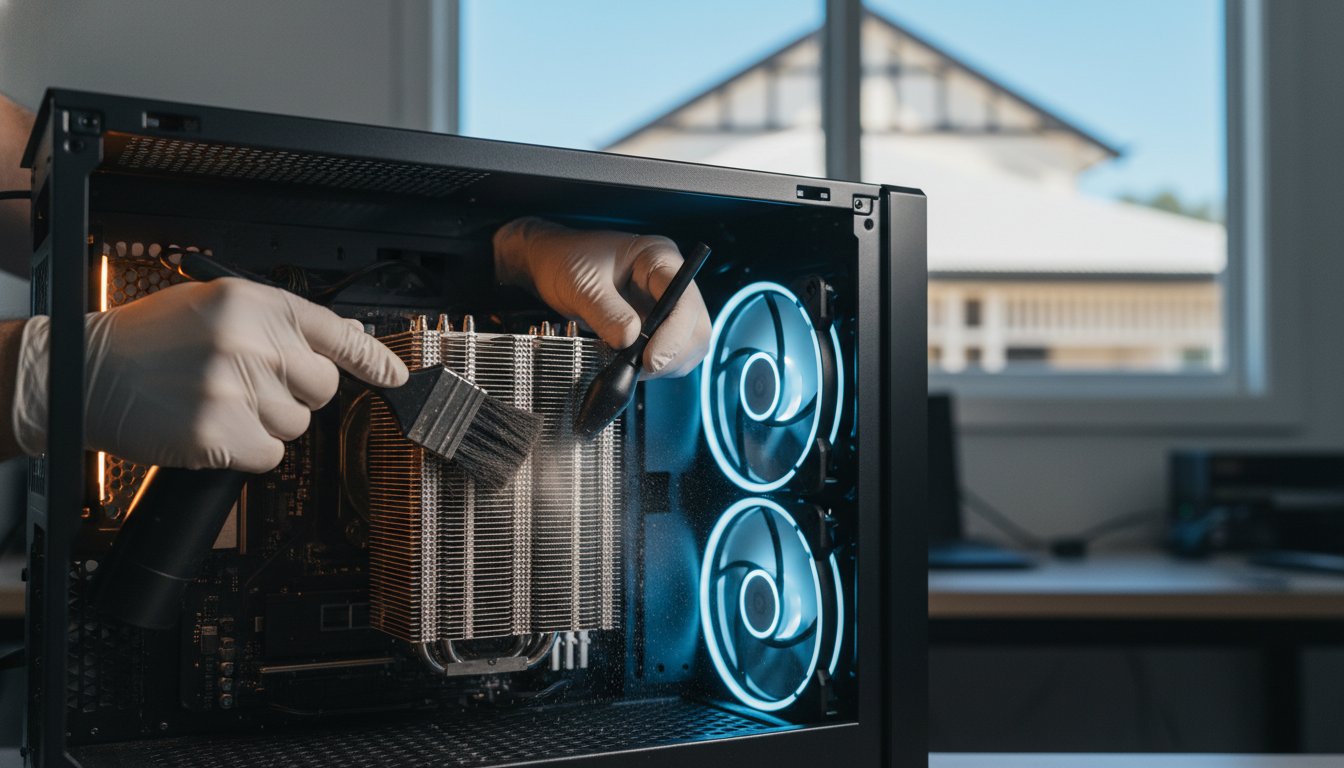
Cleaning the fans and internal components is a standard part of my upgrade process. I also apply fresh, high-quality thermal paste between your processor and its cooling system. This simple maintenance step improves longevity and ensures your upgraded machine stays quiet and cool even during the hottest Queensland afternoons. It’s a small detail that makes a massive difference in long-term reliability.

Repair vs Upgrade Computer Toowoomba: The 2026 Performance Guide

Decision Framework: Should You Repair, Upgrade, or Replace?

Deciding on a repair vs upgrade computer Toowoomba service doesn’t have to be guesswork. I use a simple logic called the “50% Rule” to help my clients save money. If a repair or upgrade quote exceeds half the price of a comparable new machine, it is often time to consider a replacement. This logic holds true for vehicles as well; if your car is no longer worth the repair costs, Shine Car Removal offers a practical way to trade it for cash and clear your driveway. However, age is the biggest factor in this equation. If your PC is more than seven years old, the internal components are likely reaching the end of their natural life cycle. Upgrading a machine that old is often a poor investment because other parts are likely to fail shortly after.

Software compatibility is another hurdle you can’t ignore in 2026. Security is now the top priority for both home users and small businesses. If your current hardware cannot run the latest version of Windows securely, it leaves your banking details and personal files vulnerable to modern threats. Your daily usage goals also dictate the path forward. A computer used only for occasional emails has very different requirements than a system used for running a full-time business from a home office in Newtown or Rangeville.

The Cost of “Doing Nothing”

Many people delay the decision to fix a slow PC, but there is a hidden “Time Tax” involved. If your computer takes several minutes to boot and stutters while opening basic documents, you could be losing hours of productivity every month. This cumulative frustration often outweighs the cost of a quick professional intervention. Furthermore, waiting until a total system crash occurs makes the process much more stressful. A proactive upgrade is always cheaper and safer than an emergency data recovery session after a hard drive has physically failed.

Toowoomba Local Buying vs Repairing

It is often tempting to grab a “cheap” laptop from a big-box retailer in Toowoomba for A$500 or A$600. However, these entry-level machines usually have flimsy plastic hinges and weak processors that struggle with multitasking. In many cases, an upgraded three-year-old professional-grade laptop will easily outperform a brand-new budget model. Professional machines are built to last, making them much better candidates for a strategic hardware boost.

Choosing local support also means you won’t have to deal with the hassle of mailing your computer away to a national service centre for weeks at a time. Before you decide to replace your system, it’s worth checking my guide on Virus and Malware Removal. Sometimes a deep software clean is all that’s needed to reveal the true potential of your existing hardware. If you are unsure which path is right for your budget, book a professional assessment with me today to get an honest, expert opinion on your best move.

Professional Computer Support in Toowoomba: The Aspire Advantage

When you are caught in the middle of a repair vs upgrade computer Toowoomba dilemma, you need more than just a list of parts. You need a local partner who understands your history and your specific tech needs. Aspire Computing has been a staple of the Toowoomba community since 1999. Unlike national franchises that often send out rotating contractors, you deal directly with me, the owner-operator. This personal accountability ensures you receive honest, expert advice that prioritises your budget over a quick sale.

I provide the convenience of on-site service across Newtown, the wider Darling Downs, and the Lockyer Valley. Whether you are running a small business from home or just need your family PC to stop freezing, I bring the solutions to your door. My pricing is completely transparent. I don’t hide behind technical jargon or surprise fees. Instead, I focus on providing clear solutions that make your technology work for you, not against you.

Our Process: From Diagnostic to Delivery

Every successful intervention begins with a Performance Audit. I don’t just swap parts and hope for the best. I look deep into your system to see exactly what is slowing you down. This might reveal that a simple software adjustment is better than a costly hardware change. If we decide an upgrade is the best path, my Newtown workshop is equipped for rapid turnarounds. Most RAM and SSD upgrades are completed quickly so you aren’t without your machine for long.

Data safety is my absolute priority. During every repair vs upgrade computer Toowoomba project, I follow strict protocols to protect your privacy and your files. I treat your family photos and business spreadsheets with the same care I would my own. You can rest easy knowing your digital life is in experienced, trustworthy hands from start to finish.

Get Your Computer Running Like New Today

You don’t have to struggle with a slow or broken computer anymore. Technology should be a tool that helps you succeed, not a source of daily stress. If you are unsure whether your current machine has another three years of life in it, let’s have a quick chat. A short phone consultation can often clear up the confusion and help you decide on the next steps.

For those who prefer to drop off their hardware, my workshop is conveniently located at 46 Brigalow St in Newtown. I’m here to help you navigate the high costs of 2026 tech with “anti-inflation” solutions that actually work. You might not need to spend thousands on a new computer; you might just need a professional touch from Aspire Computing to make your current one run like new again. Contact me today to book your performance assessment.

Take Control of Your Digital Performance

Deciding on a repair vs upgrade computer Toowoomba plan doesn’t have to be a stressful choice. You’ve seen how a simple RAM boost or a move to NVMe storage can transform a lagging machine into a productive tool. By applying the “50% rule” and considering the age of your hardware, you can avoid the high cost of new technology while still enjoying modern speeds. It is about making your current investment work harder for you without the A$1,500 price tag of a brand-new laptop.

I’ve been serving the Toowoomba community since 1999, providing expert on-site hardware installation and honest, jargon-free advice. As a 100% locally owned business in Newtown, Aspire Computing is dedicated to helping you achieve a fast, reliable system. You don’t have to settle for a frustratingly slow PC or deal with generic national call centres. Expert help is available right here in your own backyard.

Book Your Computer Performance Audit in Toowoomba Today and let’s get your system running at its absolute best. Your data is safe, your hardware is in expert hands, and your computer’s second life starts now. I look forward to helping you get back up to speed.

Frequently Asked Questions

Is it cheaper to repair or buy a new laptop in 2026?

It is almost always more affordable to repair or upgrade a premium laptop than to replace it with a budget model. In 2026, entry-level laptops often underperform compared to a professionally refurbished three-year-old machine. If your current device has a high-quality screen and keyboard, a strategic repair vs upgrade computer Toowoomba service can extend its life by several years for a fraction of the cost of a new A$1,500 replacement.

How much does a RAM upgrade cost in Toowoomba?

The cost of a RAM upgrade depends on your computer’s generation and the amount of memory you need. In early 2026, DDR5 memory kits have seen price increases due to global demand from the AI sector. While I don’t provide a fixed price without seeing your machine, the investment is significantly lower than a new PC. I provide a clear, transparent quote after assessing your hardware to ensure you get the best value for your needs.

Will upgrading my RAM delete my photos and files?

No, upgrading your RAM will not delete your photos, documents, or personal files. RAM is “volatile” memory that only stores data while the computer is turned on to help it multitask. Your actual files live on your storage drive, such as an SSD or Hard Drive. While hardware changes are generally safe, I always recommend having a current backup before any service as a standard safety precaution for your digital life.

Can every computer be upgraded, or are some too old?

Most desktop computers are highly upgradeable, but some modern “thin and light” laptops have soldered components that cannot be changed. Generally, machines older than seven years aren’t ideal candidates for major upgrades because other aging parts are likely to fail soon. I perform a performance audit to check for soldered RAM or proprietary parts before recommending an upgrade path to ensure your money isn’t wasted on incompatible hardware.

How long does a professional SSD upgrade take?

A professional SSD upgrade typically offers a very fast turnaround at my Newtown workshop. The physical installation is quick, but the process also includes meticulously cloning your data to ensure everything stays exactly where you left it. Most clients find their machines are ready to go within a business day. This streamlined process focuses on getting you back to work with a computer that feels brand new without the long wait.

Is it worth fixing a cracked laptop screen?

Fixing a cracked screen is usually worth it for high-end or professional-grade laptops where the replacement cost is significantly higher than the repair. If the laptop is a budget model or more than five years old, the cost of the panel and labour might approach the machine’s total value. I can help you evaluate the specific model to see if it meets the “50% rule” before you commit to the repair process.

Will more RAM make my NBN internet speed faster?

More RAM won’t increase your NBN connection speed, but it will make your web browser feel much faster. When you have multiple tabs open, your computer uses RAM to keep them active. If you don’t have enough memory, your browser will stutter and lag even if you have a lightning-fast internet connection. Upgrading your memory ensures your hardware can actually keep up with the high-speed data your NBN provider delivers.

How do I know if my computer has a virus or just needs an upgrade?

A virus often causes sudden, erratic behaviour like pop-ups or disappearing files, while a need for an upgrade usually shows as a consistent, slow “chugging” during normal tasks. If your computer has always been slow, it’s likely a hardware bottleneck. If it was fast yesterday but is acting strange today, it might be a security issue. My performance audit identifies exactly which problem is affecting your machine so we don’t guess with your money.

Why Is My New Computer So Slow? Causes and Quick Fixes for 2026

What if the most powerful computer you’ve ever owned was intentionally held back the moment you took it out of the box? It’s a common frustration to unbox a premium machine only to find it sluggish and unresponsive. You’ve likely spent a significant amount of money and feel worried that the hardware might be defective. I understand how stressful it is to face technical hurdles when you just want to get to work. You’re probably asking yourself, why is my new computer so slow when it should be the fastest thing in the house? It’s a valid concern, and in most cases, your hardware is perfectly fine.

The truth is that a new PC is rarely “ready” for peak performance on day one. Manufacturers often pack systems with background processes and apps like Microsoft 365 Copilot or Clipchamp that drain resources. In this guide, you’ll discover exactly why your brand-new PC is lagging and learn the steps to unlock the speed you paid for. We’ll explore the common bottlenecks found in Windows 11 and macOS 26 Tahoe, providing you with a clear path to smooth multitasking. By the end, you’ll know how to get your apps opening instantly and whether your system needs a professional tune-up to reach its full potential.

Key Takeaways

  • Understand why “factory fresh” hardware often requires software optimization before it reaches its true potential.
  • Learn how to identify and safely remove pre-installed bloatware that consumes vital system resources.
  • Discover the temporary impact of initial cloud syncing and security scans on your system’s responsiveness.
  • Find out why is my new computer so slow and how adjusting power settings can provide an immediate performance boost.
  • Recognize when a professional tune-up is necessary to resolve hidden software conflicts or potential hardware defects.

The New PC Paradox: Why Your Fast Machine Feels Slow Out of the Box

You’ve just spent a small fortune on a high-end machine, yet it’s struggling to open a basic browser window. This is the New PC Paradox. It happens because there’s a massive gap between a “factory fresh” device and one that is truly “performance ready.” While your hardware is technically superior to your old setup, the software is unoptimised and overwhelmed by initial configuration tasks. You might even notice that your old computer feels more responsive for simple tasks. This is because your old system finished its heavy lifting years ago, whereas your new one is just beginning a very busy first 48 hours.

To better understand this concept and see how it impacts your daily use, watch this helpful video:

I often hear from clients asking, why is my new computer so slow when it has the latest processor? The answer usually lies in what is happening behind the scenes. Your computer isn’t just waiting for your commands; it’s fighting for resources against its own operating system and manufacturer settings.

Initial Background Tasks: The Hidden Resource Hogs

When you first log in to a new Windows 11 or macOS 26 Tahoe system, a process called Search Indexing begins. Your PC is building a massive database of every file and folder so that your future searches are instant. During this time, your CPU and hard drive are working overtime. Simultaneously, telemetry and data collection settings are constantly phoning home to the manufacturer. These background tasks cause the “hiccups” and stuttering you feel. If these issues persist beyond the first few days, seeking PC and Laptop Repair can help you disable these unnecessary background services safely.

The Windows Update Backlog

Most computers sit in a warehouse or on a retail shelf for months before they reach your hands. By the time you unbox it, the operating system is often several versions behind. For example, as of July 2026, a new PC might be trying to catch up on the latest Windows 11 security updates for versions 25H2 and 24H2 all at once. This simultaneous downloading and installing of patches puts a massive load on your system. Your computer might feel sluggish simply because it’s waiting for a restart to apply these critical changes. Until that backlog is cleared, you won’t see the true speed of your new hardware.

The “Bloatware” Problem: Identifying and Removing Manufacturer Clutter

A major reason your experience might feel sluggish is the presence of bloatware. These are pre-installed applications that manufacturers include on your hard drive before you even open the box. While you might expect a clean slate, companies often include trial versions of antivirus software and productivity tools. They do this because software developers pay manufacturers to include these “samples,” which helps keep the retail price of the hardware lower. However, the cost to you is system performance.

When ten or more of these trial apps attempt to start every time you boot up, the cumulative effect is massive. Your processor and memory are busy launching programs you’ll likely never use instead of the apps you actually need. Identifying what is safe to remove can be tricky. Generally, anything labeled as a “Trial,” “Game,” or “Promotion” is fair game. However, you must be careful not to touch critical drivers that manage your Wi-Fi, audio, or graphics card. If you’re worried about deleting something important, getting professional PC and Laptop Repair can ensure your system is stripped of junk without losing functionality.

Identifying Common Pre-installed Culprits

Trial antivirus programs like McAfee or Norton are the most notorious resource hogs. They often run deep system scans the moment you connect to the internet. Manufacturer “Support Assistants” are another common issue. These tools frequently ping servers to check for updates you don’t need yet. You’ll also find pre-installed games like the Microsoft Solitaire Collection or social media apps like TikTok and Instagram. These often run background processes that consume data and CPU cycles, contributing to why is my new computer so slow during your first week of ownership.

Managing Startup Impact

You don’t always have to uninstall an app to stop it from slowing you down. Open your Task Manager (Ctrl+Shift+Esc) and head to the “Startup apps” tab. Here, Windows 11 provides “Startup Impact” ratings. If you see an app labeled as “High Impact” that you don’t recognize, it’s likely a prime candidate for disabling. Disabling an app simply prevents it from launching automatically when you turn on the PC. For a deeper diagnostic, you can perform a “clean boot.” This starts Windows with only the most essential drivers, allowing you to see exactly how fast your computer could be without the manufacturer clutter.

Software Bottlenecks: Cloud Syncing and Security Scans

After you’ve cleared the initial updates and removed the obvious manufacturer clutter, you might still find your system dragging. This is often due to active services designed to protect or sync your data. These tools provide essential security and functional utility, but they can be incredibly aggressive during the first few days of use. If you are still asking why is my new computer so slow after cleaning up the desktop, the culprit is likely a service running in the background. Modern systems also face a hardware challenge. Many new laptops feature stunning 4K displays, yet entry-level graphics chips can struggle to render high-resolution interfaces while heavy background tasks are running. This creates a noticeable stutter that feels like a hardware failure, even though the components are working as intended.

OneDrive and Cloud Syncing Lag

OneDrive is a core part of the Windows 11 experience, and it immediately attempts to back up your entire Desktop, Documents, and Pictures folder to the cloud. If you have moved hundreds of gigabytes of data from an old machine, your internet connection and CPU will be pinned at 100% capacity for hours. This constant data transfer is a major reason why is my new computer so slow during the initial setup phase. You can manage this by right-clicking the OneDrive icon in your taskbar and selecting “Pause syncing” during intensive work sessions. I also recommend enabling “Files On-Demand.” This setting keeps your files in the cloud until you actually need to open them, which saves local disk space and reduces the processing power required for constant synchronization.

Security Software Overload

Security is vital for operational stability, but too much of it can create a massive bottleneck. Most new PCs come with a trial antivirus like McAfee or Norton that conflicts with the built-in Windows Defender. Having two active real-time scanners is like having two security guards trying to check the same ID at the same time; they get in each other’s way. This conflict consumes a significant portion of your RAM and CPU cycles. To fix this, choose one primary security solution. If you don’t plan to pay for the trial subscription, remove it entirely and let Windows Defender take over. You should also schedule deep system scans for times when you aren’t using the computer, such as late at night. This ensures your active work hours remain smooth and responsive for multitasking.

Why Is My New Computer So Slow? Causes and Quick Fixes for 2026

Actionable Performance Fixes You Can Try Today

If you’ve cleared out the bloatware and waited for updates but still find yourself asking why is my new computer so slow, it’s time to look at your system settings. Many manufacturers ship computers with conservative settings to prioritize battery life or quiet operation. While this keeps the fans silent, it often caps your hardware’s potential. You can reclaim this speed by making a few intentional adjustments to how Windows handles your resources.

Optimising Power and Performance Settings

Windows 11 features a power mode slider that is often set to “Balanced” by default. To change this, go to Settings > System > Power & battery. Locate the “Power mode” dropdown and select Best performance. This tells your CPU to run at its maximum clock speed whenever possible. If you’re using a laptop with a dedicated graphics card, ensure your high-demand apps are actually using it by checking Settings > System > Display > Graphics. Power Throttling is a hardware management feature that limits the energy sent to your processor to save battery life, which often results in a significant reduction in processing speed. While “Best performance” mode provides the snappiness you expect, remember that it will drain your battery faster when you aren’t plugged into a wall outlet.

Visual Adjustments for Instant Snappiness

Modern operating systems use transparency and animations to look sleek, but these effects require constant GPU cycles. You can reduce this load by going to Settings > Accessibility > Visual effects and turning off “Transparency effects.” For an even bigger boost, search for “Adjust the appearance and performance of Windows” in the Start menu. Select Adjust for best performance to disable all window animations. This makes the interface feel much faster because windows snap open instantly rather than sliding or fading. I also recommend disabling “Tips and Suggestions” in your notification settings. This prevents Windows from constantly monitoring your activity to offer pop-ups, which can cause noticeable lag during typing or browsing.

You should also check for manufacturer-specific drivers that Windows Update often misses, especially for your chipset and storage controllers. If these manual tweaks don’t provide the speed you paid for, your system might benefit from a professional Hardware Upgrade or a deep system optimization to ensure every component is configured correctly for your specific needs.

When “New” Needs a Professional Tune-Up: Expert Help in Toowoomba

Sometimes, despite your best efforts with settings and software, your machine remains sluggish. I understand the frustration of unboxing a high-cost purchase only to have it underperform. If you have followed the previous steps and are still asking why is my new computer so slow, there is a possibility that the hardware itself is the issue. Occasionally, new PCs arrive with DOA (Dead on Arrival) components, such as a faulty memory module or a struggling storage drive. In these cases, no amount of software tweaking will provide the speed you paid for. A professional assessment can determine if your machine needs a warranty claim or a specific technical adjustment.

Aspire Computing uses advanced diagnostic tools to identify bottlenecks that the standard Windows Task Manager often misses. We look deep into system logs and hardware thermal performance to see why your “fast” machine is lagging. Our goal is to provide a calm, dependable solution that removes the anxiety of a technical failure. We believe your technology should work for you, not against you.

The Value of a Professional Setup

A professional setup goes beyond simply turning on the machine. We ensure your security software is correctly configured to protect you without the heavy resource drain of bloatware. If you have opted for hardware upgrades, we verify that these components are working as intended and are fully compatible with your system architecture. Our expert driver installation service also fixes common “new PC” annoyances like mouse hiccups, flickering screens, and laggy window resizing. This methodical approach transforms a factory-standard box into a streamlined tool tailored for your specific tasks.

Getting Local Help from Aspire Computing

With over 25 years of experience in computer repairs in Toowoomba, I have seen every type of system failure imaginable. We project a service-oriented personality that focuses on the local community. We offer on-site visits to Newtown and surrounding suburbs for both home users and small businesses across the Darling Downs. This convenience means you don’t have to pack up your setup and drive across town; we bring the expertise to your door.

You can book a “New PC Health Check” to ensure your 2026 tech investment starts on the right foot. We will strip away the junk, optimize your registry, and ensure your hardware is operating at peak efficiency. Don’t settle for a lagging system when the speed you paid for is just a few clicks away. Book your computer tune-up with Aspire Computing today and experience the difference a professional touch makes.

Unlock the True Speed of Your New Machine Today

You shouldn’t have to wait for your technology to catch up with your workflow. Most performance issues on a brand-new device stem from unoptimized software and aggressive background tasks rather than actual hardware failure. By managing your startup apps, clearing the update backlog, and adjusting your power settings, you can often see an immediate improvement in responsiveness. If you’re still wondering why is my new computer so slow after trying these fixes, it’s likely time for a deeper look at your system configuration.

I’ve been serving the Toowoomba community since 1999, helping home users and businesses get the most out of their technology investment. My expertise in Windows 10 and 11 performance optimization ensures that your machine isn’t held back by hidden bottlenecks or manufacturer clutter. Whether you require convenient on-site assistance or rapid remote IT support, I’m committed to providing a dependable and professional solution. You can contact Aspire Computing for a professional New PC Tune-Up to ensure your machine is running exactly as you expected. It’s time to enjoy the smooth, fast experience you deserve.

Frequently Asked Questions

Is it normal for a brand-new computer to be slow for the first few days?

Yes, it is perfectly normal for a new machine to experience some lag during the first 48 to 72 hours of use. During this window, the operating system is busy indexing files for search, downloading a backlog of security patches, and syncing cloud data. These processes consume significant CPU and disk resources, which often leads users to ask why is my new computer so slow. Once these initial tasks finish, performance usually stabilizes.

Should I uninstall the antivirus that came with my new computer?

You should uninstall the trial antivirus if you don’t intend to purchase a full subscription. Most new PCs ship with trial versions of McAfee or Norton that can conflict with the built-in Windows Defender. Having two security scanners active at once creates a massive bottleneck that slows down your system. Removing the trial version allows Windows Defender to protect your machine efficiently without the unnecessary resource drain.

How can I tell if my new PC is slow because of a hardware fault?

A hardware fault typically manifests as sudden blue screen errors, random restarts, or audible grinding noises from the cooling fans. If your computer freezes completely even when you aren’t running heavy apps, it could indicate a defective memory module or storage drive. While software is the usual culprit, persistent instability that survives a fresh Windows installation often points toward a hardware defect that requires a professional diagnosis.

Does disabling startup programs void my manufacturer warranty?

Disabling startup programs does not void your manufacturer warranty because it is a standard software configuration change. You aren’t opening the case or modifying the physical components of the machine. Managing these apps through the Task Manager is a safe way to improve boot times and system responsiveness. It is a highly recommended step for anyone trying to figure out why is my new computer so slow without risking their warranty coverage.

Why is my new laptop slower when it is not plugged into the charger?

Most laptops are configured to “throttle” or slow down the processor when running on battery to extend your usage time. This power-saving mode reduces the clock speed of the CPU and might even disable the dedicated graphics card to conserve energy. You can change this behavior in the Windows Power and battery settings by selecting the “Best performance” mode. Just be aware that this will cause your battery to drain much faster.

Can a slow internet connection make my new computer feel slow?

What is Windows 11 S-Mode, and is it making my PC lag?

Windows 11 S-Mode is a version of the operating system that only allows apps from the Microsoft Store to be installed. While it is designed for security and stability, it can feel restrictive and sometimes unresponsive if you are trying to run resource-heavy store apps on entry-level hardware. Switching out of S-Mode is a one-way process that allows you to install any software, which often provides more flexibility for performance-focused tools.

How much RAM should a new computer have in 2026 to avoid slowing down?

In 2026, a new computer should have at least 16GB of RAM to ensure smooth multitasking and long-term stability. While 8GB is still common in entry-level laptops, modern operating systems and web browsers consume memory quickly. If you plan on doing video editing, gaming, or keeping dozens of browser tabs open, opting for 32GB will provide the best experience and prevent the system from slowing down as software demands grow over time.

PC Upgrade Service Toowoomba: Revitalise Your Computer for 2026

Why spend thousands on a new laptop when your current machine is just one or two components away from feeling brand new? If you need a professional PC upgrade service Toowoomba experts can provide, you’ve likely noticed that buying a new computer in 2026 is becoming a massive investment. With major vendors warning of price hikes up to 20% due to global memory shortages, a strategic hardware upgrade is now the smartest way to stay productive.

It’s incredibly frustrating when your computer takes forever to start up or crashes in the middle of an important project. You might worry about losing your data during a hardware swap or feel overwhelmed by technical terms like NVMe and DDR5. We agree that you shouldn’t have to be an IT expert just to have a reliable machine for work or study. In this guide, you’ll discover how professional hardware upgrades can double your computer’s performance and lifespan without the cost of a new machine. I will provide clear advice on which parts actually matter for your specific needs, ensuring you get the fast, reliable results and local support you can depend on.

Key Takeaways

  • Learn why a strategic hardware investment can deliver 90% of a new computer’s performance at a fraction of the retail cost.
  • Discover the “SSD first” rule and why this single component change is the most effective way to eliminate system lag.
  • See how a professional PC upgrade service Toowoomba residents trust can extend your machine’s lifespan well into 2026 and beyond.
  • Identify specific hardware requirements tailored for gaming, home offices, and the evolving needs of local small businesses.
  • Understand the technical risks of DIY attempts and why professional installation ensures your data remains safe and your system stable.

Is Your Computer Slow? Why a PC Upgrade Service in Toowoomba is Better Than Buying New

Many people think a slow computer belongs in the bin. That’s rarely the case. A professional PC upgrade service Toowoomba residents can access involves a deep dive into your system’s current computer hardware. Instead of replacing the whole unit, we swap out the specific parts holding you back. It’s a focused approach that treats the cause of the lag rather than just the symptoms.

Think about the math. A new mid-range laptop in 2026 can easily set you back $1,200 or more. Conversely, a $300 investment in a high-speed drive and more memory can often make an older machine feel snappier than a brand-new budget model. It’s like the “Ship of Theseus” paradox; if you replace the sails and the mast, it’s still your ship, just faster. Your current screen, case, and keyboard are likely in great shape, so why pay for them twice?

By choosing to revitalise your tech, you’re also making a sustainable choice for the Darling Downs region. Keeping hardware out of our local landfills reduces e-waste and lessens the demand for new manufacturing. It’s a practical way to support our community while saving your hard-earned money and keeping perfectly good equipment in service.

To better understand how a few simple changes can transform a machine, watch this helpful video:

The 5-Year Rule: When to Upgrade vs. When to Replace

Most computers have a “sweet spot” for upgrades between three and five years of age. During this window, the rest of the system is usually modern enough to support the latest components. If your machine is approaching the decade mark, components like the motherboard or power supply might be too old to guarantee reliability. Aspire Computing starts every project with a thorough diagnostic. This ensures you don’t spend money on an upgrade that won’t deliver the results you expect.

Performance Bottlenecks: Why Your “Fast” PC Feels Slow

You might have a powerful processor, but if it’s paired with a mechanical hard drive, your PC will still feel sluggish. One old component can throttle the entire system’s speed. Sometimes the issue is “Windows clutter,” which is a build-up of background apps and temporary files. Other times, it’s a genuine hardware limitation. A professional PC upgrade service Toowoomba experts provide will distinguish between the two. We often find that a hardware boost combined with a clean Windows tune-up provides the most reliable long-term performance.

Essential Hardware Upgrades to Boost Your Computer Performance

Not all upgrades are created equal. To get the best value for your money, you should prioritise components based on how much they actually impact your daily speed. Our PC upgrade service Toowoomba team follows a strict hierarchy of performance. We usually recommend starting with your storage, moving to your memory, and only then considering the processor or graphics card. There are many valid reasons to upgrade your PC, but the goal is always to eliminate the most significant bottleneck first.

While most people think a faster CPU is the answer, the real hero is often the Power Supply Unit (PSU). It’s the unsung hero that ensures every other part gets stable, clean energy. If you’re adding powerful new parts, your old PSU might not keep up. A professional assessment ensures your system remains stable and won’t crash when you’re in the middle of an important task.

SSD vs HDD: The Best Upgrade for a Slow Computer

If your computer still uses a traditional mechanical hard drive (HDD), you’re essentially driving a sports car with a speed limiter. A modern Solid State Drive (SSD) or an NVMe drive can be up to 30 times faster than an old HDD. This change alone can reduce your boot time from minutes to mere seconds. We treat hardware upgrades as a precise science, using data cloning to move your entire operating system and all your files to the new drive. This means your computer feels brand new, but everything is exactly where you left it.

RAM Upgrades: Multitasking Without the Lag

In 2026, 8GB of RAM is no longer the standard; it’s the bare minimum. Modern web browsers and office applications are hungrier for memory than ever before. For a smooth home office experience, 16GB is now the sweet spot. If you’re a creative professional working with video or high-res photos, you’ll likely need 32GB or more. It’s not just about the amount of RAM, though. We ensure we match your existing RAM speeds and types, whether it’s DDR4 or the newer DDR5, to prevent system instability. Don’t fall for the old internet jokes about downloading more memory. Physical RAM chips are the only way to genuinely stop the lag when you have twenty tabs open at once.

If you’re unsure which parts are slowing you down, it’s a good idea to chat with a local expert who can look at your specific system specs.

Tailoring Your Upgrade: Gaming, Home Office, or Small Business?

Not every computer user has the same goals. A professional PC upgrade service Toowoomba businesses and residents rely on will look at your specific daily tasks before suggesting parts. For example, a home office setup prioritises silent operation and fast storage so you can work without distraction. Conversely, a small business might focus on longevity and cyber security, ensuring every machine has the necessary TPM modules to run modern, secure operating systems like Windows 11 and beyond.

Choosing to upgrade rather than replace also reduces e-waste, which is a growing concern for environmentally conscious locals in the Darling Downs. It’s about finding the right balance between performance and practicality. By targeting the specific needs of your role, you avoid paying for high-end features you’ll never use while ensuring your machine won’t let you down when deadlines loom.

Small Business IT Support: Scaling Your Tech

Local businesses often face a choice between replacing an entire fleet of laptops or extending their life through smart components. Bulk upgrades can save a company thousands of dollars compared to the high cost of fleet replacement. By standardising hardware across the office, ongoing maintenance becomes much simpler and more predictable. We often integrate these hardware refreshes with our broader IT support for business plans. This proactive approach ensures your team stays productive without the frustrating downtime associated with aging, unreliable equipment.

Creative and Gaming Needs in Toowoomba

Gamers and video editors have the highest demands for graphics processing. A GPU upgrade can breathe new life into a system, allowing it to handle 4K video editing or the latest 2026 gaming titles. However, more power always means more heat. Toowoomba’s summer temperatures can be brutal on high-performance PCs tucked under a desk. We focus heavily on thermal management, often upgrading fans or heat sinks to ensure your system doesn’t throttle when the room gets warm. It’s also vital to ensure your monitor and peripherals can actually keep up with the increased power of your new internals.

PC Upgrade Service Toowoomba: Revitalise Your Computer for 2026

Professional Installation vs. DIY: Why Local Expertise Matters

YouTube tutorials make hardware swaps look easy, but the reality of working inside a computer involves significant risks. One spark of static electricity can instantly kill a motherboard. If you’re looking for a PC upgrade service Toowoomba residents can trust, you’re choosing safety over guesswork. Amateurs on social media might offer to help for a small fee, but they don’t carry insurance or offer warranties if your data vanishes. Professional service means your investment is protected from the moment we open the case.

A professional computer repairs Toowoomba expert understands local conditions and has the right tools to prevent bent CPU pins or incompatible BIOS versions. We also offer a “Local Advantage” that big-box retailers simply can’t match. Instead of waiting weeks for parts to ship or for a distant service centre to respond, you can get your PC back in 24 to 48 hours. If a new part fails, you don’t have to deal with a call centre; you just talk to us directly.

On-Site vs. Workshop Upgrades

Sometimes you don’t want the hassle of unplugging every cable and hauling your tower into a shop. For residents in Newtown or Wilsonton, our mobile computer repair service brings the expertise to your doorstep. This is perfect for simpler RAM upgrades or printer setups where we can test everything in your actual workspace. However, for complex component swaps that require a sterile environment or deep diagnostics, our workshop provides the controlled space needed for high-precision work.

Data Protection During Upgrades

The biggest fear during any hardware change is losing years of family photos or business documents. We never open a case without ensuring a full backup is in place. While we specialise in data recovery services, our goal is to ensure you never need them. We also manage the technical side of Windows licensing. Swapping a motherboard or a primary drive can sometimes deactivate your software. We handle the reactivation and driver updates so you can get back to work immediately with a system that is fully functional.

Ready to revitalise your tech without the risk of a DIY disaster? Contact us today for a reliable PC upgrade service Toowoomba experts provide.

Revitalise Your Tech with Aspire Computing’s Toowoomba PC Upgrade Service

Since 1999, Aspire Computing has provided a reliable PC upgrade service Toowoomba residents trust for honest and expert advice. When you call us, you don’t get a script from a distant call centre or a junior technician. You speak directly to the owner. This personal accountability is the foundation of our business. It means you get expert recommendations based on decades of industry experience rather than a generic sales pitch. We understand that your computer is essential for your daily life, and we treat every machine with the care it deserves.

Our methodical process ensures nothing is left to chance. Every project begins with a comprehensive health check to identify the true cause of your system’s sluggishness. Once we’ve installed the new components, we perform rigorous performance tests to ensure everything is stable and running at peak speed. This structured approach takes the guesswork out of technology, giving you a fast, reliable computer that’s ready for the demands of 2026. We don’t just swap parts; we ensure your entire system is optimised for your specific workload.

Our Commitment to the Darling Downs

We take pride in serving Toowoomba, the Lockyer Valley, and the surrounding regions with dependable IT support. Whether you’re a home user in Rangeville or running a small business office in the CBD, we provide the same high level of dedicated service. To ensure long-term reliability, we only use high-quality, reputable parts from industry leaders like Samsung and Kingston. We won’t cut corners with generic components because we know that operational stability depends on the quality of the hardware inside your case. Supporting our local community with durable tech solutions is our primary mission.

Book Your PC Health Check

Don’t wait for your computer to fail completely before seeking professional help. A proactive check-up can identify small issues before they become expensive problems. We encourage you to book a health check before committing to any hardware purchases. This ensures you only spend money on the parts that will actually make a difference. Whether you prefer on-site assistance at your location or remote support for software-related speed boosts, we’re ready to assist. Our “Fast, Local Fix” promise means you’ll spend less time staring at a loading screen and more time being productive. Contact us today to see how a professional PC upgrade service Toowoomba experts provide can give your existing tech a second life.

Get Your Computer Ready for 2026 and Beyond

Choosing a strategic hardware refresh is the most cost-effective way to ensure your technology keeps up with your needs. You’ve seen how moving to an SSD or increasing your RAM can double your machine’s performance for a fraction of the price of a new laptop. By opting for a professional PC upgrade service Toowoomba residents have relied on since 1999, you gain the peace of mind that your data is safe and your hardware is installed to the highest standards.

We specialise in high-performance hardware upgrades and offer expert on-site and remote IT support to make the process as easy as possible. Whether you’re a gamer needing more power or a small business owner standardising your office fleet, we provide the local support you can trust. Don’t let a slow computer hold you back from being productive or enjoying your tech.

Book Your Toowoomba PC Upgrade or Health Check Today

I look forward to helping you revitalise your tech and making your computer feel brand new again. Your reliable, fast machine is just a phone call or click away.

Frequently Asked Questions

How much does a typical PC upgrade cost in Toowoomba?

The total investment for an upgrade depends entirely on the specific components your system needs and the complexity of the installation. A simple memory increase is naturally more affordable than a comprehensive overhaul involving a high-end graphics card and a new power supply. We provide a detailed quote after our initial health check so you understand the costs before any work begins on your machine.

Will an SSD upgrade really make my old computer feel like new?

Yes, replacing an old mechanical hard drive with a Solid State Drive is the single most effective way to revitalise a slow computer. It eliminates the physical bottleneck that causes long boot times and frozen applications. You’ll notice that Windows starts in seconds rather than minutes and your everyday programs respond almost instantly to your commands.

Is it worth upgrading a laptop, or should I just buy a new one?

It’s usually worth upgrading if your laptop is less than five years old and the physical chassis, screen, and keyboard are still in good condition. Most laptops from the last few years have plenty of life left but are simply held back by low memory or slow storage. We’ll help you compare the cost of a targeted upgrade against the high retail price of a new 2026 model.

Do I need to backup my files before a hardware upgrade?

While we take every precaution to protect your information, we always recommend having a current backup of your important files. As part of our professional PC upgrade service Toowoomba process, we perform our own data protection steps to ensure your photos and documents stay safe. This careful approach gives you peace of mind while we work inside your system.

How long does a PC upgrade take at Aspire Computing?

Most standard hardware upgrades are completed within 24 to 48 hours once we have the necessary parts in our workshop. We keep a range of common components in stock to ensure the fastest possible turnaround for our local clients. If your upgrade requires a specialised or high-end part, we’ll give you a clear timeline so you can plan around the brief downtime.

Can you upgrade my computer on-site at my home or office?

Yes, we offer mobile support for many types of hardware installations throughout Toowoomba and the surrounding regions. Many tasks, such as adding RAM or installing new peripherals, can be handled conveniently at your desk. For more intensive work like data cloning or complex cooling modifications, we may suggest a workshop visit to ensure the highest level of precision.

What is the most important part to upgrade for a slow PC?

The storage drive is almost always the first priority for a slow machine. If your computer is still running on a traditional hard drive, it will feel sluggish regardless of how fast your processor is. After installing an SSD, the next most impactful choice for a PC upgrade service Toowoomba residents often need is increasing the RAM to handle modern multitasking demands.

Do you provide a warranty on the new parts installed?

We only use high-quality components from trusted brands like Samsung and Kingston which come with their own manufacturer warranties. We also stand behind our professional installation work to ensure your system remains stable and reliable. If you have any questions or concerns after an upgrade, you can talk to us directly for local support instead of waiting on a call centre queue.

Why spend thousands on a brand-new computer when your current machine is likely just a few strategic parts away from being twice as fast? You don’t need a new PC. It’s incredibly frustrating to sit through long boot times or watch your applications lag while you’re trying to get work done. If you’re looking for PC upgrade services Toowoomba residents trust, you’ve probably wondered if it’s better to just start over. While DRAM prices saw a steep increase of up to 90% in early 2026, a targeted hardware refresh remains a much more cost-effective choice than buying a new machine from a big-box retailer.

Most laptops can be upgraded, though they are more limited than desktop systems. We can typically replace the storage with a faster SSD and increase the RAM in many models to improve speed and multitasking. Desktop towers offer even more flexibility for Desktop Repairs and hardware modularity, making them ideal for long-term use. Some modern ultra-thin laptops have components soldered to the motherboard, which prevents certain hardware changes. I can assess your specific laptop model to determine which improvements are possible and cost-effective for your situation.

I understand the worry that comes with changing hardware, especially the fear of losing your precious photos or important files. That’s why I focus on a methodical, secure approach to revitalising your technology. In this guide, you’ll discover how we can breathe new life into your existing setup, ensuring it handles modern software with ease. We’ll look at which parts offer the best value in the current market and how local, expert advice can help you avoid compatibility headaches while extending your computer’s lifespan for years to come.

Key Takeaways

  • Identify common signs of an ageing computer, such as loud fans and slow boot times, to determine if it’s time for a professional refresh.
  • Learn how specific hardware changes, particularly switching to Solid State Drives (SSDs), can significantly boost your machine’s speed and reliability.
  • Discover how PC upgrade services Toowoomba can be tailored to meet the unique digital demands of local small businesses and home office users.
  • Understand our straightforward two-step diagnostic and proposal process designed to give you a clear, budget-friendly path to a faster computer.
  • Gain peace of mind by working with a local technician who brings over 25 years of industry experience to every hardware project.

Is Your PC Struggling? Understanding PC Upgrade Services in Toowoomba

Dealing with a sluggish computer is a common headache, but it doesn’t always mean you need a new one. A PC upgrade service is the process of replacing specific internal components to improve speed, reliability, and capability. By understanding PC upgrades, you can see that targeted changes often fix the exact issues causing your frustration. You might notice your computer takes forever to start, the fans sound like a jet engine, or applications simply crash without warning. These are clear signs that your hardware is struggling to keep up with modern demands.

Toowoomba residents often choose local expertise over the generic advice found in big-box retail stores. Dealing with a local technician means you get personal accountability and advice tailored to your specific situation. It’s also a win for the environment and your wallet. Extending the life of your current machine reduces e-waste and keeps more money in your pocket, especially given the rising costs of technology in 2026. Choosing PC upgrade services Toowoomba ensures you aren’t just buying a box, but a solution backed by someone who understands our local community.

To see what a professional hardware refresh looks like in practice, watch this helpful video:

The “Repair vs. Replace” Framework

Many people ask when it’s time to let go of an old machine. I suggest using the 50% rule: if the cost of the upgrade exceeds half the price of a comparable new computer, it might be time to replace it. However, most machines between three and five years old sit in the perfect window for a refresh. This “sweet spot” occurs when the base components are still viable but are being held back by older storage or insufficient memory. Upgrading a PC within this age range offers the most significant performance boost for every dollar spent.

Performance Bottlenecks Explained

Think of your computer like a workspace. The CPU is the engine or the worker’s brain. The RAM is the desk space where active tasks sit. The storage is the filing cabinet where everything is kept long-term. If your desk is too small or your filing cabinet is rusty and slow, the worker can’t do their job efficiently. Modern software like Windows 11 requires a much larger desk and faster filing than older versions. This is where professional hardware upgrades make the difference. We identify which specific part is creating the bottleneck and replace it, allowing the rest of your system to perform at its true potential.

The Most Effective Hardware Upgrades for Speed and Longevity

Finding the right balance between cost and performance is essential for any Toowoomba home office. You don’t always need the most expensive parts on the shelf to see a massive difference in how your computer feels. For most users, the goal is a system that responds instantly and remains stable throughout a long workday. Professional PC upgrade services Toowoomba focus on identifying the specific components that act as bottlenecks so you get the best return on your investment.

SSD Upgrades: The #1 Performance Booster

If your computer still uses a traditional hard disk drive (HDD), it’s being held back by mechanical limitations. These old drives rely on spinning platters and moving heads to find data; it’s a slow, physical process. Upgrading to a Solid State Drive (SSD) is the single most transformative change you can make. You can see boot times drop from a frustrating three minutes down to just 15 seconds. Applications open almost instantly, and the entire system feels snappier. You can read more about the technical differences in our guide on SSD vs HDD.

RAM and CPU: When to Push for More Power

Multitasking is where many older computers fail. In 2026, operating systems like Windows 11 and web browsers like Google Chrome demand significant memory. While 8GB of RAM was once standard, we now recommend at least 16GB for basic office work. If you frequently handle large spreadsheets or video conferencing, 32GB is the safer choice to prevent lagging. CPU upgrades are a bit more complex. While a new processor can provide a speed boost, it must be compatible with your existing motherboard. If your current chip is several generations old, we’ll help you decide if a swap is cost-effective or if your budget is better spent elsewhere. If you’re unsure what your machine needs, you can request a professional hardware assessment to find the right path forward.

System stability also relies on parts you might not think about, such as the Power Supply Unit (PSU) and your cooling system. As parts age, they can draw more power or run hotter. A high-quality PSU ensures your components receive steady, clean energy, while proper cooling prevents the system from throttling its speed to protect itself from heat damage. Keeping these secondary components in good health is a key part of our PC upgrade services Toowoomba, ensuring your revitalised computer lasts for years to come.

Tailoring Upgrades to Your Needs: Home Office vs. Small Business

Not every computer user has the same goals. A freelance graphic designer working from a home office in Middle Ridge needs different hardware than a local retail shop in the CBD managing inventory. Our PC upgrade services Toowoomba are designed to account for these differences. We don’t just swap parts; we look at how you use your machine every day to ensure the investment makes sense for your specific workflow. It’s about finding the right balance between power and practicality.

Optimising for Small Business Productivity

For a Toowoomba small business, a slow computer isn’t just annoying; it’s a drain on the bottom line. When your accounting software lags or your CRM takes minutes to load a client profile, you’re losing billable hours. Strategic hardware cycles are a core part of effective it support for business. By upgrading components before they fail, you avoid the high cost of emergency downtime. Scheduled maintenance is always cheaper than a crisis. Standardising your team’s hardware also makes troubleshooting much simpler for everyone involved. We also ensure that your new hardware supports the latest security features. This is vital for effective virus and malware removal and overall system protection. Modern CPUs often include hardware-level security that older chips lack, keeping your business data much safer from evolving threats.

The Home Office Setup

If you’re working from a home office, your needs likely revolve around seamless communication and efficient file management. Video conferencing on platforms like Zoom or Microsoft Teams is surprisingly resource-intensive. If your PC stutters or the audio desyncs during a call, it’s often a sign that your memory or integrated graphics are overwhelmed. We can help you configure your system for multi-monitor setups to boost your productivity. We also look at your entire workspace ecosystem. This includes ensuring your printer supply and repair needs are integrated correctly with your updated system. Every hardware installation we perform includes a thorough “Windows Tune-up.” We clear out the software clutter, registry errors, and background bloatware that hardware alone can’t fix. This holistic approach is why the PC upgrade services Toowoomba residents rely on provide a lasting improvement, not just a temporary fix.

The Aspire Computing Process: Your Local PC Upgrade in Toowoomba

Our process for PC upgrade services Toowoomba is built on transparency and technical precision. We don’t believe in guesswork or generic solutions. Instead, we follow a methodical five-step journey to ensure your computer returns to you faster and more reliable than ever. This structured approach helps reduce the anxiety often associated with technical changes, providing a clear path from a slow machine to a high-performance tool.

We begin with a thorough performance diagnostic. We look at your system’s error logs and resource usage to see exactly why it’s lagging. This isn’t a simple scan; it’s a deep dive into your hardware’s health. Once we identify the bottlenecks, we provide a customised upgrade proposal. This plan respects your budget while targeting the parts that offer the most impact. Before any hardware is touched, we perform a full data backup. This is the most critical step for your peace of mind. After the professional installation, we perform software optimisation and rigorous post-upgrade testing to ensure every component works perfectly with your existing setup.

On-Site vs. Remote Assistance

Choosing between on-site and remote support depends on your specific needs. On-site service is ideal for physical hardware installations and networking issues where we need to be physically present. We’re proud to serve Newtown, the wider Toowoomba area, and the surrounding Darling Downs region. For software-based performance tweaks or minor troubleshooting, our remote support offers a convenient and rapid solution. You won’t need to disconnect your cables or leave your desk. We simply log in securely and resolve the issue while you watch.

Data Safety During Upgrades

The biggest fear many people have is losing their files during a hardware change. Because we also specialise in data recovery services, we treat your information with extreme care. We often use a process called “cloning” to move your entire system to a new drive exactly as it is. In some cases, a “clean install” is better to remove years of software bloat that slows you down. Regardless of the method, Aspire Computing operates with a strict “no data loss” philosophy to ensure your photos, documents, and emails remain exactly where they belong. If you’re ready to start your machine’s transformation, you can book your performance diagnostic today for a clearer view of your options.

Why Aspire Computing is Toowoomba’s Trusted Upgrade Partner

Trust is a commodity that’s earned through decades of consistent, reliable service. Since 1999, I’ve helped our local community navigate the complex shifts in technology with a steady hand. When you search for PC upgrade services Toowoomba, you’ll find plenty of options, but few offer the personal accountability of a local owner-operator. I take pride in being the face of the business. My reputation is built on every successful hardware refresh and every saved file. You aren’t dealing with a nameless call centre; you’re working with a technician who’s deeply invested in the success of our local residents and businesses.

Experience You Can Count On

The tech market is flooded with “cheap” components that promise high performance for a fraction of the price. In my 25 years of experience, I’ve seen these parts fail prematurely, often taking valuable data with them. Using inferior hardware is a risk that eventually costs more in downtime and emergency repairs. I understand the Toowoomba business landscape and the specific challenges our home office users face. Whether you need a simple memory boost or comprehensive Computer Repairs Toowoomba, I focus on longevity. This is why I only use and recommend quality parts from industry leaders like Samsung for storage and Canon or Epson for reliable printer integration. High-quality components ensure your system remains stable for years, not just months.

Get Started with a Faster PC Today

Revitalising your slow computer provides immediate, tangible benefits. You’ll notice the speed every time you boot up, the reliability when you’re under a tight deadline, and the enhanced security that modern hardware provides. Technology should be a tool that empowers you, not a source of daily stress. I’ve spent my career making sure technology works exactly the way it’s supposed to for my clients. It’s about giving you back your time and reducing the friction in your digital life.

You don’t have to settle for a frustrating, lagging machine or the high cost of a total replacement. I’m here to provide an honest, professional assessment of what your current PC actually needs to perform at its best. Let’s work together to extend the life of your technology and get your productivity back on track. If you’re ready to see what your computer is truly capable of, contact me for a local consultation and we’ll find the most cost-effective path to a faster PC.

Take the Next Step Toward a Faster Computer

You don’t have to tolerate a computer that slows you down every single day. Strategic hardware changes, such as SSD and RAM refreshes, can effectively double your system’s performance for a fraction of the cost of a new machine. By choosing professional PC upgrade services Toowoomba residents have relied on for over two decades, you ensure your data stays safe while your technology catches up with modern software demands. We specialise in tailoring these solutions for both home office users and local small businesses across the Darling Downs region.

Since 1999, I’ve focused on providing expert on-site and remote IT support that puts personal accountability first. Whether you need a quick performance boost or a comprehensive system overhaul, I’m here to guide you through the best hardware choices for your specific goals. It’s time to stop fighting with your technology and start enjoying a fast, reliable workspace again. Don’t let another day of lagging applications hold you back. Contact Aspire Computing for a Professional PC Assessment today and let’s get your computer running like new. I look forward to helping you revitalise your technology and your productivity.

Frequently Asked Questions

How much does a typical PC upgrade cost in Toowoomba?

The cost of an upgrade depends entirely on the specific components being replaced and the current market rates for hardware. While parts like SSDs and RAM have seen price fluctuations in early 2026, a targeted upgrade remains much cheaper than buying a new machine. I provide a customised proposal after a diagnostic so you know exactly what the investment will be for your specific goals. This ensures you only pay for the performance you actually need.

Will upgrading my RAM make my internet faster?

Upgrading your RAM won’t increase your raw internet connection speed, but it will make your browsing experience feel much faster. More memory allows your computer to handle multiple browser tabs and data-heavy websites without lagging or freezing. If your PC stutters while loading pages, it’s often a memory bottleneck rather than a slow connection. This is a common part of the PC upgrade services Toowoomba residents request to improve their daily digital workflow.

Can you upgrade a laptop, or just desktop PCs?

Most laptops can be upgraded, though they are more limited than desktop systems. We can typically replace the storage with a faster SSD and increase the RAM in many models to improve speed and multitasking. Some modern ultra-thin laptops have components soldered to the motherboard, which prevents certain hardware changes. I can assess your specific laptop model to determine which improvements are possible and cost-effective for your situation.

How long does a hardware upgrade usually take?

Most standard hardware upgrades are completed within one to two business days. The exact timeframe depends on whether we need to order specific parts and the amount of data being moved during a drive clone. We aim for a rapid turnaround to minimise your downtime. If you’re a business owner, we can schedule the work to ensure your productivity isn’t interrupted for longer than necessary. I’ll always give you a clear timeline before we begin.

Is my old computer too old to be upgraded?

Computers between three and five years old are usually the best candidates for a high-impact refresh. If a machine is significantly older, the cost of compatible parts might outweigh the benefits of the speed boost. We use a “Repair vs. Replace” framework to help you decide. If the upgrade costs more than half the price of a new machine, I’ll honestly tell you that a replacement is the better long-term choice for your budget.

Do I need to backup my data before bringing my PC in for an upgrade?

It’s always a good practice to have a current backup, but we perform a full data backup as the first step of our process. Your files and photos are treated with extreme care to ensure nothing is lost during the transition. We focus on a “no data loss” philosophy. If you haven’t backed up your files recently, don’t worry. We make sure everything is secure before we touch any internal hardware.

Can you perform PC upgrades on-site at my Toowoomba business?

Yes, I provide on-site PC upgrade services Toowoomba wide for local businesses. Some complex hardware installations are best handled in a controlled workshop environment, but many can be managed right at your office to save you the trip. If an on-site visit isn’t practical, we also offer remote support for software-based optimisations. This flexibility ensures your business stays operational while we modernise your technology with minimal disruption to your team.

What is the difference between a hardware upgrade and a Windows tune-up?

A hardware upgrade involves physically replacing parts like your drive or memory to increase the machine’s performance ceiling. A Windows tune-up is a software-based service that removes “bloatware,” fixes registry errors, and optimises settings to help your current hardware run as efficiently as possible. We usually perform a tune-up alongside every hardware install. This dual approach ensures your new parts aren’t being held back by messy software or background processes.

That thick layer of dust inside your computer isn’t just a bit of mess. It’s actually a thermal blanket that’s slowly suffocating your hardware in the intense Queensland heat. While many people think a quick blast of compressed air is enough, a professional PC cleaning service Toowoomba is more like essential thermal surgery than a simple dusting. You’ve likely felt the frustration of a loud fan disrupting your focus or the anxiety of an unexpected shutdown during an important task. It’s draining to deal with sluggish performance when you know your system has great specs.

I understand how vital your technology is to your daily life. This guide shows you why professional internal maintenance is the secret to extending your computer’s life and preventing expensive hardware failure. We’ll look at the specific risks of our local climate and how a deep internal refresh can return your system to its original, quiet, and cool-running state. You’ll discover the practical steps we take to ensure your machine stays reliable and fast for years to come.

Key Takeaways

  • Understand how local dust and Darling Downs humidity create a “clumping” effect that chokes your computer’s cooling system.
  • Learn why using a household vacuum cleaner is the number one mistake that leads to permanent static damage.
  • Discover how a professional PC cleaning service Toowoomba uses a dual approach to clear both physical debris and digital bloatware.
  • Identify the “jet engine” fan noise and other critical warning signs that mean your computer is at risk of overheating.
  • See how Cam’s 25 years of experience and a thorough 5-point inspection process ensure your system stays reliable and cool.

Why Your Computer Needs a Professional Deep Clean in Toowoomba

Professional cleaning involves more than just wiping your screen or blowing air into the keyboard. When I talk about a PC cleaning service Toowoomba residents can trust, I am referring to a meticulous internal process. We focus on removing debris from the delicate components inside your case and ensuring your thermal management systems are working perfectly. Over time, dust settles on your motherboard and graphics card, creating a barrier that prevents heat from escaping. It’s essentially a layer of insulation that keeps your hardware running at dangerous temperatures.

Living on the Darling Downs presents a unique challenge for electronics. Our famous red soil produces a fine dust that finds its way into even the most well-sealed homes. When this dust meets the humidity common in our region, it creates a “clumping” effect. This sticky mixture adheres to fan blades and heat sinks, making it much harder to remove than dry dust found in other climates. Without regular computer maintenance, this buildup traps heat against sensitive silicon chips. This leads to permanent hardware degradation. Investing in a professional PC cleaning service Toowoomba ensures your machine can handle the summer heat without crashing.

To better understand how much debris can accumulate inside a system over time, watch this helpful video:

The Impact of Dust on Thermal Throttling

Your computer has built-in safety features to prevent it from literally melting. When temperatures spike due to blocked vents, the system engages “thermal throttling.” This means your processor intentionally slows down its speed to generate less heat. While this saves the hardware from immediate death, it results in the sluggish performance you feel during work or gaming. A clean fan and heat sink allow for higher sustained clock speeds. This ensures you get the performance you actually paid for. Keeping things cool also protects the delicate circuits on your motherboard from the stress of constant heat cycles. Heat is the primary enemy of long-term stability.

Local Environmental Hazards in the Darling Downs

Our local environment is particularly tough on cooling systems. Seasonal dust storms can send a surge of particles through your tower’s intake vents in a single afternoon. If you have pets, their hair and carpet fibres often combine with that local dust to create a felt-like mat that completely chokes intake filters. When you add Toowoomba’s peak summer temperatures into the mix, your internal cooling has to work twice as hard. If the airflow is restricted, your components will operate at dangerous levels. It’s a simple reality of living here; your tech needs extra care to survive the climate. Regular cleaning prevents these environmental factors from turning into an expensive repair bill later on.

The Risks of DIY Cleaning: Why Your Vacuum Can Kill Your PC

It’s tempting to grab the household vacuum when you notice dust bunnies peeking through your computer’s vents. You might think you’re doing your hardware a favour, but this is actually the most dangerous mistake you can make. Vacuums create massive amounts of static electricity as air and dust particles rush through the plastic nozzle. This static can jump to your motherboard and fry sensitive circuits instantly. While a professional PC cleaning service Toowoomba uses specialized tools, a standard vacuum is a blunt instrument that often causes more harm than good.

Another common DIY error involves using compressed air without proper technique. If you hold the can at an angle or shake it, you risk spraying freezing liquid propellant directly onto your components. This thermal shock can crack solder joints or leave behind moisture that causes a short circuit. Even if you manage to avoid the liquid, high-pressure air can spin your cooling fans at speeds they weren’t designed to handle. This doesn’t just damage the bearings; it can actually turn the fan into a small generator, sending a surge of electricity back into the motherboard. This voltage feedback is a leading cause of unexplained hardware failure following a home cleaning attempt.

Moisture is another silent killer. I’ve seen many well-meaning users try to wipe down internal parts with a “slightly damp” cloth or generic household chemicals. This is a recipe for disaster. Any amount of moisture can bridge connections that should stay separate, leading to a permanent short. Chemicals can also strip away protective coatings on the circuit boards. If you’re worried about your system’s health, it’s safer to consult a professional PC and laptop repair expert who has the right equipment and experience to handle these sensitive parts.

Static Electricity: The Invisible Component Killer

Electrostatic Discharge (ESD) is a silent threat. You don’t need to see a spark to cause damage. A discharge so small you can’t even feel it is enough to ruin a processor. This is why I always use anti-static mats and grounded wrist straps when working on a client’s machine. One of the most frustrating aspects of ESD is “latent damage.” Your computer might still turn on after a DIY session, but the internal pathways have been weakened. This leads to random crashes and a significantly shorter lifespan for your device. Understanding the causes of computer overheating is the first step, but safe removal of that heat-trapping dust requires expert precision.

The Problem with Compressed Air

Cans of “air” are rarely just air. They contain chemical propellants that can be messy and leave residues. More importantly, they often lack the force needed to actually remove “clumped” dust from deep within a power supply. Instead, they often just push the debris further into crevices where it’s impossible to reach. Professional technicians use air compressors fitted with moisture traps and pressure regulators. This provides a steady, dry stream of air that safely dislodges debris without the risk of moisture contamination. A professional PC cleaning service Toowoomba ensures every nook and cranny is clear without risking your hardware’s integrity.

Physical Cleaning vs. Software Tune-ups: The Dual Approach

A sparkling clean interior is a great start, but it doesn’t solve every performance problem. If your operating system is bogged down with junk files, your computer will still feel sluggish. There is a powerful synergy between clearing physical dust and removing digital “bloatware.” When you book a professional PC cleaning service Toowoomba, it’s the perfect time to look at the digital side of things too. A machine that is physically cool but digitally cluttered is like a sports car with a clean engine but a trunk full of lead. This is why a comprehensive PC cleaning service Toowoomba should always consider the software environment.

Hardware and software work together in a delicate balance. When your CPU is forced to process unnecessary background tasks, it generates more heat. If your cooling system is already struggling with dust, this creates a vicious cycle of overheating and poor performance. We often find that a deep clean is the ideal moment to consider PC hardware upgrades. Swapping an old mechanical hard drive for a modern Solid State Drive (SSD) can make a five-year-old computer feel faster than it was when it was brand new. These upgrades generate less heat and provide a much smoother user experience.

When Cleaning Isn’t Enough: Hardware Upgrades

Sometimes, a simple dusting isn’t the whole solution. During a deep clean, I might identify a fan that is rattling or failing to reach its target RPM. In these cases, replacement is the only way to ensure reliability. Another critical step is the reapplication of high-quality thermal paste. Over several years, the factory paste between your CPU and its cooler can dry out and crack. This creates tiny air gaps that trap heat. Fresh paste restores the efficient transfer of heat, which is essential for the longevity of your motherboard. This is a standard part of a thorough service. Older PCs benefit most from this combined maintenance approach.

Windows Tune-ups and Malware Removal

Digital clutter is just as real as physical dust. Background processes, unneeded startup items, and hidden “bloatware” all eat into your system resources. This constant load keeps your CPU working harder and running hotter than necessary. Even worse, certain types of malware can force your computer to run at 100% capacity in the background. This doesn’t just slow you down; it causes excessive wear on your hardware. Integrating professional Virus and Malware Removal into your maintenance routine ensures your system is both physically and digitally optimized. It’s about creating a quiet, fast, and secure environment for your work.

Signs Your Computer is Overheating and Needs Service

Your computer usually tells you when it’s struggling. The most obvious sign is the “jet engine” effect. This happens when your fans spin at maximum speed to compensate for dust-clogged vents and restricted airflow. If you hear a constant, loud whirring that doesn’t stop even when you aren’t doing much, your system is working too hard. You might also notice your laptop keyboard or the side of your PC case feels unusually hot to the touch. These are early warnings that you need a professional PC cleaning service Toowoomba before the heat causes lasting damage.

Random shutdowns are a more serious symptom. If your computer suddenly turns off or restarts during a video call or while you’re working on a big project, it’s likely a thermal emergency. Modern hardware has built-in sensors that cut power to prevent the processor from literally melting. You may also see the dreaded Blue Screen of Death (BSOD) with error messages related to “thermal events.” Another common sign is a sudden performance drop after about 20 minutes of use. This is your computer intentionally slowing itself down to survive the heat, a process we call thermal throttling.

Monitoring Your Internal Temperatures

You don’t have to guess how hot your components are running. Simple software tools like HWMonitor or Core Temp can show your internal readings in real time. During a Toowoomba summer, idle temperatures for a CPU should stay between 35°C and 50°C. Under a heavy load, anything consistently above 85°C is a cause for concern. If your software shows readings hitting 95°C or higher, your cooling system has likely reached a critical failure point. These temperatures are too high for long-term stability and indicate that the internal heat sinks are completely choked with debris.

The Danger of Ignoring These Signs

Ignoring these warnings can lead to expensive hardware failure. Constant overheating causes physical components to expand and contract repeatedly. Over time, this stress can lead to motherboard warping or microscopic cracks in the circuit traces. Even worse, an unexpected shutdown during a save operation can corrupt your operating system or personal files. If you’ve already lost important work due to a heat-related crash, I offer professional Data Recovery Services to help retrieve your information. Don’t wait for a total hardware failure to occur. Contact me today at Aspire Computing for a thorough PC cleaning service Toowoomba to get your system running reliably and quietly again.

Professional PC Maintenance with Aspire Computing

I have been helping the Toowoomba community manage their technology since 1999. With over 25 years of experience, I understand the unique challenges that our regional environment poses to sensitive electronics. At Aspire Computing, I provide a comprehensive PC cleaning service Toowoomba residents trust to keep their systems running at peak performance. I believe in personal accountability. When you call for help, you’re dealing directly with an expert who values your time and your hardware’s safety. This local focus allows me to offer a level of care that larger, anonymous providers simply cannot match.

My thorough 5-point cleaning and inspection process is designed to be exhaustive. It includes a complete internal debris removal using professional equipment that won’t damage your circuits. I also perform a detailed inspection of all cooling fans to check for bearing wear. I examine the thermal paste on your processor and test the overall airflow efficiency of your case. Finally, I conduct a performance stress test to ensure your temperatures remain stable under load. This methodical approach is why local business owners rely on me for their critical IT support and maintenance needs.

I offer both on-site service at your location and dedicated workshop repairs for more complex tasks. This flexibility ensures that your day isn’t derailed by technical issues. Whether you’re dealing with a single home laptop or a fleet of office workstations, I provide the same level of professional, dependable assistance. I’ve built my reputation on being a reliable expert who is always approachable and ready to help.

Our Toowoomba-Focused Service Area

Providing mobile support across our region is a cornerstone of my business. I frequently visit clients in Newtown, Highfields, and throughout the Lockyer Valley. It’s helpful to have a local expert who understands how our specific climate affects your gear. My work in Computer Repairs Toowoomba serves as a core pillar of what I do. I focus on practical solutions that extend the life of your technology and prevent the need for expensive emergency replacements.

Book Your PC Health Check Today

If your computer is running hot or making unusual noises, don’t wait for it to fail. I invite you to book a comprehensive thermal and performance audit today. I provide a jargon-free service that explains exactly what your system needs in plain English. You’ll receive a clear, upfront quote and a streamlined process that gets you back to work quickly. You can explore my full range of repair and recovery options at Aspire Computing Home. Let’s work together to ensure your computer stays quiet, cool, and reliable for years to come.

Restore Your Computer’s Performance and Reliability

Your computer is a significant investment that deserves expert care to survive our local climate. We’ve explored how professional internal maintenance prevents hardware failure and why risky DIY methods like vacuuming often lead to permanent damage. By combining a deep physical clean with a software tune-up, you ensure your system remains fast, quiet, and secure. A quality PC cleaning service Toowoomba is the most effective way to protect your data and extend the life of your device.

I’ve been serving the Toowoomba and Darling Downs community since 1999. Whether you need help with a home setup or small business IT support, I provide a highly-rated local service with a personal touch. You don’t have to struggle with a loud, overheating machine any longer. I’m here to provide the dependable assistance you need to get your technology back on track.

Take the first step toward a cooler, faster computer today. Book Your Professional PC Clean with Cam Today and enjoy the peace of mind that comes with expert maintenance. I look forward to helping you revive your system.

Frequently Asked Questions

How often should I have my PC professionally cleaned in Toowoomba?

You should aim to have your computer professionally cleaned every 12 months to maintain optimal airflow. Residents in dustier parts of the Darling Downs or those with pets may find a 6-month schedule more effective. Regular maintenance prevents the red dust from clumping into a thick mat that chokes your cooling system. A routine PC cleaning service Toowoomba helps you avoid unexpected hardware failure during our hot summer months.

Can I use a can of compressed air to clean my laptop fans?

I don’t recommend using compressed air cans for deep cleaning as they often push debris further into the machine. There’s also a risk of the liquid propellant spraying onto your motherboard, which can cause thermal shock or short circuits. It’s much safer to use professional equipment that regulates air pressure and filters out moisture. This ensures your delicate laptop fans aren’t damaged by over-spinning or chemical residue.

Will professional cleaning make my computer run faster?

Professional cleaning directly improves speed by preventing thermal throttling. When your processor stays cool, it can maintain its maximum clock speeds without being forced to slow down to protect itself. While physical cleaning removes the heat barrier, combining it with a software tune-up provides the most noticeable boost in performance. You’ll likely notice faster load times and a more responsive system once the internal heat is managed.

Is it safe to clean my computer while it is still plugged in?

It’s never safe to perform any internal cleaning while your computer is connected to a power source. You must completely unplug the machine and press the power button to discharge any remaining electricity in the capacitors. Working on a live system significantly increases the risk of short circuits and permanent hardware damage. I always ensure a system is fully depowered and grounded before I begin any internal maintenance.

What is thermal paste, and do I need to replace it?

Thermal paste is a specialized compound that fills microscopic gaps between your processor and its heat sink to transfer heat efficiently. Over three to five years, this paste can dry out and become brittle, losing its ability to conduct heat. During a comprehensive PC cleaning service Toowoomba, I check the condition of this paste. Replacing old paste with a fresh, high-quality layer is essential for keeping temperatures stable.

My laptop is getting very hot; is it worth cleaning or should I buy a new one?

In most cases, a professional deep clean and a minor hardware upgrade are far more cost-effective than buying a new laptop. If your current machine has decent specifications, the heat is likely the only thing holding it back. By removing internal blockages and refreshing the cooling system, I can often return a “slow” laptop to its original performance levels. It’s a practical way to extend your technology’s life.

Does Aspire Computing offer on-site PC cleaning for businesses?

I provide mobile on-site support for small businesses throughout Toowoomba and the surrounding regions. This service is designed to minimize your downtime by handling maintenance directly at your office or workplace. I understand that business continuity is vital, so I work efficiently to ensure your workstations are cool, quiet, and reliable. This proactive approach helps prevent the expensive disruptions caused by sudden hardware failures in a commercial environment.

Can dust inside my computer cause it to catch fire?

While a full-scale fire is extremely rare, thick dust buildup can certainly smolder or cause electrical shorts that lead to smoke and scorched components. Dust is highly flammable and can act as a fuse if a component fails and sparks. The more common danger is that the heat will simply melt plastic connectors or ruin the motherboard. Regular internal cleaning is a simple way to eliminate these unnecessary safety risks.

What if the ten minutes you spend every morning waiting for your PC to boot is actually costing you more than a brand new machine? It is a common frustration that can lead to real panic when you are worried about losing precious family photos or critical business data. Understanding the signs you need a new computer is vital, especially since the Windows 11 May 2026 update launches on May 12 with demanding new hardware requirements. With major vendors like Dell and HP preparing for 20% price hikes in the second half of the year, the window to make a cost-effective move is closing fast.

We agree that you deserve technology that just works without the constant fear of a crash. Our goal at Aspire Computing is to help you protect and connect your digital world with confidence. This guide provides an expert decision-making framework to help you determine if a simple tune-up will suffice or if the “50% rule” suggests it is time for a replacement. We will walk you through the latest hardware standards and repair costs so you can minimize downtime and get back to your home office with total peace of mind.

Key Takeaways

  • Learn to distinguish between technical and functional end-of-life to see if your 3-to-5-year-old laptop is truly outdated.
  • Identify the physical signs you need a new computer, such as excessive fan noise and frequent Blue Screens of Death that indicate internal hardware failure.
  • Understand how older hardware leaves your data vulnerable to security threats and why it may fail to meet the latest Windows 11 and 12 requirements.
  • Apply the “50% Rule” and our Age + Cost formula to decide if a repair is a smart investment or a waste of your money.
  • Discover how a professional assessment can simplify your tech transition and ensure your family photos and business data remain protected.

Is Your PC Dying? Understanding the Modern Computer Lifespan

Recognizing the signs you need a new computer starts with a clear look at how long these machines are actually built to last. There is a vital difference between “Technical End of Life,” where a manufacturer stops providing parts or security updates, and “Functional End of Life,” which occurs when the machine simply cannot keep up with your daily workload. Much of this is driven by the concept of Understanding the Modern Computer Lifespan, where hardware is designed with a finite period of peak utility in mind.

To better understand this concept, watch this helpful video:

For most users, the three to five year rule for laptops remains the industry gold standard. After five years, the failure rate of internal components increases by nearly 30% annually. However, we often see high-end workstations in Toowoomba businesses stretch to seven years if they were over-specced at the time of purchase. Even if the machine still turns on, you might be paying a “Lag Tax.” If a professional earns the 2026 benchmark rate of $58.85 per hour and loses just 15 minutes a day to boot loops or frozen applications, that business loses over $3,800 in productivity every year. That is more than the cost of a premium replacement.

Laptops vs. Desktops: Which Ages Faster?

Laptops generally age faster because they face constant physical stress. Hinges weaken, and the compact chassis traps heat, which degrades the processor over time. One critical issue we see at Aspire Computing is battery degradation. When a lithium-ion battery nears the end of its life, it can swell, putting immense pressure on the motherboard and trackpad. Desktops have a longer runway because their modularity allows for strategic hardware upgrades. You can swap out a failing power supply or add more storage without replacing the entire system, often pushing a desktop’s life to six or eight years with proper maintenance.

The 2026 Hardware Standard

While physical damage is obvious, internal performance signs you need a new computer often hide behind software bloat. By May 2026, 8GB of RAM is considered unusable for modern Windows environments because basic system processes now consume over 60% of that capacity at idle. We have moved beyond the era of standard SSDs; NVMe drives are now the mandatory boot standard for the May 12, 2026 Windows update to function smoothly. Furthermore, 2026 software requires specialized Neural Processing Unit (NPU) hardware to handle integrated AI tasks that previously relied on slower cloud processing.

7 Undeniable Physical Signs You Need a New Computer

If your laptop sounds like it is preparing for takeoff at Wellcamp Airport, your cooling system is failing. This “Jet Engine” effect occurs when the CPU works at maximum capacity just to handle background tasks. While a noisy fan is one of the clearest signs you need a new computer, it can also be a cry for help from a clogged heat sink. When the fan runs at full speed constantly, it is usually because the thermal paste has dried out or the cooling fins are completely blocked. This persistent heat eventually cooks the delicate capacitors on your motherboard.

Frequent Blue Screens of Death (BSOD) are not just annoying; they often point to critical motherboard or memory failure. In 2026, many of these errors are triggered by hardware that can no longer support modern driver signatures required by the latest operating system updates. If your startup or shutdown times consistently exceed 90 seconds, your hardware is likely struggling to communicate with the operating system. Physical case damage or cracked hinges might seem cosmetic, but they often lead to severed Wi-Fi antennas or shorted circuitry. Recognizing these signs you need a new computer early can save you from a catastrophic data loss event.

The Darling Downs Factor: Dust and Heat

Toowoomba’s unique climate creates specific challenges for local tech. Our red soil dust is incredibly fine and finds its way into every vent, acting like a blanket over your internal components. This leads to “heat throttling,” where the system intentionally slows its speed to prevent a total meltdown. If your PC feels hot to the touch and suddenly drops in performance, it is protecting itself from permanent damage. Regular computer repairs in Toowoomba can often clear this debris and extend a machine’s life. However, if the heat has already caused component degradation, the machine will never return to its original speed regardless of how much you clean it.

Peripheral and Port Failure

Loose USB ports or intermittent HDMI connections are often overlooked. These are not just “fiddly” parts; they are soldered directly to the motherboard. When they fail, it often indicates wider electrical instability or physical fatigue within the machine. Intermittent Wi-Fi connectivity on older motherboards is another subtle sign. If your connection drops while other devices in your home stay connected, the internal network card is likely failing. Before you decide to replace the whole unit, you can talk to the experts at Aspire Computing to see if a simple fix will get you back online.

Software and Security: The Invisible Reasons to Upgrade

While physical cracks or noisy fans are easy to spot, the most dangerous signs you need a new computer are often hidden within your system’s code. Software is not static. It evolves to take advantage of the latest hardware, which means your older machine has to work twice as hard just to stay in the same place. An aging PC quickly becomes a primary target for virus and malware because it lacks the silicon-level defenses found in modern processors. If your system feels sluggish despite a clean install, it is likely because modern security protocols are exhausting your older CPU’s limited resources.

Operating system support is another critical factor. The Windows 11 May 2026 update, scheduled for May 12, introduces strict hardware requirements that many machines from 2021 or earlier simply cannot meet. Beyond security, you might notice “multitasking paralysis.” This happens when opening a simple browser window alongside a Word document causes the entire system to freeze. Similarly, if your video conferencing calls lag or stutter while your internet connection remains stable, your hardware is failing to process the heavy real-time encryption and background blurring features used by modern apps.

Security Vulnerabilities in Aging Hardware

Modern business security now relies on TPM 2.0 (Trusted Platform Module) chips. If your machine lacks this, it may be legally “insecure” for handling sensitive business data under current 2026 compliance standards. Running “Legacy” systems without active BIOS updates is a significant risk. These updates often patch hardware-level exploits that software-based antivirus programs cannot catch. Aspire Computing helps Toowoomba businesses identify these gaps, ensuring your home office or local shop stays protected from exploits that specifically target unpatchable older hardware.

Application Compatibility in 2026

Modern browsers like Chrome and Edge consume more memory than ever. In 2026, a single open tab can use up to 400MB of RAM due to complex web scripts and integrated security layers. We are also seeing a massive shift toward AI-enhanced tools in Microsoft Office and creative suites. These features require a Neural Processing Unit (NPU) to run locally. If your machine lacks this, these tools will either run in the cloud with significant delay or not work at all. Software developers no longer optimize for hardware older than five years, meaning your “reliable” old PC is being left behind by the very tools you need for work. Recognizing these digital signs you need a new computer is the first step toward a more secure and efficient workday.

The 50% Rule: A Decision Framework for Toowoomba Locals

Deciding whether to fix a glitchy machine or buy a new one is often the hardest part of tech ownership. We use a simple guideline called the 50% Rule. If the cost of a repair exceeds 50% of the price of a new, comparable computer, it is usually time to upgrade. For example, spending $600 to fix a five year old laptop when a brand new one costs $1,100 rarely makes sense. These financial calculations are among the most practical signs you need a new computer because they protect your long term budget.

You can also use the “Age + Cost” index to remove the emotion from the decision. Simply multiply the age of your computer in years by the estimated repair cost. If the result is over 1,500, replacement is the smarter move. A four year old PC needing a $450 repair scores an 1,800, suggesting your money is better spent on a new system. However, if your machine is only three years old and just needs a $200 SSD upgrade, that is a fantastic investment that can delay a $1,200 purchase for several years. This is a common way we help clients improve performance without the cost of a full replacement.

Sometimes the machine itself is beyond saving, but your files are not. If you are facing a total hardware failure, our data recovery services can help retrieve those irreplaceable family photos or business documents before you start fresh with a new device. Protecting your data is always our first priority, regardless of the age of your hardware.

Repair vs. Replace Cost Comparison

In 2026, industry data shows that hourly repair rates typically sit between $80 and $150. A screen repair or a high capacity battery replacement often falls into the $250 to $400 range. For Toowoomba small businesses, the decision involves more than just the sticker price. You should factor in the tax depreciation benefits of new hardware and the hidden cost of data migration. Moving files, setting up emails, and re-installing specialized software can take several hours of professional time, which adds to the total investment of a new machine.

Professional Diagnostics: The “Second Opinion”

A professional “Tune-Up” can often breathe life into a machine you thought was dead. Chaim Lee and the Aspire Computing team frequently identify “zombie” computers that aren’t actually dying; they are just suffocating under years of digital clutter. A deep internal clean and a software optimization can sometimes resolve the signs you need a new computer for a fraction of the cost of a replacement. Getting a local expert to confirm “it just needs a clean” provides immense peace of mind. If you are unsure about your machine’s health, talk to the experts at Aspire Computing for a professional diagnostic.

How Aspire Computing Simplifies Your Tech Transition

When you notice the undeniable signs you need a new computer, it is easy to feel overwhelmed by technical jargon and the fear of losing your digital life. At Aspire Computing, we take a personal, “no-panic” approach to IT. Chaim Lee and our team focus on providing clear, honest answers rather than corporate talk. We start by assessing your current machine right here in Toowoomba to see if a simple tune-up or hardware upgrade can save you hundreds of dollars. If your computer has reached its functional end of life, we guide you through the selection process without the pressure of a high-volume retail environment.

We don’t just sell you a piece of hardware and leave you to figure out the rest. Our supply and setup services ensure that your new system is ready for work the moment you turn it on. For home offices and small businesses across the Darling Downs, our on-site support means you don’t have to worry about unplugging cables or configuring printers. We come to you, ensuring your workspace is functional and efficient from day one. This local connection ensures you have a reliable expert to call whenever a question arises.

Data Protection During the Swap

One of the biggest stressors when recognizing the signs you need a new computer is the thought of moving years of files. We handle seamless data transfer from your old, dying PC to your new one, ensuring every photo and business document is accounted for. This is also the perfect time to ensure your data backup systems are robust and ready for the future. Our mission to “Aspire to Protect and Connect” starts with building a hardware foundation that keeps your digital life secure and your connections stable.

Ready for a Faster Computer?

Whether you need a quick fix to get another year out of your current PC or the reliability of a brand-new system, we are here to help. You don’t have to struggle with a slow, frustrating machine any longer. We invite you to bring your device in for a professional “Health Check” to stop the frustration today. You can find us at our Brigalow St, Newtown location, or we can arrange to visit your home or office for on-site support. Let us help you transition to a computer that simply works, allowing you to focus on your work and family without the tech headaches.

Reclaim Your Productivity and Peace of Mind

Identifying the signs you need a new computer is the first step toward reclaiming your time and protecting your most important data. We have explored how the 50% rule and the Age + Cost formula provide a clear financial map for your next move. Whether you are dealing with the physical stress of Toowoomba dust or the software demands of the May 12, 2026, Windows update, you now have a framework to decide between a quick fix and a fresh start. Technical transitions don’t have to be a source of panic when you have a logical plan in place.

You don’t have to make these decisions in isolation. Since 1999, Chaim Lee and the Aspire Computing team have served as a trusted local resource for the Darling Downs. We provide the professional accountability you need, offering both on-site and remote support to ensure your home office or business stays connected. Our goal is to provide a computer that works as hard as you do without the lag or security risks.

Talk to the Experts at Aspire Computing for a Professional Diagnostic Today. Let’s work together to ensure your technology is a tool for your success rather than a hurdle in your day.

Frequently Asked Questions

Is it worth fixing a 5-year-old laptop?

Generally, it is not worth fixing a 5-year-old laptop if the repair cost exceeds $500. This age marks the industry gold standard for a laptop’s functional lifespan, where failure rates for internal components increase by 30% annually. With 2026 price hikes of 15% to 20% expected for new systems, your money is often better spent on a modern machine that meets current security standards.

Why is my computer so slow even after a factory reset?

A factory reset only resolves software issues, not the physical degradation of your hardware. If your startup time still exceeds 90 seconds after a reset, your storage drive or motherboard is likely failing. Modern 2026 software also requires NVMe speeds and NPU hardware that older machines simply do not possess, regardless of how clean the operating system is.

Can I just upgrade my RAM instead of buying a new computer?

Upgrading RAM is a helpful boost, but it cannot fix an outdated processor or a lack of TPM 2.0 security. While moving to 16GB of RAM is a common alternative to recognizing the signs you need a new computer, it won’t help you run the May 12, 2026 Windows update if your CPU is unsupported. If your processor is over five years old, adding memory is usually a temporary fix.

What happens to my files if I buy a new PC?

Your files are safely moved to the new machine through a process called data migration. We transfer your documents, family photos, and emails from your old drive directly to the new system’s faster storage. This transition is also the best time to verify your data backup systems are active so you never have to worry about hardware failure again.

How long should a desktop computer last in Toowoomba?

A desktop computer in Toowoomba typically lasts between five and eight years with proper maintenance. Because desktops are modular, you can replace individual parts like power supplies to extend their life. However, our local red soil dust is very fine and can clog cooling systems quickly, so we recommend a professional internal clean every 18 months to prevent heat damage.

Does a noisy fan always mean I need a new computer?

No, a noisy fan often just needs a professional cleaning or a simple part replacement. While it is one of the physical signs you need a new computer, it can also be a minor $80 fix. If the noise continues after cleaning and your system still feels hot to the touch, it indicates the hardware is struggling to keep up with modern processing demands.

Is Windows 10 still safe to use in 2026?

Windows 10 is no longer safe for any device connected to the internet in 2026. Since Microsoft ended support in 2025, the system no longer receives vital security patches to block new viruses or malware. Running an unsupported operating system leaves your personal banking data and business files vulnerable to exploits that target these unpatched “legacy” systems.

What is the best way to recycle my old computer in Toowoomba?

The most responsible way to recycle e-waste is through the Greater Toowoomba Waste Management Facility. They have dedicated programs to ensure heavy metals don’t end up in our local soil. Before recycling, it is vital to have your hard drive professionally wiped or destroyed to ensure your private data remains protected even after the machine is gone.

Last Tuesday morning, Sarah sat down in her home office to tackle a busy schedule, but her PC had other plans. After installing the latest March 2026 Windows updates, her usually snappy machine began to crawl, with typing lag making even a simple email feel like a chore. If you find your computer running slow after Windows update installations, please don’t panic. You aren’t alone in this. It’s a common frustration for many of our clients who rely on their technology for daily productivity.

We understand how unsettling it is when you can’t tell if you’re facing a temporary software bug or a serious hardware failure like a failing SSD. At Aspire Computing, we’ve been helping locals solve these exact issues since 1999. This guide will help you discover why the newest 2026 patches might be dragging your system down and provide clear, expert steps to restore your speed. We’ll walk you through the difference between a software glitch and hardware age, ensuring you know exactly when it’s time to call in a professional for a tune-up.

Key Takeaways

  • Understand how the latest 2026 AI features and background indexing tasks can cause temporary performance dips during the “settling period.”
  • Learn simple DIY techniques, such as performing a “Clean Boot,” to isolate software conflicts and reclaim your system speed.
  • Discover how to identify if your computer running slow after Windows update is caused by outdated drivers or requires a specific patch rollback.
  • Recognise the warning signs that a software update is actually exposing underlying hardware issues like thermal throttling or SSD wear.
  • Find out how Chaim Lee and the Aspire team provide reassuring, on-site expert support for residents across Toowoomba and the Darling Downs.

Why Your Computer Is Running Slow After a Windows Update

If you’ve noticed your computer running slow after Windows update, don’t panic. It’s a common issue we see here at Aspire Computing. Most of the time, your system just needs a “settling period.” During the first 2 hours after a major patch, Windows works in the background to index new files and optimize system data. This process can consume up to 70% of your CPU resources temporarily, making your machine feel sluggish while it reorganises itself.

To better understand this concept, watch this helpful video:

Recent reports from late 2025 and early 2026 have highlighted specific challenges with mandatory patches. Some users have experienced a 15% drop in SSD read and write speeds due to driver conflicts. When a new Windows version doesn’t align perfectly with your existing hardware drivers, it creates a communication bottleneck. This is especially true for older machines trying to keep up with 2026 security protocols that require constant, resource-heavy encryption checks.

The Difference Between Temporary Lag and System Errors

It helps to know if your lag is a passing phase or a serious fault. Background indexing usually finishes within a few hours. However, if your CPU usage stays at 100% for an entire day, you might have a corrupted update. Signs of corruption include frequent blue screens, applications crashing, or a persistent 2 second lag when typing. You can use Task Manager (Ctrl+Shift+Esc) to spot “Power Hungry” background processes. If “Windows Modules Installer Worker” never stops running, the update process is likely stuck in a loop.

New Windows Features and Resource Demand

Windows updates in 2026 have introduced integrated AI tools that demand significant system memory. These features can hog 2GB to 4GB of RAM just to stay active in the background. Older PCs often struggle to meet these new requirements, leading to a frustrating user experience. Update Bloat is the accumulation of unnecessary background services that activate automatically after a system refresh. If your hardware is more than four years old, these new features can push it past its limits. For a professional assessment, you can always reach out for a system tune-up to clear out these resource-heavy services.

Immediate DIY Fixes to Speed Up Your PC

Finding your computer running slow after Windows update is frustrating, but you don’t need to panic. It’s a common scenario where the operating system and your existing software struggle to communicate properly after a patch. Our team at Aspire Computing has helped Toowoomba residents fix these issues since 1999, and often, a few simple steps can restore your speed without needing a full system reset.

Begin by running the Windows Update Troubleshooter. You’ll find this under Settings > System > Troubleshoot > Other troubleshooters. This tool scans for hidden patch errors that often cause a computer running slow after Windows update events. After that, perform a Disk Cleanup. When you open the tool, click “Clean up system files.” Look specifically for “Previous Windows Installations.” These files can occupy 20GB to 30GB of storage. Clearing them out provides immediate breathing room for your drive, especially if you’re running low on space.

How to Perform a Clean Boot Safely

A clean boot starts Windows with only the essential drivers. It’s the best way to see if a third-party app is clashing with the new update. Type “msconfig” in your taskbar search and open System Configuration. Navigate to the Services tab. It’s vital that you check the box “Hide all Microsoft services” before doing anything else. This prevents you from accidentally disabling a core system function that Windows needs to run.

Once those are hidden, click “Disable all” and restart your PC. If your speed returns, you know a specific app is causing the lag. You can then re-enable services one by one to identify the culprit. If the computer is still slow in clean boot mode, the problem likely lies deeper within the operating system files or your physical components.

Managing Your Startup Apps

Windows updates sometimes re-enable startup programs you previously turned off. To fix this, press Ctrl+Shift+Esc to open Task Manager and select the “Startup” tab. Focus on apps listed with a “High Impact” rating. These are the primary resource hogs that slow down your initial boot and overall performance. Right-click any non-essential programs, like game launchers or chat apps, and select “Disable.”

Taking control of these apps can reduce your boot time by as much as 30 percent. If your startup list is empty but you’re still waiting minutes for your desktop to load, you might benefit from Hardware Upgrades like a modern SSD. If these DIY steps don’t resolve the lag, feel free to talk to the experts at Aspire Computing for a professional tune-up.

Advanced Troubleshooting: Drivers and Update Rollbacks

If your computer running slow after Windows update didn’t respond to basic restarts, it’s time to look deeper into the system architecture. Since Chaim Lee founded Aspire Computing in 1999, we’ve observed that driver conflicts account for approximately 75% of performance issues following a major patch. Often, the update itself is stable, but it fails to communicate correctly with your specific hardware components, leading to resource bottlenecks.

Updating Your Drivers for 2026 Compatibility

During a major update, Windows might replace your specialized manufacturer drivers with generic Microsoft versions. These generic drivers are designed for broad compatibility but often lack the optimization needed for peak performance. Your chipset driver is particularly vital; it acts as the traffic controller between your CPU and other hardware. If this becomes outdated or generic, your entire system will feel sluggish because data isn’t moving efficiently between components.

  • Graphics Drivers: These control your display and GPU acceleration. A clash here causes stuttering windows, laggy scrolling, and slow video playback.
  • Chipset Drivers: These manage motherboard communication. Outdated chipset drivers are often the silent killers of system speed after an update.
  • Roll Back Feature: If a specific device fails after an update, open Device Manager, right-click the component, select Properties, and use the Roll Back Driver button to return to the previous, stable version.

Always check the Optional Updates section in your Windows Update settings. Microsoft frequently tucks essential driver fixes and BIOS updates here instead of including them in the main download stream. Keeping these current ensures your machine remains ready for the software demands of 2026 and beyond. If you find your hardware is still struggling, it might be time for a professional assessment to ensure your hardware and software are perfectly synced.

Uninstalling a Problematic Windows Update

If your performance plummeted immediately after a specific patch, you can take direct action. Navigate to Settings > Windows Update > Update History > Uninstall Updates. This menu allows you to remove specific patches that might be poorly optimized for your hardware. It’s a professional-grade quick fix that can restore your system speed in minutes without affecting your personal files.

Once the problematic update is gone, use the Pause Updates feature. You can delay further installations for up to 35 days. This gives Microsoft time to release a hotfix for the known bug. However, don’t stay unpatched indefinitely. Security is a core part of our mission to protect and connect. Running a system without the latest security definitions for more than 30 days increases your risk of malware, which can be far more damaging than a slow PC.

If these steps feel overwhelming, don’t panic. You can always talk to the experts at Aspire Computing for remote or on-site assistance to get your system back to its best performance levels.

When the Problem Isn’t the Software: Hardware Warning Signs

Sometimes a major Windows update acts as an unintentional stress test for your hardware. These updates require intense read and write operations, which can push an ageing hard drive or a struggling processor to its limit. If you notice your computer running slow after Windows update, it’s possible the software isn’t the only culprit. Hardware components have a finite lifespan, and the heavy resource load of an installation can reveal underlying faults that were previously hidden.

RAM is a frequent bottleneck in modern systems. While 8GB was sufficient for basic tasks a few years ago, it’s no longer enough for the demands of 2026 Windows versions. Future updates are expected to integrate more background AI processes and telemetry that consume significant memory. If your system constantly uses 85% or more of its RAM, your PC will feel sluggish regardless of how many software fixes you try. Upgrading to 16GB or 32GB is often the most cost-effective way to restore speed and ensure your system is ready for future releases.

Physical sounds are another major red flag. If the slow performance is accompanied by unusual clicking, grinding, or whirring noises, don’t panic, but do act quickly. These sounds often signal a mechanical hard drive failure. You should seek professional Data Recovery Services immediately to protect your files before the drive becomes completely inaccessible.

SSD and HDD Health Checks

You can check your drive’s basic health using built-in Windows tools. Open the Command Prompt and type “wmic diskdrive get status”. If the result is anything other than “OK”, your hardware is likely failing. Additionally, check your storage capacity. A C: drive that is 90% full cannot efficiently manage the temporary files required during an update. For those still using mechanical hard drives, switching to an SSD is the best performance boost available in 2024, often making an old computer feel five times faster.

Thermal Management and Dust

High CPU usage during and after an update generates significant heat. If your laptop fan is noticeably louder since the update, your system might be “thermal throttling”. This is a safety feature where the computer slows itself down to prevent internal components from melting. Dust buildup in Australian homes can quickly clog cooling vents. While software settings can help, a professional physical “Tune-up” to clean the internal fans and replace dried-out thermal paste is often more effective than any software patch.

If your hardware is showing signs of age or you’re worried about failing components, talk to the experts at Aspire Computing for a professional diagnostic and hardware health check.

Expert Computer Repairs in Toowoomba: Let Aspire Help

If your computer is running slow after a Windows update, the first thing you should do is take a deep breath. At Aspire Computing, our founder Chaim Lee has operated with a simple “Don’t Panic” philosophy since establishing the business in 1999. We know that a sluggish PC isn’t just a minor annoyance; it’s a barrier to your daily work, your business operations, and your connection with family. Whether your machine is stuck in a boot loop or simply crawling along, we provide the steady, expert hand needed to restore its speed.

We offer flexible support options tailored to your specific situation. For software-based speed issues, our remote IT support can often provide a quick fix without you needing to leave your desk. If the problem requires a more hands-on approach, we provide on-site support throughout Toowoomba, Newtown, and the wider Darling Downs region. Our professional Windows Tune-up is designed to strip away resource-heavy bloatware and optimise hidden settings that Windows updates often reset to default, ensuring your system runs leaner and faster.

Local Service You Can Trust

We aren’t a faceless corporation or a distant call centre. Aspire Computing is a local fixture, regularly assisting clients near the Toowoomba CBD and throughout suburbs like Newtown. Our core mission is encapsulated in our tagline: “Aspire to Protect and Connect.” This is our promise to ensure your data stays safe and your hardware stays functional. Booking an on-site visit for your home office or small business is straightforward, allowing you to get back to work while we handle the technical troubleshooting in your own environment.

Why a Professional Fix Beats a DIY Headache

Trying to repair a computer running slow after a Windows update by following random internet tutorials often leads to hours of wasted time. One wrong move in the Windows Registry or an incorrect driver installation can make the problem worse, potentially leading to data loss or a total system failure. Our experts have over 20 years of experience navigating these complex systems, allowing us to identify the root cause in a fraction of the time it takes for a DIY attempt.

  • We handle complex driver rollbacks and registry cleaning with precision.
  • Our team identifies hardware bottlenecks that an update might have exacerbated.
  • You receive a comprehensive system health check to prevent future slowdowns.

Don’t spend your weekend fighting with a stubborn operating system. You can book Computer Repairs Toowoomba services right now to get your technology back on track. We pride ourselves on fast turnarounds and professional results that last. Contact Aspire Computing today and let us take the stress out of your IT issues.

Restore Your Peak Performance Today

A computer running slow after Windows update doesn’t have to ruin your productivity. Don’t panic if your system feels sluggish. Most issues stem from driver conflicts or temporary glitches that a quick DIY fix can resolve. If those steps don’t work, it might be a sign of aging hardware or a deeper software conflict. These problems require a professional touch to prevent data loss or further downtime.

Since 1999, Aspire Computing has provided reliable IT solutions to the Toowoomba community. Local expert Chaim Lee and his team offer both on-site and remote support to get you back online quickly. We’re committed to our mission to Aspire to Protect and Connect, ensuring your technology remains a tool rather than a burden. You can rely on our decades of experience for a fast, dependable return to peak performance. Talk to the Toowoomba experts at Aspire Computing for a fast PC fix and regain your peace of mind. Your computer will be back to its best before you know it.

Frequently Asked Questions

How long should I wait for my computer to speed up after an update?

You should typically wait 1 to 2 hours for background tasks to finish after a major update. Windows often performs indexing and file cleanup that consumes up to 80 percent of disk usage initially. If your computer running slow after Windows update persists for more than 24 hours, it’s likely a configuration error rather than a temporary process. Don’t panic; it just means the system needs a bit of expert fine-tuning.

Can I stop Windows from automatically updating and slowing down my PC?

You can pause updates for up to 35 days in the settings, but you cannot permanently disable them on Windows Home editions. Microsoft mandates these updates to protect users from the 20,000 plus new vulnerabilities discovered annually. We recommend scheduling updates during your “Active Hours” so they don’t interrupt your work day. This ensures your PC stays secure without affecting your productivity when you need it most.

Will rolling back an update delete my personal photos or documents?

Rolling back a Windows update won’t delete your personal photos or documents. This process only reverts system files and registry settings to their previous state from the last 10 days. However, we always advise performing a full backup to an external drive or cloud service before any major system change. About 1 in 500 system restores can encounter unexpected file system errors, so it’s best to be safe.

Why is my mouse lagging or my typing delayed after the Windows update?

Mouse lag and typing delays usually happen because the update replaced your specific hardware drivers with generic Microsoft versions. This occurs in roughly 15 percent of updates involving older hardware. You can fix this by visiting your manufacturer’s website to download the specific driver released for your model. This restores the 1:1 communication between your hardware and the operating system, making everything feel snappy again.

What is the “Clean Boot” method and is it safe for beginners?

A Clean Boot starts Windows with only the essential 10 to 15 Microsoft services, making it very safe for beginners to troubleshoot software conflicts. It’s a diagnostic tool that helps you identify if a third party app is causing your computer running slow after Windows update. Unlike a factory reset, it doesn’t delete any data; it simply narrows down which program is hogging your system resources so you can remove it.

How much RAM do I need for Windows to run smoothly in 2026?

You will need at least 16GB of RAM for Windows to run smoothly in 2026. While 8GB is the current baseline, modern browsers like Chrome now use over 2GB of memory with just ten tabs open. Stepping up to 16GB or even 32GB ensures your system can handle the AI integrated features and security protocols that Microsoft plans to implement. Upgrading your RAM is a quick fix that provides immediate performance gains.

Is it possible that the update actually broke my hard drive?

An update won’t physically break a hard drive, but the intense read and write activity can push a failing drive over the edge. Mechanical hard drives have a failure rate that increases significantly after 3 to 5 years of use. If your drive was already showing signs of wear, the 20GB to 30GB of data written during a major update might trigger a final hardware collapse. We can help recover your data if this happens.

Does Aspire Computing offer remote help for slow computers in Toowoomba?

Yes, Aspire Computing provides remote support for slow computers to clients across Toowoomba and the Darling Downs. Chaim Lee and our team use secure encrypted software to fix software glitches without you needing to leave your home. Since 1999, we’ve helped locals “Protect and Connect” by resolving update issues quickly, often within a single 60 minute session. We make sure your technology works for you, not against you.

Last Tuesday morning at 8:45 AM, a local business owner in East Toowoomba sat down for an urgent client meeting, only to be met by a 14 minute boot time and a frozen mouse cursor. It’s a stressful situation that feels all too common in 2026, but investing in a professional computer tune-up service Toowoomba can resolve these performance bottlenecks before they derail your entire day. You shouldn’t have to deal with the constant “spinning wheel” or the nagging fear that your data might vanish during the next unexpected crash.

We understand the frustration of trying confusing DIY “cleaner” software that often makes the lag worse. You likely believe that a slow PC means it’s time to spend A$1,800 on a new setup. However, a deep system optimization can often restore your machine to its original “out of the box” speed for a fraction of that cost. At Aspire Computing, we aim to protect and connect our community by reviving the tech you already own. This article explores how our expert process can save you thousands, lower your risk of hardware failure, and provide the clarity you need to decide whether to repair or replace your current device.

Key Takeaways

  • Identify the common signs of digital clutter and hardware fatigue that signal your PC is ready for a professional refresh.
  • Learn why a professional computer tune-up service Toowoomba offers far more protection than a basic “cleaner app” through deep OS optimisation and patch management.
  • Discover how a modest A$100–A$200 investment can save you over A$1,200 by extending your hardware’s lifespan and avoiding the hidden costs of a new setup.
  • Understand the security and reliability benefits of choosing a local expert with over 25 years of experience in the Toowoomba community.
  • See how Aspire Computing’s “Protect and Connect” mission ensures your PC, laptop, and printer work seamlessly together for total continuity.

Why Your PC is Lagging: Signs You Need a Computer Tune-Up Service in Toowoomba

If your computer feels like it is crawling through honey, don’t panic. Most users assume a sluggish PC means it is time to spend A$1,200 or more on a new machine, but that is rarely the case. A professional computer tune-up service Toowoomba can often restore that “out-of-the-box” speed without the heavy price tag. This isn’t just a quick delete of your temporary files. It is a comprehensive deep-clean that removes digital clutter and optimizes how your hardware interacts with your operating system.

Think of it like a car service. Regular computer maintenance prevents minor glitches from turning into total system failures. In Toowoomba, our local environment plays a significant role in hardware health. The fine dust common in the Darling Downs can clog internal fans and heat sinks. This causes your processor to throttle its speed to stay cool, leading to “not responding” errors and unexpected shutdowns. If your laptop fans sound like a jet engine taking off, your hardware is likely struggling to breathe.

Common symptoms that your PC is crying out for expert attention include:

  • Start-up times exceeding 90 seconds.
  • Applications taking several seconds to respond to a single click.
  • The “Blue Screen of Death” appearing during routine tasks.
  • Excessive heat coming from the bottom of your laptop or desktop casing.

The Silent Speed Killers

Your PC might be carrying “bloatware” you never intentionally installed. These hidden background processes steal valuable CPU cycles, leaving very little power for the tasks you actually want to do. Over time, fragmented files and registry errors create digital roadblocks. Even on modern Windows 11 systems, outdated drivers cause hardware conflicts that lead to stuttering video or dropped Wi-Fi connections. Our computer tune-up service Toowoomba identifies these invisible drains and shuts them down for good.

When a Tune-Up is Not Enough

Sometimes, software cleaning is only half the battle. If you hear clicking sounds coming from your tower or experience frequent data corruption, your physical hard drive might be failing. We prioritize your data safety by checking SSD health and mechanical drive stability. In these instances, we might suggest hardware upgrades rather than just a software clean. Replacing an aging mechanical drive with a modern SSD can increase system responsiveness by over 400%, giving an old computer a completely new lease on life.

Inside a Professional Computer Tune-Up: More Than Just Deleting Files

You might think a computer tune-up is as simple as downloading a free cleaner app and clicking a “Fix Now” button. While these tools can clear out basic cache files, they often fail to address the underlying bloatware or registry errors that actually slow your machine down. A professional computer tune-up service Toowoomba goes much deeper than any automated software can. It’s a comprehensive health check that combines software refinement with physical maintenance to extend your PC’s lifespan.

We see many users who have fallen victim to misleading pop-ups claiming their system is infected. It’s vital to follow consumer advice on tech support scams to ensure you aren’t paying for “fixes” that actually install malware. At Aspire Computing, our process is transparent and hands-on. We don’t just delete files; we rebuild the efficiency of your operating system.

Software Optimisation Steps

Our team starts by clearing out system-level temporary files and Windows Update caches that often consume over 10GB of storage on older systems. We then focus on the Windows Registry. This database stores settings for all your software, and as it gets cluttered, your PC’s response time lags. We also manage your startup apps. Disabling just four or five unnecessary background programmes can reduce your boot time by 25% or more. We also prune browser extensions and “helper” apps that quietly drain your RAM while you work.

Security and Protection Check

Security is a core part of every tune-up. We verify that your antivirus is active and receiving the latest definitions. Often, we find browser hijackers that track your local Toowoomba searches to serve targeted ads. These aren’t just annoying; they’re a privacy risk. For a deeper look at how we keep your data safe, you can read our virus and malware removal guide. We ensure your system is patched against the latest vulnerabilities discovered in 2024 and 2025.

Physical maintenance is the final, crucial step. Dust buildup in cooling fans is a leading cause of hardware failure in the Darling Downs climate. We physically clean the interior of your case and check the thermal paste on your CPU. Fresh thermal paste can drop your processor’s operating temperature by 15 degrees Celsius, preventing the thermal throttling that makes your computer feel sluggish. When you book a computer tune-up service Toowoomba through Aspire Computing, we handle these physical details that software simply can’t reach. If you’re tired of a loud, hot, or slow machine, you can talk to the experts for a professional refresh.

Tune-Up vs. Buying New: Calculating the Value for Toowoomba Residents

Deciding whether to fix a sluggish PC or replace it is a common dilemma for locals. A professional computer tune-up service Toowoomba residents typically invest in costs between A$100 and A$200. Contrast this with the A$1,200 or more you’ll likely spend on a quality laptop in 2026. Choosing a service over a replacement saves you at least A$1,000 immediately, but the financial benefits go deeper than the sticker price.

New computers carry hidden costs that many people overlook. You’ll often spend four to six hours migrating files, setting up email accounts, and reconfiguring printer drivers. There’s also the risk of software license issues. Some older programs might not work on the newest operating systems, forcing you to buy expensive upgrades. By choosing a professional service that utilizes the best tune-up utilities alongside manual hardware cleaning, you keep your existing setup exactly how you like it.

Environmental impact is another factor for the Darling Downs community. Extending your hardware’s life by just two years significantly reduces local e-waste. We recommend a simple rule of thumb: if the repair cost is less than 50% of a new machine’s price and the computer is under seven years old, a tune-up is the best path. It’s a practical way to protect your wallet and the local environment simultaneously.

The ROI for Small Business Owners

Efficiency is money. If your workstation lags for just 10 minutes a day, you lose roughly 41 hours of productivity every year. That’s an entire work week wasted per employee. Reliable IT support for business helps prevent this drain on your resources. From a tax perspective, the Australian Taxation Office generally allows you to claim repairs as an immediate deduction, whereas new equipment over A$300 usually requires a multi-year depreciation schedule.

How Long Does a Tune-Up Last?

A professional computer tune-up service Toowoomba usually provides a performance window of 12 to 18 months of peak speed. You can maintain this until 2027 by running monthly disk cleanups and being selective about new software. Staying proactive is vital. Regular maintenance is consistently more affordable than paying for emergency computer repairs when a neglected system crashes during a critical project.

What to Look for in a Local Toowoomba IT Specialist

Choosing a computer tune-up service Toowoomba shouldn’t feel like a gamble. Many “mystery” remote services pop up online, offering cheap fixes without a physical address or local accountability. This lacks the safety net you need. If something goes wrong during a deep system clean or a BIOS update, a technician located overseas can simply disconnect. A local specialist provides a face to the name and a physical location where you can seek help.

Longevity is the best indicator of reliability in the tech world. Aspire Computing was established in 1999; by 2026, that represents 27 years of continuous service to the Darling Downs community. Businesses don’t last nearly three decades without providing consistent results. Trust is earned through thousands of successful repairs and tune-ups. When you hire an expert who has seen every version of Windows since 98, you’re paying for deep institutional knowledge that a “quick fix” app can’t replicate.

Flexibility is another hallmark of a quality specialist. You should have the choice between on-site visits or remote support. For residents in the Lockyer Valley or Highfields, an on-site visit saves the hassle of unhooking cables and transporting a heavy desktop. Ensure your technician holds recognized qualifications. The person behind the desk should be a certified professional, not just a hobbyist who “knows a bit about computers.”

Key Questions to Ask Your Tech

  • “Do you provide a fixed quote or an hourly rate?” Avoid open-ended bills. A professional should be able to look at your system and provide a clear A$ figure for a standard tune-up.
  • “Will my data be backed up before the service starts?” Data loss is the biggest risk during system optimization. Never let a tech touch your machine unless they prioritize your files.
  • “Do you offer a warranty on your tune-up work?” Reliable experts stand by their performance gains with a service guarantee.

The Importance of Personal Service

Talking directly to an expert like Chaim Lee beats a corporate call centre every time. You won’t be put on hold or shuffled between departments. Personal service means your specific home office needs are remembered. Our local workshop in Newtown provides a convenient spot for quick drop-offs if you’re heading into the CBD. This proximity allows for a 24 to 48-hour turnaround on most tune-ups, which is far faster than shipping a device away for “factory” servicing. Building a long-term relationship with a local tech ensures your technology stays protected and connected year after year.

Stop struggling with a sluggish PC and get expert help from a local professional. Contact Aspire Computing today to book your comprehensive computer tune-up service Toowoomba.

Aspire Computing: Toowoomba’s Trusted Choice for PC Performance

At Aspire Computing, our mission is built on a clear promise: we Aspire to Protect and Connect. This isn’t just a catchy tagline; it’s the foundation of how we’ve supported the local community since 1999. We understand that technology is the heartbeat of your home and business. When your devices lag, your productivity and peace of mind suffer. Our computer tune-up service Toowoomba is designed to restore that vital connection by ensuring your hardware is running at its absolute peak in 2026.

Our comprehensive tune-up process goes far beyond simple software updates. We provide specialized care for PCs, laptops, and printers to ensure every part of your ecosystem works in harmony. For desktop PCs and laptops, we perform deep hardware cleaning to prevent thermal throttling, alongside rigorous registry optimization and startup management. If your printer is acting up, we calibrate the connection and clear print queues to ensure seamless document flow. We offer a fast return on all workshop repairs and a quality assurance guarantee that gives you total confidence in your technology.

You don’t need to worry about lugging heavy equipment across town. We provide convenient on-site service across Toowoomba and surrounding suburbs, including Middle Ridge, Rangeville, Wilsonton, and Highfields. Our technicians arrive on time and ready to work, minimizing your downtime and getting you back online quickly.

Why Newtown and Toowoomba Choose Us

Experience matters when your digital life is on the line. With over 25 years of local experience across the Darling Downs, Chaim Lee and the team have seen every technical challenge imaginable. We believe in transparent pricing with no hidden fees and absolutely no technical jargon. You’ll get a clear explanation of what we’re doing and why it helps. We also provide a vital safety net for our clients; if we discover your hard drive is failing during a routine check, our specialized Data Recovery expertise ensures your precious photos and files aren’t lost forever.

Book Your 2026 Tune-Up Today

Don’t wait for a total system failure to take action. Booking your computer tune-up service Toowoomba is a straightforward process. You can reach out via our web form or call us directly to speak with a local expert. For our local business partners, we offer a free initial consultation to assess your current fleet and identify performance bottlenecks. Take the first step toward a faster, more reliable computer by visiting the Aspire Computing Homepage today. We’re ready to help you protect your data and connect with what matters most.

Restore Your PC’s Speed and Reliability Today

You don’t need to spend A$1,500 or more on a brand new laptop just because your current machine feels sluggish. A professional computer tune-up service Toowoomba often restores that “out of the box” speed for a small fraction of the replacement cost. Since 1999, Chaim Lee at Aspire Computing has helped Darling Downs residents navigate these tech frustrations with both on-site and remote support options. We focus on deep system optimization and hardware health checks rather than just clearing your temporary files. Our team understands the specific connectivity challenges and software requirements unique to our local community. Whether you’re working from home or managing a small business, your technology should support your goals instead of slowing you down. We’ve spent over 25 years ensuring local computers stay protected and connected. Don’t let a lagging screen disrupt your productivity any longer. It’s time to give your hardware the expert attention it deserves so you can get back to what matters most.

Book Your Professional Computer Tune-Up with Chaim Lee Today

We’re ready to help you rediscover a fast, reliable computing experience right here in Toowoomba.

Frequently Asked Questions

How often should I get a computer tune-up in Toowoomba?

You should book a professional computer tune-up service Toowoomba at least once every 12 months for home computers. If you run a local business in the Darling Downs, a 6-month maintenance schedule is better to ensure 100% uptime. Regular servicing prevents about 85% of common software-related performance issues before they cause a total system crash.

Will a tune-up delete my personal files or photos?

No, a standard tune-up focuses on system optimization and won’t delete your personal files, photos, or documents. We focus on cleaning up system registries, removing 100% of temporary cache files, and disabling unnecessary startup programs. Chaim Lee and the Aspire Computing team prioritize your data security, following a strict protocol to ensure your 20,000+ photos remain exactly where you left them.

Can a tune-up fix a computer that won’t turn on at all?

A tune-up is designed for working systems that have slowed down, so it won’t fix a PC that fails to power on. If your machine is completely dead, you likely need a hardware repair for a faulty power supply or motherboard. Since 1999, we’ve found that 40% of dead PCs actually just need a new A$120 power unit rather than a full replacement.

Do I need to bring my PC to your Newtown office, or can you come to me?

You can choose the most convenient option for you, as we offer both in-office service at Newtown and on-site visits across Toowoomba. We service over 15 local suburbs, including Rangeville, Middle Ridge, and Glenvale. If you’re busy, our mobile service saves you the 20-minute drive and ensures your equipment is working perfectly in its own environment.

Is a tune-up effective for both Windows PCs and Apple Macs?

Yes, our computer tune-up service Toowoomba is highly effective for both Windows 11 PCs and Apple Mac systems. While Macs generally handle file management well, they still accumulate junk files that can slow down boot times by 30% or more. We’ve optimized thousands of systems since 1999, ensuring every client gets the best performance regardless of their preferred operating system.

How long does a professional tune-up service typically take?

A comprehensive professional tune-up typically takes between 2 and 4 hours to complete thoroughly. We don’t rush the process because we perform a 25-point checklist to ensure every background process is optimized. You’ll usually have your machine back within 24 hours, so you don’t have to worry about long periods of downtime or lost productivity.

Will a tune-up make my internet faster?

A tune-up won’t change your NBN plan speed, but it can make your web browsing feel 40% faster by removing bloatware and malicious extensions. We clear out DNS caches and optimize browser settings that often bottle-neck your connection. This ensures you’re getting the full A$80 per month value from your internet service provider without local software interference.

What is the difference between a tune-up and a hardware upgrade?

A tune-up focuses on cleaning and optimizing your current software, while a hardware upgrade involves installing new physical components. For example, a tune-up might reclaim 20GB of disk space, but an A$150 SSD upgrade can make your PC boot 5 times faster than a standard hard drive. We often recommend a combination of both to extend your computer’s life by another 3 years.