
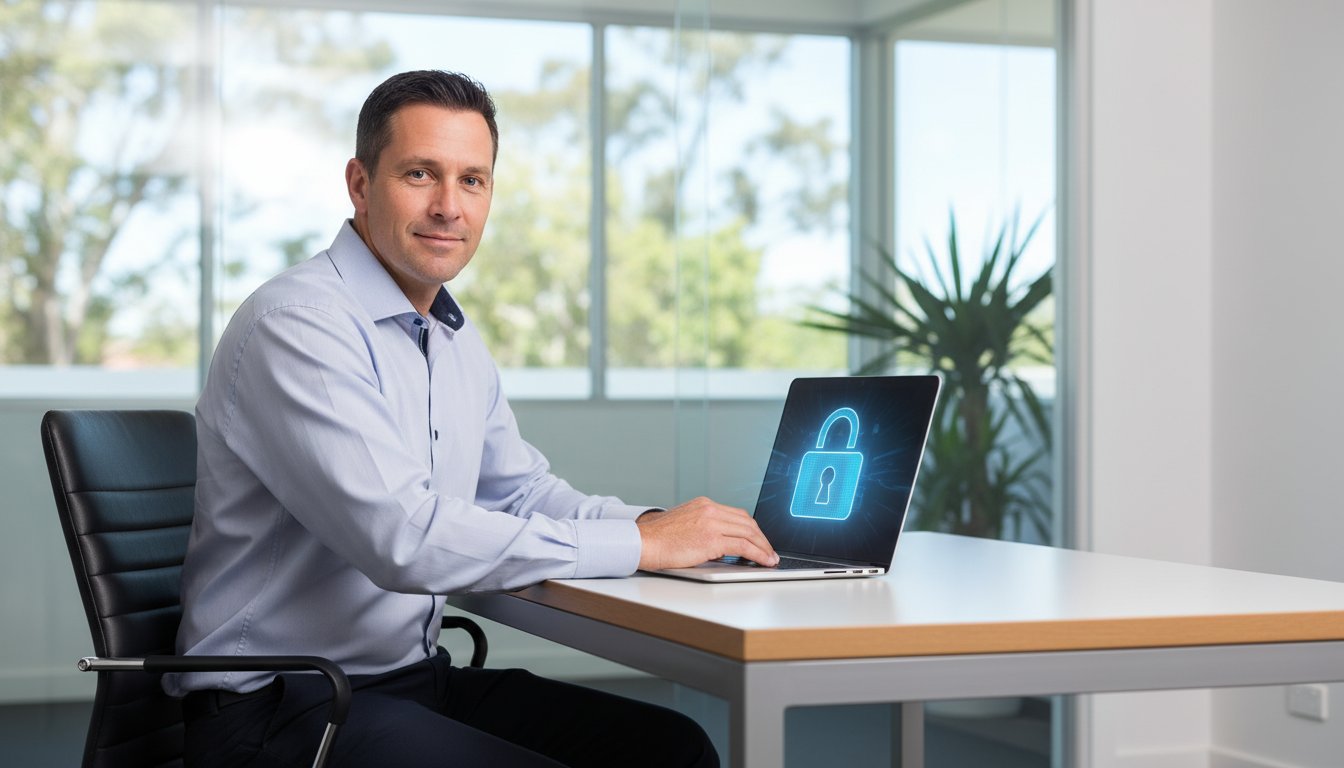
As a small business owner in Toowoomba, you wear many hats. But when the topic of cybersecurity comes up, does it feel like one hat too many? It’s easy to feel overwhelmed by technical jargon, worried about scams, and convinced that proper protection is out of reach for a small budget. The fear of data loss or business downtime is real, but knowing where to even start can be the biggest challenge.
The good news is that effective small business cybersecurity doesn’t have to be complicated or break the bank. We believe every local business deserves to feel secure online, and our mission is to help you protect what you’ve built. This guide is designed specifically for you-the Toowoomba business owner who needs practical advice without the tech-speak.
Here, we’ll give you a clear, prioritised checklist of simple actions you can take today to defend against the most significant online threats. You’ll gain peace of mind knowing your business, your data, and your customers are protected with an affordable and manageable security plan.
Key Takeaways
- Understand why Toowoomba small businesses are prime targets for cyberattacks and the real financial risks involved.
- Discover the highest-impact, lowest-cost actions you can take immediately to build a strong foundation for your small business cybersecurity.
- Learn how to create a simple, repeatable action plan that protects your business without becoming an overwhelming, technical document.
- Recognise the limits of DIY security and know when partnering with a local expert is the smartest move for your business’s continuity.
Why Cybersecurity is Crucial for Your Small Business (Not Just Big Corporations)
One of the most dangerous myths in our industry is the idea that a business can be “too small to be a target.” In reality, cybercriminals actively seek out small businesses precisely because they often have fewer dedicated security resources than large corporations. This makes you an attractive and accessible target for financial theft, data extortion, or even as a gateway to attack your larger clients.
To better understand how modern threats are being tackled, this helpful video explains some of the key tools available:
The risks are very real. According to the Australian Cyber Security Centre (ACSC), a single cyber attack can cost a small business an average of A$39,000. This figure doesn’t just cover the immediate financial loss; it ripples outwards, causing operational downtime that halts your ability to serve customers and damaging the reputation you’ve worked so hard to build. A strong small business cybersecurity strategy isn’t just an IT issue; it’s a business continuity plan. It involves building the right foundational layers of protection to safeguard every aspect of your operations.
The Top 3 Risks Facing Toowoomba Businesses Today
For local businesses here in Toowoomba and the Darling Downs, we see three threats appear more frequently than any others. Being aware of them is the first step in protecting your livelihood.
- Ransomware: Criminals encrypt your critical files-from client lists to financial records-and demand a hefty payment for their release, effectively holding your business hostage.
- Phishing & Scams: Deceptive emails or messages cleverly designed to trick you or your staff into revealing passwords, bank details, or other sensitive data.
- Data Breaches: The unauthorised access and theft of confidential information, such as customer data or internal financial records, leading to potential fines and a complete loss of trust.
Understanding the Cost of an Attack
The price of a cyber attack goes far beyond the initial ransom or theft. The total cost is a combination of direct and hidden expenses that can cripple a business long after the incident is over.
- Direct Costs: The immediate financial hit from ransom payments, fees for professional data recovery services, and potential regulatory fines for data privacy violations.
- Indirect Costs: Lost revenue from business downtime, the high cost of acquiring new customers after a data breach, and long-term damage to your brand’s reputation.
The key takeaway is simple: prevention is always more affordable than recovery. Investing in proactive small business cybersecurity isn’t an expense; it’s an investment that builds trust with your customers and gives you a powerful competitive advantage.
The Cybersecurity Starter Kit: 4 Foundational Layers of Protection
Thinking about cybersecurity can feel overwhelming, but it doesn’t have to be. The best approach to small business cybersecurity is a layered one, where each measure builds upon the last to create a strong defensive posture. Consider these foundational steps your business’s digital seatbelt-essential protection for navigating the online world. This approach, similar to the U.S. Small Business Administration’s Cybersecurity Starter Kit, focuses on the highest-impact actions you can take to protect your operations.
Layer 1: The Human Firewall (Your Team)
Your team is your first and most important line of defense. Cybercriminals often target employees because they know people can be tricked. Simple, regular training is key to building a strong “human firewall.” Teach your staff to spot common signs of phishing emails:
- A sense of extreme urgency or threats.
- Obvious spelling or grammar mistakes.
- Suspicious links or unexpected attachments.
Furthermore, insist on strong, unique passwords for every service, managed easily and securely with a reputable password manager.
Layer 2: Securing Your Accounts (Access Control)
Multi-Factor Authentication (MFA) is one of the single most effective security measures available. In simple terms, it requires you to prove your identity in more than one way-typically with something you know (your password) and something you have (a code from your phone). Even if a criminal steals a password, MFA stops them from getting in. Enable it on all critical accounts, including email, banking, and cloud services like Microsoft 365 or Google Workspace.
Layer 3: Protecting Your Devices (Endpoints)
Your computers, laptops, and phones are primary targets. The simplest way to protect them is to keep all software updated. These updates aren’t just for new features; they often contain critical patches for security holes that hackers exploit. Always install updates promptly for your operating system (Windows, macOS) and browsers. A quality antivirus and anti-malware program provides another essential layer of automatic protection.
Layer 4: The Safety Net (Data Backups)
Even with the best defenses, things can go wrong. A reliable backup strategy is your ultimate safety net. We recommend the 3-2-1 rule for robust data protection: keep at least three copies of your data, on two different types of media, with one copy stored securely off-site (like in the cloud). Regular, tested backups make ransomware attacks survivable; instead of paying a ransom, you can restore your files and maintain business continuity.

Developing a Simple Cybersecurity Action Plan
Moving beyond one-off security tasks is the key to long-term protection. A formal plan helps turn good intentions into a repeatable process. The good news? An effective plan isn’t a 100-page document collecting dust. It’s a straightforward guide that creates clarity for your entire team. The goal is simple: define what you need to protect and exactly what to do if something goes wrong. A clear plan for your small business cybersecurity empowers your staff to act correctly and confidently, reducing the risk of human error.
Step 1: Identify Your ‘Crown Jewels’
You can’t protect everything equally, so start by identifying what matters most. These are your business’s ‘crown jewels’-the data that would cause the most damage if lost, stolen, or compromised. Make a simple list of your most critical assets. This typically includes:
- Customer information and contact lists
- Financial records and banking details
- Employee data
- Unique intellectual property (IP) or trade secrets
Knowing what’s most valuable allows you to focus your security efforts where they’ll have the biggest impact.
Managing these financial records professionally is just as important as securing them. Services from accounting experts like ASAP Solutions can help ensure your financial data is organised and accurate, which simplifies the process of protecting it.
Step 2: Create Basic Security Policies
Policies are just simple, written rules that guide your team’s behaviour. They remove guesswork and establish a baseline for secure operations. Your policies don’t need to be complex. Start with a few essentials, such as a clear password policy (e.g., minimum length and complexity), a security checklist for onboarding new employees, and rules for using company devices and accessing sensitive data remotely.
Step 3: Know Who to Call When Things Go Wrong
When a security incident happens, the worst thing you can do is panic. The second worst is trying to fix it yourself without expertise, which can often make things worse. The most critical part of your response plan is knowing who to call for help. Have the contact number for a professional IT support partner readily available, because a fast response is invaluable. An experienced technician can help you safely assess the damage, contain the threat, and begin the recovery process. This expert guidance is a cornerstone of resilient small business cybersecurity. Learn about our IT support services and see how having a local expert on call provides true peace of mind.
Beyond DIY: When to Partner with a Local Cybersecurity Expert
As a small business owner, you’re used to wearing many hats. But when it comes to protecting your digital assets, the DIY approach can quickly become overwhelming. The threat landscape is always changing, and managing your small business cybersecurity effectively is a full-time job. Partnering with a professional gives you more than just technical support; it provides peace of mind and allows you to focus on what you do best-running your business.
Signs You’ve Outgrown DIY Security
It’s time to call in an expert when you find yourself in these situations:
- Time is a luxury you don’t have. You’re struggling to keep up with essential software updates, security patches, and consistent data backups.
- You handle sensitive data. If you store customer information, financial records, or patient details, you have a greater responsibility to protect it under Australian law, such as the Privacy Act.
- Compliance is non-negotiable. Your industry may have specific data security regulations that require professional oversight to ensure you meet your obligations.
- You need an expert watching your back. You want the assurance that a dedicated professional is actively monitoring your systems for threats, not just reacting after an incident occurs.
What to Look For in an IT Partner
Choosing the right partner is crucial. Look for a team that offers more than just a quick fix. A great IT partner should provide:
- A local presence for fast, on-site assistance when you need it most.
- A proven track record of supporting local businesses. We’ve been helping businesses in Toowoomba and the surrounding areas since 1999.
- A proactive approach that focuses on preventing problems before they can disrupt your operations.
- Clear communication that explains solutions in plain English, without confusing technical jargon.
How Aspire Computing Can Help
At Aspire Computing, we “Aspire to Protect and Connect.” We act as your dedicated IT department, handling all your security needs so you don’t have to. Our managed services include proactive monitoring, robust antivirus protection, and secure, automated backups to ensure your business continuity. We provide practical, honest advice tailored to your specific needs and budget. Let us give you the security and confidence to grow your business.
Ready to secure your peace of mind? Talk to our experts today for a free IT health check.
Your Partner in Protection: Securing Your Business’s Future
In today’s digital world, protecting your Toowoomba business from online threats is not a luxury-it is essential for survival and growth. As we’ve outlined, you can take powerful first steps by implementing foundational security layers and creating a simple action plan. This proactive approach is the first line of defence, but you don’t have to face the evolving challenges of small business cybersecurity on your own.
Having a trusted, local expert in your corner provides more than just technical solutions; it provides confidence. Aspire Computing has been dedicated to protecting businesses across Toowoomba, the Darling Downs, and the Lockyer Valley since 1999. Owner Chaim Lee is committed to delivering a personal, approachable service, ensuring you always know who to call when you need assurance.
Take the final and most important step towards securing your hard work. Protect your business. Contact Aspire Computing for expert local IT support. Your peace of mind is our priority.
Frequently Asked Questions About Small Business Cybersecurity
How much should a small business spend on cybersecurity?
There is no single magic number, as spending depends on your business’s size, industry, and the data you handle. A common guideline for Australian businesses is to allocate between 7% to 10% of your IT budget specifically to security. View this not as a cost, but as an essential investment in your business continuity and reputation. A professional risk assessment can help you identify your most critical needs and ensure you are investing your funds effectively to protect your assets.
Is free antivirus software good enough to protect my business?
While free antivirus is better than nothing for personal use, it is inadequate for a business environment. Paid, business-grade security suites offer critical features that free versions lack, such as centralised management, advanced ransomware protection, web filtering, and dedicated technical support. Investing in a professional solution provides a much higher level of assurance and is a foundational step in protecting your valuable business and client data from more sophisticated threats.
What is the single most important thing I can do to improve my security today?
The most effective action you can take right now is to enable Multi-Factor Authentication (MFA) on all critical accounts. This includes your email, cloud services, banking, and key software. MFA adds a vital second layer of security, requiring a code from your phone or another device in addition to your password. This simple step can block the vast majority of automated cyberattacks, even if a criminal manages to steal your password. It’s a quick, high-impact way to protect your business.
How can I train my employees about cybersecurity without a big budget?
Effective training doesn’t have to be expensive. You can start by using the high-quality, free resources available from the Australian Cyber Security Centre (ACSC). Regularly share practical tips in team meetings, focusing on topics like spotting phishing emails and using strong passwords. A strong culture of small business cybersecurity is built on consistent, simple reminders. Fostering an environment where staff feel safe reporting mistakes or suspicious activity is also crucial and costs nothing.
My business uses cloud services like Microsoft 365. Am I automatically secure?
Not completely. While services like Microsoft 365 have robust security for their own infrastructure, you are still responsible for securing your data and access *within* their platform. This is known as the ‘shared responsibility model’. It is your job to configure security settings correctly, enforce strong passwords and MFA, manage user access permissions, and ensure your data is backed up. Relying on default settings alone can leave your business vulnerable.
What do I do immediately if I think I’ve been hacked?
First, don’t panic. Immediately disconnect the affected device from the internet and your network to prevent the threat from spreading. Do not turn the device off, as this can destroy important evidence for analysis. From a separate, trusted computer, change the passwords for your most critical accounts, starting with your email. Your next step should be to contact a professional IT expert who can help you assess the damage, remove the threat, and restore your systems safely.

B.App.Sc., Cert. Computer Engineering PC Service and Repair
As the owner of Aspire Computing founded in 1999, Chaim Lee has been working for over 20 years as the Leading Computer Technician.
He has a life long interest in electronics, computing, science and technology. He has completed studies and gained qualifications in Applied Science, Computer Repair and Service, Microsoft Installation and Maintenance, Technical Writing, Workplace Training, and Technical Sales Training.
