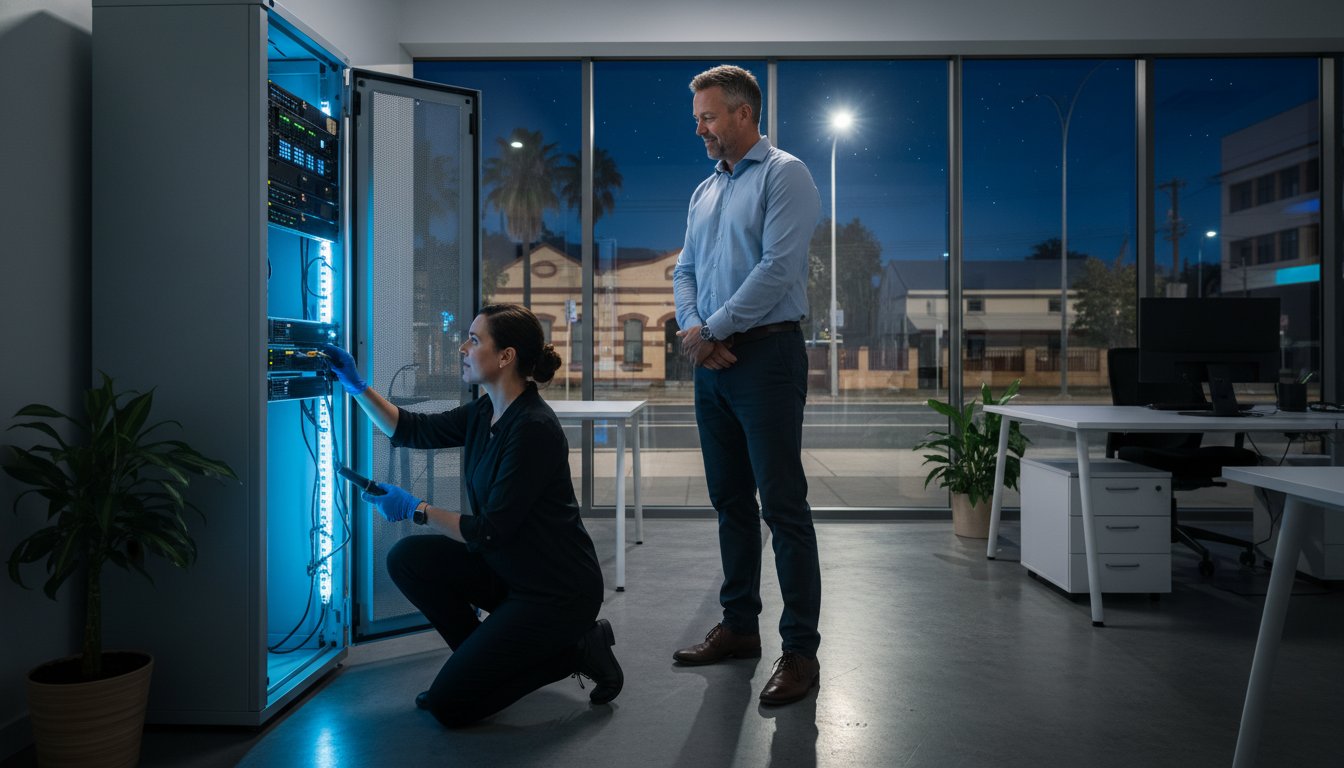
Did you know that 43% of all reported cybercrime incidents in Australia target small businesses? These threats don’t stick to a 9-to-5 schedule, yet many local owners find themselves stranded when technology fails after dark. If you’ve ever felt the panic of a server crash at 8:00 PM or a security breach on a Sunday morning, you know that waiting until Monday isn’t an option. Securing reliable after-hours IT support Darling Downs is no longer a luxury; it’s a critical safety net for your operations.
It’s frustrating to feel like your business is at the mercy of a help desk that’s already clocked off. You deserve the peace of mind that comes from knowing a qualified technician is ready to step in whenever you need help. This article shows you how to secure rapid, expert assistance to keep your business running smoothly. We’ll look at how local accountability and transparent pricing for emergency call-outs can protect your revenue and keep your data safe.
Key Takeaways
- Understand the true cost of downtime for local businesses and why after-hours IT support Darling Downs is essential for maintaining continuity outside standard office hours.
- Learn how to triage technical issues to determine if you are facing a critical emergency or a minor glitch that can wait until morning.
- Discover the differences between instant remote troubleshooting and on-site hardware repairs to ensure you get the fastest possible resolution for your specific problem.
- Follow a simple two-step response plan to protect your data and document errors before your technician arrives to speed up the repair process.
- Find out how local expertise and decades of community-focused service provide a level of accountability that large corporate help desks can’t match.
Why Local After-Hours IT Support is Critical for Darling Downs Businesses
After-hours IT support provides vital technical assistance outside the standard 9 AM to 5 PM window. This includes weekends and public holidays when most corporate help desks are closed. For local business owners, having access to after-hours IT support Darling Downs means you aren’t left stranded when a server fails on a Saturday night or a critical backup fails during your late-night administration session. It’s about having a professional ready to step in when the rest of the world has clocked off.
The financial impact of downtime is severe. Since one in three Australian small businesses has already experienced a cyber incident, the risk is real and immediate. For a small retail shop in Toowoomba or an agricultural enterprise in the valley, every hour of inactivity leads to lost revenue and stalled productivity. Waiting until morning to address a digital crisis is a gamble. It allows threats like ransomware to encrypt more files or data corruption to become permanent. Effective Business continuity planning relies on rapid response to isolate problems before they spiral out of control.
To better understand how critical incident reporting and response can be, watch this helpful video:
The Reality of IT Failures Outside the 9-to-5
IT failures don’t care about your dinner plans. A server crash while you’re finishing end-of-month reports or a Point of Sale (POS) system failure during a busy weekend trade can be devastating. Beyond the immediate loss of sales, these glitches damage your reputation with clients who expect 24/7 reliability. Having a “panic button” in the form of a local expert provides massive psychological relief. At Aspire Computing, we aim to alleviate that panic so you can focus on your work while we handle the technology.
Supporting the Darling Downs’ Unique Business Landscape
Our region has unique challenges that national providers often overlook. A home office in Newtown faces different hurdles than a cattle station’s remote data link in the surrounding valley. We understand the specific NBN infrastructure and the regional connectivity drops that often strike during peak evening usage. Since 1999, we’ve helped locals navigate these specific geographic hurdles with tailored solutions. Business continuity in the context of Darling Downs operations is the ability to maintain essential functions and protect local livelihoods despite unexpected technical failures or regional connectivity outages.
Identifying IT Emergencies: When to Call for Immediate Support
Not every technical glitch requires an immediate phone call at midnight. Identifying a true emergency involves triaging your issue based on its impact on your safety and your bottom line. If a single workstation has a slow internet connection, it can likely wait until 9 AM. However, if your entire network is down or your data is inaccessible, you need after-hours IT support Darling Downs to prevent a minor setback from becoming a total business collapse. We recommend asking yourself: “Can I still serve my customers without this system?” If the answer is no, it’s time to act.
Security breaches are the most time-sensitive emergencies you’ll face. With the Australian Cyber Security Centre (ACSC) reporting that 43% of all cybercrime incidents target small businesses, a suspicious login at 2 AM is a major red flag. Phishing and email scams account for 38% of these incidents, often serving as the gateway for more serious attacks. Understanding Cybersecurity basics for businesses helps you recognize these early warning signs. When you spot unusual file movements or locked accounts, immediate isolation is the only way to stop the spread of malware.
Hardware failures and network outages also demand a quick response. You should check if your internet outage is a regional provider issue or a failure of your internal router or switch. A quick look at the NBN outage map can save you an emergency call-out fee. If the problem is internal hardware, like a server that won’t boot or a laptop with a blue screen, a “quick fix” often isn’t enough. These situations require an expert to diagnose whether you need a component replacement or a system-wide restore.
Priority 1: Security and Data Integrity
If you suspect a malware infection, disconnect the affected device from the network immediately. This prevents the virus from jumping to your backups or other computers. In cases where files have already been deleted or encrypted, our data recovery services can help retrieve lost information. Protecting your clients’ sensitive data is a legal and ethical priority that doesn’t stop when the sun goes down.
Priority 2: Operational Continuity
Total system failures halt your ability to generate revenue. This includes peripheral failures, such as a thermal printer that won’t print shipping labels for a morning courier pickup. For non-critical issues, you can refer to our printer supply and repair guide. If the failure stops your work entirely, it’s better to contact a local IT professional immediately rather than wasting hours on DIY fixes that might cause more damage.
Remote vs. On-Site Support: Solving Tech Issues Across the Downs
When technology fails after dark, the first question is often whether the problem can be fixed over the internet or if someone needs to physically show up. Modern remote support software allows us to jump into your system instantly to resolve software glitches, configuration errors, or email issues. However, physical hardware failures or network cabling problems require a hands-on approach. Effective after-hours IT support Darling Downs uses a hybrid model. We start with a remote diagnosis to save time and then transition to an on-site visit if the situation demands physical intervention.
Speed is the primary advantage of remote assistance. Research indicates that the average cost of IT downtime for small businesses can range from $137 to $427 per minute. Every second spent waiting for a technician to drive across the region is a second of lost revenue. By connecting to your PC or laptop via secure, encrypted channels, we can often identify the root cause within minutes. This rapid response is critical for maintaining business continuity when your 9-to-5 support desk has already gone home for the day.
The Speed of Remote Assistance
Remote tools are highly effective for software tune-ups and virus removal. If your system is sluggish or behaving strangely, we can run diagnostics and clean up malicious files without you having to unhook your machine. Security is our top priority during these sessions. Aspire Computing uses industry-standard protocols to ensure that only authorized technicians can access your data. The main benefit for you is the elimination of travel fees and near-instant response times, which are essential when deadlines are looming on a Sunday night.
When a Local Technician Needs to Visit
There are times when remote tools simply can’t reach the problem. If your power supply has failed, your hard drive is making clicking sounds, or your network switch has died, a technician must be there in person. We provide a mobile service that covers Toowoomba, Newtown, and the surrounding suburbs. This physical presence is a core part of our computer repairs Toowoomba service. Whether it’s a hardware upgrade to get a workstation back online or a physical printer fix, having a local expert who understands the local geography ensures that help arrives exactly where it’s needed, even after dark.
Logistics in the Darling Downs can be tricky late at night. While national call centers might struggle to find a technician willing to travel to a rural property or a quiet suburban street, our local focus means we know the area. We understand the specific infrastructure challenges in Toowoomba and the surrounding valley. This personal accountability ensures that you aren’t just another ticket in a queue; you’re a neighbor who needs help getting their business back on track. After-hours IT support Darling Downs is about more than just fixing a screen; it’s about providing a reliable presence in our community when things go wrong.
Minimising Downtime: Immediate Steps Before Your Technician Arrives
Don’t panic! When technology fails late at night, your first actions determine how quickly you’ll be back online. While you wait for after-hours IT support Darling Downs, focus on gathering information. Start by documenting the error. Use your phone to take clear photos of screen messages, error codes, or blue screen windows. These details act like a “black box” recording for your technician, allowing them to skip the guesswork and start the repair immediately. Next, if you suspect a malware infection or unauthorized access, disconnect the device from the internet to isolate the threat from the rest of your network.
Check the physical basics before the technician arrives. Ensure power cables are firmly seated and your NBN connection box shows the correct status lights. A simple restart often clears temporary software glitches, but you should avoid DIY “deep fixes.” Attempting to open hardware or running unverified “registry cleaners” can void manufacturer warranties and often complicates the recovery process. Your goal is to stabilise the situation, not to perform a complex repair yourself.
Basic Troubleshooting for NBN and Connectivity
Regional connectivity in the Darling Downs can be temperamental after dark. If your internet drops, perform a safe power cycle by turning off your modem and router at the wall for 60 seconds. Once the system reboots, use an internet speed test to check for stability and latency. If the test shows zero connection or extreme lag, the issue might be a provider outage. Stop your troubleshooting once you’ve checked the cables and performed one restart; if the system remains down, professional intervention is required to rule out internal hardware failure.
Preventing Data Loss During a Crisis
Mechanical sounds are a critical warning sign for any PC or laptop. If you hear clicking, grinding, or unusually loud whirring, shut the machine down immediately. These sounds indicate a physical hardware failure that can cause permanent data loss if the drive continues to spin. Always ensure you have a verified backup in place before attempting any hardware fix. A calm decision in the first five minutes of a crisis often saves years of digital files. If your system isn’t responding correctly, talk to the experts at Aspire Computing to ensure your business continuity is protected.
Choosing Aspire Computing for Reliable After-Hours Assistance
Finding a partner for after-hours IT support Darling Downs shouldn’t feel like calling a distant corporate call centre. At Aspire Computing, we’ve been part of the local community since 1999. That’s over 25 years of experience solving technical headaches for Toowoomba businesses and home offices. Our owner, Chaim Lee, is the face of the business. He brings personal accountability to every job, ensuring you aren’t just another ticket in a queue. When you call us, you’re talking to a local expert who stands by his work and understands that your livelihood depends on your technology.
Our mission is encapsulated in our signature tagline: “Aspire to Protect and Connect.” This means we don’t just fix what’s broken; we secure your data and ensure your systems work together seamlessly. Whether it’s a midnight server crash or a weekend printer failure, we provide the reassurance you need to stop panicking and get back to work. You can contact us immediately for emergency help or book a scheduled diagnostic session to identify weak points in your setup before they cause a crisis.
A Local Legacy of Trust
Our long history in Toowoomba matters because we’ve seen how local infrastructure has evolved. We don’t just provide generic fixes; we supply quality hardware and software from trusted brands like Epson and Canon. Locals across the Downs have shared stories of how we’ve saved their work day by being available when other support desks were closed. This community-focused approach is why small businesses trust us with their most sensitive security needs. We know the local suburbs and the specific connectivity challenges that come with operating in regional Queensland.
Get Started with an IT Health Check
Proactive maintenance is the best way to reduce the frequency of emergency calls. By identifying aging components early, we can perform hardware upgrades that prevent sudden failures during critical work hours. A regular health check keeps your PC or laptop running at peak performance and ensures your data backup systems are actually functioning as intended. Don’t wait for a system failure to find out your backups are out of date.
Securing reliable after-hours IT support Darling Downs is about building a relationship with a technician who cares about your success. We offer a methodical, user-friendly approach to repairs that removes the stress from technology. Whether you need a quick fix for a virus or a comprehensive business continuity plan, we’re here to help. Contact Aspire Computing today for peace of mind, day or night, and let us help you stay protected and connected.
Secure Your Business Continuity and Peace of Mind
Technology failures don’t have to be a disaster for your operations. By understanding how to triage your technical issues and knowing the immediate steps to take, you can protect your data and your revenue. Whether it’s a hardware failure in a home office or a network outage on a Sunday night, having a clear plan in place is the best way to maintain continuity. Reliable after-hours IT support Darling Downs ensures that expert help is always within reach even when standard support desks have clocked off for the weekend.
Chaim Lee has been serving the Toowoomba and Darling Downs communities since 1999. As specialists in PC, laptop, and printer repairs, we focus on providing quality solutions that keep you connected. We stand by our mission to protect and connect your business technology at every hour. If you’re facing a digital crisis or just want to prevent the next one, we’re ready to help. Talk to the experts at Aspire Computing for immediate IT help. Don’t let a technical glitch stop your progress. With local expertise on your side, you can face any digital challenge with complete confidence.
Frequently Asked Questions
What areas of the Darling Downs do you cover for after-hours support?
We provide mobile service to Toowoomba and surrounding suburbs including Newtown, Wilsonton, and Darling Heights, extending across the wider Darling Downs region. Our technicians reach local business hubs and rural properties to ensure no one is left without help. Since we established the business in 1999, we’ve developed a deep understanding of the local geography and infrastructure challenges that affect our regional clients.
Is after-hours IT support significantly more expensive than standard hours?
After-hours assistance usually involves different rates than standard hours because it requires immediate, emergency response outside of normal operations. While specific costs depend on the complexity of the issue, national industry standards for IT support in Australia generally range from $135 to $225 per hour. We maintain a focus on transparent pricing for all emergency call-outs so you don’t face unexpected financial surprises during a crisis.
Can you fix a laptop screen or hardware issue after-hours, or is it just for software?
Yes, we provide after-hours IT support Darling Downs for both physical hardware failures and complex software glitches. If your laptop screen is damaged or a power supply has failed, we can diagnose the issue and identify the necessary replacement parts immediately. While software can often be resolved through remote sessions, physical hardware repairs are handled through our mobile service to get your equipment functional as quickly as possible.
How quickly can a technician respond to an emergency call in Toowoomba?
We aim for an immediate response for emergency calls within Toowoomba, often providing initial remote diagnostics within minutes of your request. For on-site visits, our local presence allows us to reach most Toowoomba suburbs within an hour. Since 43% of cybercrime incidents target small businesses, we prioritize rapid intervention to minimize your window of vulnerability and reduce the risk of permanent data loss.
What should I do if I suspect my business has been hacked late at night?
Disconnect your affected devices from the internet immediately and power down your router to isolate the threat from your network. Once you’ve secured the perimeter, contact us for an emergency security assessment to identify the breach point. We’ll check for signs of phishing or malware, which account for 38% of small business incidents, and work to secure your sensitive client data and restore system integrity.
Do you provide after-hours support for home offices as well as small businesses?
We provide comprehensive technical support to both home-based professionals and established small businesses throughout the region. Whether you’re a sole trader in Newtown or manage a larger team, your business continuity is our primary concern. We understand that home offices often lack the robust security systems found in corporate environments, making professional after-hours IT support Darling Downs a vital safety net for local residents.
Can most IT issues be resolved remotely, or will you need to visit my location?
Many software-related issues, such as virus removal or configuration errors, are resolved near-instantly through our secure remote support software. However, physical problems like printer failures or hardware upgrades require an on-site visit to your premises. We always use a hybrid approach, starting with a remote session to identify the problem and then sending a technician to your location if physical intervention is mandatory for the repair.
What happens if my data cannot be recovered during an emergency session?
If data cannot be recovered during an initial emergency session, we provide a clear technical breakdown of the situation and discuss alternative recovery paths. We follow a methodical process to protect the integrity of your remaining files and prevent further corruption. Having served the community for over 25 years, we stand by our expertise in handling complex data recovery scenarios with professional care and complete transparency.

B.App.Sc., Cert. Computer Engineering PC Service and Repair
As the owner of Aspire Computing founded in 1999, Chaim Lee has been working for over 20 years as the Leading Computer Technician.
He has a life long interest in electronics, computing, science and technology. He has completed studies and gained qualifications in Applied Science, Computer Repair and Service, Microsoft Installation and Maintenance, Technical Writing, Workplace Training, and Technical Sales Training.