
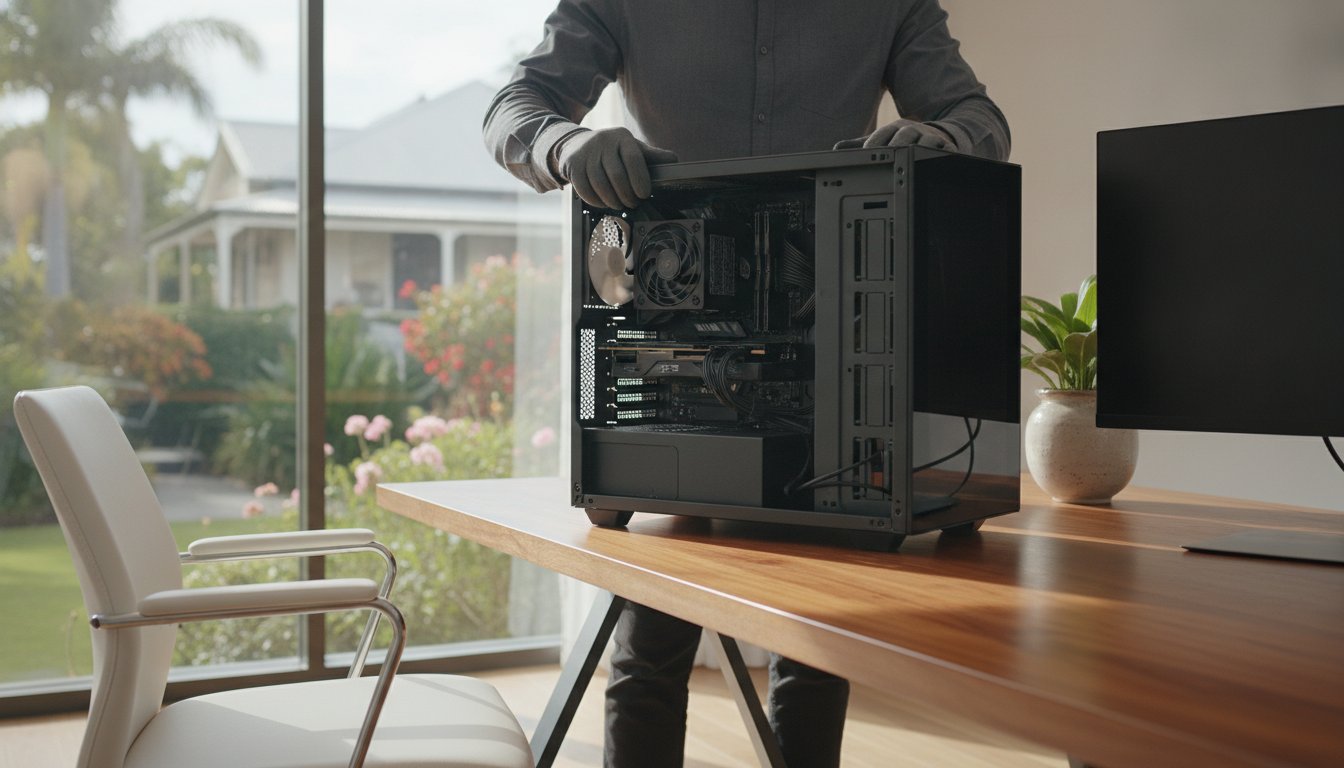
Imagine you’re finalising a critical project for a client in Middle Ridge when your computer suddenly restarts without warning, leaving you staring at a blank screen. This “blue screen of death” is often a cry for help from an aging power unit that simply can’t keep up with modern hardware. When your work depends on a stable machine, considering a pc power supply upgrade is the best way to prevent technical failures before they turn into expensive repairs. It’s completely normal to feel anxious about electrical risks or component damage when your system starts acting up.
We believe your home office should be a place of productivity, not technical stress. This guide will show you how a professional upgrade can stabilise your system and protect your investment from unpredictable power surges. We’ll preview the latest ATX 3.1 standards required for the Nvidia RTX 50 series and explain why professional installation is vital for safety. By the end, you’ll know exactly how to ensure your Toowoomba workstation remains reliable, efficient, and ready for the demands of 2026.
Key Takeaways
- Identify the subtle warning signs like clicking noises and random restarts that indicate your current unit is failing under pressure.
- Discover why the new ATX 3.1 standard and 12V-2×6 connectors are essential for safely powering the latest 2026 graphics cards.
- Learn why a high-quality 80 Plus Gold unit is a smarter choice for a pc power supply upgrade than a generic high-wattage alternative.
- Understand the safety risks of DIY power supply changes, including dangerous high-voltage capacitors and the threat of static electricity.
- Find out how professional on-site installation in Toowoomba ensures your home office stays stable and protected from electrical failure.
Recognising the Signs: When is it Time for a PC Power Supply Upgrade?
Your computer power supply unit (PSU) is the silent engine of your entire workstation. It converts high-voltage AC from your Toowoomba wall socket into the steady DC current your delicate electronics need. When this component begins to fail, it doesn’t always go out with a bang. Often, it starts with subtle frustrations that disrupt your workday. Identifying these signs early can save you from a total system failure and the potential loss of vital business data.
One of the most common indicators is the random shutdown. If your PC simply turns off while you’re editing a video or running complex calculations, the PSU’s internal safety switch might be tripping. This happens because the unit can no longer provide the stable voltage required under heavy load. Instead of risking a short circuit, the unit cuts power entirely. If you’ve noticed your computer “giving up” during intensive tasks, a pc power supply upgrade is likely necessary to restore reliability.
Listen closely to your case for unusual noises. A high-pitched “coil whine” or a repetitive clicking sound often points to failing capacitors or a struggling cooling fan inside the unit. While some minor noise is normal in high-performance parts, a sudden change in volume or a new rhythmic click is a clear signal that the internal components are wearing out. Most power supplies have a reliable lifespan of about five years. Beyond that, they become a ticking clock for your hardware’s safety.
Common Symptoms of a Failing PSU
Beyond obvious power cuts, a failing unit can cause “ghost” problems that look like software bugs. You might experience the Blue Screen of Death (BSOD) during simple tasks like browsing the web or checking emails. Another red flag is a computer that refuses to start on the first press of the power button. If you have to press it multiple times to wake the system, your PSU is struggling to reach the correct voltage. Most importantly, never ignore a faint “burning plastic” smell. This is an immediate warning to shut down and seek professional assistance before it becomes a fire risk.
The “Wattage Ceiling” Explained
In 2026, modern software and AI-driven tools are pushing hardware harder than ever. High-end processors and graphics cards draw significantly more current than models from even three years ago. If you’ve recently invested in PC Hardware Upgrades without addressing the power supply, you might be hitting a wattage ceiling. A power supply loses efficiency as it ages, meaning an old unit rated for 750W might only reliably deliver much less today. Calculating your total power draw is essential to ensure your components aren’t starving for the energy they need to function safely and efficiently.
Choosing the Right PSU in 2026: Wattage, Efficiency, and AI Readiness
Selecting a new unit isn’t just about picking the biggest number on the box. A pc power supply upgrade requires balancing raw wattage with component quality. Many people mistakenly believe that an 800W generic unit is better than a 600W premium model. In reality, a high-quality 600W “Gold” rated unit from a reputable brand uses superior internal capacitors that provide stable power. A generic “no-name” unit often lacks essential safety protections and can fail under stress, risking damage to your expensive internal parts.
Cable management also plays a significant role in your system’s health. Modern modular power supplies allow you to plug in only the cables your computer actually needs. This removes unnecessary clutter from your case, which drastically improves airflow. Better airflow is critical for keeping your components cool during those sweltering Toowoomba summer afternoons when ambient temperatures rise.
What is an 80 Plus Rating?
80 Plus is a voluntary certification program that guarantees a power supply is at least 80% energy efficient at specific load levels. Higher efficiency ratings, such as Platinum or Titanium, mean less energy is wasted as heat. This efficiency helps lower your quarterly electricity bills in Toowoomba while keeping your home office quieter. For most professional setups in 2026, an 80 Plus Gold rating is the standard recommendation for balancing purchase price with long-term operational savings.
Future-Proofing for AI Hardware
The landscape of 2026 computing is dominated by AI-integrated hardware. Modern AI-accelerated processors and high-end graphics cards, like the Nvidia RTX 50 series, require incredibly stable, ripple-free power to function correctly. These components are prone to “transient spikes,” which are sudden, massive bursts of power draw that can cause older power supplies to shut down instantly.
To handle these demands, the industry has moved to the ATX 3.1 standard. This standard features the improved 12V-2×6 connector, which replaces the older 12VHPWR design for better reliability and safety. If you are planning a high-end build, matching your PSU standard to your motherboard and GPU is no longer optional. If you feel overwhelmed by these technical requirements, our team can help you choose the perfect Hardware Upgrade for your specific workstation needs.
The Upgrade Equation: Does Your New Graphics Card Demand a New PSU?
If you’ve recently looked at the latest Nvidia or AMD graphics cards, you’ve likely noticed they are physically massive. Their appetite for electricity is just as large. In a modern workstation, the GPU is the primary power consumer, often drawing more current than every other component combined. While manufacturers list a Thermal Design Power (TDP) rating, this number usually refers to heat dissipation rather than peak power draw. In real-world scenarios, a card rated at 300W can frequently spike much higher, potentially overwhelming an older unit. This is why a pc power supply upgrade is almost mandatory when jumping up a hardware generation.
One common mistake is “daisy-chaining” power cables. This involves using a single cable with two connectors to power a high-end card. Modern GPUs require dedicated, individual cables from the PSU to ensure stable delivery and prevent the wires from overheating. You also need to check your physical case dimensions. High-wattage power supplies are often longer than entry-level models. If your case is compact, a new 1000W unit might not physically fit, or it could block essential cable routing paths.
Calculating Your Total System Load
To find your total system load, you must add up the requirements of your CPU, GPU, storage drives, and even your cooling fans. We always recommend the “20% Buffer” rule. If your components require 600W, you should install at least a 750W unit. Running a PSU at 100% capacity constantly creates excessive heat and shortens its lifespan. While online calculators provide a rough estimate, they often miss the nuances of specific hardware combinations. Professional diagnostics can give you a precise reading of your current draw before you commit to a purchase.
Connector Compatibility in 2026
2026 has seen a definitive shift toward single-cable power delivery. The latest high-performance cards use the 12V-2×6 connector to streamline power delivery. Many users try to save money by using “adapters” to connect old PSU cables to new cards. This is a dangerous practice that can lead to melted connectors or even voided manufacturer warranties. If you’re unsure if your current setup is safe, our team provides expert Computer Repairs Toowoomba wide to ensure your new hardware is powered correctly. A pc power supply upgrade ensures your cables are rated for the high-wattage demands of modern silicon.

The DIY Risk: Why Professional Installation Matters
While some online forums suggest that a pc power supply upgrade is as simple as plugging in a household appliance, the reality is far more complex. Inside every power supply are large capacitors that store significant electrical energy, even after the unit has been unplugged for days. Handling these incorrectly or attempting to open the casing can lead to severe electrical shocks. Beyond personal safety, there is the constant threat of Electrostatic Discharge (ESD). A single tiny spark, often too small for you to feel, can instantly destroy a motherboard or a high-end CPU.
Another common pitfall is the “cable spaghetti” nightmare. Connecting the wrong modular cable to a peripheral can send the incorrect voltage to a component, effectively “frying” it beyond repair. Unlike professional services, most hardware manufacturers don’t cover DIY installation errors under their warranty. If you make a mistake during a pc power supply upgrade, you could be left with a very expensive paperweight and no recourse for a refund or replacement.
The Complexity of Modern PC Internals
Modern computer cases are increasingly compact, requiring specialised knowledge to manage fragile ribbon cables and proprietary motherboard headers. This is especially true for laptop hardware, where the power delivery board is often integrated into a cramped internal layout. At Aspire Computing, we perform all installations in anti-static environments using professional grounding equipment. This meticulous approach ensures your hardware remains safe from the moment we open the case until the final screw is tightened.
Beyond the Physical Swap: Software and BIOS
A successful installation involves more than just physical parts. We ensure your system’s BIOS recognises new power management features correctly, which is vital for the stability of 2026 AI hardware. After every installation, we perform a rigorous stress test to confirm the unit handles peak power draws without “tripping.” Every hardware service also includes a Windows tune-up to optimise your system’s efficiency. For a risk-free experience, you can book a professional hardware upgrade with our experienced Toowoomba team today.
Reliable PSU Upgrades in Toowoomba: The Aspire Computing Advantage
Since 1999, Aspire Computing has served as a trusted partner for Toowoomba residents and small businesses. We understand that your home office is the heart of your professional life. When you book a pc power supply upgrade with us, you aren’t just getting a part swap. You’re gaining access to over 25 years of local technical expertise. We pride ourselves on personal accountability, which is why you’ll always have direct access to our lead technician for clear, honest advice without the corporate jargon.
Quality is our priority. We only source and install high-tier components from world-leading brands like Corsair and Seasonic. These manufacturers are known for their reliability and long warranties, ensuring your workstation remains stable for years to come. Our on-site service is designed for your convenience. We come directly to your home office in Newtown, Middle Ridge, or any surrounding suburb, saving you the hassle of disconnecting your entire setup and lugging it into a shop.
Our Professional Upgrade Process
Our methodical approach ensures nothing is left to chance. First, we perform a diagnostic check to verify if your current unit is the actual bottleneck or if another component is causing your system instability. Once we confirm the need for a pc power supply upgrade, we move to the expert fitting stage. This includes professional cable management to optimise airflow and keep your system running cool. Finally, we conduct a comprehensive safety check. We stress-test the new unit under heavy workloads to guarantee your computer won’t crash when you’re in the middle of an important task.
Serving Toowoomba and Beyond
While we’re based in Toowoomba, our reach extends across the Darling Downs and into the Lockyer Valley. We support local small businesses with on-site hardware improvements and specialised IT care. If you encounter software-related power management issues after an upgrade, our remote IT support is available to provide rapid assistance without a call-out. We’re committed to keeping our community’s technology safe, secure, and fully operational. If your computer is showing signs of age or instability, Contact Aspire Computing for a Hardware Health Check to ensure your system is ready for the future.
Secure Your Toowoomba Workstation for the Future
A reliable computer is the foundation of any successful home office. Keeping up with the power demands of 2026 hardware requires more than just high wattage; it requires the right standards and professional installation. Whether you are noticing random restarts or preparing for a new graphics card, a pc power supply upgrade ensures your system remains stable and protected from electrical failure.
Aspire Computing has been serving Toowoomba and the Darling Downs since 1999. We offer expert diagnostics to ensure you only buy the parts you actually need, saving you time and money. Our team provides convenient on-site hardware support across Newtown and surrounding regions, handling the technical complexity so you don’t have to worry about the risks of DIY mistakes or component damage.
Don’t wait for a hardware failure to disrupt your business. Book Your Toowoomba PC Power Upgrade Today and enjoy the peace of mind that comes with a professionally optimised system. We are here to help you keep your technology running smoothly and securely.
Frequently Asked Questions
Can a faulty power supply damage my hard drive or SSD?
Yes, a failing unit can send unpredictable voltage surges through the SATA or M.2 power connectors. These surges can physically damage the drive’s controller or lead to severe data corruption. Since your business records and personal files are stored here, a preventative pc power supply upgrade is much more affordable than professional data recovery services. We frequently see storage drives destroyed by unstable current from generic, aging units.
How many watts do I really need for a home office PC in 2026?
Most standard office machines require 500W to 600W for efficient operation. If your work involves AI-accelerated software or mid-range graphics, a 750W unit is the modern baseline. For high-performance workstations running the latest Nvidia RTX 50 series cards, you’ll likely need 850W to 1000W. Matching the wattage to your actual hardware prevents the system from tripping under load during critical business tasks.
Is it worth upgrading the PSU in an old office computer?
It depends on the age and overall health of your other components. If your computer is over seven years old, the cost might be better spent on a modern system. However, if the machine still performs well for your daily tasks, a high-quality replacement protects your motherboard from electrical failure. We’ll diagnose your system first to ensure you only invest in parts that provide a genuine reliability benefit.
What is the difference between a modular and non-modular power supply?
Non-modular units have all cables permanently attached, which often creates a crowded “nest” of unused wires inside your case. A modular PSU allows you to plug in only the specific cables your hardware requires. This improves internal airflow and makes the interior much cleaner. Semi-modular options offer a middle ground with essential cables fixed and others optional, which is often ideal for Toowoomba home offices.
Does adding a bigger power supply increase my electricity bill?
No, a higher wattage rating doesn’t mean the computer consumes more power. Your system only draws the exact amount of electricity it needs from the wall. In fact, a high-wattage unit with an 80 Plus Gold or Platinum rating is often more efficient than a smaller, lower-quality unit. This efficiency can actually reduce your quarterly electricity costs in Queensland by wasting less energy as heat.
How long does a professional PSU installation take in Toowoomba?
A standard installation typically takes between 45 and 90 minutes. This timeframe includes the physical hardware swap, professional cable routing, and our mandatory safety stress test. We offer on-site support in Newtown and surrounding suburbs, so you don’t have to pack up your equipment. Our goal is to minimise your downtime and get your workstation back to a stable, reliable state as quickly as possible.
Will a new power supply make my computer run quieter?
Yes, modern units are significantly quieter than models from just a few years ago. Many high-quality power supplies feature a “Zero RPM” mode where the fan only spins when the system reaches a specific temperature. If your current PC has a loud, buzzing, or whirring fan, a pc power supply upgrade can transform your home office into a much more peaceful and productive environment.
Can I use my old power cables with a new PSU?
You must never reuse internal modular cables from a different power supply. Even if the connectors look identical, the internal pin layouts are often different between brands or even different models from the same brand. Using the wrong cables can instantly destroy your motherboard, graphics card, and storage drives. We always use the specific cables provided by the manufacturer to ensure your system is safe and organised.

B.App.Sc., Cert. Computer Engineering PC Service and Repair
As the owner of Aspire Computing founded in 1999, Chaim Lee has been working for over 20 years as the Leading Computer Technician.
He has a life long interest in electronics, computing, science and technology. He has completed studies and gained qualifications in Applied Science, Computer Repair and Service, Microsoft Installation and Maintenance, Technical Writing, Workplace Training, and Technical Sales Training.

Write a Comment