
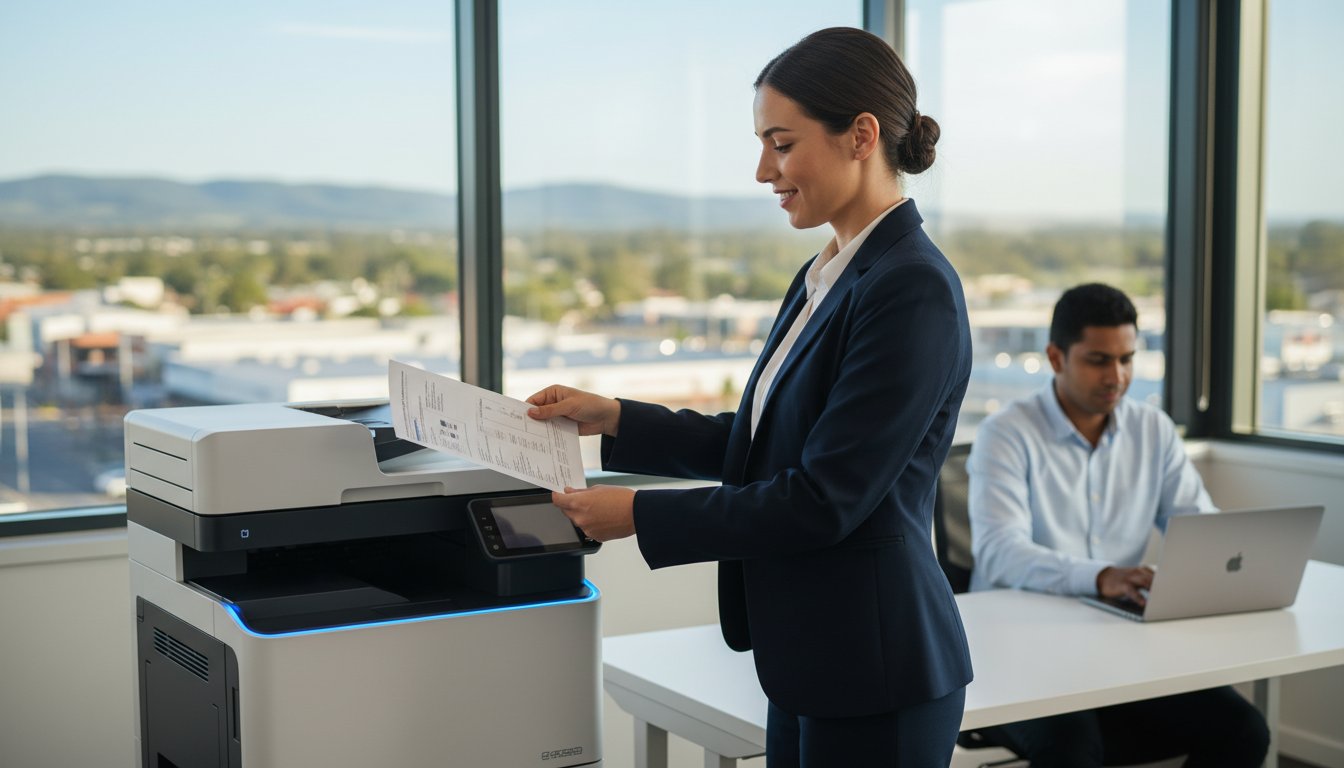
Imagine it’s 4:50 PM on a Friday afternoon in Toowoomba, and you’re trying to print a final contract, but your printer suddenly decides it’s “offline” for no reason. It’s a frustrating scenario we’ve seen over 500 times since we started Aspire Computing in 1999. Finding the best printer for a small office 2026 isn’t just about looking at the fastest page speeds; it’s about choosing a machine that won’t let you down when your business is on the line.
We understand that you’re tired of hidden toner costs and wireless security gaps that put your data at risk. You deserve technology that protects and connects your team without the constant headache of technical glitches or a lack of local support. This guide will reveal the most reliable and cost-effective printing solutions for 2026, backed by our 25 years of local IT experience in the Toowoomba region. You’ll learn how to avoid common hardware traps and exactly which models offer the best return on investment for your specific business needs.
Key Takeaways
- Understand whether the latest high-capacity ink tank systems or traditional laser toner models will provide the best cost-per-page for your specific printing volume.
- Learn how to choose the best printer for a small office 2026 by prioritizing advanced cyber security features and Wi-Fi 7 connectivity to protect your business data.
- Identify the ideal hardware category for your team, from compact home office solutions to multifunction workhorses designed for up to 10 employees.
- Discover why professional on-site setup is essential for ensuring your new device is correctly integrated into your secure network without the risks of standard “plug and play” configurations.
- Gain peace of mind with expert advice from local specialists on how to maintain business continuity through proper driver setup and staff training.
Choosing the Best Printer for a Small Office in 2026
In 2026, the office environment has moved far beyond simple connectivity. Security and hardware resilience are now the top priorities for any local workspace. Finding the best printer for a small office 2026 means looking for a device that shields your sensitive data while delivering consistent, high-quality output. A printer is no longer just an accessory; it is a vital network endpoint. If you need a foundational look at what is a printer and how the core technology functions, it is essentially a peripheral that creates a persistent human-readable representation of graphics or text on paper.
Modern small office needs have shifted toward high-speed multifunctionality. You need to scan directly to secure cloud folders, print from various mobile devices, and maintain a high monthly page volume without constant mechanical failures. We’ve noticed a significant change in buyer habits recently. Businesses are moving away from “disposable” $99 printers that end up in landfills after 12 months. Instead, they are investing in sustainable, repairable machines designed to last five years or more. This shift reduces long-term costs and supports a more eco-friendly business model.
To better understand how to select the right hardware for your workspace, watch this helpful video:
Why Your Printer Choice Affects Business Continuity
A failed printer does much more than stop a document from appearing in the tray. It brings invoicing to a halt, delays shipping labels, and stalls vital client communications. For a small Toowoomba business, even four hours of downtime can result in missed deadlines and frustrated customers. Don’t fall into the trap of “panic buying” the first cheap unit you see at a retail chain when your current machine breaks. Strategic hardware investment ensures your workflow remains uninterrupted. By selecting the best printer for a small office 2026, you are choosing reliability that keeps your business moving forward every day.
The Aspire Approach: More Than Just a Box
Since 1999, we’ve helped Darling Downs businesses stay ahead of technical hurdles. At Aspire Computing, we don’t just sell you a box and leave you to figure it out. Our “Protect and Connect” philosophy means we recommend brands like Canon, Epson, and Brother because they offer local reliability and readily available spare parts. We focus on three core pillars for every recommendation:
- Security: Robust protocols to prevent unauthorized access to your documents.
- Efficiency: Fast first-page-out times and high-capacity ink tanks to lower running costs.
- Support: Hardware that our local team can actually service and maintain over its lifespan.
We believe technology should work for you, not the other way around. Choosing the right printer is a long-term decision that impacts your daily efficiency and peace of mind.
Laser vs. Inkjet: Which Technology Wins for Business in 2026?
Choosing the best printer for a small office 2026 requires a fresh look at how technology has shifted. For decades, laser was the only choice for serious work. Now, high-capacity ink tanks provide a legitimate challenge. The decision depends on your monthly volume and what you actually print. While laser remains the gold standard for speed, the gap is closing fast.
The Case for Laser: Speed and Precision
Laser printers remain the reliable choice for text-heavy environments. Law firms and accounting practices in Toowoomba still rely on monochrome lasers because they produce sharp, smudge-proof text. A mid-range laser in 2026 typically offers a monthly duty cycle of 50,000 pages or more. This means the hardware is built to last through heavy use without failing. To identify the best printer for a small office 2026, you must weigh these durability advantages against your specific document needs.
Toner is a dry powder. It doesn’t dry out or clog print heads if you leave the office for a two-week holiday. This reliability is why many professionals check Top Small Office Printer Categories before committing to a purchase. If your office prints 500 pages in one day and then nothing for a week, laser technology offers the peace of mind you need. Consider these performance benchmarks for 2026 models:
- Print Speeds: High-end lasers now reach 45 pages per minute (PPM).
- First-Page-Out: Most business lasers deliver the first sheet in under 5.5 seconds.
- Longevity: Toner cartridges often yield 10,000 pages before needing a replacement.
The Rise of EcoTank and Business Inkjet
Modern ink tank systems have changed the financial math for small businesses. These machines use large refillable reservoirs instead of small, expensive cartridges. This can reduce your printing costs by up to 90% compared to traditional cartridge models. It also significantly cuts down on plastic waste, which helps your office meet sustainability goals. If you find your current setup is slowing you down or costing too much in consumables, a quick hardware upgrade might be the solution to keep your workflow moving.
Inkjets win when you need high-resolution colour for marketing flyers or internal presentations. While lasers are faster, modern business inkjets now achieve 25 PPM with almost no warm-up time. They excel in “mixed” environments where you print both spreadsheets and colour-rich reports. Because they don’t use a fuser unit to melt toner, they also consume about 80% less energy during a print cycle than their laser counterparts. This makes them a smart choice for offices looking to reduce their carbon footprint without sacrificing quality.
Key Features Your Small Office Printer Needs to Have
Choosing the best printer for a small office 2026 requires looking beyond the sticker price. You need a machine that fits your workflow while keeping your data safe from evolving threats. A 2025 security report found that unsecured printers are a primary entry point for network intrusions in Australian businesses. When you review PCMag’s Best Business Printers of 2026, you’ll see that security and connectivity now take priority over raw print speed.
Protecting Your Data at the Printer
Modern printers are essentially computers with hard drives and network access. If you don’t manage them, they become a security risk. Secure Print is a vital feature for 2026. It holds your document in a digital queue until you enter a PIN at the device. This stops sensitive payroll or client details from sitting in the output tray where others can see them. We often find that “unmanaged” printers lack the latest firmware, which leaves your office open to hackers. If you’re worried about your network safety, the Virus and Malware Removal experts at Aspire Computing can help you audit your hardware to ensure your office remains a secure environment.
Workflow Efficiency and Automation
Efficiency isn’t just about how many pages per minute a machine can churn out. It’s about how quickly you can move paper into your digital systems. In 2026, your printer should act as a bridge between your physical and digital files.
- Cloud Integration: Look for models that scan directly to OneDrive, SharePoint, or Google Drive. This cuts out the middle step of emailing files to yourself.
- Automatic Document Feeders (ADF): Don’t settle for a flatbed scanner if you handle multi-page contracts. An ADF can process 50 sheets at once, which is a 400% time saving over manual scanning.
- Wi-Fi 7 and Mobile Apps: With Wi-Fi 7 becoming standard in 2026, your printer should offer lag-free wireless printing. Smart apps allow you to order toner or scan documents from your phone while you’re away from your desk.
The real cost of a printer isn’t what you pay at the checkout. You must calculate the Total Cost of Ownership (TCO) over a 3-year period. This includes the price of toner, maintenance kits, and energy use. A cheaper unit often uses high-cost cartridges that make it more expensive by month 18 of operation. When searching for the best printer for a small office 2026, look for high-yield ink tanks or high-capacity toner cartridges to keep your long-term expenses low. Aspire Computing helps you “Protect and Connect” by ensuring your hardware choices align with your actual usage patterns and budget.

Top Small Office Printer Categories for 2026
Choosing the best printer for a small office 2026 requires looking past the initial price tag. You need to consider how your team actually works. We’ve categorised the leading options to help you identify the right fit for your specific environment.
- Best All-Rounder: For teams of 5 to 10 employees, a multifunction laser printer is the standard workhorse. These units manage high-speed scanning and double-sided printing, ensuring your workflow stays consistent during busy periods.
- Best for Home Offices: If you’re working from a dedicated home space, noise and size matter. The 2026 trend favours ink tank models that offer a compact footprint and incredibly low cost-per-page without the loud mechanical noise of older lasers.
- Best for High-Volume: When your business generates 3,000 or more pages every month, you need a machine with a high duty cycle. These models feature expanded paper trays and larger toner cartridges to reduce maintenance interruptions.
- Best for Creative Work: If you need to produce professional colour results locally for client presentations, high-resolution inkjet technology is the winner. These machines provide the depth and accuracy required for marketing materials and architectural renders.
The Workgroup Favourites
The 2026 models from Brother and Canon have shifted focus toward “repairable” designs. We prioritise these brands because they provide accessible spare parts and modular components. It’s much better for your bottom line when we can replace a specific roller or fuser rather than telling you the whole machine is scrap. Since Chaim Lee established Aspire Computing in 1999, we’ve focused on hardware that lasts. Selecting a durable workgroup printer ensures your office stays connected and productive. You can find more details on our local support services in our Printer Supply and Repair guide.
Specialised Solutions: Tabloid and Wide Format
Many businesses across the Darling Downs and Lockyer Valley require A3 printing for site plans, spreadsheets, or posters. While these machines have a larger footprint, the 2026 designs are more streamlined than ever. Balancing this size against your available office space is vital. We often help local firms integrate these wide-format solutions so they can keep their marketing production in-house. This saves significant time compared to outsourcing small print runs and keeps your sensitive data secure within your local network. Finding the best printer for a small office 2026 often means looking at these versatile A3 options to future-proof your operations.
Professional Setup and Support in Toowoomba
Buying the best printer for a small office 2026 is only the first step toward business efficiency. While manufacturers often promise “plug and play” simplicity, this marketing claim rarely holds up in a secure business environment. A printer that isn’t configured correctly can become a significant security vulnerability on your network. Since 1999, we’ve seen how basic setups often lead to dropped connections, driver conflicts, and frustrated staff members who can’t access essential features.
Professional on-site installation ensures your hardware works perfectly from day one. We handle the technical heavy lifting, including:
- Secure Driver Configuration: We ensure every PC and laptop in your office communicates seamlessly with the new unit without software glitches.
- Network Security: Our team protects your printer from unauthorized access by ensuring data encryption and secure port management.
- Staff Training: We show your team how to use advanced features like scan-to-cloud, secure release printing, and double-sided functions to reduce waste.
Ongoing maintenance is the difference between a five-year equipment lifespan and a hardware failure after eighteen months. Dust and toner buildup are responsible for approximately 70% of common printer jams and internal errors. Our ‘Quick Fix’ and ‘Fast Return’ philosophy means we prioritize getting your office back to work. We don’t believe in long wait times; if a part needs replacing, we source it quickly to maintain your business continuity and productivity.
Local Expertise You Can Trust
When you call for support, you aren’t reaching a distant, anonymous call center. You’re talking to Chaim Lee and a team that takes personal accountability for your technology. We’ve built our reputation on being a reliable, local expert for the Toowoomba and Newtown communities. Whether you’re based in the CBD or a surrounding regional Queensland suburb, we provide the same level of dependable service. If you’re struggling with more than just printing, our Computer Repairs Toowoomba services cover everything from hardware upgrades to total system recoveries.
Getting Started with a Tech Audit
Choosing the best printer for a small office 2026 requires a clear understanding of your specific workflow. We offer a comprehensive business tech health check to ensure your new printer fits into your existing ecosystem without causing bottlenecks. This audit examines your current network speed, security protocols, and device compatibility. If you’re currently facing issues, we offer both on-site and remote printer troubleshooting to resolve problems fast. Don’t panic about your office tech; talk to the local experts today to keep your business moving forward.
Future-Proof Your Toowoomba Workspace
Selecting the right hardware shouldn’t be a source of stress for your team. By weighing the benefits of laser versus inkjet technology and prioritizing features like cloud integration, you’ve already taken the first step toward a more efficient workflow. Finding the best printer for a small office 2026 involves balancing these technical specs with the peace of mind that comes from expert local maintenance. Since 1999, Aspire Computing has provided stable IT solutions to the Toowoomba community, ensuring that your hardware works as hard as you do.
Our technicians specialize in professional setup and on-site support for industry leaders like Canon, Epson, and Brother. We understand that a printer failure can halt your entire day, so we focus on quick fixes and dependable advice to keep your business moving. Don’t let technical hurdles slow down your growth. Reach out to a local expert who values your business continuity as much as you do. Talk to the Toowoomba Printer Experts at Aspire Computing today to find a solution that fits your specific needs. We’re ready to help you protect and connect your office for the years ahead.
Frequently Asked Questions
Is it cheaper to buy a new printer or repair an old one in 2026?
Buying a new printer is usually the smarter financial move if your current machine is over 4 years old or if the repair quote exceeds 50 percent of a new unit’s price. By 2026, the rising cost of specialized labor and the difficulty of sourcing legacy components make repairs less viable for entry-level models. We recommend a repair only for high-end enterprise machines that have significant life left in their internal drums and rollers.
What is the most cost-effective printer for a small business with low volume?
An ink tank printer is the most economical choice for businesses that print fewer than 100 pages per month but still want professional results. These machines use high-capacity refillable bottles that can lower your running costs by up to 80 percent compared to traditional cartridges. It’s often the best printer for a small office 2026 if you want to avoid the high price of frequent cartridge replacements and reduce plastic waste.
Do I really need a laser printer for my home office in Toowoomba?
You should opt for a laser printer if you primarily print text and want a device that handles Toowoomba’s dry climate without issues. Liquid ink can dry out and clog print heads during our low-humidity winter months, leading to wasted supplies and poor print quality. Laser toner is a dry powder that doesn’t evaporate, so it stays ready to use even if you leave the printer idle for several weeks.
How do I secure my office printer from cyber threats?
You can secure your device by changing the default administrator password and disabling unused network protocols like Telnet or FTP. A 2024 security report indicated that 68 percent of office printers remain vulnerable because they use factory-set credentials. We recommend placing your printer behind a managed firewall and updating the firmware every 6 months to protect your network from unauthorized access and data leaks.
Which printer brands are the easiest to get repaired in regional Queensland?
Brother and HP are the most reliable brands for regional Queensland users because they maintain the largest network of authorized service providers. Brother has supported Australian businesses since 1977, ensuring that parts are stocked locally in hubs like the Darling Downs. Choosing these brands means you won’t have to wait weeks for a technician or pay exorbitant shipping fees for parts coming from overseas warehouses.
What is the difference between an ink tank printer and a cartridge printer?
The main difference lies in how the ink is stored and delivered to the page. Cartridge printers use small, disposable plastic shells that often hold less than 10ml of ink, while tank printers use large, refillable reservoirs. A single tank refill can often handle 6,000 pages, which is significantly more than the 200 pages you might get from a standard cartridge. This makes tank systems much more efficient for long-term use.
Can Aspire Computing help set up my printer on a complex office network?
Yes, Aspire Computing provides expert setup services to ensure your printer integrates perfectly with your existing network architecture. Chaim Lee and our team have been solving connectivity issues for Toowoomba businesses since 1999, handling everything from wireless configuration to secure scan-to-email settings. We make sure your equipment is both functional and secure, following our mission to protect and connect your local business technology.
Should I buy a printer from a big-box retailer or a specialised IT provider?
Buying from a specialized IT provider is the best way to ensure you receive a machine that matches your actual monthly duty cycle and security needs. Big-box retailers focus on high-volume sales of consumer-grade hardware that may not withstand heavy office use. We help you select the best printer for a small office 2026 and provide ongoing professional support that retail chains simply don’t offer after you leave the store.

B.App.Sc., Cert. Computer Engineering PC Service and Repair
As the owner of Aspire Computing founded in 1999, Chaim Lee has been working for over 20 years as the Leading Computer Technician.
He has a life long interest in electronics, computing, science and technology. He has completed studies and gained qualifications in Applied Science, Computer Repair and Service, Microsoft Installation and Maintenance, Technical Writing, Workplace Training, and Technical Sales Training.

Write a Comment