
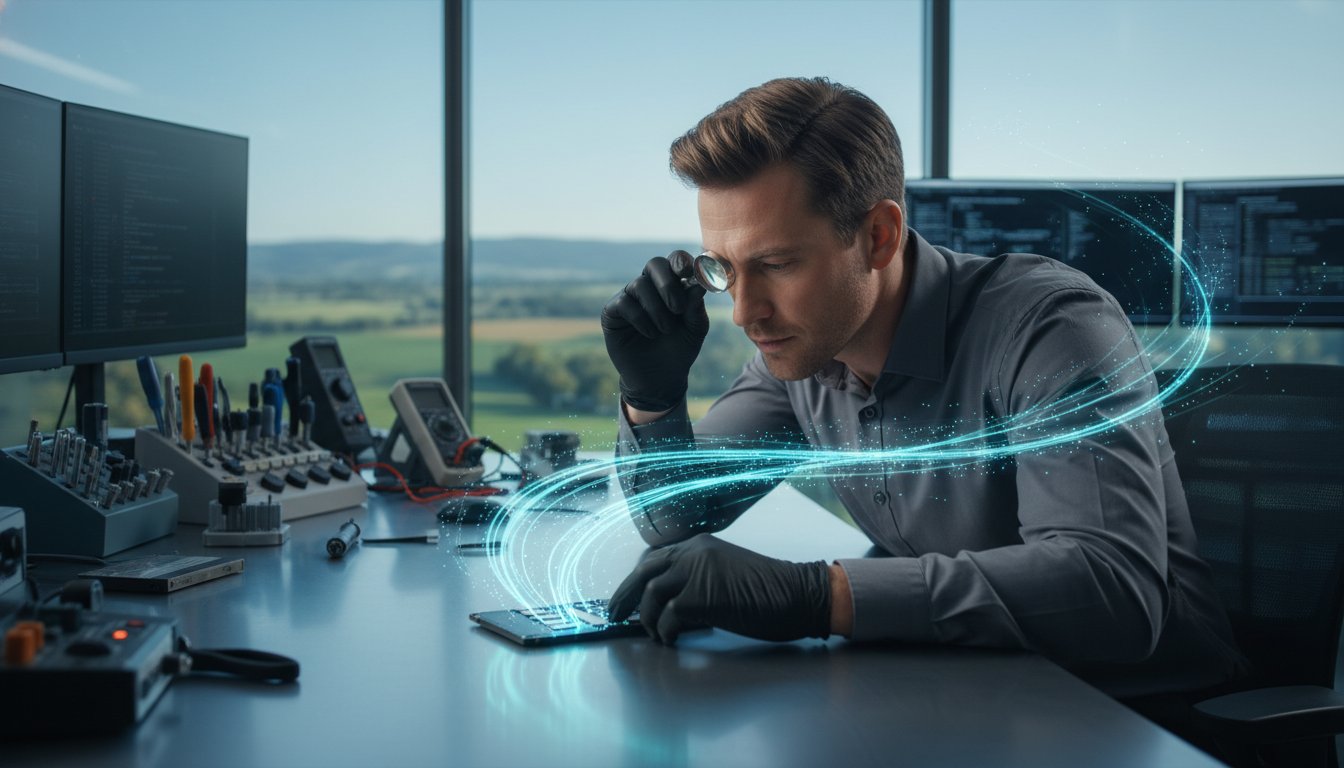
Can data actually be recovered from a dead SSD, or is it gone forever the moment your screen displays a “no bootable device” error? If you’re staring at a blank screen and worrying about your photos or business documents, you aren’t alone. Many people in our community feel a sense of dread when they realize their modern drive has gone silent. Because SSDs use NAND flash memory and features like the TRIM command, recovering your files is often a specialized race against automated data deletion. Our team provides professional SSD data recovery Toowoomba residents can rely on to handle these unique technical challenges right here in town.
We understand the anxiety of thinking your sensitive information might need to be shipped away to a distant lab or that you’ll face astronomical costs for a clean room. You deserve a local expert you can actually talk to about your recovery success rate and turnaround time. In this guide, you’ll discover why SSD failure happens and how our experienced team uses advanced tools to get your files back safely. We’ll walk through the immediate steps you should take to protect your data and show you how we manage the recovery process without the months-long wait.
Key Takeaways
- Understand the unique “sudden death” failure of SSDs and how NAND flash technology differs from traditional hard drives.
- Learn why powering down your device immediately is the most important step to prevent the TRIM command from permanently wiping your data.
- Discover why free DIY recovery software often does more harm than good when dealing with failing SSD hardware.
- Access professional SSD data recovery Toowoomba services locally in Newtown to ensure your sensitive information never has to leave the region.
- Gain confidence by understanding the recovery process and the professional standards used to maximize your chances of a successful file retrieval.
Why SSD Data Recovery in Toowoomba is Different
Most people are familiar with the old hard drives that clicked or whirred when they started to fail. A Solid-state drive (SSD) is entirely different. It uses flash memory chips, similar to a high speed USB stick but much more complex. Because there are no moving parts, they are quieter and more durable against physical drops. However, this same technology makes recovery a specialized task. When these drives fail, they don’t give you the warning signs of a clicking motor. Instead, they often enter what professionals call “Sudden Death” syndrome.
One day your laptop works perfectly; the next, it simply won’t turn on. This happens because the controller chip on the SSD has failed or the firmware has become corrupted. Without those mechanical “cries for help,” you might not realize your data is at risk until it’s already inaccessible. This is why SSD data recovery Toowoomba requires a different approach than traditional drive repair. We focus on the electronic health of the NAND chips where your files actually live.
To better understand how these drives are handled in a professional setting, watch this helpful video:
For residents across the Darling Downs, finding a local expert is about more than just convenience. At Aspire Computing, located in Newtown, we’ve spent years helping our neighbors recover from these technical heartaches. We know that your files aren’t just data; they are years of family photos or critical business records. Our team understands the urgency when a drive fails silently, and we’ve built our reputation on being the long standing choice for the region.
Common Signs of SSD Failure
Recognizing the early warning signs can be the difference between a successful recovery and permanent loss. If your computer boots directly to the BIOS or shows a “No Boot Device” screen, your drive is likely struggling to communicate. You might also notice frequent “Blue Screen of Death” (BSOD) errors, especially when you try to save or move large files. In some cases, your files may suddenly become “read-only,” meaning you can look at them but can’t make any changes. If files start disappearing from your folders without any action on your part, it’s time to seek professional help immediately.
Why Local Toowoomba Support Matters
Choosing a local service provider offers several layers of security and peace of mind. Shipping your sensitive hardware to Brisbane or Sydney adds unnecessary risks. Packages can get lost or damaged in transit, and you lose the ability to speak directly with the technician handling your case. By visiting our Newtown office, you can have a face to face consultation to discuss which files are your highest priority. We have a deep understanding of the local small business IT needs throughout Toowoomba and the Lockyer Valley. This local expertise ensures your SSD data recovery Toowoomba experience is handled with personal care rather than being treated as just another ticket in a distant corporate queue.
The Science of SSD Recovery: TRIM and NAND Flash
Understanding where your files actually go is the first step toward retrieving them. Inside your drive, data is stored in NAND flash memory. These are non volatile storage chips that hold information even when the power is off. Unlike a traditional hard drive that writes data to a spinning magnetic platter, an SSD writes to these microscopic electronic cells. While this makes your computer faster, it also means that SSD data recovery Toowoomba requires specialized electronic knowledge rather than mechanical repair. If your drive has gone silent, the data is likely still there; it’s just locked behind a layer of complex circuitry.
One of the most significant hurdles in modern recovery is the TRIM command. This is an automated housekeeping process that complicates recovery by telling the SSD which data blocks are no longer in use. On an old hard drive, “deleted” data stays on the platter until it’s overwritten. On an SSD, the TRIM command actively wipes those blocks to maintain high write speeds. This creates a literal race against time. The moment you realize files are missing, you must stop using the device. Following professional data backup and disaster recovery standards is the best way to prevent this, but if you’re already facing a loss, immediate power down is your best defense.
How TRIM Impacts Your Data
When you delete a file or format a drive, the operating system sends a signal to the SSD. The drive then prepares those NAND cells for new data by clearing them out in the background. If the drive stays powered on, the TRIM command will eventually finish its task, making the original data physically impossible to retrieve. This is why we emphasize that you should never try to “repair” the drive yourself with standard software. Every minute the drive is powered, the chance of the “silent cleaner” erasing your history increases.
Controller vs. Flash Chip Failure
Every SSD has a controller, which acts as the “brain” of the device. It manages where data is stored and handles “wear leveling” to ensure the flash chips don’t wear out too quickly. If the controller fails, your data is often still perfectly healthy on the chips, but it’s effectively “orphaned” because the brain can’t find it. Our team at Aspire Computing uses specialized hardware tools that can bypass a failed controller. This allows us to talk directly to the NAND chips and reconstruct your files. Diagnosing whether the issue is a dead brain or worn out storage cells is the first thing we do when you bring your device into our Newtown office. If you’re worried about a sudden failure, we can help you understand the health of your drive before the data becomes inaccessible.
Because SSDs have their own internal operating systems, standard Windows or Mac tools often can’t see the drive once the controller locks up. Professional SSD data recovery Toowoomba involves using factory mode commands to stabilize the drive. This bypasses the errors that cause your computer to freeze, allowing us to clone the healthy portions of your NAND chips safely. It’s a delicate process, but it’s the most reliable way to ensure your family photos or business databases are returned to you intact.
Professional SSD Recovery vs. DIY Software
When your computer stops booting, it is tempting to search for a quick fix online. You’ll find dozens of “free” recovery tools claiming to solve your problem in minutes. While these might work for a simple accidental deletion on a healthy drive, they are dangerous for a failing SSD. Using standard software on a drive with firmware or controller issues is like forcing a person with a broken leg to run a marathon. The intense scanning process puts immense stress on the NAND chips, often leading to a permanent hardware “lock” that makes the data gone forever. For a safe result, SSD data recovery Toowoomba specialists use hardware based methods that don’t strain the dying components.
One of the most common mistakes we see at our Newtown office is the “overwrite” error. If you download and install recovery software onto the same drive you’re trying to save, you are actively writing new data over your lost files. Because of how SSDs manage space, this new data can immediately trigger the background deletion of your original files. If your drive is acting up, the best thing you can do is leave it alone. Software can’t fix a physical controller failure or a corrupted electronic circuit. Professional tools allow us to clone your drive at a hardware level, ensuring we only read the data once and never write anything back to the original device.
The Dangers of ‘Free’ Recovery Tools
Many “free” tools found online are actually scamware designed to trick you into paying for a license after a long scan. More importantly, these programs are generic. They don’t understand the specific brand failure patterns of a Samsung, Crucial, or SanDisk drive. A software scan creates high heat and constant electronic activity. If your SSD has a weak controller, this activity can cause the chip to burn out completely during the scan. Our SSD data recovery Toowoomba service uses professional hardware imagers that can handle read errors gracefully without crashing the drive’s internal OS.
Why a Professional Assessment is Safer
Safety is our priority. We use specialized hardware called write blockers to ensure that not a single bit of data is changed on your drive during our assessment. This is a level of protection that home software simply cannot provide. Our team has been working with storage technology since 1999, which gives us a deep library of experience in identifying specific failure modes before we even start the recovery. If you want to understand the full scope of how we handle these cases, you can read more about our Data Recovery Services and our methodical approach to file retrieval.
Knowing when to stop is the most important part of the process. If your drive is making your computer freeze or if it disappears and reappears in your device manager, it has a hardware problem. In these cases, software is not the answer. We provide a calm, professional environment where you can get a clear answer about the health of your drive without the risk of making the situation worse. We’ve helped many local businesses and families get their digital lives back by choosing the right tool for the job from the very beginning.
Immediate Steps to Save Your SSD Data
The moment you realize your files are missing or your computer won’t boot is a crisis point. Your first instinct might be to try “one more reboot” or a Windows repair. Please, don’t do it. Every second your drive has power, it’s performing background tasks that could be erasing your files forever. Because of the “Sudden Death” syndrome we discussed earlier, your drive is in a fragile state. The most important thing you can do for SSD data recovery Toowoomba is to stop all activity immediately. Taking the right steps in the first five minutes can be the difference between a total recovery and a permanent loss.
There are several common myths that can actually destroy your chances of getting data back. You might have heard of the “freezer trick” for old hard drives. While that sometimes helped stuck mechanical motors, it’s a disaster for an SSD. The cold introduces moisture that can short out the sensitive electronic circuits and NAND chips. Similarly, trying to “reinstall Windows” or “reset” the PC is fatal. These processes write massive amounts of new data to the drive, which will immediately overwrite the very files you’re trying to save. If the drive is failing, let it rest.
Your SSD Emergency Checklist
- Step 1: Shut down immediately. Don’t use the standard “Shut Down” menu if the computer is freezing. Hold the power button down until the screen goes black. This cuts power to the drive and stops the TRIM command from wiping data blocks.
- Step 2: Unplug external drives. If you’re using an external Samsung, Kingston, or WD SSD, pull the USB cable out now. Don’t worry about “safely removing” it through software; physical disconnection is safer when the hardware is failing.
- Step 3: Avoid disk repair commands. Never run “chkdsk” or other disk repair utilities. These tools are designed to fix the file system, not the hardware. They often move data around to “fix” errors, which can destroy orphaned data that we could otherwise recover.
What Information to Provide Your Technician
When you bring your device into our Newtown office, having a few details ready helps us speed up the process. Think about what happened just before the failure. Was there a sudden power surge during a storm, or did a liquid spill occur? This tells us if we’re looking for electronic damage or firmware corruption. Knowing which files are your highest priority, such as your “Accounting” folder or specific family photos, allows us to target those blocks first during the recovery process. Finally, try to identify if your drive is a standard 2.5 inch SATA SSD or a newer M.2 NVMe stick. This helps us prepare the right hardware imagers for your SSD data recovery Toowoomba assessment.
If you’re currently staring at a “No Boot Device” screen, the best thing you can do is stay calm and keep the power off. We’re here to help you through the technical steps and provide a clear path to getting your digital life back. Contact us at Aspire Computing to discuss your situation with a local expert who understands exactly what you’re going through.
Toowoomba’s Trusted SSD Recovery Experts
When you are facing the potential loss of years of work or cherished family memories, you don’t want to deal with a faceless corporation in another city. You need someone local who understands the urgency of your situation. At Aspire Computing, our office in Newtown is designed to be a sanctuary for your data. We provide the specialized SSD data recovery Toowoomba residents have trusted for years. We believe in personal accountability, which is why you will talk directly to the expert handling your drive. There is no middleman and no confusing call center; just straightforward, professional help when you need it most.
We know that the cost of recovery is a major concern for many people. To help reduce your anxiety, we operate with a “No Recovery, No Fee” policy. If we cannot successfully retrieve your critical files, you won’t be charged for the recovery service. This commitment ensures that our goals are perfectly aligned with yours. Our primary mission is to get your digital life back on track safely and efficiently. While we specialize in complex data retrieval, we also provide comprehensive Computer Repairs Toowoomba for those times when your hardware just needs a reliable fix or an upgrade to prevent future failures.
Serving Toowoomba and the Darling Downs
Our roots in this community run deep. Since 1999, we have supported home offices and small businesses across Highfields, Glenvale, and Middle Ridge. This long history means we have seen every generation of SSD technology, from the very first consumer drives to the latest high speed NVMe modules. We understand the specific IT needs of local businesses in the Lockyer Valley and the Darling Downs. Whether you are a student at USQ or a professional running a firm in the CBD, you get the same high level of care and technical expertise. We take pride in being a local fixture that our neighbors can rely on during a technical crisis.
Get Your Files Back Today
Time is a critical factor in data retrieval. Our local presence allows for much faster turnaround times than shipping your drive away. We maintain strict, secure, and confidential data handling processes to ensure your sensitive information stays private throughout the entire journey. We don’t just recover your files; we help you set up better data backup systems to ensure you never have to go through this stress again. If your drive has failed, don’t wait for the TRIM command to make the damage permanent. Contact Aspire Computing for SSD Recovery today and let a local professional give you a clear, honest assessment of your data.
Your data is too important to leave to chance or generic software. By choosing SSD data recovery Toowoomba experts, you are choosing a team that cares about the outcome as much as you do. We invite you to call us or visit our Newtown office to discuss your specific situation. We will walk you through the process, explain the success rates for your specific drive model, and start the work of getting your files back where they belong.
Restore Your Files and Your Peace of Mind
Your digital life shouldn’t be lost because of a silent hardware failure. We have explored how SSDs behave differently than traditional drives, particularly regarding the automated deletion triggered by the TRIM command. By choosing to power down your device immediately and avoiding the stress of unreliable DIY software, you have already improved your chances of a successful retrieval. Our team has been serving the local community since 1999, and we use specialized SSD diagnostic hardware to bypass failed controllers safely.
You don’t have to navigate this technical crisis by yourself. We invite you to visit our local Newtown office for a secure drop-off and a personal consultation regarding your SSD data recovery Toowoomba needs. We’ll provide a methodical assessment and a clear path toward getting your documents and photos back where they belong.
Request an SSD Data Recovery Assessment in Toowoomba
We are ready to help you retrieve what matters most. Your files are often still there; they just need the right local expert to find them and bring them home.
Frequently Asked Questions
Is SSD data recovery more expensive than hard drive recovery?
SSD recovery often requires more specialized equipment than traditional drives because the technology is electronic rather than mechanical. The process involves complex reconstruction of data across multiple NAND chips and bypassing failed controllers. While the technical requirements are higher, we provide a clear assessment before starting any work so you understand the scope of the project without any surprises.
How long does it take to recover data from an SSD in Toowoomba?
Most cases are completed within a few business days, though the exact timeframe depends on the drive’s specific failure mode. A logical recovery for deleted files is usually faster than a hardware repair involving a failed controller or corrupted firmware. Because we provide SSD data recovery Toowoomba services locally, you save the significant time usually lost to shipping and interstate handling.
What is the success rate for recovering data from a dead SSD?
Success rates are generally high if the drive is powered down immediately after the failure is noticed. The primary factor is whether the internal NAND chips are still healthy even if the controller has died. If the chips themselves have physically burnt out or the data was overwritten by the TRIM command, recovery becomes much more difficult, which is why immediate action is vital.
Can you recover data from an SSD that has been formatted?
Recovery from a formatted SSD is a race against the TRIM command, which is designed to wipe data blocks to keep the drive fast. If you have accidentally formatted your drive, turn it off right away. There is a chance we can retrieve the information if the drive hasn’t had time to complete its background cleanup cycles or if the TRIM command was not successfully executed.
My laptop won’t turn on; is the data on the SSD still safe?
Your data is usually safe in this scenario because the SSD is a separate storage component from the laptop’s motherboard or power supply. If the laptop won’t turn on due to a battery, charging port, or screen issue, the drive itself is likely unaffected. We can remove the drive and use professional hardware tools to access your files directly and move them to a secure backup.
Do I need to send my SSD to a clean room in a big city?
SSDs rarely require a clean room because they don’t have moving parts or sensitive magnetic platters that react to microscopic dust. Most repairs involve electronic work, component replacement, or firmware manipulation that can be done in a specialized lab environment. We handle these technical cases right here in Toowoomba, ensuring your sensitive data stays within the local region.
Can you recover data from encrypted SSDs (like BitLocker)?
We can recover data from encrypted drives, but you will need to provide the recovery key or the original account password. Encryption is designed to make data unreadable without these keys to protect your privacy. If the drive has hardware damage, our SSD data recovery Toowoomba process focuses on repairing the drive first so the encrypted volume can be unlocked with your credentials.
What should I do if I spilled water on my SSD-equipped laptop?
Power the laptop off immediately and do not try to turn it back on to check if it still works. Water can cause short circuits that permanently damage the NAND flash chips where your data lives. Dry the exterior with a soft towel and bring the device to a professional as soon as possible. Avoid using rice, as it does not stop internal corrosion and can introduce dust into the ports.

B.App.Sc., Cert. Computer Engineering PC Service and Repair
As the owner of Aspire Computing founded in 1999, Chaim Lee has been working for over 20 years as the Leading Computer Technician.
He has a life long interest in electronics, computing, science and technology. He has completed studies and gained qualifications in Applied Science, Computer Repair and Service, Microsoft Installation and Maintenance, Technical Writing, Workplace Training, and Technical Sales Training.
