
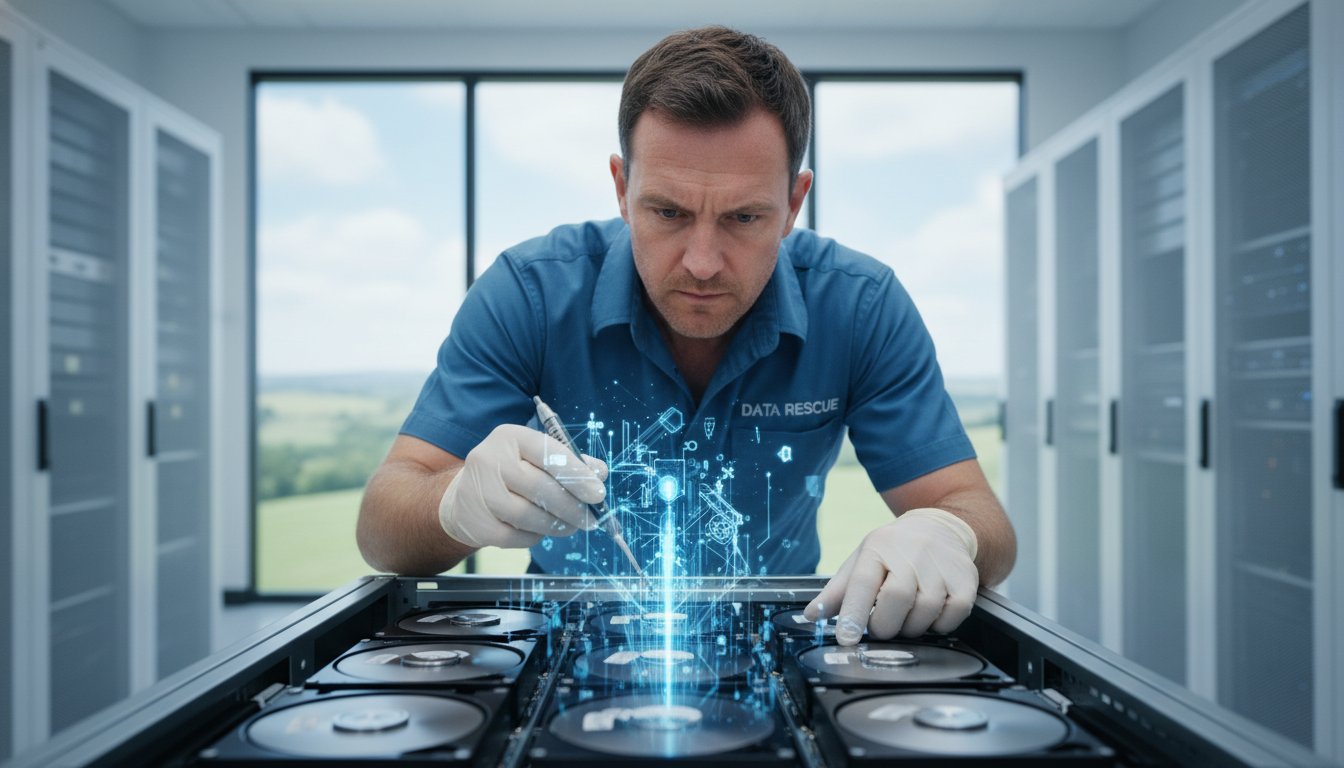
Imagine arriving at your Toowoomba office only to find your server’s RAID array has gone dark and your business operations have ground to a halt. It’s a moment of pure panic that any business owner dreads. You’re likely worried about the mounting cost of downtime and the terrifying possibility that years of critical files are gone for good. With publicly reported data breaches in Australia increasing by 48% in 2025, the pressure to keep your data secure and accessible has never been higher.
You shouldn’t have to deal with the added anxiety of shipping sensitive drives to a distant lab in another city. I understand that you need a local expert you can trust to handle your hardware with care. This guide explains how professional RAID data recovery services in Toowoomba can help you achieve a full restoration of your business files. We will look at why local expertise matters, how we tackle complex failures, and the specific steps taken to ensure a fast turnaround so you can resume operations with confidence.
Key Takeaways
- Learn the critical difference between a single drive failure and a total RAID array collapse to understand your recovery options.
- Discover how professional RAID data recovery services use safe drive imaging techniques to restore your files without risking original hardware.
- Understand why RAID levels like 1, 5, and 10 offer better redundancy compared to the high-risk nature of RAID 0 configurations.
- Identify the immediate steps you must take when a server fails, including why you should never attempt a “rebuild” on clicking drives.
- Find out how local expertise in Toowoomba and the Darling Downs offers a faster, more secure way to resume business operations after a crash.
Understanding RAID Failure: Why Servers and NAS Systems Stop Working
RAID technology is the backbone of most business servers and Network Attached Storage (NAS) units in Toowoomba. By using RAID (Redundant Array of Independent Disks), your business can store data across several drives. This setup is designed to provide safety. If one drive fails, the system keeps running. However, RAID isn’t a substitute for a backup. A total array collapse happens when the system’s fault tolerance is exceeded, such as two drives failing at once in a RAID 5 setup. When this occurs, your files become inaccessible and your business operations stop.
You’ll often see warning signs before a total shutdown. A “Degraded” status in your server management software is a clear red flag. You might also notice orange or red flashing lights on the front of your server chassis. If you hear clicking or grinding noises, or if the controller card reports a “RAID Failure” message, you need to act quickly. Professional RAID data recovery services are often the only way to retrieve data once the array has stopped mounting and standard troubleshooting fails.
Common Causes of RAID and Server Crashes
Many factors can bring down a server. Power surges are a frequent culprit in the Darling Downs region. A sudden outage can damage the RAID controller card, which is the “brain” that tells the drives how to work together. If the controller fails, the drives can’t communicate, and the data looks like a scrambled mess. Simultaneous drive failure is another common issue. Drives from the same manufacturing batch often have similar lifespans, so they might fail within days or even hours of each other. Finally, human error plays a large role. Accidental reformatting or pulling the wrong drive during a rebuild can turn a minor problem into a major disaster.
Logical vs. Physical RAID Damage
Understanding the type of damage is vital for a successful recovery. Physical damage occurs when the internal parts of a drive fail, such as a head crash or motor seizure. These cases require a clean-room environment to open the drive safely. Logical damage is different. The hardware might be fine, but the data structure is corrupted. This can happen due to software bugs or improper shutdowns. Parity is a mathematical method used by RAID controllers to reconstruct missing data when a drive fails by using checksums from the remaining disks. At Aspire Computing, we provide specialized RAID data recovery services to address both logical and physical issues. We focus on recovering your business data safely and efficiently to minimize your downtime.
RAID Data Recovery Services: Levels, Configurations, and Complexity
Small businesses across Toowoomba typically rely on a few specific RAID levels to keep their data safe. RAID 1, 5, and 10 are the most common configurations I see in local offices. These setups are popular because they offer a safety net. For instance, RAID 1 mirrors your data across two drives. If one fails, the other keeps your business running without any data loss. Understanding how RAID storage improves data redundancy helps business owners choose the right hardware for their needs. However, RAID 0 is the exception. It strips data across drives for speed but provides zero redundancy. If a single drive in a RAID 0 array fails, the entire volume is lost. This makes RAID data recovery services for RAID 0 much more complex and time-consuming.
Many local businesses also use Network Attached Storage (NAS) units from brands like Synology or QNAP. While these devices are user-friendly, they often use proprietary configurations. Synology Hybrid RAID (SHR) is a prime example. These systems add layers of complexity to the recovery process because the data isn’t distributed in a standard, predictable way. When these proprietary systems fail, standard off-the-shelf recovery software usually won’t work. It takes an experienced eye to manually reconstruct the array parameters.
Recovering Data from RAID 5 and RAID 6
RAID 5 and 6 are favorites for larger storage needs because they use “parity.” This is a mathematical calculation that allows the system to rebuild missing data if a drive dies. It sounds like a perfect safety feature, but it’s where many businesses run into trouble. When a drive fails, the array becomes “degraded.” Attempting to rebuild a degraded array puts immense stress on the remaining healthy drives. If a second drive has a hidden fault, the rebuild process often triggers a total crash. Professional RAID data recovery services avoid this risk by determining the exact drive order and stripe size before attempting any data reconstruction.
NAS Data Recovery: Synology, QNAP, and Beyond
NAS devices don’t use standard Windows file systems. Instead, they rely on Linux-based systems like EXT4 or the more modern BTRFS. Recovering files from these requires specialized knowledge of how Linux handles data blocks and inodes. I also frequently deal with encrypted volumes and complex folder permissions that can block access even after the hardware is stabilized. We provide Data Recovery Services for all major NAS hardware brands. If your office NAS has stopped responding, don’t keep restarting it. Reach out to Aspire Computing for a professional assessment to ensure your business files are recovered safely.
The Professional RAID Recovery Process: From Diagnosis to Data Restoration
When you bring a failed array to me, the first step is always a thorough diagnosis. I look at the physical health of every drive in the set. This initial assessment identifies the RAID level and the extent of any file system corruption. It’s a methodical stage where I determine if the failure is due to a single component or a complex chain reaction. By understanding the root cause, I can tailor the RAID data recovery services to your specific situation, ensuring the highest chance of success.
Once the diagnosis is complete, I move to virtual reconstruction. This involves rebuilding the array within a specialized virtual environment. By doing this, I can extract the original file structure and folder hierarchy. It allows me to test different configurations without risking your data. This stage is where technical expertise meets specialized tools to piece back together the digital puzzle of your business files. I focus on accuracy to ensure that the data we pull is exactly as it was before the crash.
Why Imaging is the Most Critical Step
I never work directly on your original hardware. Instead, I create “bit-for-bit” clones of every drive in the array. This process is called imaging. It’s the most vital part of the recovery because it protects your original disks from further mechanical degradation. If a drive is already failing, every second it spins could lead to permanent damage. I use specialized hardware imagers designed to handle drives with “bad sectors.” These tools can read data that standard computers simply can’t reach. By working from clones, I ensure your original data remains untouched and safe throughout the entire process.
Verifying Your Recovered Files
I believe in clear communication and transparency. Before finalizing the service, I provide you with a comprehensive file list for your approval. You’ll be able to see exactly which documents, databases, and photos have been retrieved. This gives you peace of mind knowing the recovery was successful before you commit. We take Cyber security seriously during this stage. Your data is handled with strict confidentiality and stored on secure, isolated systems. For the final delivery, you have options. I can transfer your files to a new encrypted external drive or provide a secure cloud transfer. My goal is to get your business back on its feet with a fast turnaround and clear results.
What to Do (and What to Avoid) When Your RAID Array Fails
The moment you realize your server is down, the clock starts ticking on your business operations. It’s easy to feel rushed. However, the actions you take in the first ten minutes determine whether your data is recoverable. My golden rule is simple: stop using the device immediately. Every second a failing RAID spins, it risks overwriting data or causing physical platter damage. If you hear clicking, grinding, or whirring, the internal components are likely failing. Forcing a “rebuild” in this state is a recipe for permanent loss. Rebuilding an array is a high-stress process for hard drives. If one disk has already failed and another is on the verge, the rebuild will likely push the second drive over the edge.
Don’t trust “free” or cheap DIY recovery tools. RAID structures are complex. These programs often try to write to the drives or misinterpret the parity data. This can permanently scramble the array beyond any hope of professional RAID data recovery services succeeding. Before you pull any drives from the chassis, grab a marker and some tape. Label every single drive with its original slot number, such as Slot 1 or Slot 2. The drive order is essential for reconstructing the data correctly. If you lose track of which drive goes where, the recovery becomes much more difficult and time-consuming.
Emergency Checklist for RAID Failure
- Power down the server or NAS safely. Use the proper shutdown procedure rather than pulling the power cable to avoid file system corruption.
- Document the failure. Note the exact error codes, the pattern of flashing lights, and any unusual sounds.
- Keep drives in their place. Never swap the positions of the drives in the array, as the controller expects a specific sequence.
Safe Transport for Your Drives
Toowoomba’s weather can be harsh, and heat is a major enemy of hard drives. If you’re bringing your drives to me, keep them in a cool, climate-controlled part of your vehicle. Physical shock is another risk. Use anti-static bags for each drive to prevent electrical discharge. Wrap each bag in at least two inches of bubble wrap. A sturdy box is always better than a padded envelope. If you’re unsure how to remove the drives without damaging the delicate connectors, I can help. Contact me for Computer Repairs Toowoomba if you need professional assistance on-site to remove the hardware safely.
If your server has failed, don’t take risks with your business continuity. Reach out to Aspire Computing immediately for expert RAID data recovery services and get your critical data back safely.
Local RAID Recovery in Toowoomba: How Aspire Computing Protects Your Business
When your server fails, you don’t want to deal with an impersonal call centre or wait for a ticket number from a national lab. You need a local partner who understands the urgency of your situation. At Aspire Computing, I provide personalised RAID data recovery services right here in Toowoomba. With over 25 years of experience, I’ve seen almost every type of server crash imaginable. My focus goes beyond just retrieving a few lost documents. I prioritise your Business Continuity to ensure your entire operation can resume as quickly as possible. You’ll speak directly with me, the technician handling your drives, ensuring clear communication without the corporate distance.
I offer on-site assessments for businesses across the Darling Downs and Lockyer Valley. You don’t have to deal with the risks and delays of shipping sensitive hardware to a lab in Brisbane. Fast turnaround is critical for business servers. My local presence ensures we start the recovery process immediately. Beyond emergency repairs, I offer IT Support for Business to help you identify vulnerabilities before they lead to another array failure. This proactive approach helps keep your systems stable and your data secure.
Serving Toowoomba and the Darling Downs Since 1999
I’ve been helping local businesses recover from technical disasters for over two decades. My history in the region means I understand the unique needs of our local commercial community. Whether you’re a small office in the CBD or a larger operation in the Lockyer Valley, I provide the same level of dedicated, expert care. This long-standing history provides a sense of stability that national providers simply can’t match. When you call, you aren’t just a number. You’re a local business owner who needs their data back, and I’m committed to making that happen as efficiently as possible.
Beyond Recovery: Implementing Robust Backup Solutions
A successful recovery is only the first step. I work with my clients to ensure they never face the same panic again. This involves setting up a “3-2-1” backup rule: three copies of your data, on two different types of media, with one copy stored off-site. I supply and install high-quality hardware from trusted brands like Western Digital and Seagate to build more resilient arrays. Whether you need to recover lost files or want to harden your data infrastructure, I’m here to help. Contact Aspire Computing for an immediate RAID assessment and let’s get your business data back on track.
Restore Your Business Operations with Confidence
A server failure is a stressful event, but it doesn’t have to be the end of your business data. By acting quickly and powering down your system, you’ve already taken the most important step toward a successful restoration. Professional imaging and virtual reconstruction are the safest ways to handle complex array failures without risking further damage to your original hardware.
At Aspire Computing, I’ve been helping Toowoomba businesses navigate technical disasters since 1999. Whether you’re running a Synology NAS, a QNAP unit, or a complex Windows Server environment, I have the experience to piece your digital puzzle back together. You don’t need to risk shipping sensitive drives to another city when expert RAID data recovery services and local on-site support are available right here in the Darling Downs.
I’m ready to help you get back to work with a clear, methodical plan for your data restoration. Get a Professional RAID Assessment in Toowoomba Today and let’s secure your business continuity. Your critical files are too important to leave to chance.
Frequently Asked Questions
How much does RAID data recovery cost in Australia?
The cost of recovering data from a RAID array depends on the complexity of the failure and the number of drives involved. Simple logical issues are generally less expensive than mechanical failures that require specialized clean-room work. Every case is unique, so a professional assessment is the only way to get an accurate quote tailored to your specific server or NAS configuration.
Is it possible to recover data from a RAID 5 with two failed drives?
Yes, it is possible to recover data from a RAID 5 with two failed drives, but it requires professional intervention. RAID 5 can only survive a single drive failure using its parity data. When a second drive fails, the array collapses. Recovery involves creating bit-for-bit clones of all drives and manually reconstructing the data blocks, which is a core part of our RAID data recovery services.
Do I need to bring in the entire server or just the hard drives?
In most cases, you only need to provide the hard drives, but bringing the entire server or NAS unit can be very helpful. The RAID controller or the NAS chassis contains configuration metadata that can speed up the reconstruction process. If you aren’t comfortable removing the drives yourself, I can assist you on-site in Toowoomba to ensure the hardware is handled safely.
How long does the RAID recovery process usually take?
Most RAID recovery cases are completed within three to five business days. The exact timeline depends on the total volume of data and the physical health of the drives. If a drive has mechanical damage, the imaging process takes longer. I focus on providing a fast turnaround for local businesses because I know how much downtime costs your operations.
Can you recover data from a NAS that has been factory reset?
Data can often be recovered after a factory reset if the drives haven’t been heavily overwritten with new information. A reset typically wipes the configuration settings and file pointers rather than the actual data sectors. Using professional tools, I can scan the raw sectors of the drives to find and restore your original folder structures and critical business files.
What is the “No Data, No Charge” policy and do you offer it?
A “No Data, No Charge” policy generally means you only pay the recovery fee if your essential files are successfully retrieved. This is a common standard among reputable RAID data recovery services across Australia. You should always clarify the specific terms during your initial assessment, including whether there are any small upfront fees for parts or the initial evaluation process.
Is RAID a replacement for a regular backup system?
RAID is definitely not a replacement for a dedicated backup system. While RAID provides hardware redundancy, it doesn’t protect your business from accidental file deletion, software corruption, or ransomware attacks. I always help my clients implement a robust “3-2-1” backup strategy after a recovery to ensure their data is protected against more than just disk failure.
Can data be recovered from a RAID controller failure without the original hardware?
Data can absolutely be recovered even if your RAID controller card has physically failed. Specialized recovery software and hardware tools allow me to emulate the controller’s functions. By identifying the original stripe size, parity pattern, and drive order, I can virtually reconstruct the array. This process allows for a full data extraction without needing the original server hardware to be functional.

B.App.Sc., Cert. Computer Engineering PC Service and Repair
As the owner of Aspire Computing founded in 1999, Chaim Lee has been working for over 20 years as the Leading Computer Technician.
He has a life long interest in electronics, computing, science and technology. He has completed studies and gained qualifications in Applied Science, Computer Repair and Service, Microsoft Installation and Maintenance, Technical Writing, Workplace Training, and Technical Sales Training.
